
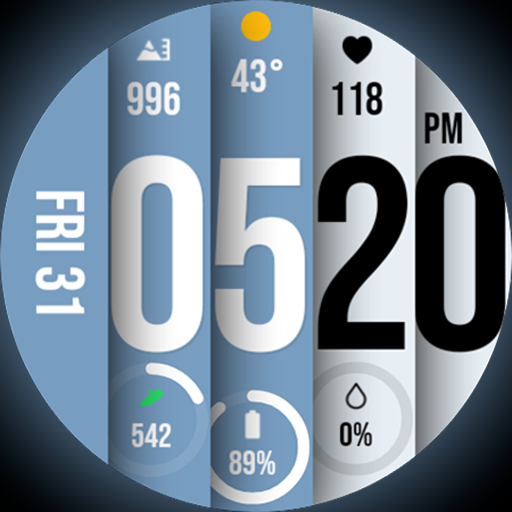
Unique BIG BOLD TIME with amazing colors and customisations.
 3.70
3.70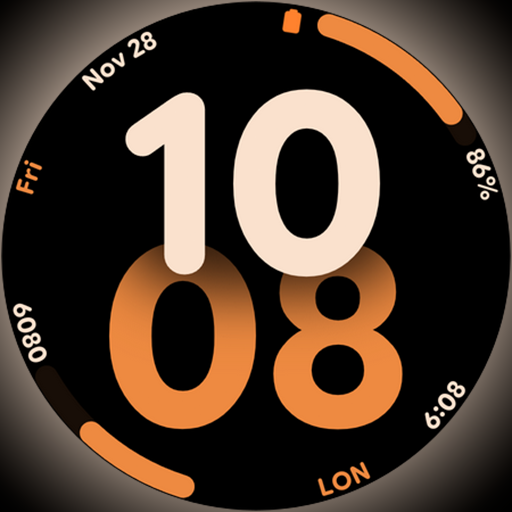
Big bold digital watch face with 30 colors, 6 complications and AOD.
4.5
Play. Earn. Repeat. Get rewarded for playing mobile games. Welcome to Mobius!
4.80
Smart home security protection
3.20
Communicate with your vehicles and Powerwalls anytime, anywhere
3.60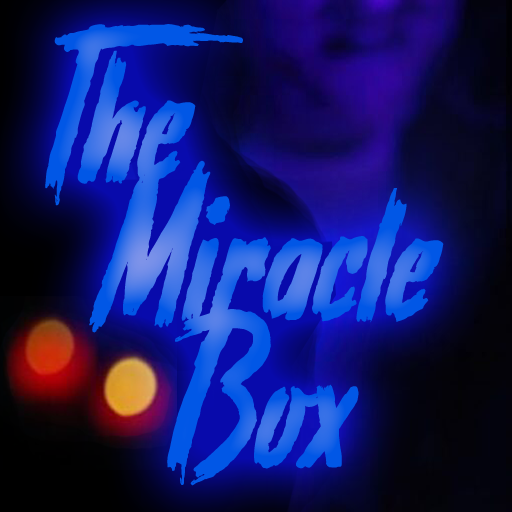
The Miracle Box includes methods used by Steve Huff of Huff Paranormal.
3.20
An Eerie Musical Trigger Toy for Spirits to Play with!
3.50
Have your Tehillim with you at all times
4.70
Subwoofer school’s in session! You’ve now enrolled into KICKER U.
3.80
Get roadside help, discounts, travel tools & more — AAA is with you everywhere.
4.80
Countdown to Christmas 2025 with festive games & activities in a virtual village
4.80
Tap to the beat with interactive videos — warm up your reflexes & have fun
4.70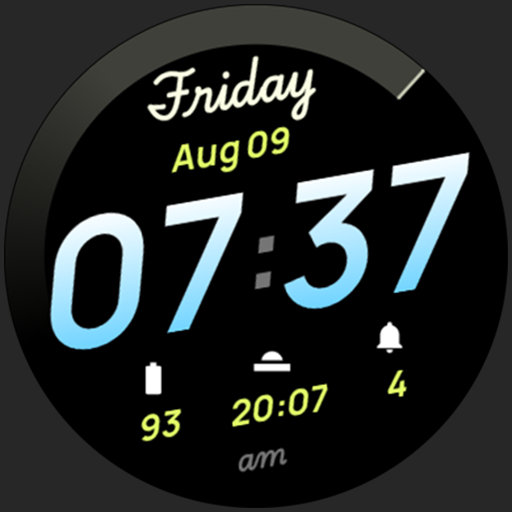
Simple, stylish & fresh watch face. Customize colors, gradients & complications.
4.70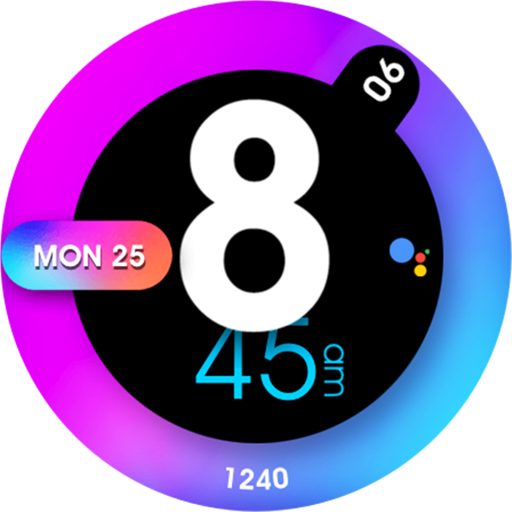
Colorful minimal digital watch face for Wear OS
4.60
This is a simple and highly functional alarm clock "Smart Alarm" paid version.
4.20
Spiritus Ghost Box is an Audio and Visual ITC tool for paranormal research.
4.00
Do you want to communicate with spirits?
3.80
Creativity and savings for kids, beginners and experts in arts and crafts
3.50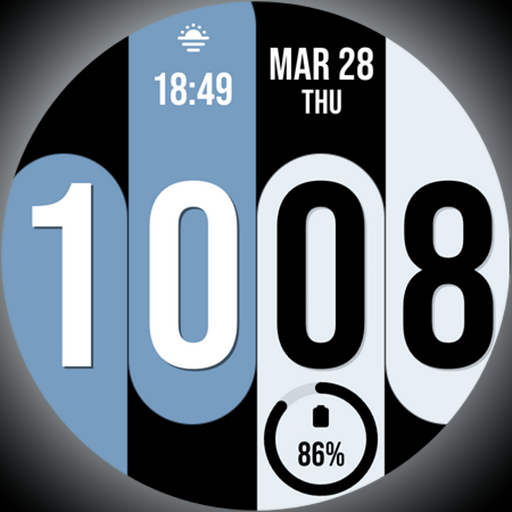
Unique Dual Colors with 6 Custom Complications for Wear OS watches!
3.40


