
Map-based search app for apartments and homes for rent.
 4.60
4.60
The official app for Home Assistant. Control your home anywhere in the world.
4.30
Technology powering many in-home services for residents across the United States
3.80
AI-powered home design, interior design, home decor, and room design solutions
4.50
Rent on-the-go with TurboTenant’s app made just for renters
4.50
Plants, Beauty, Collectibles
4.60
Control your thermostat, comfort, and home monitoring from your phone
4.30
Samsung remote app helps control all Samsung Smartthings TVs. Fast and Stable!
4.10
Looking for the perfect apartment finder app? Find beautiful rental homes here!
4.60
Houses for Sale & Homes for Rent: Buy Homes, Rent Apartments & Sell Real Estate
4.80
Real estate app to find homes for sale or rent in the right neighborhood for you
4.70
Find your next home, house, apartment, condo, casa, flat, rental, studio, or bed
4.70
Tailored Care Guides For Houseplants, Indoor Plants, Garden Plants & Flowers.
4.60
Resident Center, powered by Buildium, is designed with simplicity in mind.
4.50
The Merkury Smart app makes it easy to control your smart devices.
4.50
Make your phone a surveillance camera remote with a home camera app for Android!
4.40
For all of your Airthings devices
4.30
Control your Vivint Smart Home with the next generation Vivint App.
4.30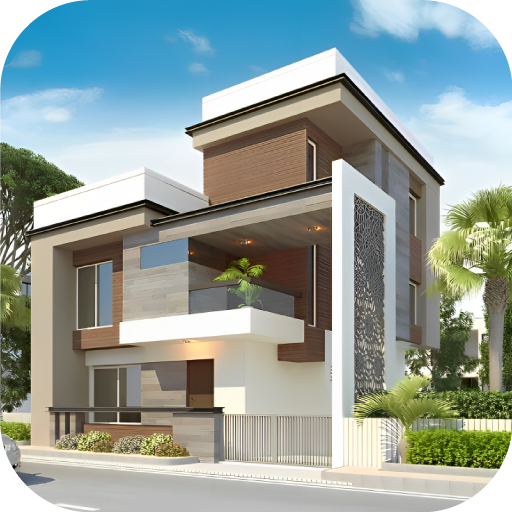
Design your dream home with 3D planning app, Visualize your dream home in 3D.
4.20


