
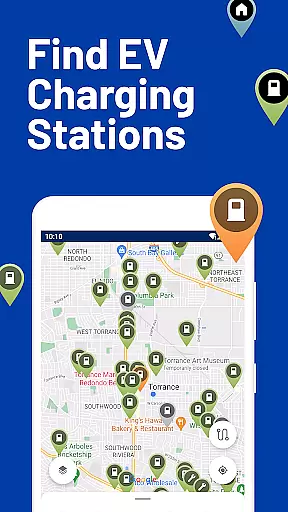
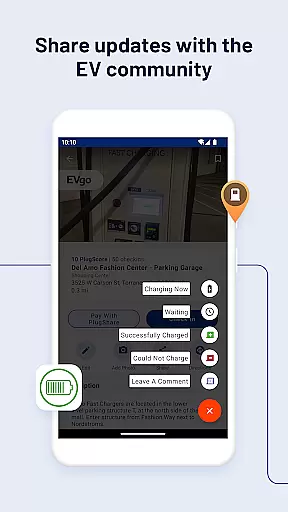
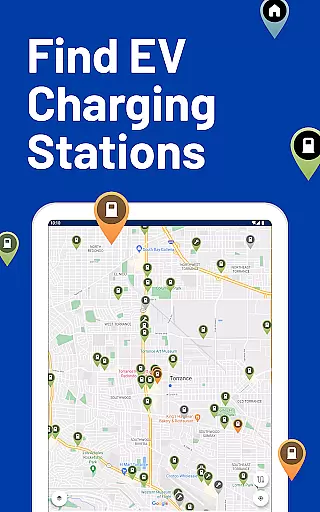
PlugShare is the leading electric vehicle (EV) charging station mapping application, providing drivers with the most comprehensive and up-to-date information on EV charging locations worldwide. As the largest EV driver community, PlugShare combines user-generated content with detailed station data to help drivers make informed charging decisions.
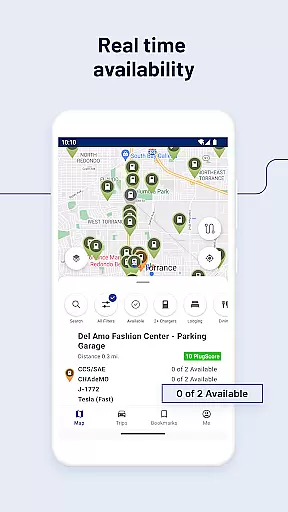
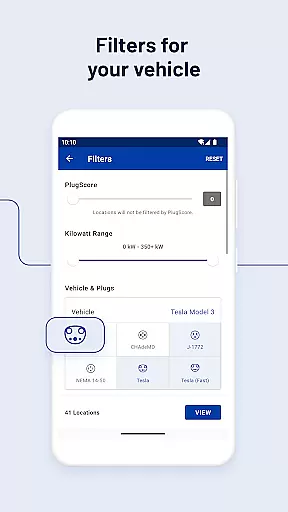
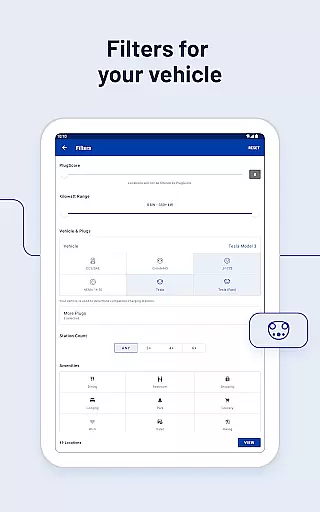
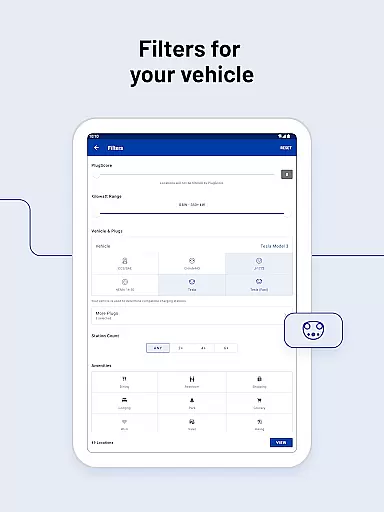
The app offers advanced filtering options, allowing users to search for stations by plug type, charging speed, and available amenities. Whether you drive a Tesla Model 3 or a Hyundai Kona Electric, PlugShare ensures you can find compatible charging stations across North America, Europe, and beyond. The application's integration with major charging networks and its real-time station status updates make it an essential tool for EV owners.
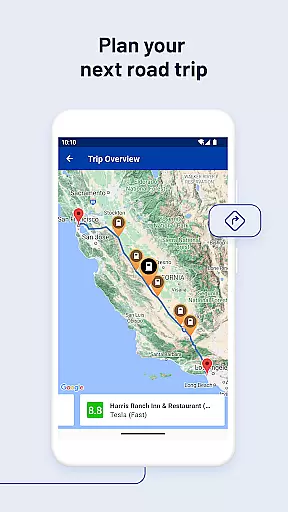
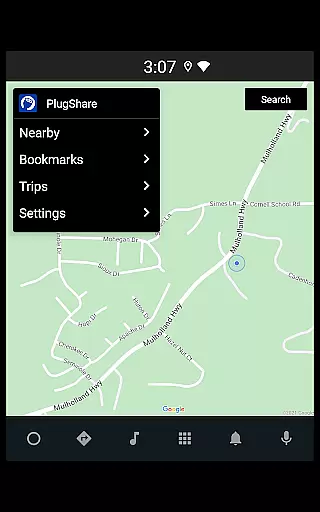
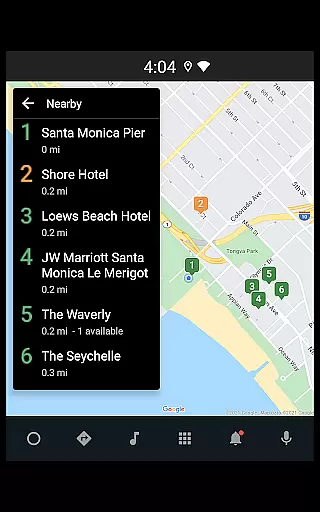
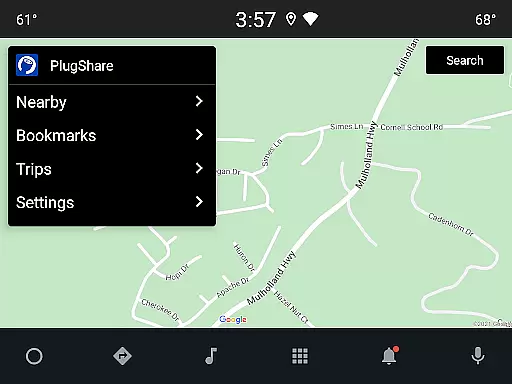
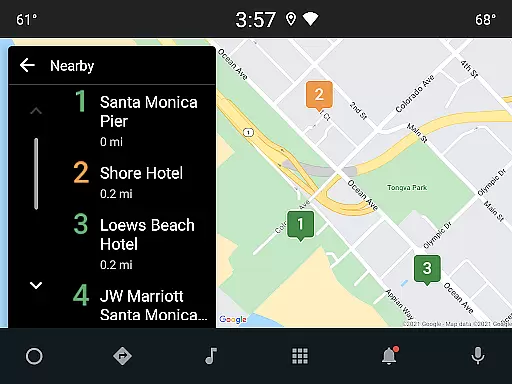
With features like Android Auto support, trip planning tools, and the innovative Pay with PlugShare functionality, the application streamlines the charging experience while keeping drivers connected to the growing EV infrastructure.
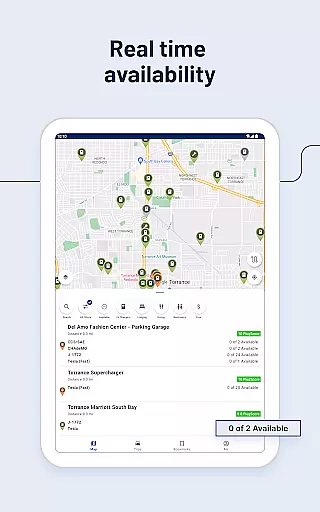
PlugShare distinguishes itself through its comprehensive feature set designed specifically for EV drivers. The application maintains the world's largest database of EV charging stations, incorporating real-time information from over 20 major charging networks including Tesla Superchargers, ChargePoint, and Electrify America.
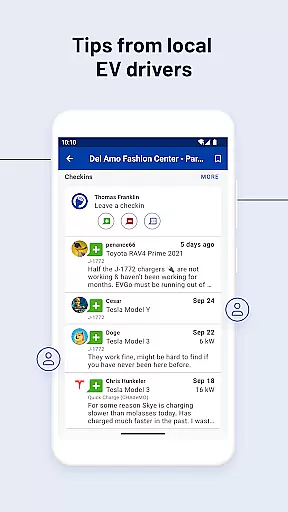
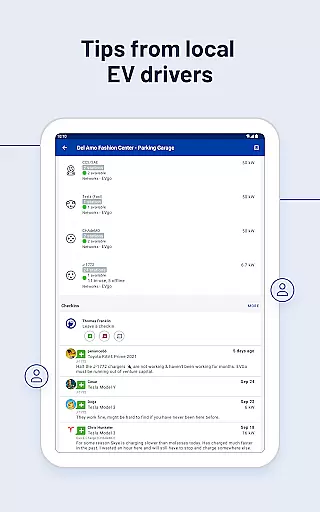
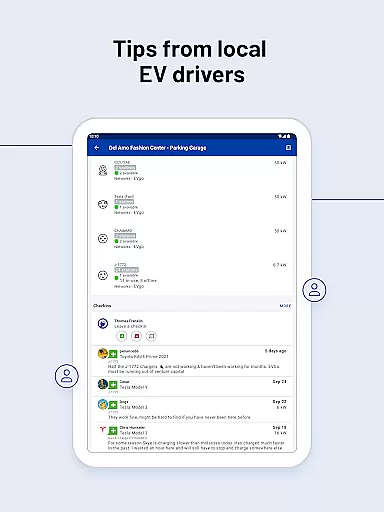
A key innovation is the app's sophisticated filtering system, enabling users to refine searches by connector type, charging speed, and nearby amenities. The integrated Pay with PlugShare feature allows seamless transactions at participating locations, while the station rating system provides valuable insights from fellow EV drivers. Advanced navigation capabilities ensure smooth integration with popular mapping applications.
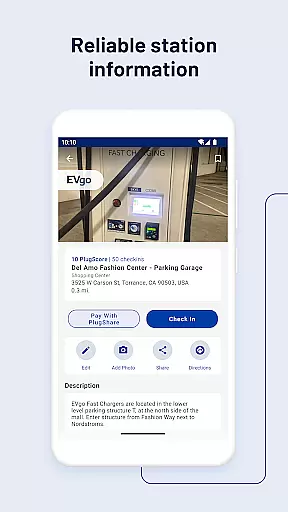
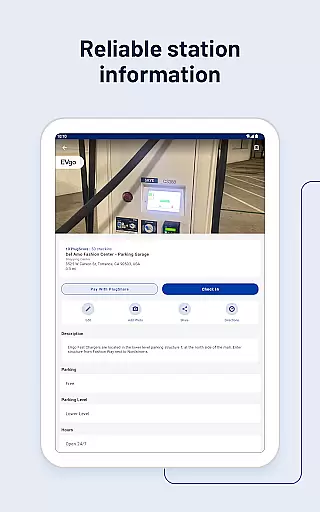
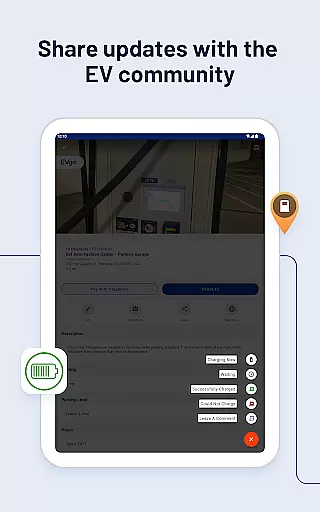
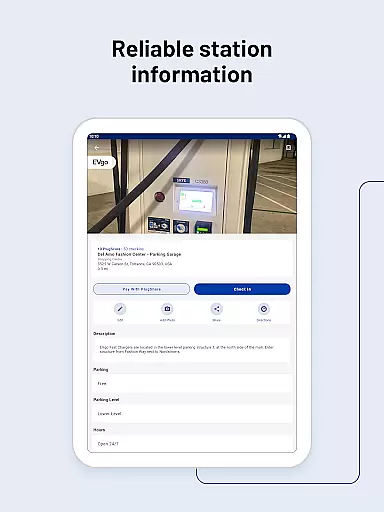
Additional features include customizable notifications for new charger installations, detailed station information with photos and reviews, and compatibility with multiple EV models. The Android Auto integration brings essential charging information directly to vehicle displays, enhancing safety and convenience during travel.
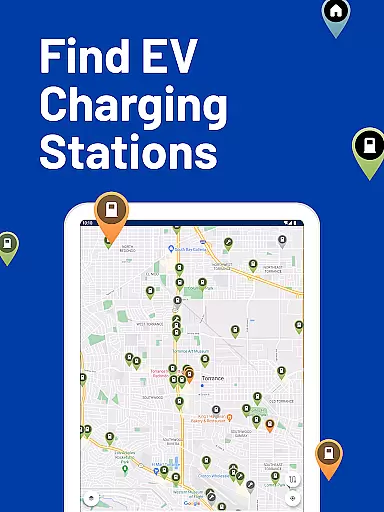
Map accuracy is crucial for electric vehicle (EV) drivers who rely on PlugShare to locate charging stations. The PlugShare map is renowned for its precision, offering EV drivers the most accurate and up-to-date information available.
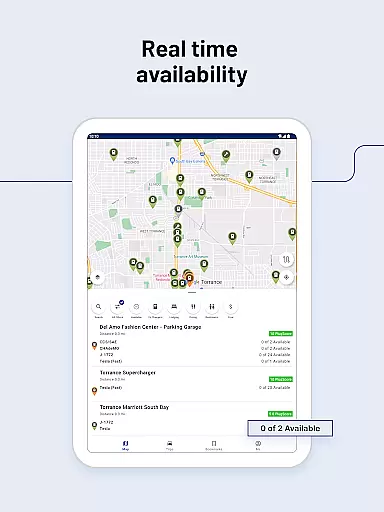
The application aggregates data from various sources, including real-time contributions from its vast community of EV drivers. This ensures that users have access to reliable details about the location and availability of charging points across North America, Europe, and many other regions worldwide.
PlugShare's dedication to accuracy means that drivers can filter the map by plug type, charging speed, and provider, ensuring they find the most suitable charging station for their specific EV model. This comprehensive approach empowers users to make informed decisions, reducing range anxiety and enhancing the overall EV driving experience.
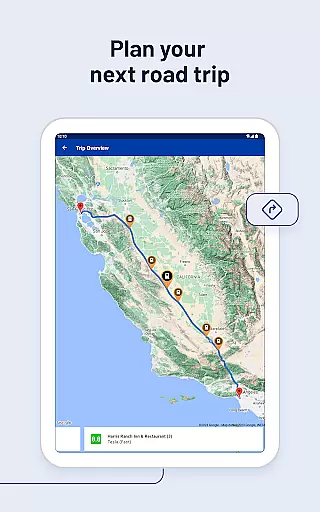
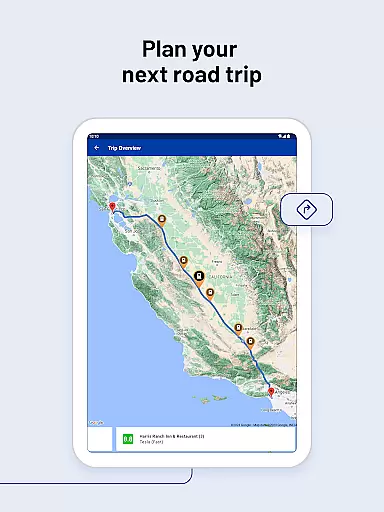
Effective route planning is essential for EV drivers to maximize their travel efficiency and minimize charging stops. PlugShare excels in this area by integrating advanced filtering options that cater to a variety of preferences and needs.
Users can plan their routes by selecting filters for connector types, charging speeds, and even nearby amenities such as food or restrooms. This level of customization allows drivers to optimize their journeys, ensuring they arrive at their destinations with minimal inconvenience.
Additionally, PlugShare provides seamless integration with favorite navigation apps, delivering precise directions to selected chargers. This feature not only simplifies the process of finding charging stations but also enhances the reliability of trip planning, making long-distance EV travel more accessible and stress-free.
User-friendly interface
Comprehensive station database
Real-time availability updates
Multiple filtering options
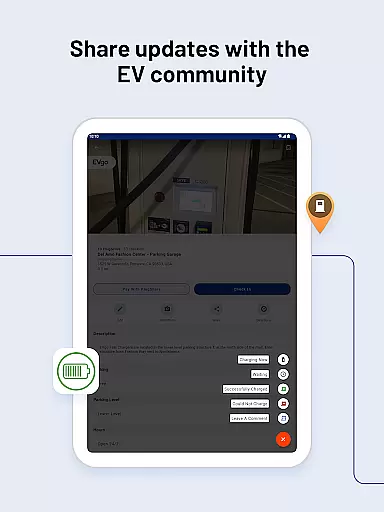
Active driver community
Occasional outdated information
Limited rural coverage
Varied data accuracy
Premium subscription required
Some features region-locked

The fastest and most convenient way to pay for parking on our lots.
 4.40
4.40
GPX Viewer PRO shows tracks, routes and waypoints from gpx and kml files.
4.60
Instant diesel discounts - save big with each fill up!
4.40
Number locator, real connection map
4.10
Plan routes, share locations, and set custom alert zones
4.40
Use GPS maps or search by property owner, address or parcel to view parcel data
4.30
Affordable rides and food delivery with incredible discounts in just one app.
4.50
Get route, find shortest path, near by places and weather update
3.90
Get matched with a nearby driver — you’ll be on your way in minutes.
4.30
LIRR and Metro-North tickets and trips
4.80
GPS Speedometer & Odometer: Track car, bike, truck speed & distance in real-time
4.70
Ride or drive at YOUR price
4.70
Park in Chicago, NYC, Boston, SF, Houston & more!
4.70
Track accurate speed & distance with GPS Speedometer. Check speed limit & time.
4.50
Rideshare, taxi cabs, and more for your airport travels and everyday trips.
4.50
Maps, Driving Directions & GPS navigation using directions app & GPS App
4.30
Explore Live Earth Map with 3D World Map & locate cites, mountains real time.
3.80
MapQuest is your go-to app for maps, GPS, voice navigation & live traffic.
3.80
Get route map navigation with 3D satellite view, and live earth camera streaming
3.70


User Reviews