
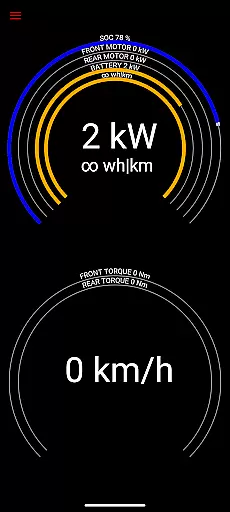
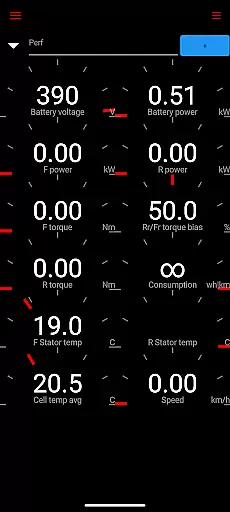
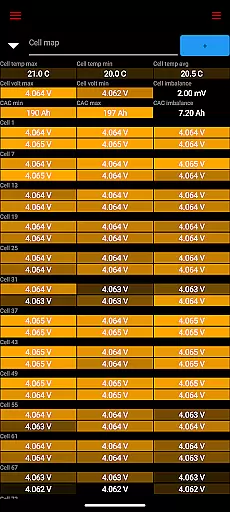
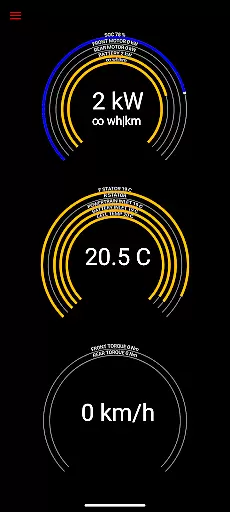
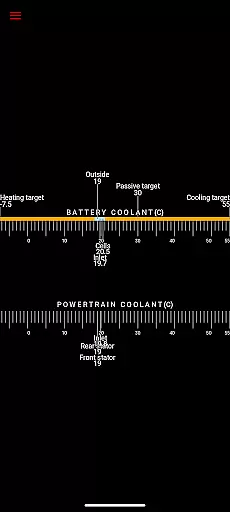
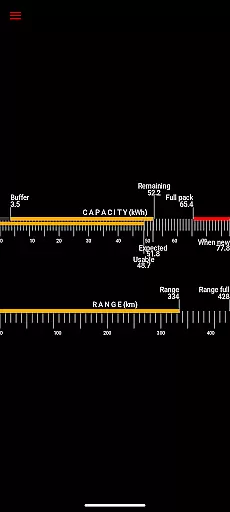
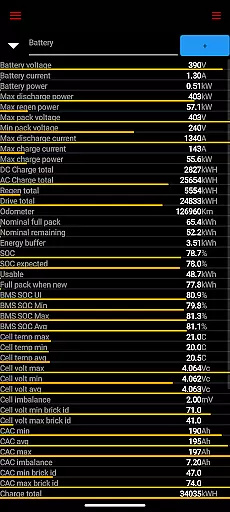
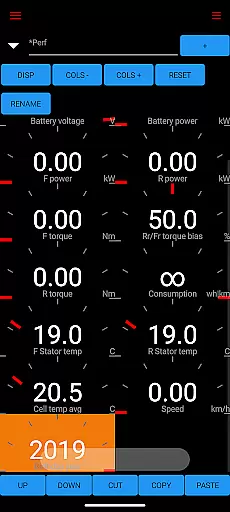
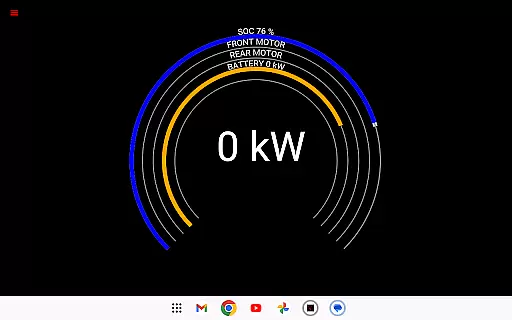
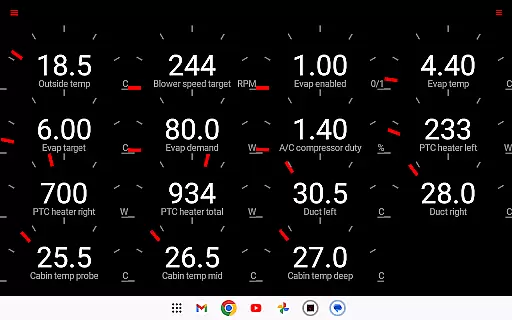
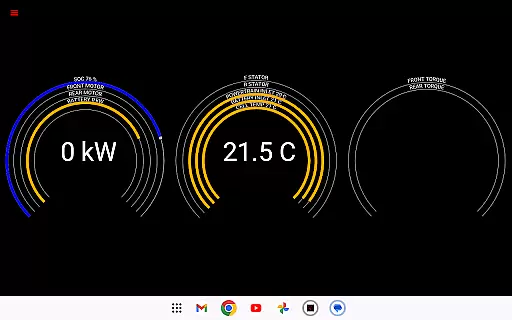
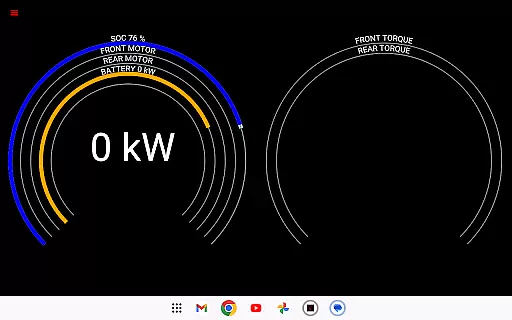
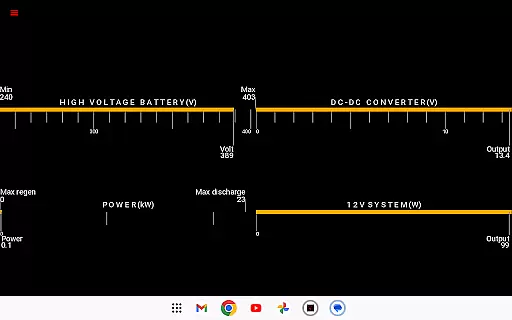
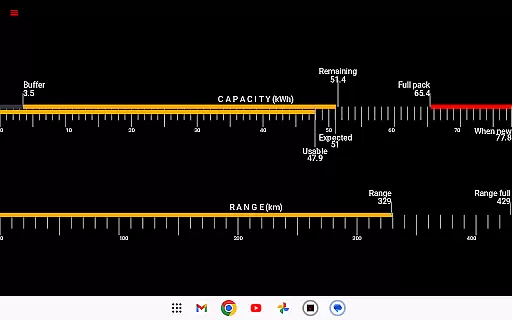
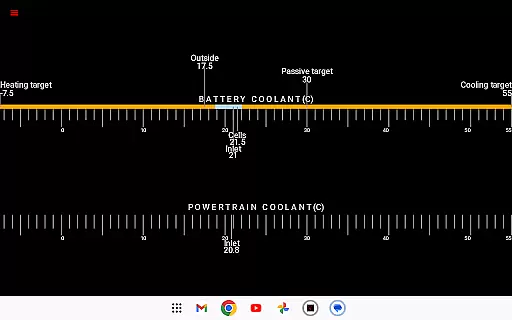
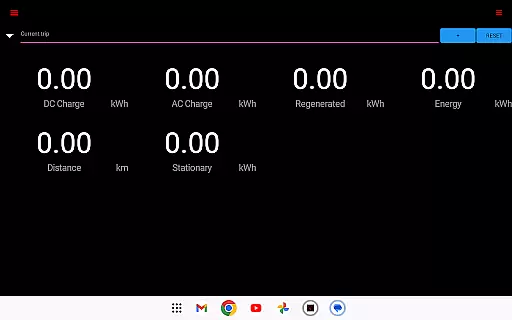
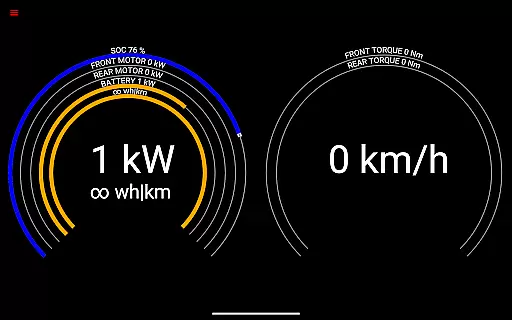
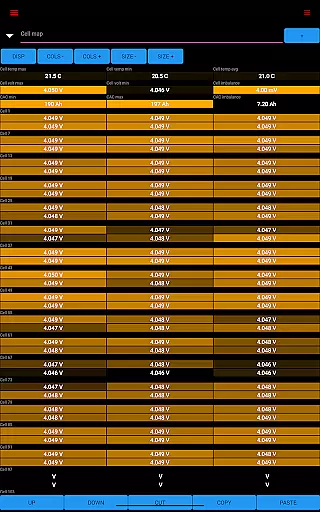
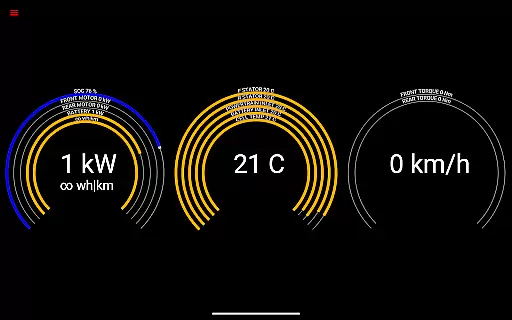
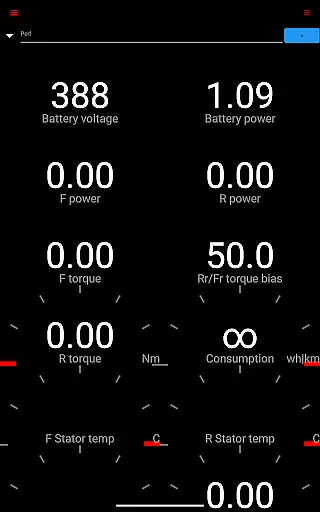
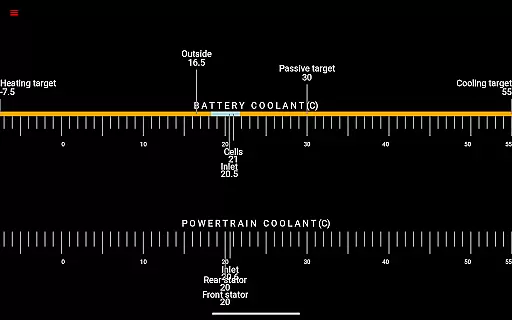
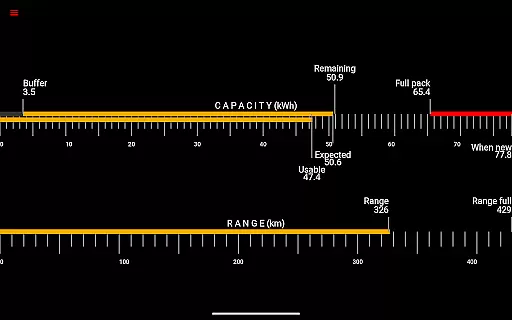
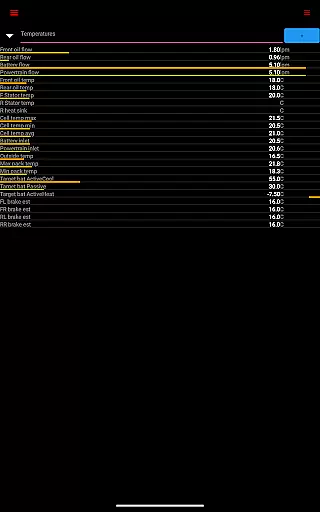
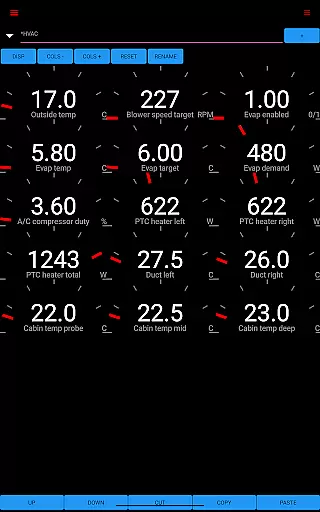
Scan My Tesla is a specialized diagnostic application designed for Tesla Model S, 3, X, and Y owners. This app provides real-time readings from the vehicle's diagnostics port, offering users detailed insights into their car's performance. With the help of an adapter cable and OBD2 adapter, it delivers crucial data such as battery power, voltage, current, temperatures, and more.
The app stands out by presenting numerous live statistics that are essential for monitoring your Tesla's health. These include drive unit electric power, torque, horsepower (not available on Model 3), RPM, temperatures, battery lifetime stats, capacity estimates, and trip recording. Whether you're a Tesla enthusiast or a professional technician, Scan My Tesla equips you with the necessary tools to understand your vehicle better.
This application is particularly useful for those who want to log data for later analysis or visually monitor their car's performance in real time. By providing access to information not typically available to the public, it serves both entertainment and educational purposes, helping users learn more about how their Tesla operates.
Scan My Tesla offers a comprehensive set of features tailored for Tesla owners. The app decodes most CANBUS packets, thanks to contributions from experts like Jason Hughes, Jack Rickard, and others. It provides detailed battery cell information, DC/AC charge counters, HVAC controls, and a trip recording system, all developed by leading figures in the Tesla community.
One of the standout features is its ability to display live statistics. Users can view battery power, voltage, current, temperatures, drive unit metrics, and even 12V system details. The inclusion of trip recording allows users to track regenerated and charged energy, making it easier to manage long journeys efficiently.
Additionally, the app supports Model 3 specific information, thanks to the collaborative efforts of the Tesla Owners Online community. While the app contains elements of Android OS example code adhering to Apache 2.0 license, it remains a unique tool for Tesla enthusiasts. However, users should note that the information provided is for entertainment and educational purposes only and may be subject to change with vehicle software updates.
Scan My Tesla provides comprehensive real-time data directly from your Tesla Model S, 3, or X diagnostics port. This includes crucial metrics like battery power, voltage, current, and temperature readings that are essential for monitoring your vehicle's health.
The app also delivers detailed statistics on the drive unit, presenting electric power usage, torque, RPM, and temperature levels. These insights allow Tesla owners to understand their vehicle's performance characteristics and identify potential issues before they become serious problems.
Additional features include battery lifetime statistics, capacity estimates, mileage tracking, and 12V system monitoring. The app even records trip data, including regenerated and charged energy, providing a complete picture of your vehicle's energy efficiency and usage patterns.
All this information is decoded and presented in an accessible format, thanks to contributions from the Tesla hacking community. While primarily for enthusiast entertainment, these detailed readings offer unprecedented visibility into your Tesla's inner workings.
Unlike many automotive diagnostic tools, Scan My Tesla maintains complete price transparency. The app itself is available for download at a fixed cost, with no hidden subscription fees or in-app purchases required for core functionality.
The only additional expense comes from the required OBD2 adapter cable, which users must purchase separately. The app's website (scanmytesla.com) clearly outlines these hardware requirements and provides links to compatible adapters, ensuring there are no surprise costs.
While the app offers advanced features, it doesn't employ a freemium model or pay-to-unlock scheme. All core functionalities, including live statistics monitoring and trip recording, are available to all users without additional charges.
This straightforward pricing approach allows Tesla owners to budget appropriately for their diagnostic needs, understanding exactly what they're getting and how much it will cost before committing to using the application.
User-friendly interface
Real-time diagnostics
Comprehensive data logging
Active community support
Regular feature updates
Requires additional hardware
Limited Model 3 support
Potential accuracy issues
No official affiliation
Complex for beginners

The Smarter Way Forward
 3.30
3.30
Wonder how much horsepower and torque your car/truck makes? Look no further.
3.40
DIY Vehicle Wheel Alignment
4.0
Read and delete OBD codes with any ELM327 OBD scanner. Coding functions included
3.40
Digital Car Key/Launcher, Screen Mirror, Android Dashboard, Remote Wireless Link
4.40
Control maps, media and messaging, with the Google Assistant while you drive
4.10
Get more out of your AAWireless adapter with this companion app | aawireless.io
4.80
Car Values, Research and More
4.80
Automotive Electrical Wiring Diagrams
4.40
Listings of Tesla's with FSD - Included package
4.60
CVT diagnostics with ELM327 for Nissan-based vehicles
4.40
Taximeter; the professional's choice
4.30
Your car is talking. Start listening.
4.30
Take state-specific DMV permit tests and ace the exam.
3.90
AlfaOBD software for Fiat Group cars native diagnostic
3.70
Better fuel to help keep you on the road
3.20
O'Reilly Pro will streamline your parts lookup and ordering process!
3.20
Monitor specific TOYOTA parameters by adding this plugin to Torque Pro.
2.00
Theme for Car Launcher
4.5


User Reviews