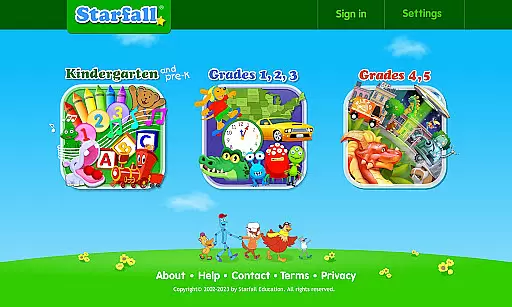
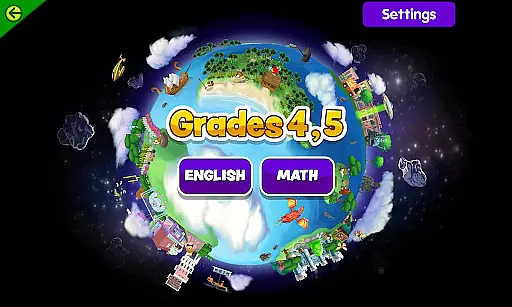
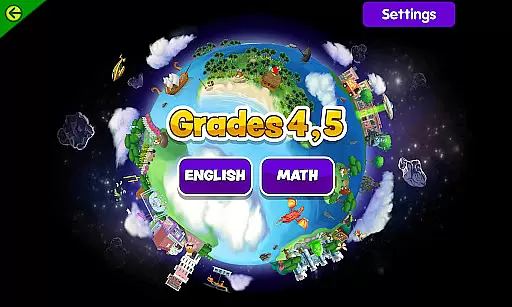
Starfall is an educational app designed to make learning engaging and accessible for children from preschool through fifth grade. The app provides a comprehensive suite of interactive activities, games, and songs that cover essential subjects such as reading, math, music, and more. With both free and subscription-based content, Starfall ensures that quality educational resources are available to all users, including those with visual, hearing, or mobility impairments through its Enhanced Accessible Index.
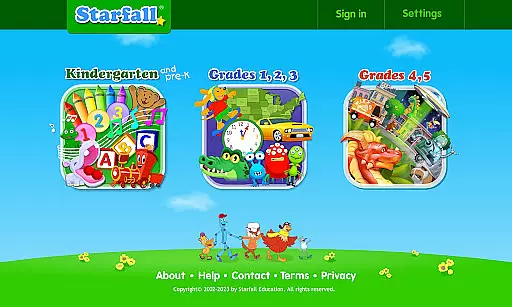
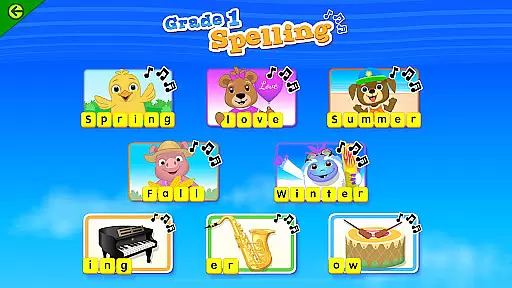
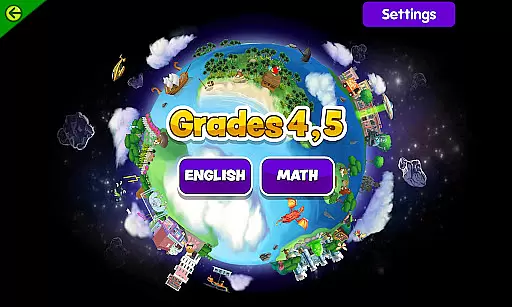
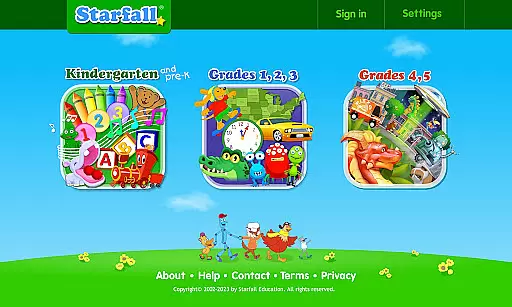
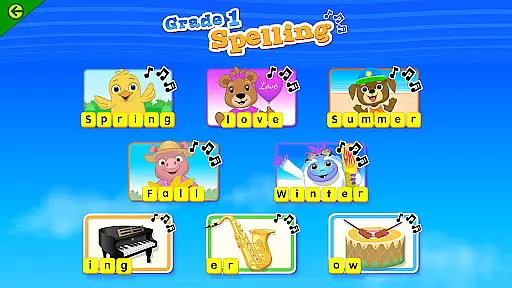
The app's curriculum spans foundational skills like the ABCs and 123s to advanced topics in grammar and mathematics up to grade 5. Starfall employs a systematic approach developed by experienced educators, using time-tested instructional methods to guide children through sequential learning objectives. Whether it's phonics, fluency, geometry, or social subjects like kindness and caring, Starfall creates a playful open format that intuitively supports children's educational journeys.
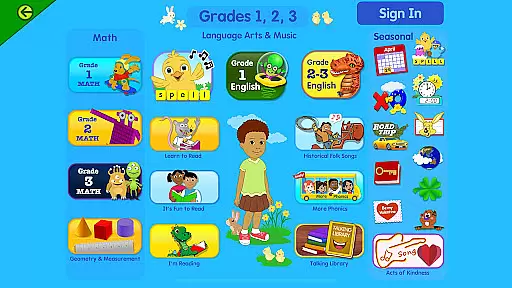
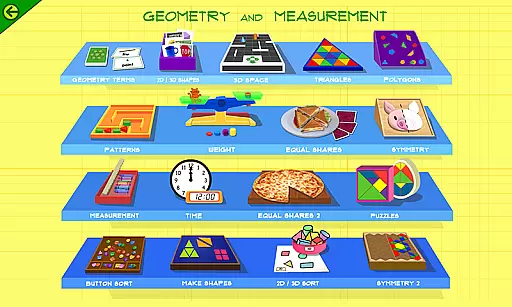
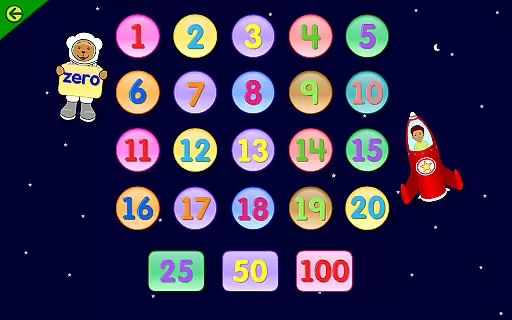
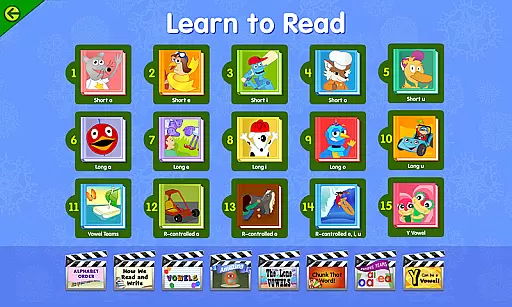
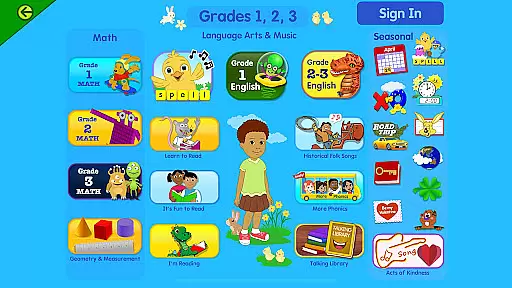
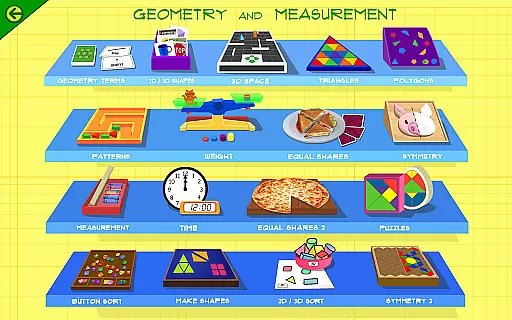
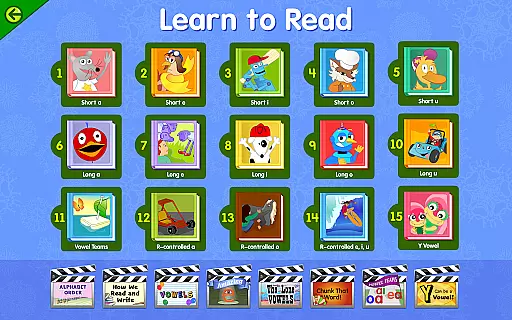
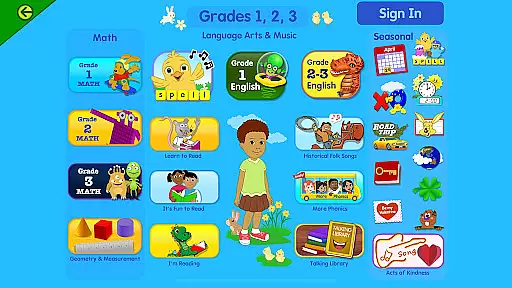
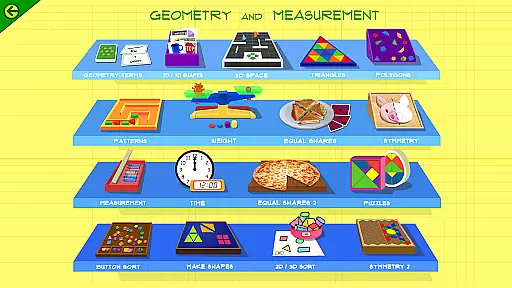
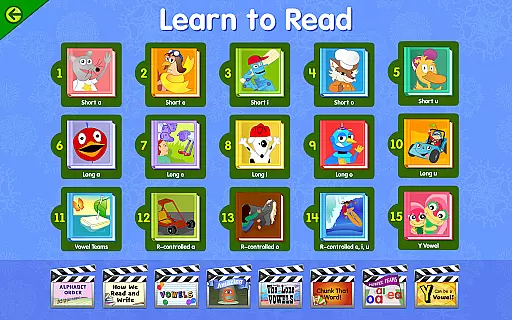
Starfall stands out with its diverse range of features tailored to support a holistic educational experience. The app covers key areas such as Reading, which includes phonics, fluency, grammar, and more, helping children progress from basic letter recognition to advanced reading skills. In Math, Starfall offers modules on numbers, addition and subtraction, multiplication and division, geometry, measurement, and fractions, ensuring a solid mathematical foundation.
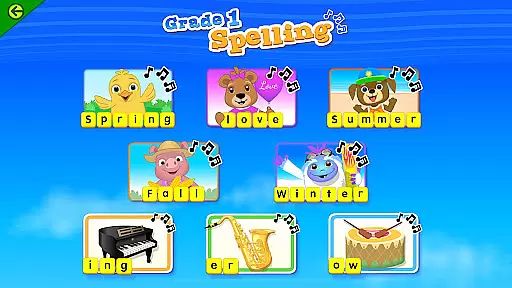
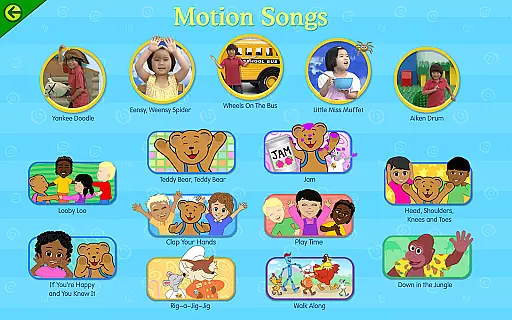
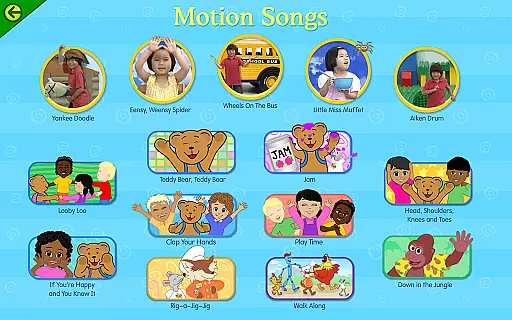
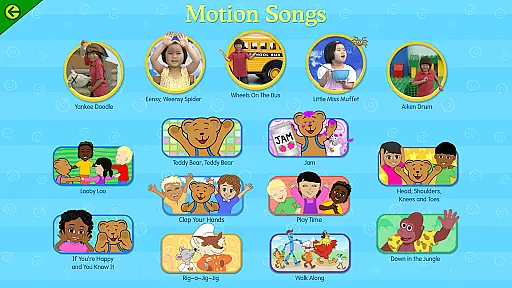
Beyond core academics, Starfall enriches learning with additional content like holiday activities, nursery rhymes, sing-alongs, and an interactive calendar. These features not only educate but also entertain, fostering a love for learning. Moreover, the app is designed without advertisements and supports English language development, special education, and homeschool environments, making it versatile for various educational needs and settings.
In the realm of education, content accuracy and authority are paramount. Starfall stands out by offering meticulously researched and expertly crafted educational materials for children from preschool to fifth grade. The app covers essential subjects such as reading, math, and social skills, ensuring that every piece of information is aligned with educational standards.
Starfall's curriculum is developed by experienced educators who apply time-tested instructional methods. This guarantees that the phonics, grammar, and mathematics lessons provided are not only engaging but also pedagogically sound. As a result, children receive a solid foundation in literacy and numeracy, which is crucial for their academic success.
Moreover, the app has been recognized by reputable sources like PC Magazine and Common Sense Media, further attesting to its credibility. These accolades highlight Starfall's commitment to delivering high-quality, reliable educational content that parents and teachers can trust.
By subscribing to Starfall, users gain access to an ad-free environment where hundreds of additional activities await. This enriches the learning experience without compromising on the accuracy or authority of the content, making it a valuable tool for both home and classroom use.
Starfall excels in providing personalized learning paths that cater to individual student needs. Through its playful and open format, the app intuitively guides children through sequential learning objectives in reading, math, art, music, and social subjects. This adaptability ensures that each child progresses at their own pace, mastering foundational skills before advancing to more complex concepts.
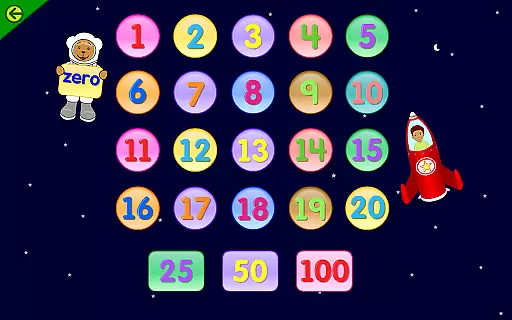
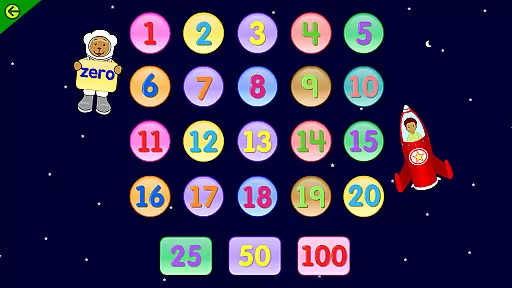
The app's systematic approach allows for a gradual skill acquisition process, starting with the ABCs and 123s and advancing up to grade 5 grammar and mathematics. Activities like the Talking Library and interactive games help reinforce learning while keeping students engaged. Such features make learning enjoyable and effective, accommodating various learning styles and preferences.
Furthermore, Starfall supports English language development, special education, and homeschool environments, demonstrating its versatility. Its Enhanced Accessible Index is particularly beneficial for children with visual, hearing, or mobility impairments, ensuring inclusivity and equal learning opportunities for all.
With a subscription, users unlock hundreds of additional activities tailored to enhance personalized learning experiences. This flexibility empowers educators and parents to customize educational journeys, fostering a love for learning that extends beyond traditional classroom settings.
User-friendly interface
Comprehensive curriculum
No advertisements
Supports special education
Engaging multimedia content
Subscription required for full access
Limited offline functionality
Some features may overwhelm younger users
Interface design feels dated
Monthly fee can add up

An aviator’s preparation, study and test tool for FAA Knowledge Exams.
 3.90
3.90
Perform physics experiments with your phone. (by the RWTH Aachen University)
4.70
An interactive enhancement of the Sesame Street classic.
4.50
Master note reading with StaffWars….
4.00
Astronomy Guide To Night Sky
4.30
Visit Daniel's house & make believe. Play doctor, make music, & feed fish.
3.20
An aviator’s preparation, study and test tool for FAA Knowledge Exams.
4.30
Animals pop up and make sounds—learn names and noises in Peekaboo Barn!
4.3
Educational Activities for 2-8
3.70
A realistic sky map to observe stars, planets, satellites and constellations!
4.80
The Only Official DVSA Theory Test Kit App
4.50
Intuitive Transformer Lab - By a Lineman, For Linemen & Apprentices
4.50
One of the most engaging and innovative ABC apps on the market.
4.30
Pass your FAA written with flying colors - Study Buddy can help.
4.30
Turns you phone or tablet into TI graphing calculator (ROM required).
4.20
Skelly is a fully poseable, anatomically correct reference skeleton for artists.
4.10
Learn to make peaceful contact with extraterrestrial civilizations
4.10
Our most popular app series returns, better than ever!
3.90
AR planetarium app that brings the solar system to you via XREAL Glasses.
4.4


User Reviews