
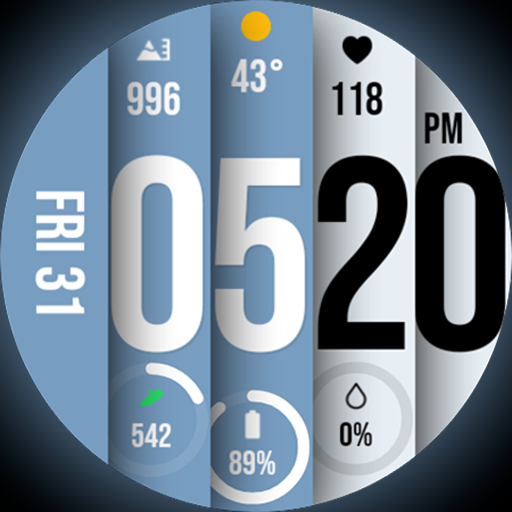
Unique BIG BOLD TIME with amazing colors and customisations.
 3.70
3.70
Discover how to help puppies stay calm around noise with this helpful app.
4.0
BILT interactive 3D instructions help you get the job done right
3.50
Easily manage your child's playtime, spending messaging and more.
3.50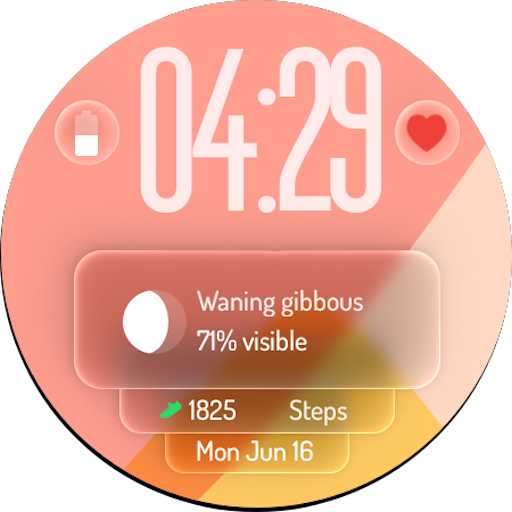
A watch face with transparency and fluid visuals inspired by liquid glass design
4.5
View over 160,000 line dance stepsheets from the CopperKnob website.
3.30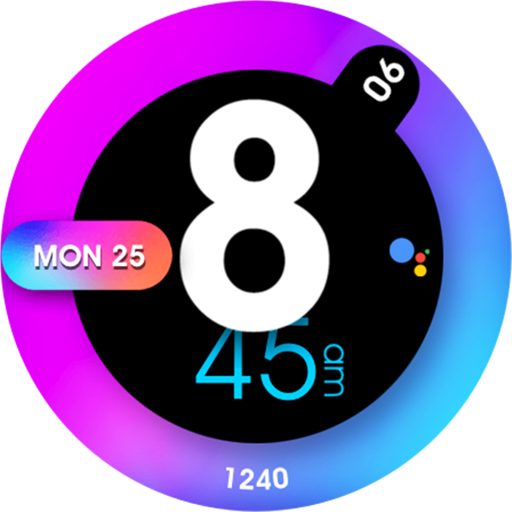
Colorful minimal digital watch face for Wear OS
4.60
PARAVOX 4 is a professional ITC paranormal research application.
4.50
Control your Tapo smart devices from anywhere.
4.60
Tap to the beat with interactive videos — warm up your reflexes & have fun
4.70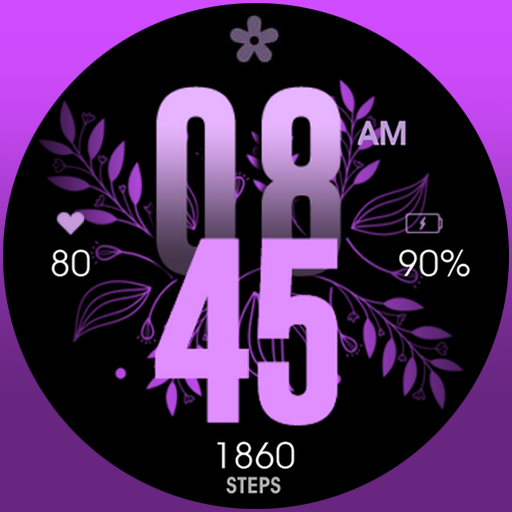
Colorful selection floral watch face with gyro for Wear OS
4.60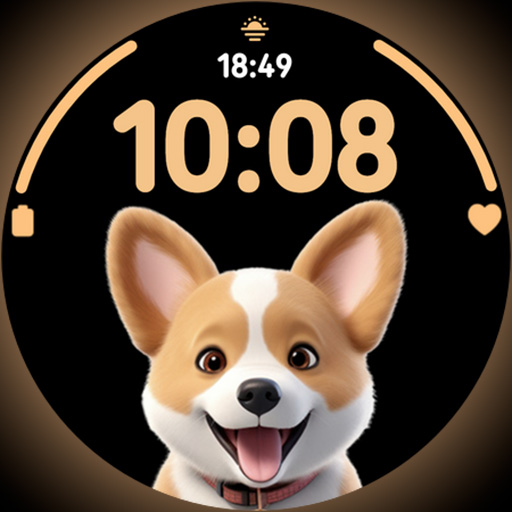
Cute Adorable Animals now on your wrist with our Wear OS watch face!
4.40
Zodiac & Horoscope Launcher: Daily Sign Predictions & Astrology
4.40
Discounts, savings, and rewards
4.20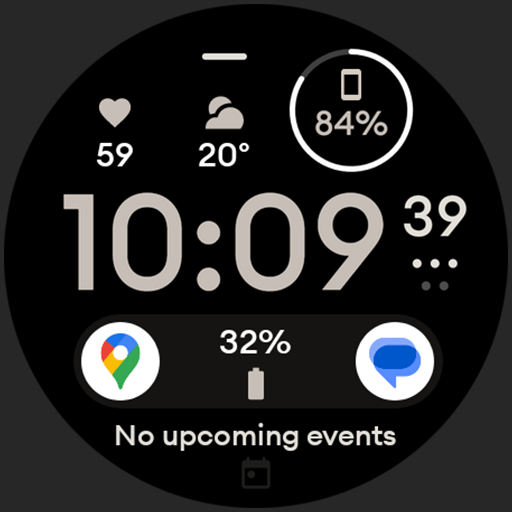
Digital watch face design. Modern looking, hi-res & battery friendly.
4.00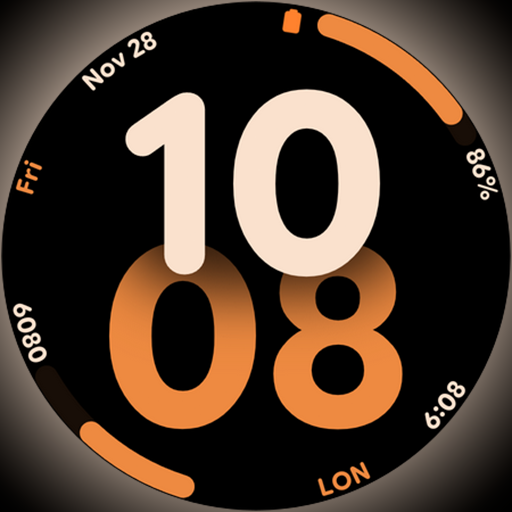
Big bold digital watch face with 30 colors, 6 complications and AOD.
4.1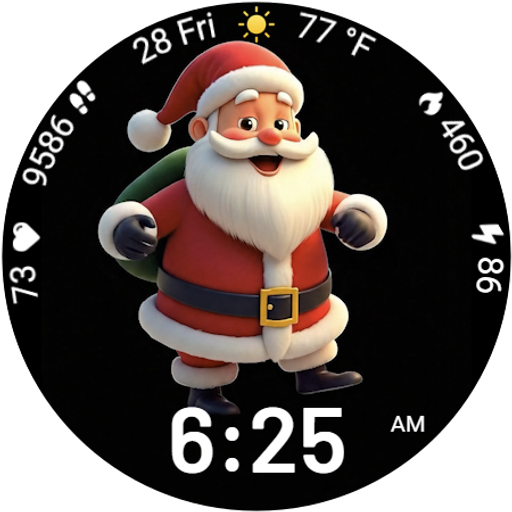
Designed to delight, impress and energize your festive spirit every single day
4.3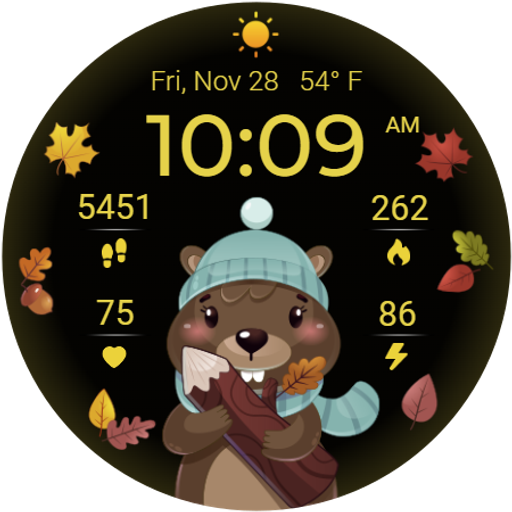
The cutest Autumn watchface featuring the adorable Mr. Squirrel
4.5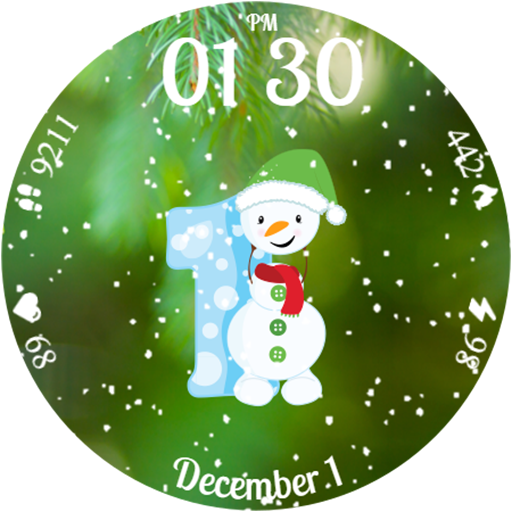
Celebrate the holidays with Advent Calendar: daily surprises and festive fun!
4.2


