
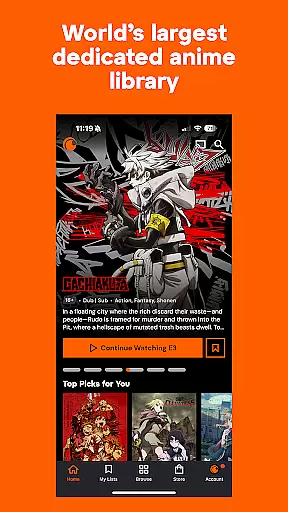
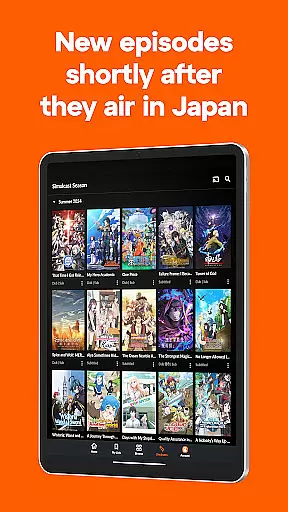
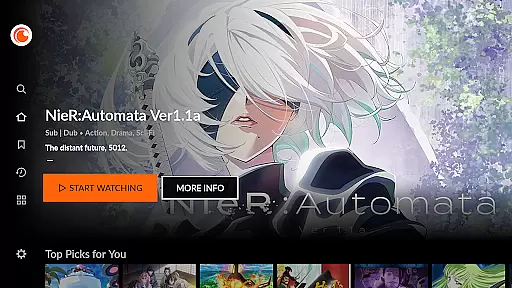
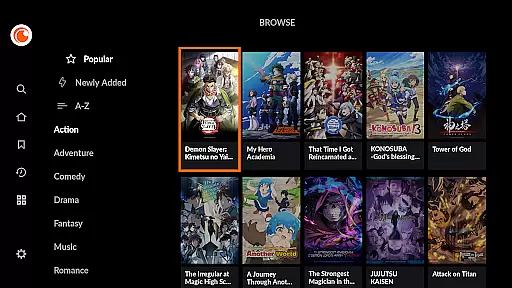
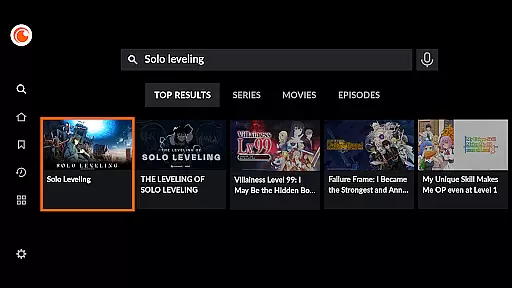
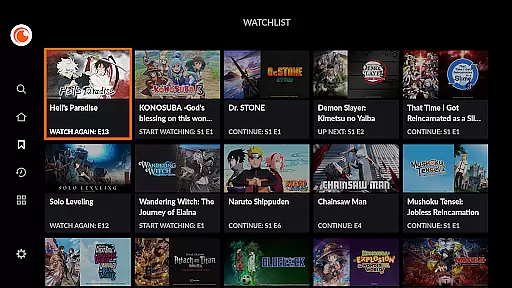


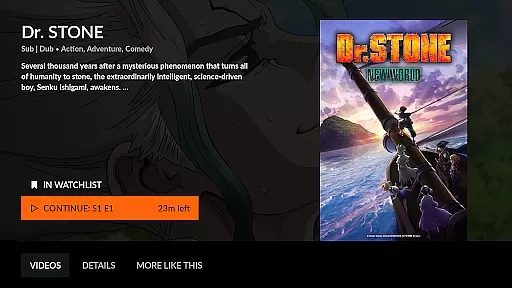

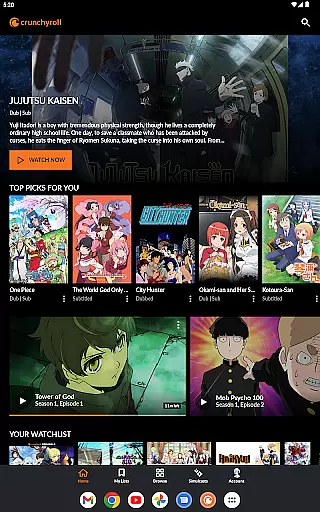
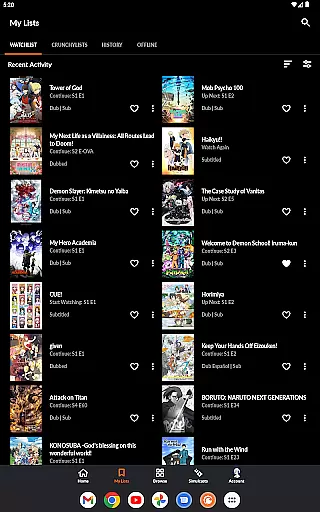
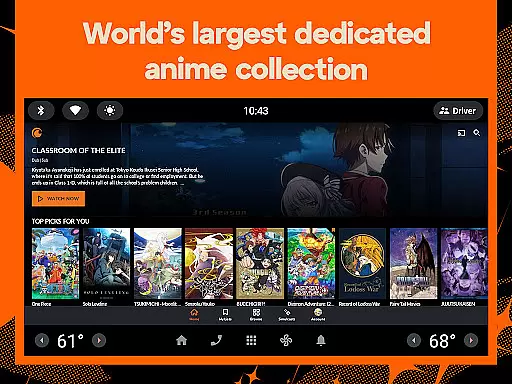
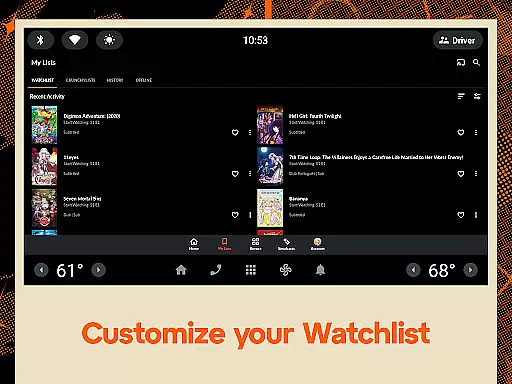
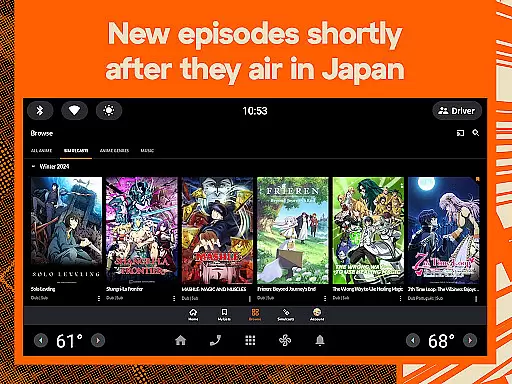
Crunchyroll is the ultimate destination for anime enthusiasts, offering an extensive library of over 1,300 titles that include popular series like One Piece, Attack on Titan, and Demon Slayer. Available on multiple devices, this Entertainment app provides both free and premium streaming options, allowing users to enjoy high-quality anime legally. With features such as simulcast episodes airing shortly after Japan broadcasts, exclusive Crunchyroll Originals, and interactive recommendations tailored to individual preferences, it creates a comprehensive viewing experience.
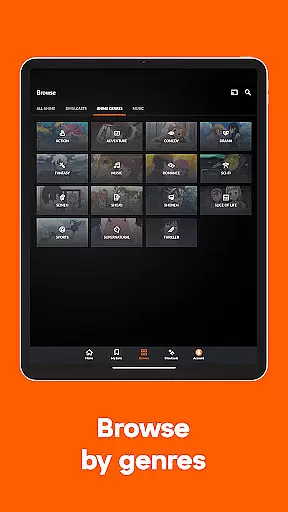
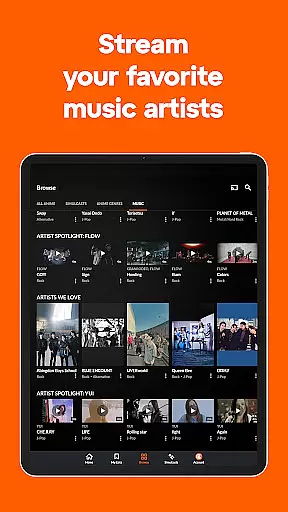
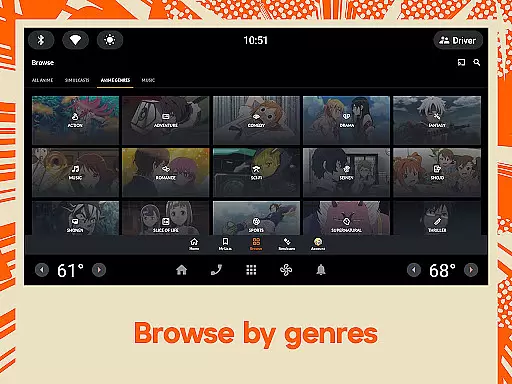
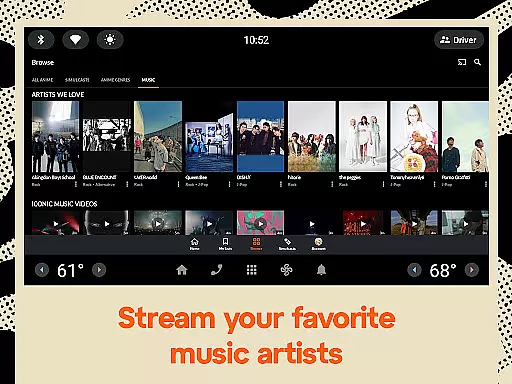
The app also includes unique offerings like access to thousands of music videos and concert exclusives from top artists worldwide. Whether you're interested in action-packed adventures or heartwarming slice-of-life stories, Crunchyroll caters to all tastes with its diverse genre selection. Premium members benefit from ad-free viewing, early episode access, offline downloads, and additional perks at events, making it a valuable service for dedicated fans who want uninterrupted enjoyment across various platforms.
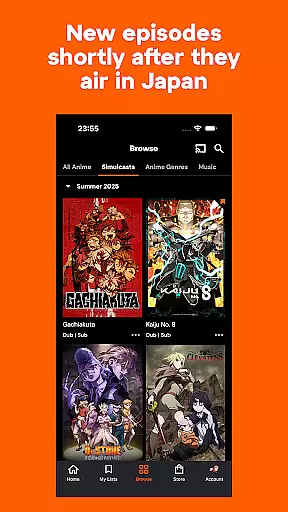
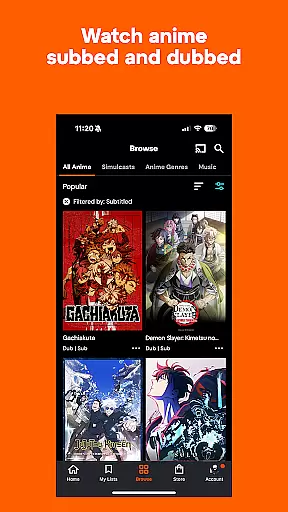
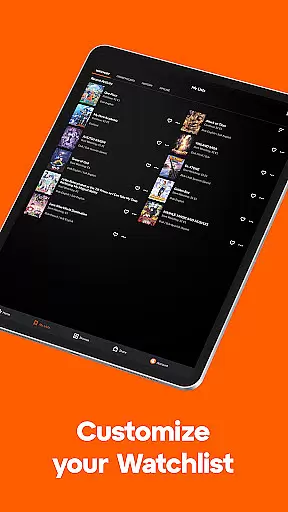
Crunchyroll stands out in the Entertainment category by providing versatile language options, including subbed and dubbed content in multiple languages where available. The app's Crunchylists feature allows users to create personalized playlists of their favorite episodes, while interactive recommendations ensure continuous discovery based on individual viewing habits. Additionally, simulcast capabilities enable viewers to stay current with new releases shortly after they air in Japan, enhancing the real-time engagement factor.
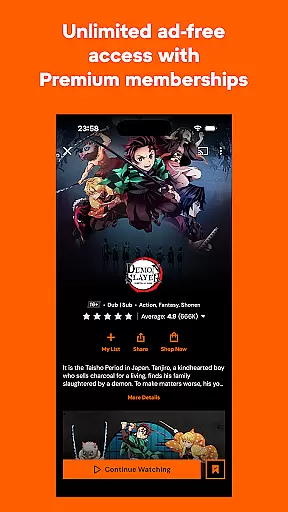
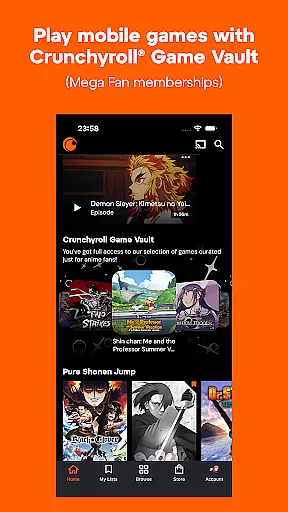
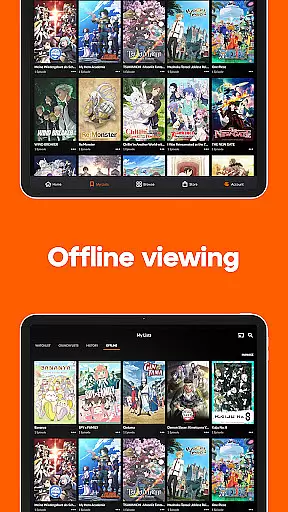
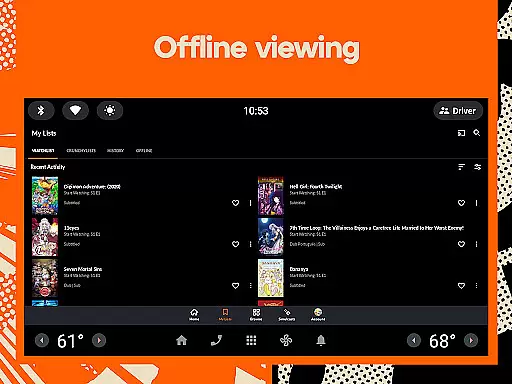
Premium subscribers gain access to exclusive benefits such as ad-free streaming, priority access to new episodes, and the ability to download content for offline viewing. The app supports simultaneous streaming on up to six devices with an Ultimate Fan membership, making it ideal for households or groups of friends sharing one account. Furthermore, Crunchyroll Game Vault offers ad-free mobile gaming experiences exclusively for Mega Fan and Ultimate Fan members, adding another layer of entertainment value beyond just watching anime.
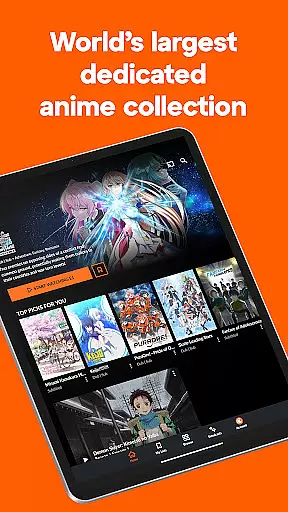
Crunchyroll stands out in the Entertainment category by offering an extensive and diverse anime library that caters to all tastes. With over 1,300 titles available, including popular series like One Piece, Attack on Titan, and My Hero Academia, users can explore every genre from action-packed adventures to heartwarming slice-of-life stories.
The platform ensures content freshness through simulcast episodes, allowing viewers to watch new episodes shortly after they air in Japan. This timely update feature keeps subscribers engaged with the latest developments in their favorite series without any significant delay.
In addition to classic favorites and ongoing shows, Crunchyroll provides access to exclusive Crunchyroll Originals such as Tower of God and The God of High School. These original productions are created in collaboration with top studios, ensuring high-quality storytelling and animation that enriches the user's viewing experience.
Moreover, Crunchyroll doesn't stop at TV shows; it also offers a wide selection of anime movies like Demon Slayer: Mugen Train and Your Name. By regularly updating its catalog with new releases and timeless classics, Crunchyroll guarantees that there is always something fresh for everyone to enjoy.
User engagement is a key strength of Crunchyroll within the Entertainment sector. The app employs interactive recommendations to provide personalized suggestions based on individual viewing habits. This tailored approach helps retain users by continuously offering content that aligns with their interests and preferences.
For those seeking uninterrupted entertainment, Crunchyroll Premium offers an ad-free streaming experience. By removing ads, viewers can immerse themselves fully in their favorite anime without distractions, leading to longer engagement durations per session.
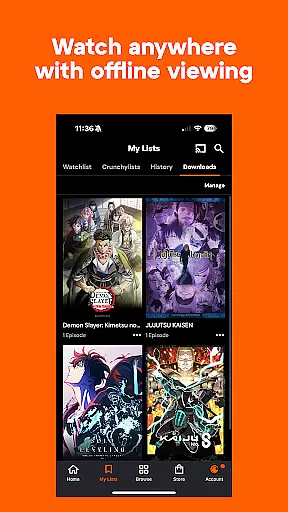
Another feature enhancing user retention is offline viewing for Mega Fan and Ultimate Fan members. This allows subscribers to download episodes and watch them anytime, anywhereu2014even without an internet connection. Such flexibility encourages consistent usage of the app regardless of location or connectivity issues.
Furthermore, Ultimate Fan membership supports multiple device streaming, enabling up to six devices to stream simultaneously. This family-friendly option not only increases overall engagement but also promotes shared experiences among friends and family members who can enjoy anime together, further boosting retention rates across different demographics.
User-friendly interface
Extensive anime library
Personalized recommendations
Offline viewing option
Simulcast availability
Limited dub availability
Ads in free version
Subscription cost
Region restrictions
Occasional bugs

Create, chat & bond with AI souls who truly listen.
 4.50
4.50
EVP Recorder / Voice Recorder for ghost hunting, to communicate with ghosts.
4.5
Live TV, sports & holiday movies — stream on phone, tablet & TV
4.60
Create and play realistic-looking mock Emergency Alert System messages.
4.30
Best of icon for christmas
4.30
Stories that spark in seconds.
4.80
Neon Christmas Tree Animated: Festive Wear OS watch face with fitness info
4.4
Official KennysGifs Stickers
4.20
Earn big rewards like PayPal & Amazon gift cards by playing games you love!
4.30
Fun brain twisting challenge with trending Whirlpool Filter.
4.70
Your Avatar, Endless Fun
4.60
The Xbox app keeps you connected to your gaming community.
4.50
* Multiple Matches * Intuitive UI * Scoring Made Easy!
4.40
Fire effects for your Philips Hue lights
4.20
A companion app for the game Elite Dangerous
4.10
Your choice of 350+ networks plus movies and full TV series on-demand.
3.70
NFL, NBA, NHL, MLB, local sports coverage, shows, movies & news!
3.20
Explore the unknown!
3.00
With the credits you earn play more games
2.90


User Reviews