
Duo Watch Face (animated)
 4.1
4.1
Stay connected with your loved ones & vehicles | Share live GPS location updates
4.60
Get your life organized with My Agenda!
4.30
Spiritus Ghost Box is an Audio and Visual ITC tool for paranormal research.
4.00
This app is intended to support professional EMDR therapy.
4.50
Discover the "To Be a Christian" App: Your Guide to Deepening Faith!
5.00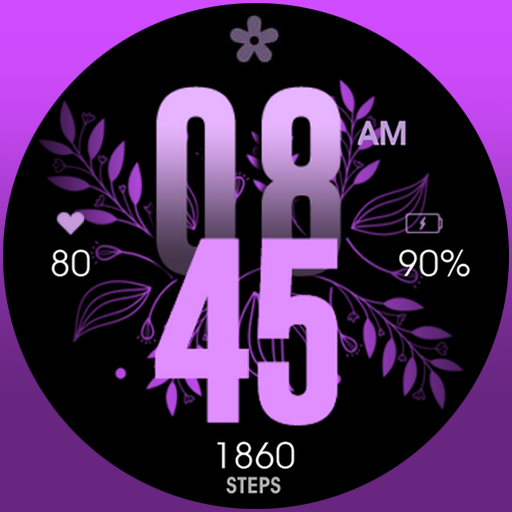
Colorful selection floral watch face with gyro for Wear OS
4.60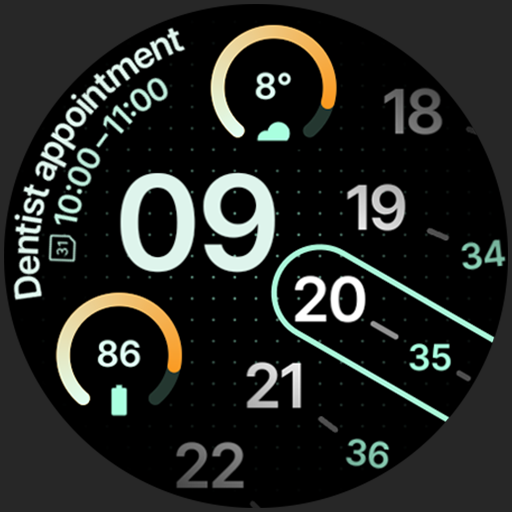
A unique and customizable watch face which rotates its layout every minute.
4.80
DailyGift can help you record your habits and get rewards along the way!
4.60
Your store’s deals, where you are.
4.80
The App can control Roborock vacuum cleaners from anywhere with rich features.
4.60
The go to app for taking unlimited notes!
4.50
Earn money & gift cards when you take surveys, play games, scan receipts & more.
4.50
Zodiac & Horoscope Launcher: Daily Sign Predictions & Astrology
4.40
Spirit Communicator is a real paranormal ghost hunting app with many fun modes.
3.90
Creativity and savings for kids, beginners and experts in arts and crafts
3.50
Smart home security protection
3.20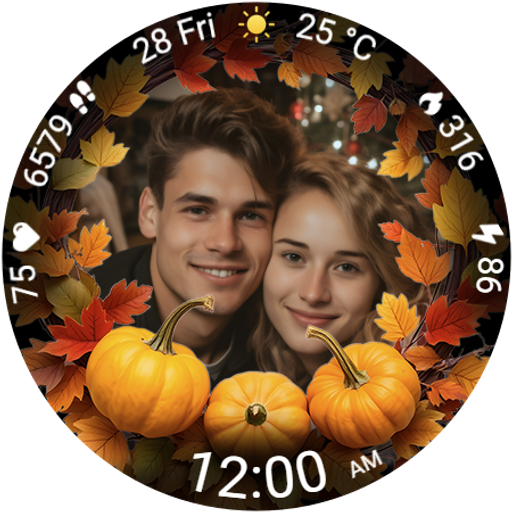
Wear your favorite memories, loved ones, pets or travel photos on your watch
4.1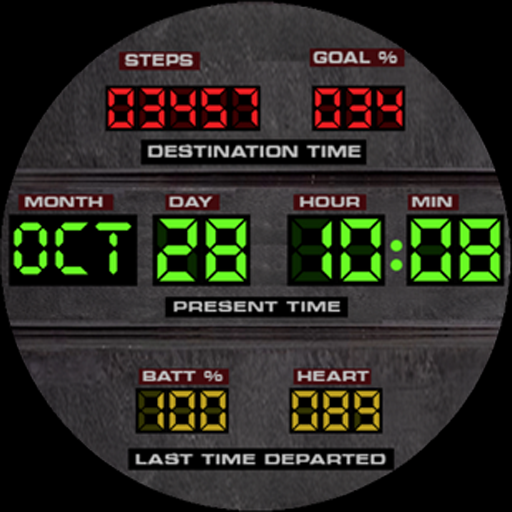
Futuristic watchface inspired by Back to the Future: sleek, retro, timeless
4.4


