
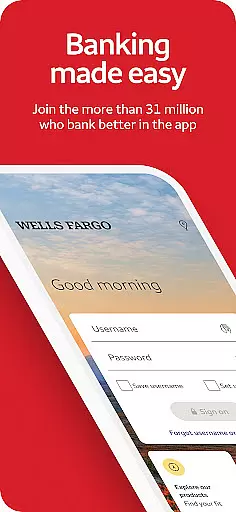
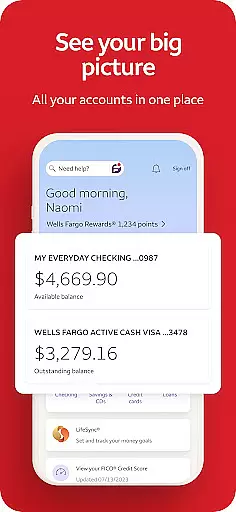
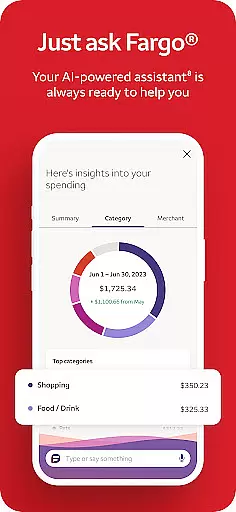
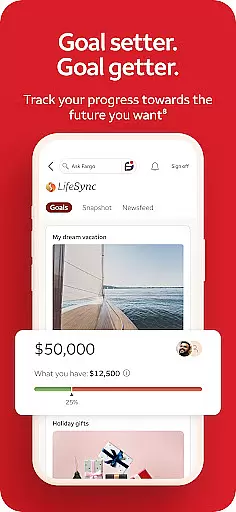
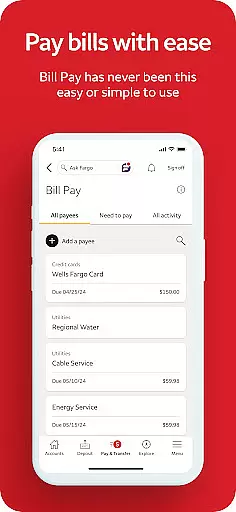
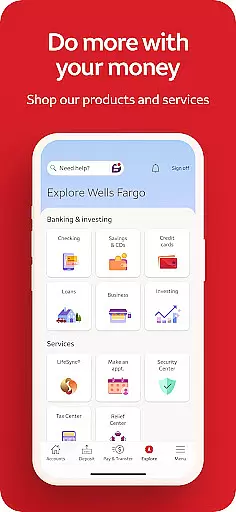
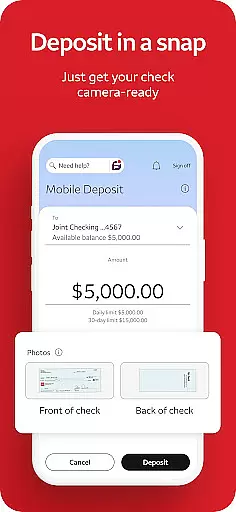
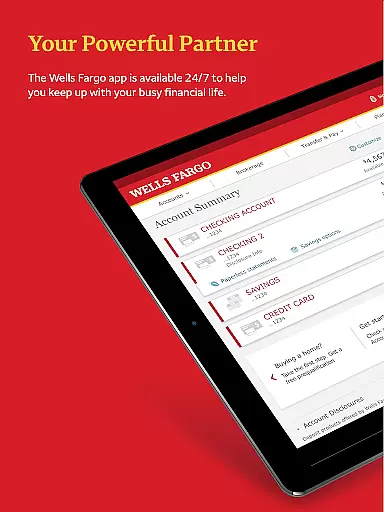
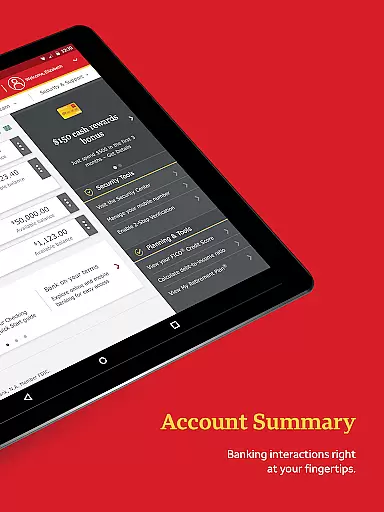
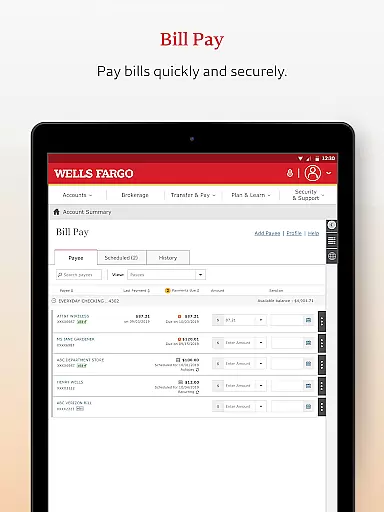
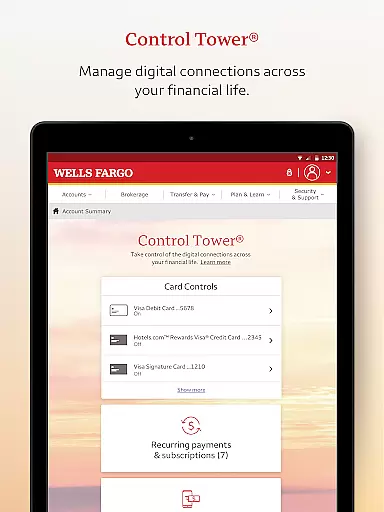
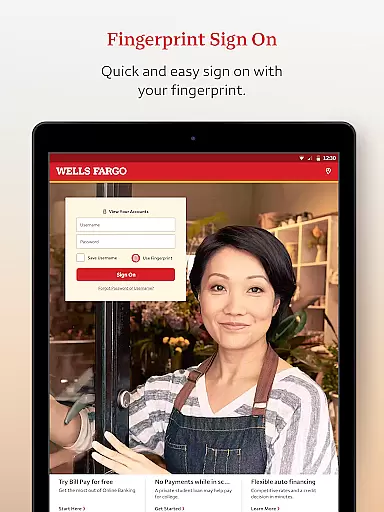
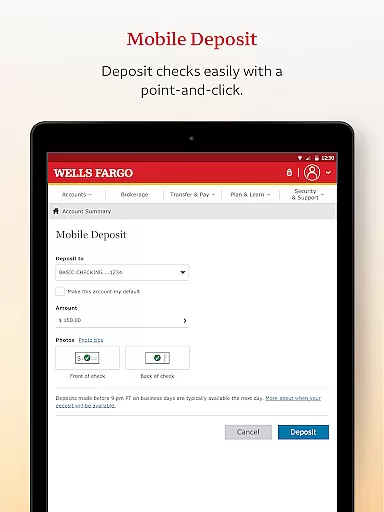
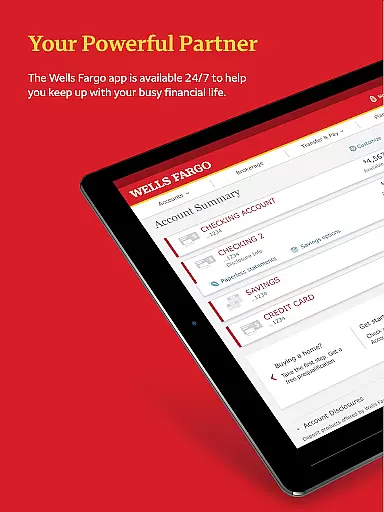
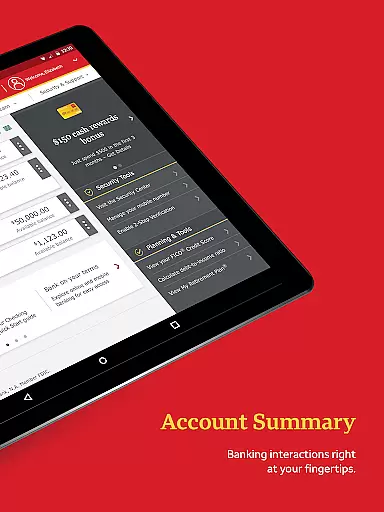
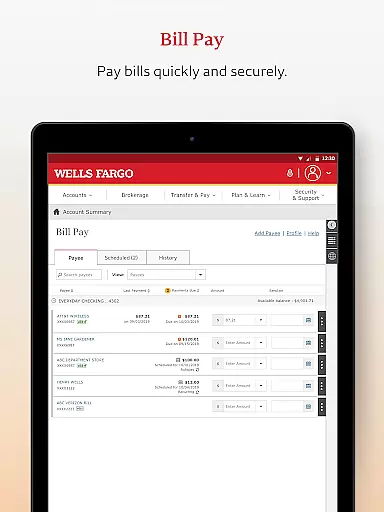
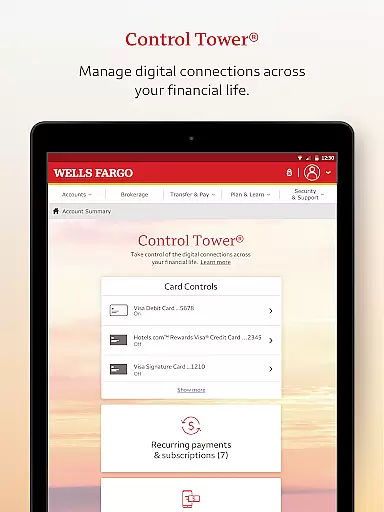
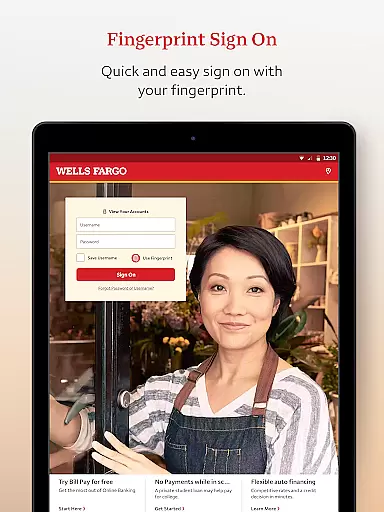
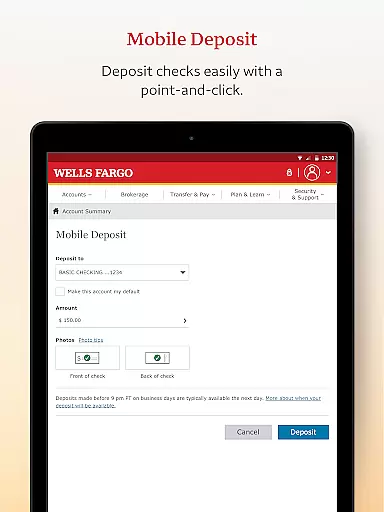
Wells Fargo Mobile is a comprehensive financial management application designed to provide users with convenient access to their banking, credit, and investment accounts. The app supports biometric authentication, allowing secure and quick login through fingerprint or facial recognition on compatible devices. Users can manage their finances effectively by reviewing account balances, transaction history, and even controlling card settings such as activation or deactivation. Additionally, the app facilitates depositing checks via the device's camera, making fund transfers, and paying bills effortlessly.
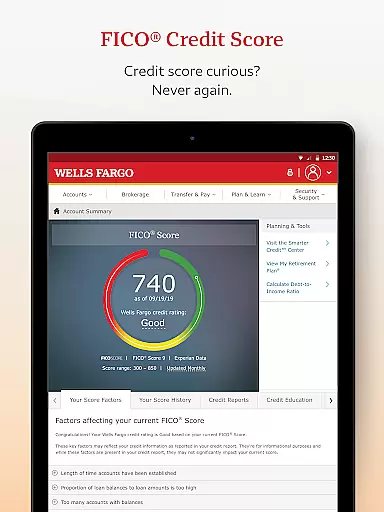
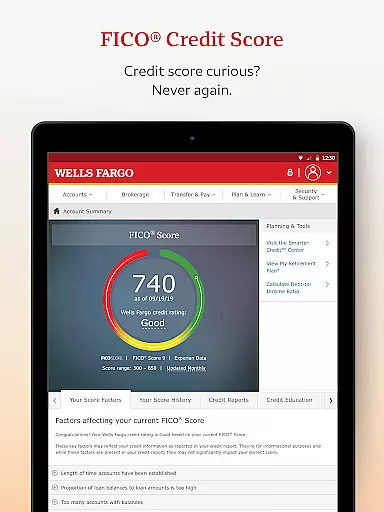
Beyond basic banking functions, Wells Fargo Mobile offers advanced features for tracking investments, including real-time market data and order management. Security is prioritized with features like fraud reporting, customizable alerts for suspicious activities, and access to FICO Credit Scores. With additional services like locating ATMs, scheduling appointments with bankers, and integrating with digital wallets, this app serves as an all-in-one solution for personal finance management, ensuring both convenience and safety for its users.
Wells Fargo Mobile stands out with its robust set of features tailored for comprehensive financial control. One of the key highlights is the support for biometric sign-on, which enhances security while simplifying the login process for users with compatible devices. This feature ensures that only authorized individuals can access sensitive financial information, providing peace of mind.
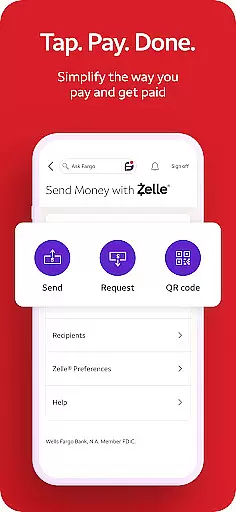
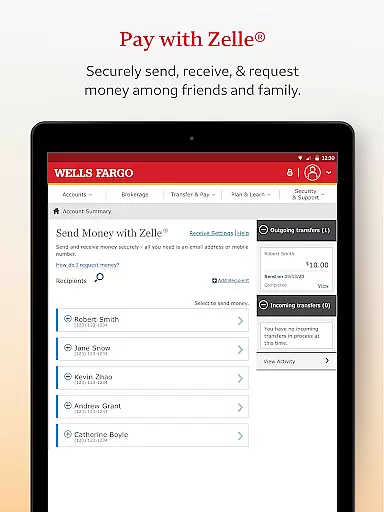
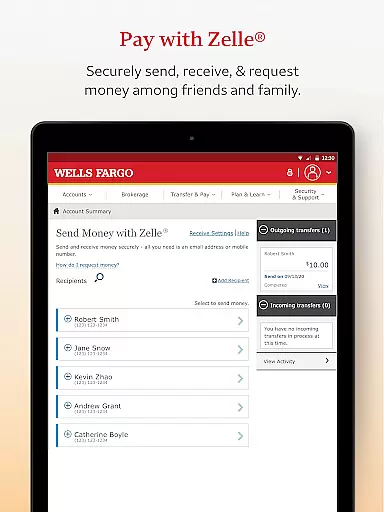
The app also excels in facilitating seamless money management. Users can deposit checks instantly using their smartphone cameras, transfer funds between accounts, and make payments easily. For those interested in investments, the app provides tools to monitor holdings, execute trades, and stay updated with real-time market data. Furthermore, the integration with Zelle allows for quick peer-to-peer payments, enhancing the overall user experience by streamlining everyday financial tasks.
Security features are another strong suit of Wells Fargo Mobile. The app includes a dedicated Security Center where users can report fraud, manage alerts, and receive notifications about suspicious activities. These proactive measures help maintain account integrity and protect against unauthorized access. Overall, the combination of convenience, advanced financial tools, and top-notch security makes Wells Fargo Mobile a standout choice for managing personal finances on the go.
In the realm of mobile banking, security is paramount, and Wells Fargo Mobile sets a high standard in safeguarding user accounts and funds. The app employs advanced authentication methods such as Fingerprint Sign On and Biometric Sign On, ensuring that only authorized users can access sensitive financial information. This level of security is crucial for protecting against unauthorized access and potential fraud.
Wells Fargo Mobile further enhances account protection by offering features like the ability to instantly turn cards on or off and receive alerts for suspicious activities. These proactive measures empower users to have immediate control over their financial instruments, significantly reducing the risk of fraudulent transactions. Additionally, the Security Center within the app provides resources for reporting fraud and managing alerts, reinforcing the bank's commitment to customer safety.
The benefits to users are substantial; with instant notifications and the power to disable cards at a moment's notice, customers can enjoy peace of mind knowing they have tools to protect their finances. Moreover, access to one's FICO Credit Score directly through the app allows for better personal financial management and awareness of credit health. Such comprehensive security measures demonstrate how Wells Fargo Mobile not only meets but exceeds modern expectations for digital banking safety.
A seamless transaction experience is vital for any financial application, and Wells Fargo Mobile excels in providing users with efficient and intuitive ways to manage their money. The app supports a variety of transaction types, from transferring funds between accounts to depositing checks using the deviceu2019s camera. This versatility ensures that users can perform most banking activities without visiting a physical branch.
One standout feature is the integration with Zelleu00ae, allowing customers to send and receive money quickly using just an email address or U.S. mobile phone number. For those who need to pay bills or move money to other institutions, the process is straightforward and reliable. Real-time updates on transactions give users immediate feedback and confirmation, which is essential for maintaining accurate financial records.
Ultimately, the value proposition for users lies in the convenience and time saved. With instant check deposits showing up in accounts right away and the ability to execute transfers and payments swiftly, daily financial tasks become less burdensome. By prioritizing speed, reliability, and ease-of-use, Wells Fargo Mobile delivers a superior transaction experience that aligns perfectly with today's fast-paced lifestyle.
User-friendly interface
Secure biometric login
Comprehensive account management
Real-time investment tracking
Convenient check deposit
Limited to Wells Fargo customers
Some features require enrollment
Dependent on device compatibility
Occasional technical issues
Additional fees for certain services

 4.50
4.50
Manage your account, make a payment, and redeem your rewards on the go.
4.50
All your crypto & stocks in one secure and trusted app.
4.40
Get, Earn, and Save Money
4.30
Earn cash back. Build credit.
4.60
All expenses at a glance.
4.80
“Money Manager” is an optimized application for personal asset management.
4.70
Registration of your debts and Mdionatk and assembled, as well as a significant reports
4.30
Navigate your unique financial path confidently with help from Credit Karma.
4.70
Currency Converter supports all currencies of the world.
5.00
BA Financial Calculator PRO – Perfect for CFA/FRM/CPA and finance professionals
4.90
No credit checked needed.
4.80
Easy budgeting planning on a calendar!
4.80
Get 250$ Cash Advance to solve emergencies instantly in loan app called LendMe
4.70
Loan Calculator, Mortgage Calculator, Compound Interest Calculator
4.70
Real-time tracking: Stocks, Indices, Futures, Commodities, ETF, & Funds prices.
4.60
The PayPal app is the secure way to send and receive money, shop and pay in 4.
4.20
Make your paycheck work harder for you with Perpay.
4.10
Bank better with our new app
3.80


User Reviews