
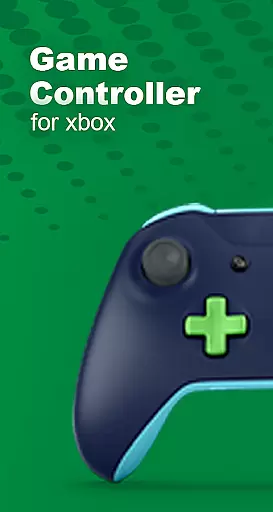
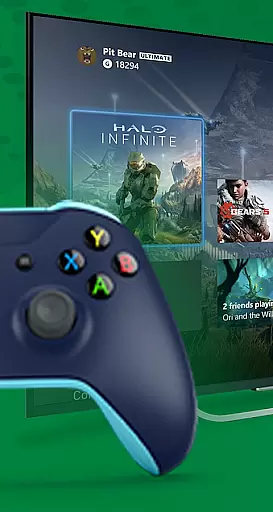
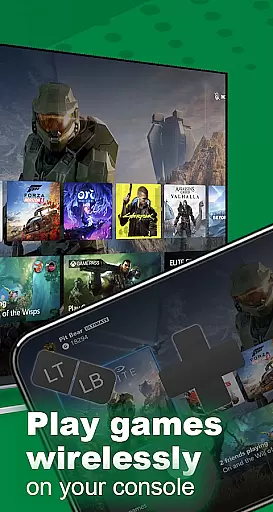
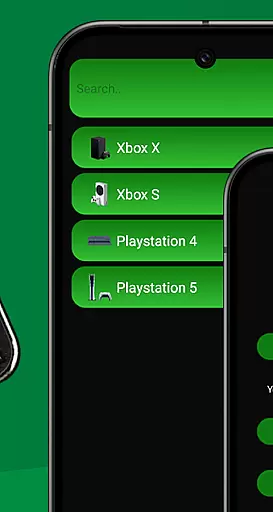
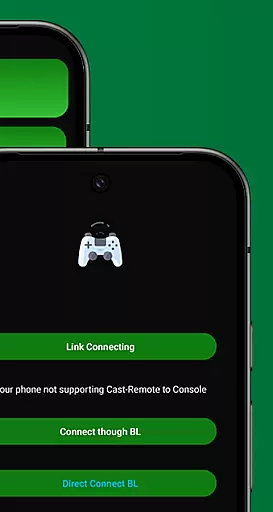
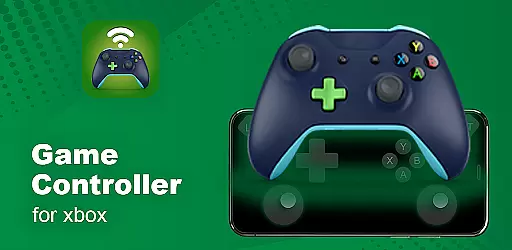
XB Game Controller is a powerful tool that transforms your smartphone into a versatile wireless Xbox remote. This innovative app allows users to seamlessly control their Xbox Series X/S or Xbox One consoles directly from their mobile devices, eliminating the need for a physical controller. With its cutting-edge streaming technology and intuitive gamepad interface, it delivers an exceptional remote gaming experience.
The application supports both Wi-Fi and mobile data connections, ensuring you can enjoy your favorite games anywhere with minimal latency. Its comprehensive feature set includes real-time 1080p streaming, customizable button mapping, and multiplayer support, making it perfect for both casual and serious gamers who demand flexibility and performance in their gaming setup.
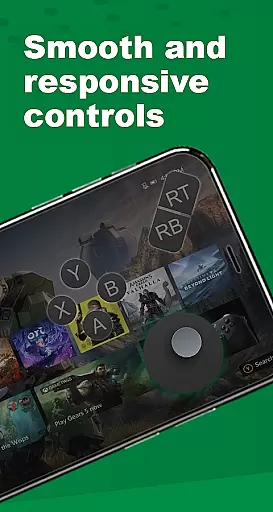
XB Game Controller stands out with its impressive array of features designed to enhance the remote gaming experience. The app's Instant Gamepad Mode perfectly replicates the layout of a traditional Xbox controller, mapping every button and joystick function to your phone's touchscreen. This creates an authentic console-like experience that maintains precision and responsiveness.
Beyond basic controls, the application offers advanced functionality including seamless audio integration and voice chat capabilities through your phone's microphone. The multiplayer support system enables friends to join gaming sessions using their own devices as controllers, while maintaining smooth performance across all connected devices. Additional features like Bluetooth peripheral compatibility and easy device switching further demonstrate the app's commitment to providing a complete and flexible gaming solution.
Functionality completeness refers to the extent to which an application provides features that cover all necessary use cases for its intended purpose. For XB Game Controller, this means offering a comprehensive set of tools that allow users to fully interact with their Xbox consoles remotely.
The app excels in delivering a complete remote play experience by enabling users to stream and control their Xbox Series X/S or Xbox One from their smartphones. It includes every essential feature such as gamepad layout with customizable buttons, support for multiplayer sessions, and seamless integration with other devices like Bluetooth keyboards and headsets.
XB Game Controller also ensures broad compatibility across different network conditions, allowing gameplay over Wi-Fi or mobile data with ultra-low latency. This extensive functionality empowers gamers to enjoy their favorite titles without being tethered to traditional controllers.
By providing these robust capabilities, XB Game Controller enhances user convenience and expands gaming possibilities beyond physical boundaries, making it an invaluable tool for modern gamers seeking flexibility and performance.
Usability is a critical factor that determines how easily users can interact with an application, while operational smoothness ensures that processes within the app run seamlessly without interruptions. For XB Game Controller, usability is achieved through its intuitive design and straightforward setup process.
The app offers a simple, modern interface that guides users through quick setup steps: connecting to the same Wi-Fi network, launching the app, logging into their Xbox account, and choosing between Remote Play or Gamepad Mode. These clear instructions make it accessible even for those who may not be tech-savvy.
Operational smoothness in XB Game Controller is evident in its ability to deliver 1080p streaming with low latency, ensuring a high-quality gaming experience. The responsive gamepad mode transforms smartphones into precise Xbox controllers, mapping every button, trigger, and joystick accurately.
This combination of ease-of-use and reliable performance makes XB Game Controller a standout choice for gamers looking to streamline their remote gaming sessions without compromising on quality or responsiveness.
User-friendly interface
Low latency streaming
Customizable controls
Multiplayer functionality
Cross-platform support
Requires stable internet
Premium version costs
Occasional connection issues
Limited offline features
Device compatibility varies

Tune your game graphics with our GFX optimizer for optimal gaming experience
 4.50
4.50
With Endoscope Camera Connector you can connect your phone with endoscope cam
3.70
A great tool help you to format Micro SD memory Card
3.10
An essential GFX utility developed for specific FPS mobile games
4.50
Demo version of the mcpro24fps manual video camera. Try and buy a full version!
4.00
CloudEye 365 is a easy-handling APP
3.60
Barcode scanning made simple!
4.40
DamonSx2 is the open Source LGPL Emulator
3.20
The best PS2 games from your childhood come to life in their mobile version!
4.00
Demo for Key Attestation feature of the Android system.
4.80
Block, disable and secure phone camera from secretly taking photos by spyware.
4.50
Al QURAN-القرأن الكريم app to read Quran offline just like an actual Quran book
4.30
An impressive collection of tools, characters, weapons, skins and more!
4.30
View your cameras anywhere and anytime
4.20
You can remote control and play much easier.
4.10
Mirror phone to TV effortlessly! Stream, share & connect with Airplay ease.
3.60
Mobs maker Minecraft help MCPE creators make their own mob by using Blockbench
3.50
Experience virtual reality on your smartphone with Cardboard.
3.50
Now Available on Android ™
3.40


User Reviews