
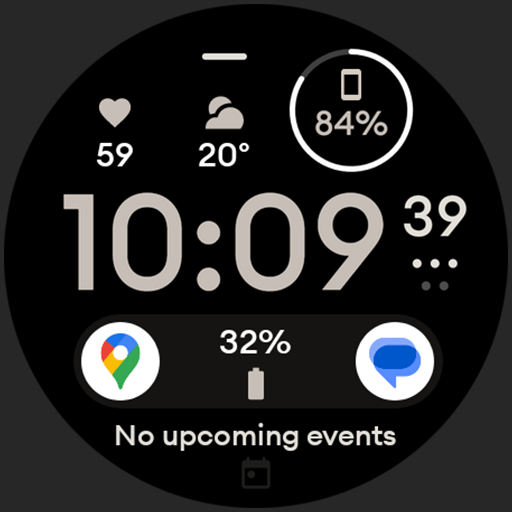
Digital watch face design. Modern looking, hi-res & battery friendly.
 4.00
4.00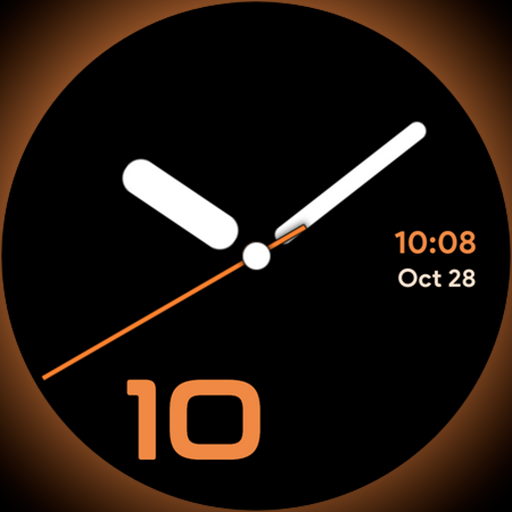
Unique Dark Analog style for Wear OS watches.
4.1
The all-new Cync app. The simple, connected app for Cync and C by GE.
4.50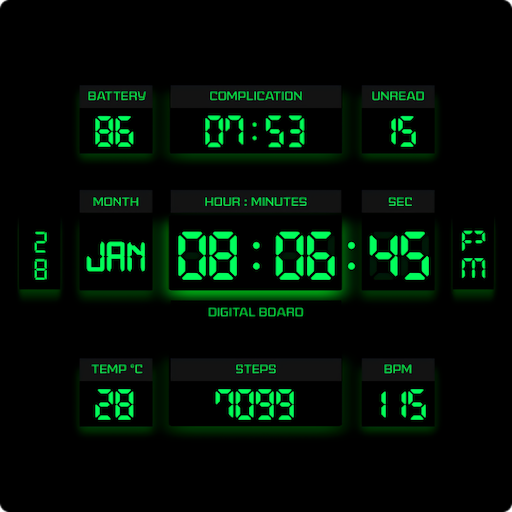
This minimalist yet classic board design brings a futuristic twist to your wrist
4.20
Play fun games, complete quick surveys, and earn money. It's fun and easy!
4.40
SmartHQ: Your Connected Home Command Center
4.10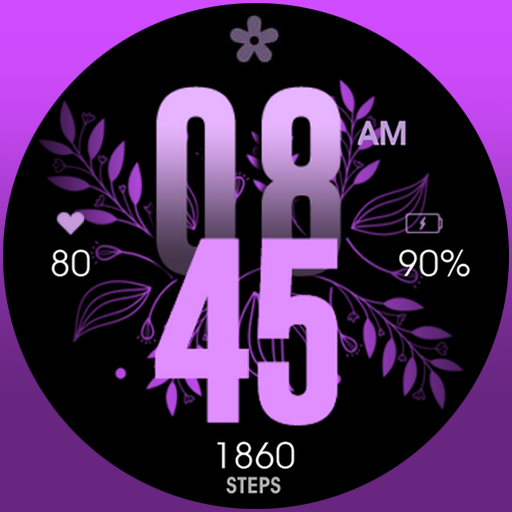
Colorful selection floral watch face with gyro for Wear OS
4.60
Vehicle ownership simplified. Get the myChevrolet® app today.
4.60
Earn money for every survey and game you play, and get real rewards every time
4.50
Daily lessons from A Course in Miracles with scheduled reminders
4.80
Pay your rent, submit work orders and much more with the RentCafe Resident App.
4.70
Kasa Smart is your portal to your TP-LINK Smart Home.
4.70
Redecor your home with Home AI interior design, room planner and home designer.
4.50
Paranormal Spirit Bell Trigger Device
4.30
Fly your Solo like a boss.
4.10
Smart controls for your Ember Smart Mugs
4.10
Turn your watch into a key fob for your Tesla
2.90
LineLearner, the quick way to learn lines.
2.90
A daily quote for success
4.2


