
Design and brew great homebrewing beer, mead, cider and wine recipes on the go!
 3.60
3.60
Smart controls for your Ember Smart Mugs
4.10
Paranormal EVP, Ghost Box, Spirit box, ITC, Haunted, Spirit communication device
3.70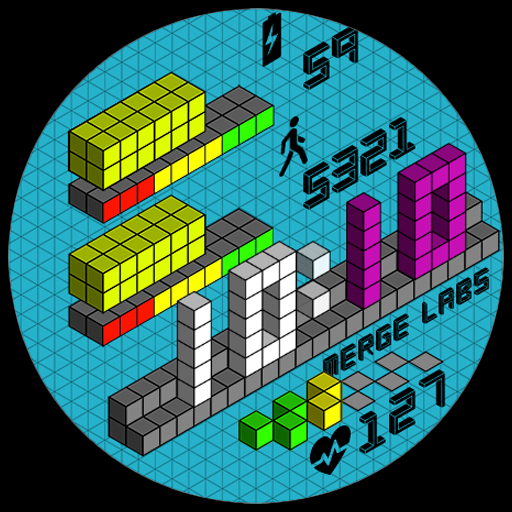
Unique "Isometric" style digital watch face for Wear OS
4.50
Discover your Nationality, Family Origin, and Ancestry from one selfie
4.50
See wait times and check into a hair salon ahead of time with Online Check-In.
4.80
Subwoofer school’s in session! You’ve now enrolled into KICKER U.
3.80
Your store’s deals, where you are.
4.80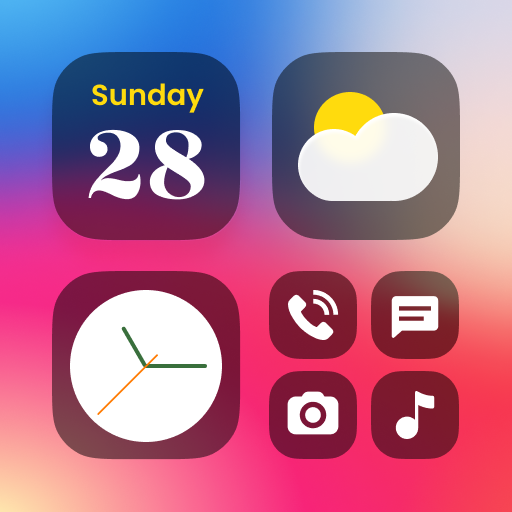
Decorate your home screen with custom icons, color widgets, themes & wallpapers
4.70
Digital smart watch face made for Wear OS.
4.70
Vehicle ownership simplified. Get the myChevrolet® app today.
4.60
A smart Siddur with halachic times
4.50
Premium floor cleaning robots
4.50
Redecor your home with Home AI interior design, room planner and home designer.
4.50
Discounts, savings, and rewards
4.20
Spiritus Ghost Box is an Audio and Visual ITC tool for paranormal research.
4.00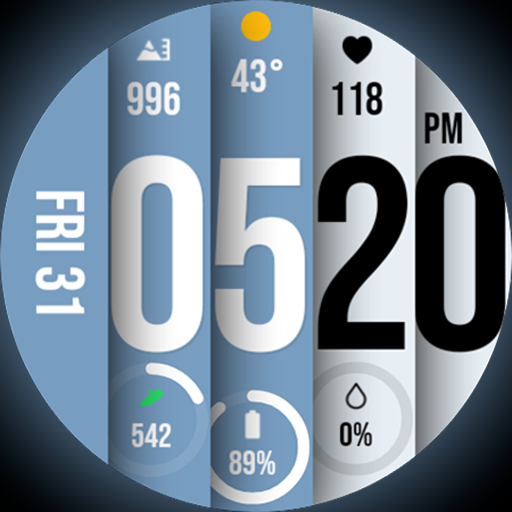
Unique BIG BOLD TIME with amazing colors and customisations.
3.70
View over 160,000 line dance stepsheets from the CopperKnob website.
3.30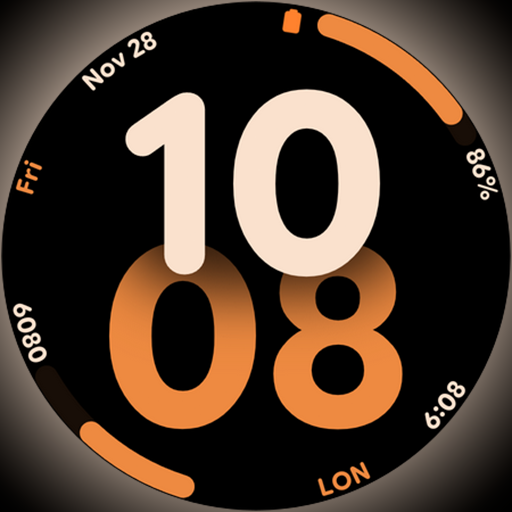
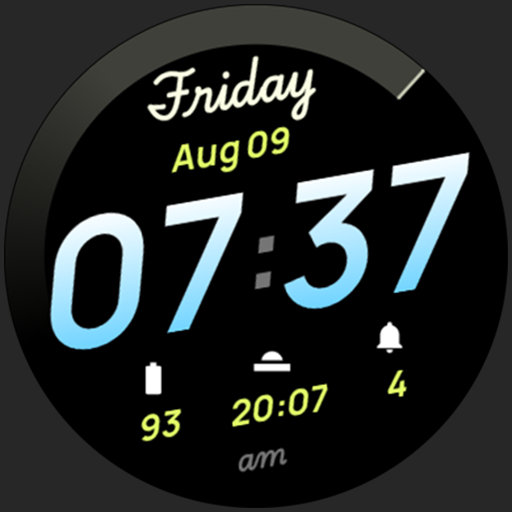
Big bold digital watch face with 30 colors, 6 complications and AOD.
4.5


