
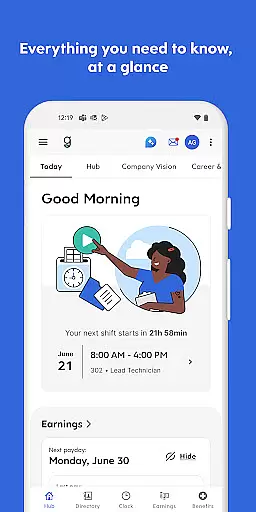
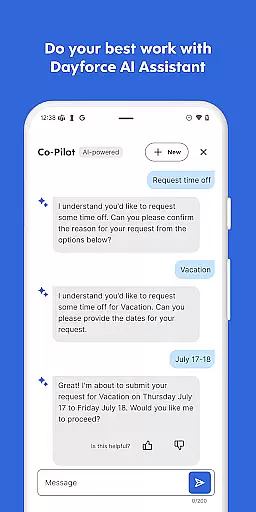
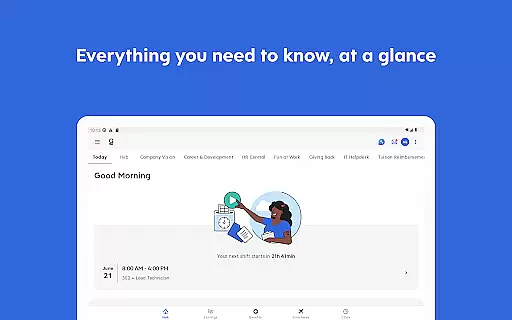
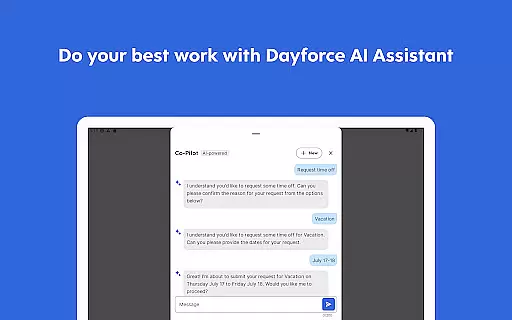
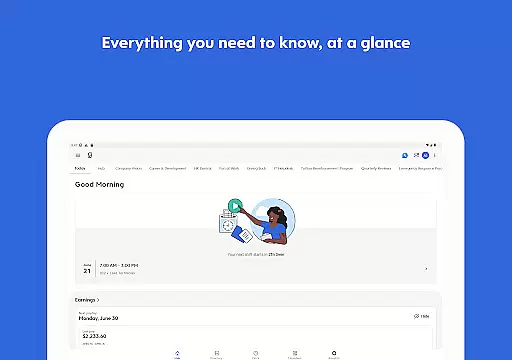
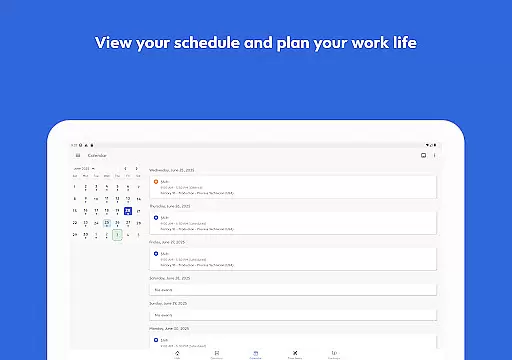
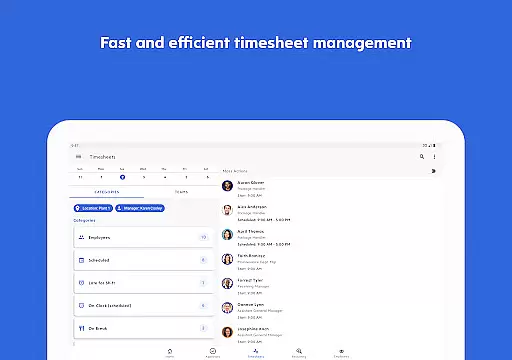
Dayforce is a comprehensive business management app designed to streamline workplace operations and empower employees to take control of their work-life balance. The app offers an all-in-one solution for time management, scheduling, and payroll access, making it simple to stay connected and organized across devices.
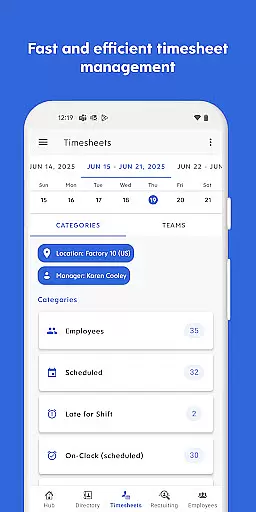
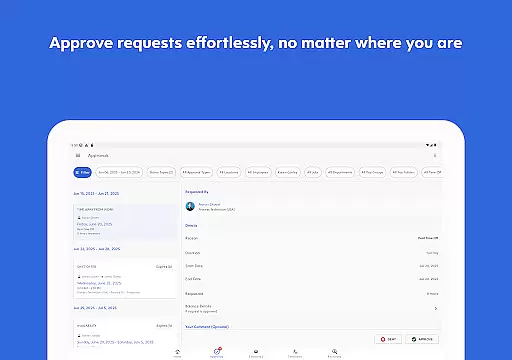
With features like clocking in and out, shift swapping, and real-time earnings tracking, Dayforce provides users with the tools needed to manage day-to-day tasks efficiently. Additionally, people leaders can approve timesheets and respond to requests on the go, ensuring seamless team management.
This app is particularly beneficial for businesses that require flexible workforce management solutions. By eliminating paperwork and centralizing essential functions, Dayforce enhances productivity and gives users greater control over their schedules and finances.
Dayforce stands out with its robust set of features tailored for modern business needs. One of its key capabilities is enabling users to clock in and out digitally, which simplifies time tracking and reduces administrative overhead. This feature alone can transform traditional time management processes.
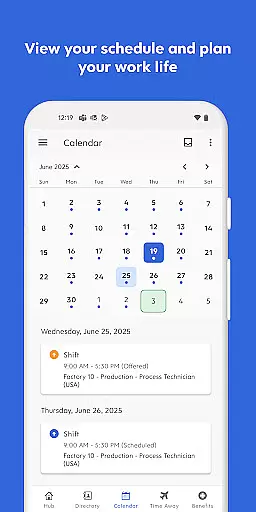
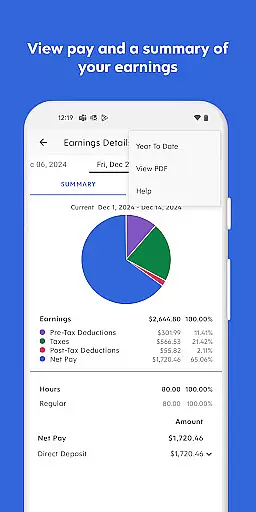
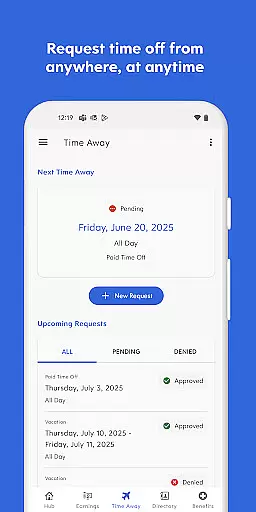
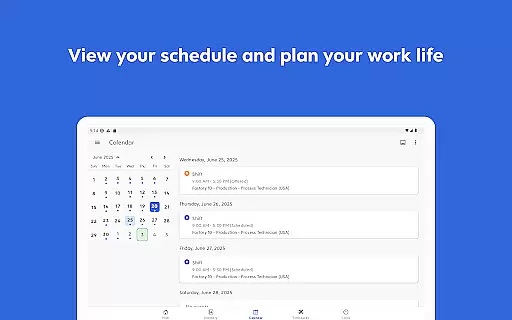
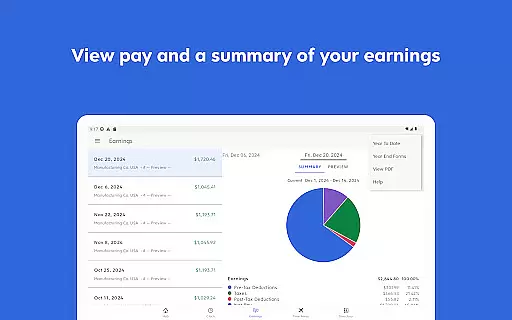
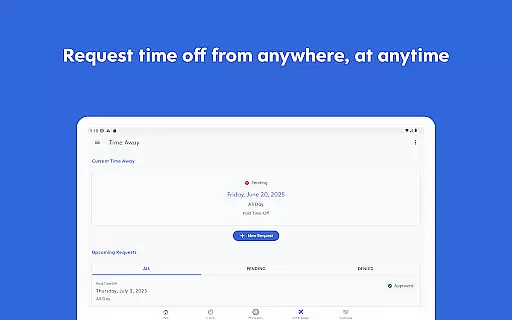
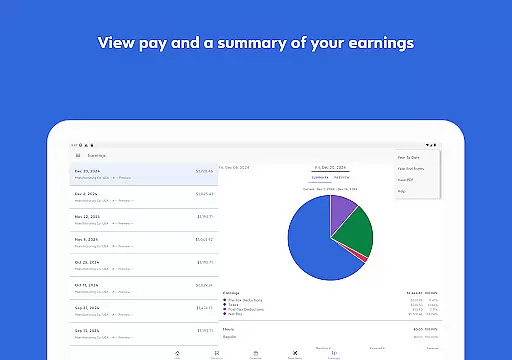
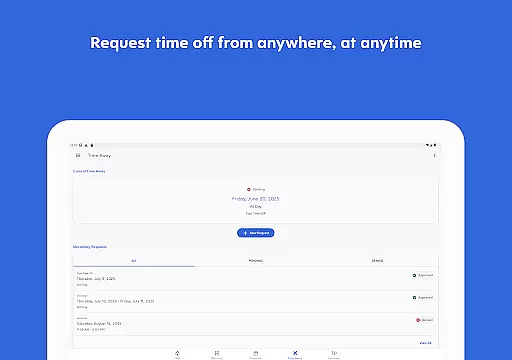
Beyond basic time tracking, Dayforce allows users to plan time off, check schedules, and swap shifts effortlessly. These functionalities ensure that both employees and managers can maintain optimal workflow and communication. Moreover, the app provides real-time earnings tracking and early pay access, offering financial flexibility when it's needed most.
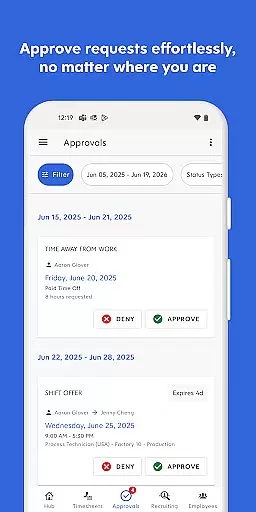
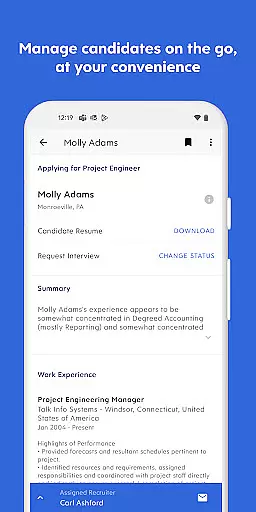
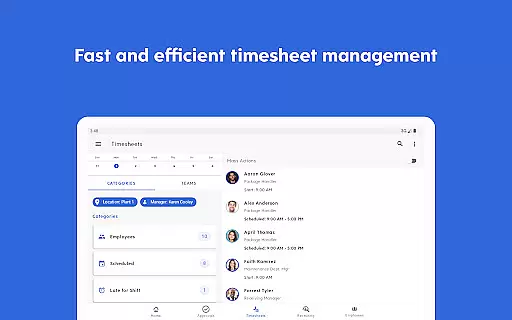
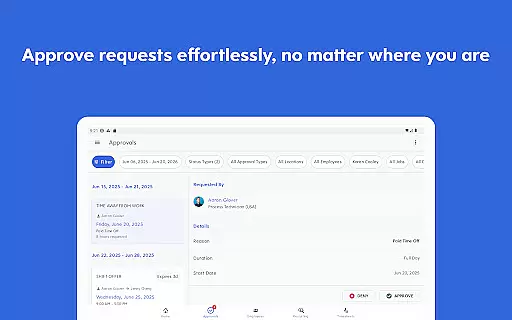
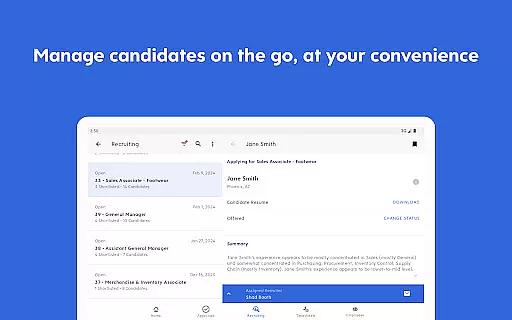
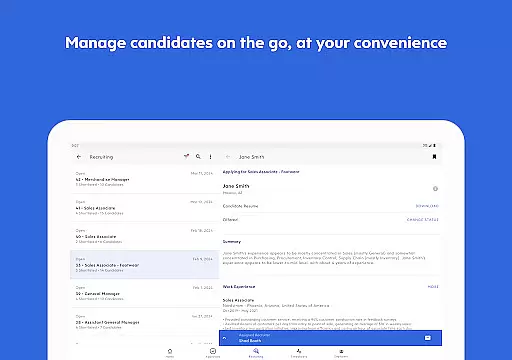
For people leaders, Dayforce includes essential manager tools that facilitate on-the-go task handling. Whether approving timesheets or responding to employee requests, these tools help streamline managerial duties, freeing up more time for strategic activities. Overall, Dayforce's innovative approach to workforce management sets it apart from competitors.
In today's fast-paced business environment, the ability to collaborate effectively is crucial for success. The Dayforce app excels in providing collaborative work features that are essential for both employees and managers. This app allows users to handle various tasks such as approving timesheets and responding to requests right from their mobile devices.
Dayforce ensures that staying connected and in control of work tasks is simple and efficient. With the app, users can manage tasks across their devices, which eliminates the need for cumbersome paperwork and streamlines processes. For people leaders, essential manager tools are available at their fingertips, allowing them to efficiently carry out managerial duties on the go.
The real advantage of using Dayforce's collaborative features lies in its capacity to integrate seamlessly into the daily routines of users. Whether it's about swapping shifts or checking schedules, the app provides a platform where communication and task management happen effortlessly. This results in freeing up more time for users to focus on their core responsibilities, enhancing overall productivity.
Effective task management is pivotal for maintaining productivity and ensuring that all work responsibilities are met on time. The Dayforce app offers robust task management capabilities that enable users to take charge of their work and life from anywhere, at any time. One of the key functionalities includes clocking in and out, which simplifies time tracking for employees and helps maintain accurate records.
Beyond just clocking in and out, Dayforce supports comprehensive task management features like planning time off, reviewing benefits, and accessing real-time earnings. These features provide users with greater control and flexibility over their work-life balance. Employees can easily track their work hours and earnings, request time off, and review their benefits, all within the app.
For users, this means an unprecedented level of convenience and control over their professional responsibilities. The ability to manage these tasks on-the-go not only boosts efficiency but also enhances job satisfaction by empowering employees with tools that support a balanced lifestyle. Overall, Dayforceu2019s task management features ensure that users can stay productive and engaged, regardless of their location.
User-friendly interface
Real-time earnings tracking
Comprehensive scheduling tools
Mobile accessibility
Efficient task management
Limited employer setup options
Potential dependency on employer configurations
Restricted access without employer enablement
Feature availability varies by organization
On-demand pay not universally available

 4.70
4.70
Find flexible, hourly jobs hiring near you in restaurant, retail & hospitality!
4.00
The revolutionary flexible staffing platform
4.40
Quickly open and manage PDF files on your device.
3.80
Convert Your Lovable.dev Website into a Mobile App Instantly!
4.5
Get instant construction estimates: accurate home repair & material calculator.
4.70
We are a dynamic team of creatives people of design, marketing, web & apps
3.00
Master crypto trading with real-time simulations and exciting challenges!
4.50
All-in-one Mobile solutions for employees & managers to succeed at work
4.30
TurboScan turns your phone into a full-featured PDF document scanner.
4.80
Start earning fast. Apply Today.
4.80
Your employer must have UKG Ready software configured for Mobile.
4.60
Grow your business and connect with more people with Meta Business Suite.
4.60
Amazon A to Z is the place to manage your work-life at Amazon.
4.50
The app that lets you deliver with Amazon.
4.50
ADP Mobile Solutions is an employee self service app
4.50
Measure distances, surfaces and draw plans in seconds with CamToPlan!
4.40
A secure, all-in-one team collaboration app
4.30
Deliver and earn money
4.30


User Reviews