
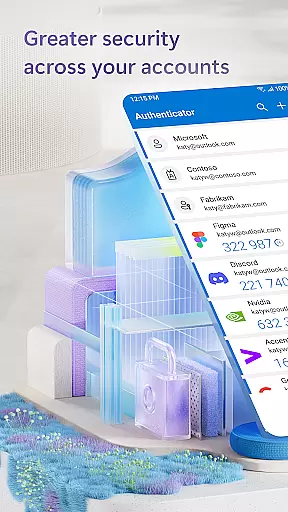
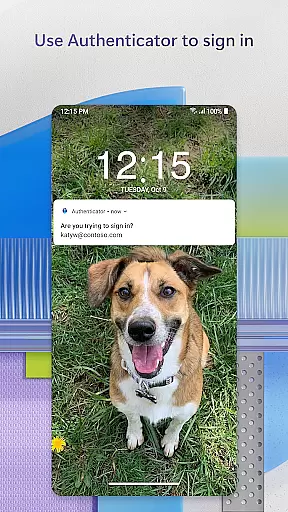
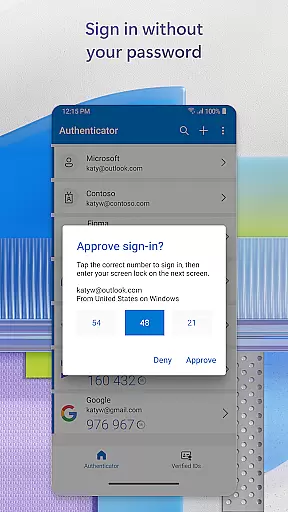
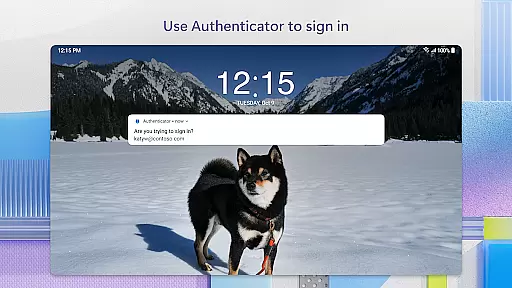
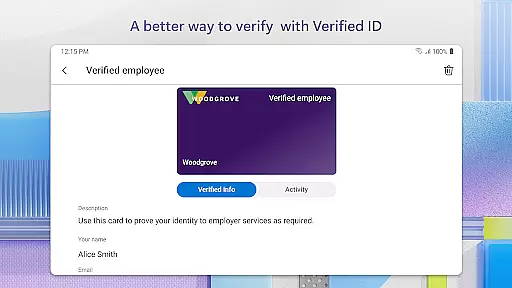
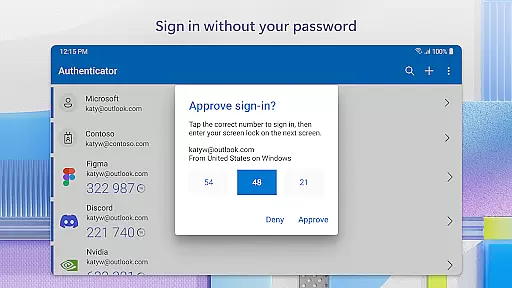
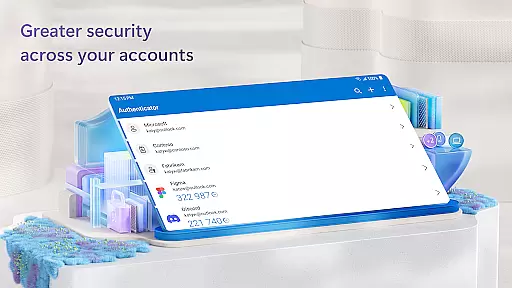
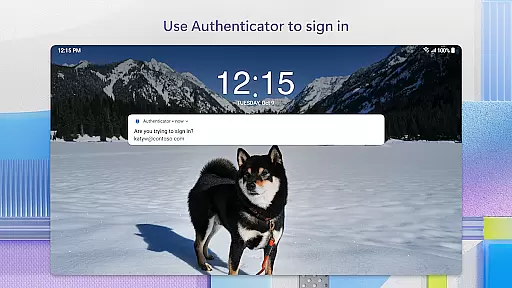
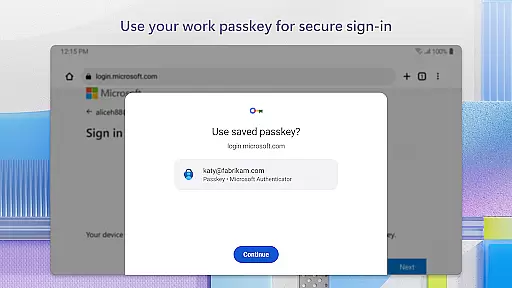
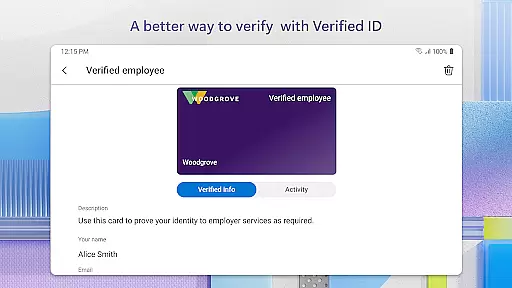
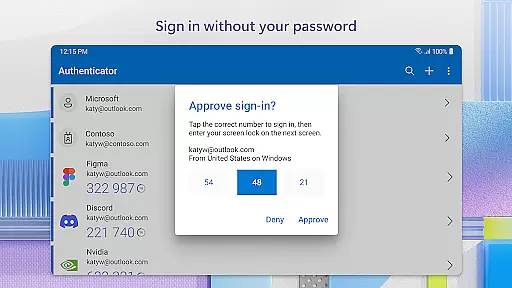
Microsoft Authenticator is a business-focused security application that provides multi-factor authentication (MFA), passwordless login, and account management for Microsoft and non-Microsoft accounts. The app ensures secure access to online accounts by requiring additional verification beyond passwords, such as approving notifications or entering one-time passwords (OTP). This makes it an essential tool for professionals who need enhanced security while accessing work files, emails, and other corporate resources.
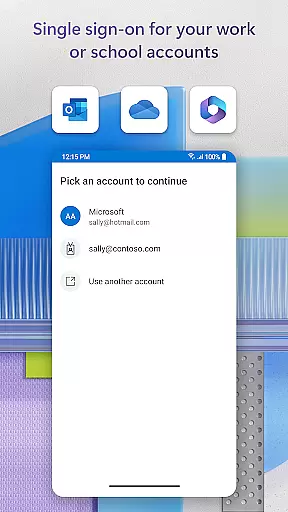
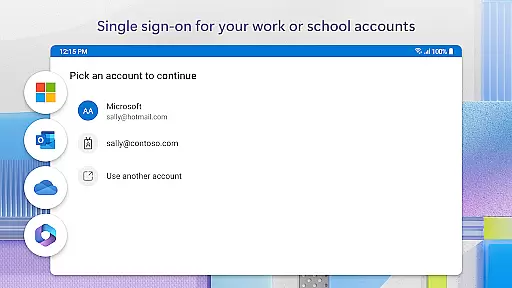
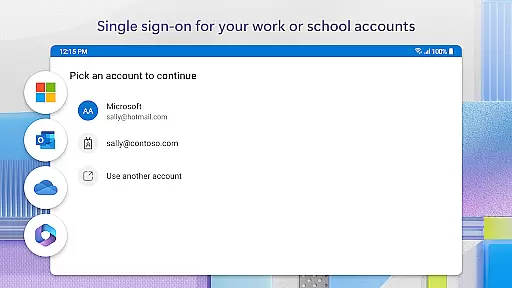
The app supports cert-based authentication and single sign-on capabilities, allowing users to seamlessly access multiple Microsoft services after a single verification process. With support for fingerprint, face ID, or PIN as secondary verification methods, it offers a balance of convenience and security. These features make the app particularly valuable for organizations implementing strict access control policies.
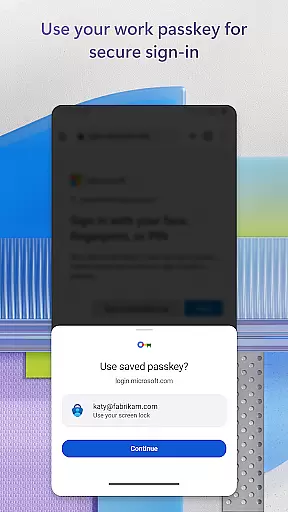
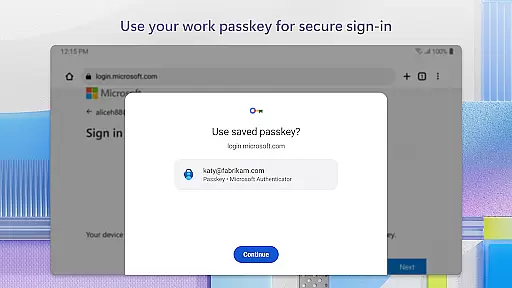
Microsoft Authenticator's standout feature is its support for both multi-factor authentication (MFA) and passwordless login options. Users can choose between receiving push notifications for approval or generating time-based OTP codes that refresh every 30 seconds. This flexibility caters to different user preferences and organizational security requirements, ensuring broad compatibility across various platforms.
In addition to supporting Microsoft personal, work, and school accounts, the app allows users to add non-Microsoft accounts like Facebook, Amazon, Google, and more. Optional permissions such as location tracking, camera access for QR code scanning, and accessibility services enhance functionality while maintaining user control over privacy settings. These features collectively create a comprehensive authentication solution suitable for modern businesses.
Microsoft Authenticator plays a pivotal role in collaborative work environments by enhancing security and simplifying access to shared resources. The app supports multi-factor authentication (MFA) and two-factor authentication (2FA), which are essential for protecting sensitive data within teams. By requiring additional verification steps, such as approving notifications on a registered device or entering one-time passwords (OTP), it ensures that only authorized personnel can access critical files and applications.
Moreover, the integration with Microsoft personal, work, or school accounts allows users to seamlessly authenticate their identity across various platforms. This feature is particularly beneficial for organizations that rely on Microsoft services like Outlook, OneDrive, and Office. Once a user has authenticated using MFA or 2FA, they gain access to all these services without needing to log in repeatedly, thus streamlining workflows and boosting productivity.
In addition to securing access, Microsoft Authenticator also supports cert-based authentication. This means that when a certificate is issued on a user's device, it signals to the organization that sign-in requests are coming from trusted devices. As a result, employees can enjoy secure and uninterrupted access to multiple Microsoft apps and services, fostering an environment where collaboration thrives without compromising on security.
Task management within Microsoft Authenticator revolves around simplifying and securing the login process for users managing multiple accounts. With support for both multi-factor authentication (MFA) and passwordless options, the app reduces the cognitive load on users who would otherwise need to remember complex passwords. Instead, they can rely on biometric verification methods such as fingerprint or face ID, or use PINs to approve login requests sent directly to their mobile devices.
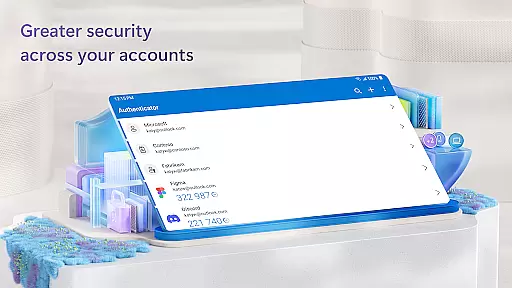
The app also excels in managing one-time passwords (OTPs) that automatically refresh every 30 seconds. This feature eliminates the need for users to memorize OTPs or keep track of expiration times manually. By generating time-based OTPs dynamically, Microsoft Authenticator ensures that each login attempt uses a unique code, thereby enhancing security while maintaining ease of use.
Furthermore, Microsoft Authenticator's ability to store multiple accountsu2014including non-Microsoft ones like Facebook, Amazon, and Googleu2014provides a centralized hub for task management related to authentication. Users can easily switch between different accounts without re-entering credentials each time, making it an efficient tool for professionals juggling various responsibilities across different platforms.
Enhanced Security
Multi-Platform Support
User-Friendly Interface
Optional Permissions
Seamless Integration
Requires Network
Limited Offline
Complex Setup
Dependent on Device
Privacy Concerns

viewing and sharing of PDFs
 3.60
3.60
The revolutionary flexible staffing platform
4.40
BuildCalc - the easiest AND the most advanced construction calculator app.
4.80
Manage work life on the go
4.50
Use Generative Summary to understand your rental or insurance docs in seconds.
4.70
Access All PDF Files
3.40
Smarter career moves start here. AI job alerts, insights & the right tools.
4.20
Say hello to the mobile work experience built to help you thrive at work.
4.30
ADP Mobile Solutions is an employee self service app
4.50
Employee Management Made Easy
4.80
USPS Mobile®Access USPS.com’s most popular tools on-the-go.
4.70
Ship, Track, Find a Location or Get a Quote with UPS. Anytime. Anywhere.
4.60
Amazon A to Z is the place to manage your work-life at Amazon.
4.50
Find jobs near you and temp work in minutes, from your phone.
4.50
Deliver and earn money
4.30
Shop, deliver, and earn with the Spark Driver™ App
4.10
All document reader, pdf viewer app, read docs & excel files
3.80
Find part-time earning opportunities near you that pay within days.
3.20
Completed Course Lectures on how to use IBM Maximo in Maintenance issues
4.0


User Reviews