



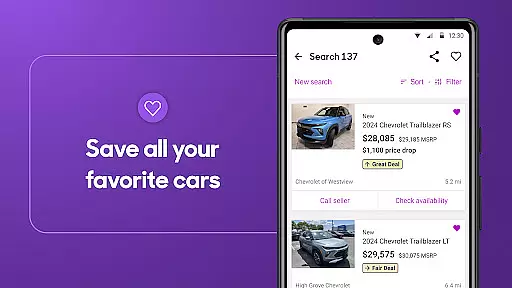

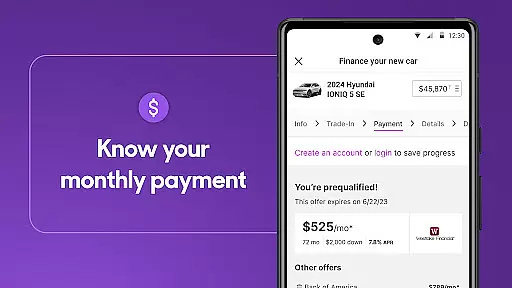


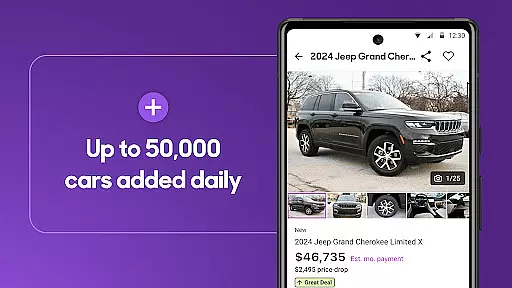


Cars.com is a comprehensive automotive marketplace app designed to simplify the car buying and selling process. With millions of vehicle listings, users can search for new, used, or certified pre-owned cars tailored to their preferences. The app provides advanced search filters, dealership reviews, and market-based pricing guidance, ensuring informed decision-making.
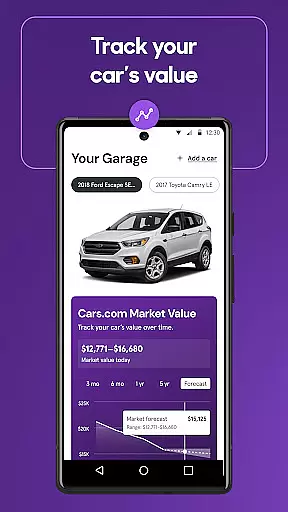
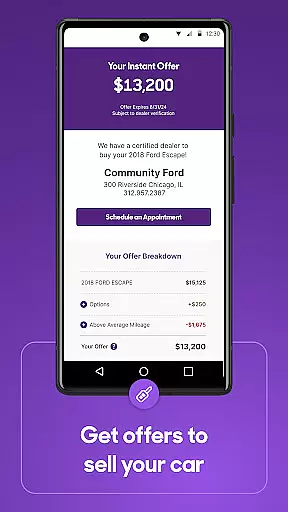
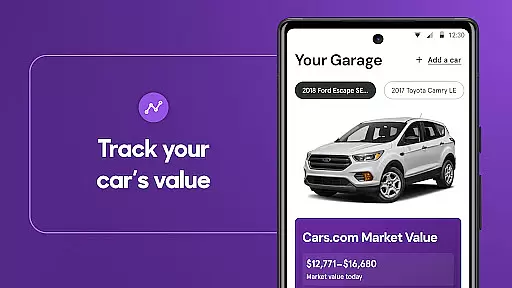
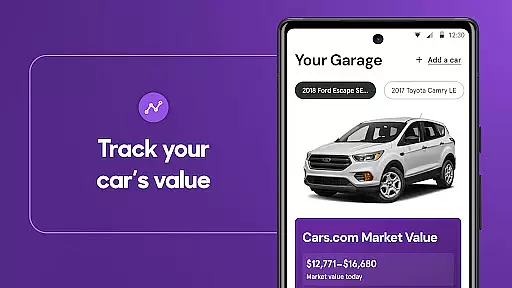
One standout feature is the 'Hot Car' badge that alerts users to popular vehicles requiring quick action. Additionally, the app offers personalized financing options, instant cash offers for selling your current car, and tools to track your vehicle's market value. Whether you're buying, selling, or researching, Cars.com delivers essential resources to support every step of your automotive journey.
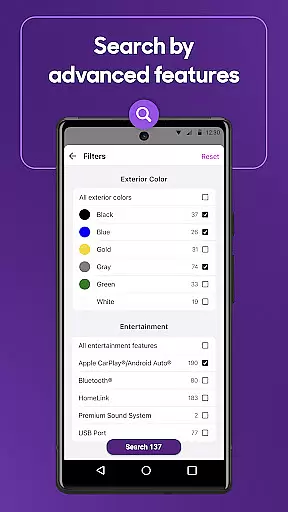
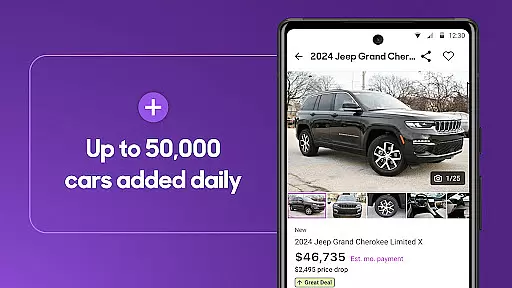
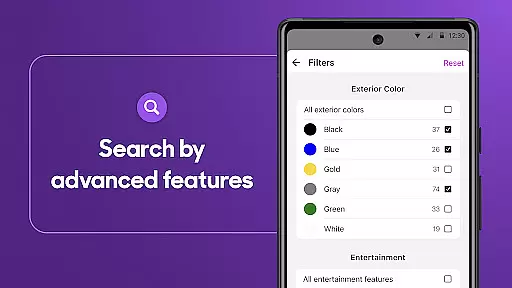
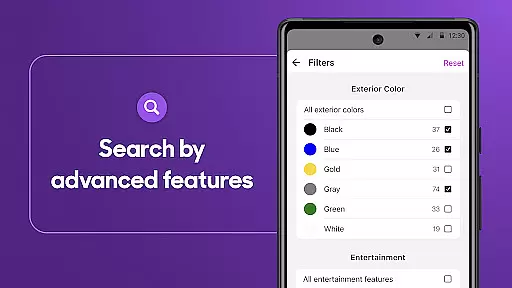
The app boasts an array of features to enhance the car shopping experience. Users can explore millions of listings across various categories including SUVs, sedans, EVs, and trucks. Advanced search functionality allows filtering by price, mileage, color, and more, providing highly targeted results.
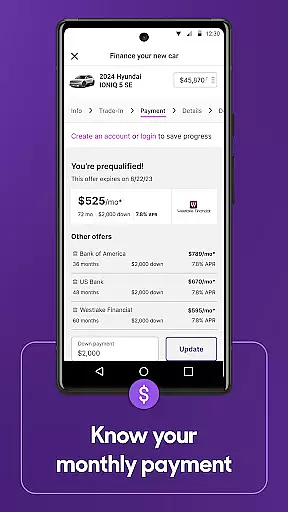
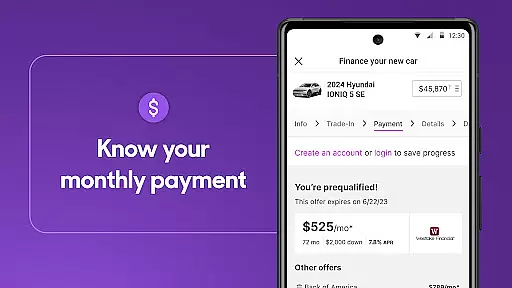
Cars.com also integrates valuable tools like the car loan payment calculator, which helps estimate monthly payments based on individual needs. For sellers, the app offers instant cash offers from local dealerships and the ability to list your car directly on the platform. These features are complemented by expert advice, video reviews, and a community-driven review system for dealerships, making it a one-stop solution for all automotive needs.
When searching for a new or used car, having access to detailed vehicle information is crucial for making an informed decision. The Cars.com app provides comprehensive data on millions of vehicles, including specifics on SUVs, pickup trucks, minivans, sedans, and EVs. This vast repository allows users to explore every possible car that matches their preferences.
The app's advanced search functionality enables users to narrow down choices by critical factors such as price, mileage, year, exterior and interior color, features, fuel type, and body style. By inputting these preferences, shoppers can find the exact right vehicle tailored to their needs. Such specificity ensures that users are not just browsing blindly but are actively filtering towards their ideal car choice.
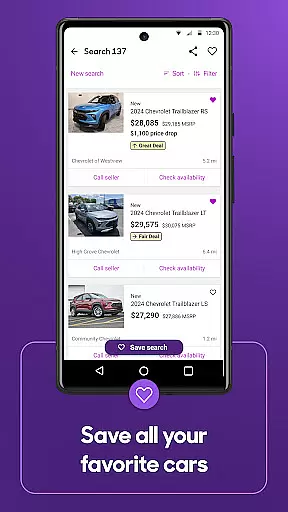
Moreover, Cars.com offers personalized recommendations based on user search patterns and preferences. This feature simplifies the overwhelming process of sifting through countless listings by presenting only those cars that align closely with what the shopper is looking for. As a result, users save time and effort while gaining confidence in their selection process.
In essence, detailed vehicle information empowers buyers with knowledge, ensuring they understand exactly what they're purchasing. Whether it's checking specifications or comparing different models side-by-side, this level of detail supports smarter buying decisions and ultimately leads to greater satisfaction with the chosen vehicle.
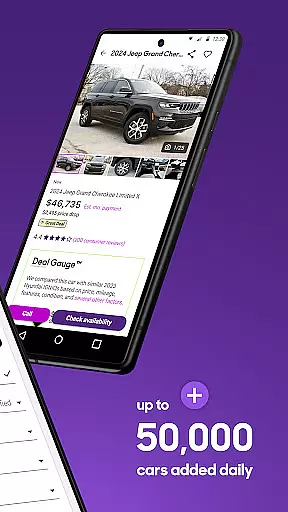
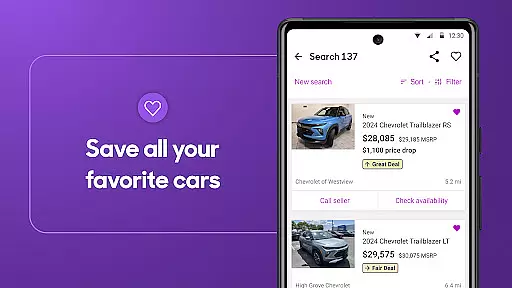
Price transparency is a cornerstone of any trustworthy automotive marketplace, and Cars.com excels in providing clear pricing information to its users. Understanding whether you're getting a u201cGreat Dealu201d, u201cGood Dealu201d, or paying a u201cFair Priceu201d is essential when investing in a vehicle. The app evaluates similar vehicles priced within your local market to give accurate assessments.
This evaluation helps prevent overpaying by offering insights into how competitively a car is priced compared to others in the same category and region. Users benefit from knowing if they should negotiate further or proceed confidently with their purchase. Additionally, recognizing fair pricing contributes significantly to consumer trust and satisfaction during transactions.
Cars.com also highlights popular vehicles with "Hot Car" badges, indicating urgency due to high demand. These badges prompt quick action, ensuring customers don't miss out on favorable deals. Furthermore, setting up price drop notifications allows users to stay updated on changes affecting their favorite cars, empowering them to act swiftly when prices decrease.
Ultimately, price transparency not only aids in securing better deals but also enhances overall shopping experiences. With reliable pricing data at their fingertips, consumers can navigate the complex world of auto sales more effectively, leading to well-informed decisions and successful purchases.
User-friendly interface
Extensive vehicle listings
Personalized offers
Instant cash offers
Comprehensive dealer reviews
Occasional listing inaccuracies
Limited international availability
Premium features require subscription
Notifications can be intrusive
Some ads may disrupt experience

Theme for Car Launcher
 4.4
4.4
* This app needs an adapter cable and a certain OBD2 adapter to work *
4.20
Simplify your drive
3.90
Blink Charging Mobile app makes finding an EV charger an intuitive experience.
3.80
The ExtraMile App allows you to pay for fuel from the comfort of your car!
4.70
Automotive Electrical Wiring Diagrams
4.40
Instantly redesign your car with AI. From sporty to futuristic, try it all.
4.50
Earn and save with Fuel Rewards®
3.20
Get price alerts, vehicle history details and more for cars near you!
4.50
Get more out of your AAWireless adapter with this companion app | aawireless.io
4.80
Lexus app currently supports 2010 or newer vehicles (2018 or newer for Hawaii).
4.80
MySubaru: Download. Connect. Love.
4.70
Find Your Local Store or Shop Online for the Car, Truck, or SUV Parts You Need
4.70
Quick and easy car diagnostics to get you the right fix.
4.70
CVT diagnostics with ELM327 for Nissan-based vehicles
4.40
Your car is talking. Start listening.
4.30
OBD diagnostics, Live Data, DPF regeneration for BMW
4.00
Easily notify car owners in urgent situations, safe, fast, multilingual.
4.4
DIY Vehicle Wheel Alignment
4.5


User Reviews