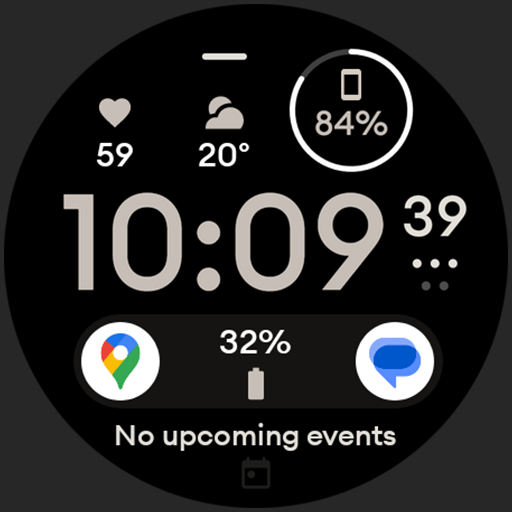
Digital watch face design. Modern looking, hi-res & battery friendly.
 4.00
4.00
What is my face shape? Find out your face shape from picture, see fitting frames
3.90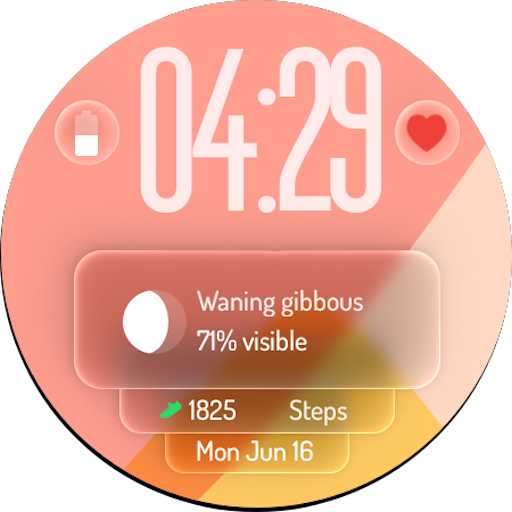
A watch face with transparency and fluid visuals inspired by liquid glass design
4.2
Discover the "To Be a Christian" App: Your Guide to Deepening Faith!
5.00
This is a simple and highly functional alarm clock "Smart Alarm" paid version.
4.20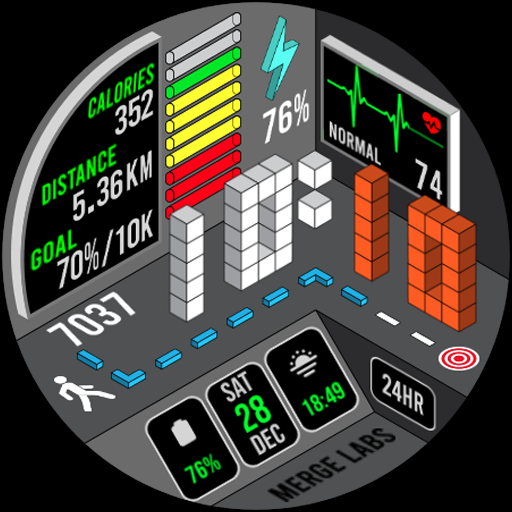
A uniquely designed isometric digital watch face made for Wear OS
4.1
Spirit Communicator is a real paranormal ghost hunting app with many fun modes.
3.90
Discounts, savings, and rewards
4.20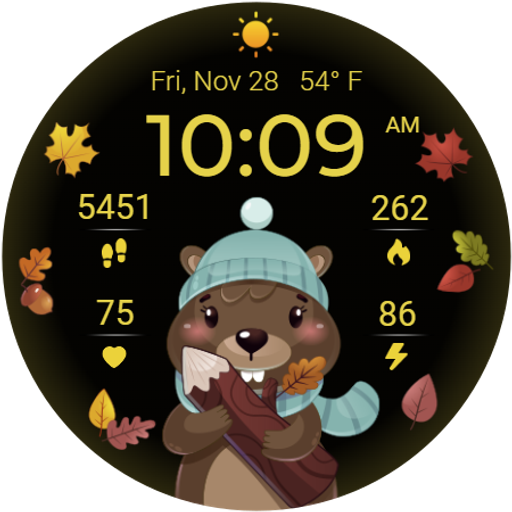
The cutest Autumn watchface featuring the adorable Mr. Squirrel
4.3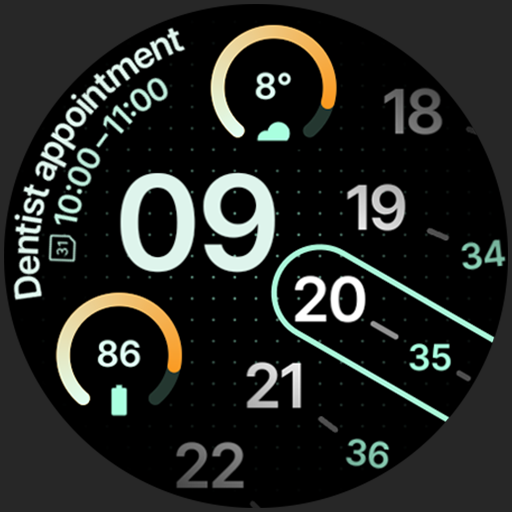
A unique and customizable watch face which rotates its layout every minute.
4.80
Good magnifier app to see tiny things bigger and more clearly!
4.80
The Work of Byron Katie— the mobile app for inner peace.
4.40
Subwoofer school’s in session! You’ve now enrolled into KICKER U.
3.80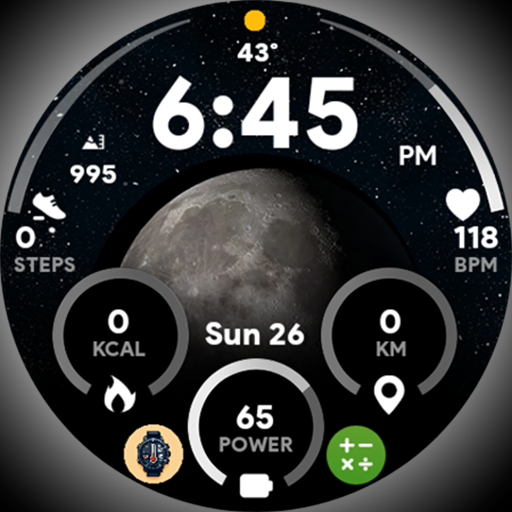
Unique informative Dial with Live Moon Phase at a glance!
3.60
Connect to your Shark ROBOT™ from anywhere using the SharkClean™ App.
3.60
Easily manage your child's playtime, spending messaging and more.
3.50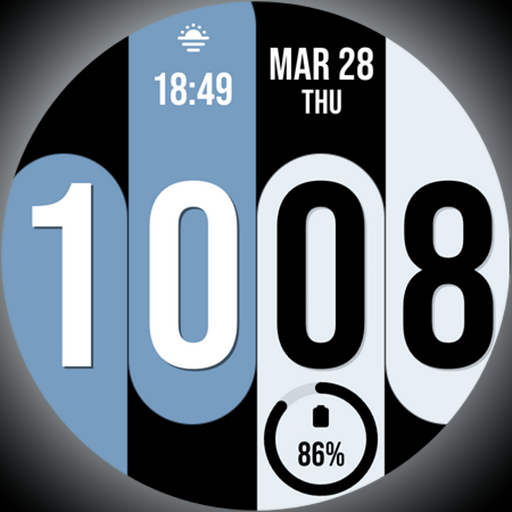
Unique Dual Colors with 6 Custom Complications for Wear OS watches!
3.40
A daily quote for success
4.0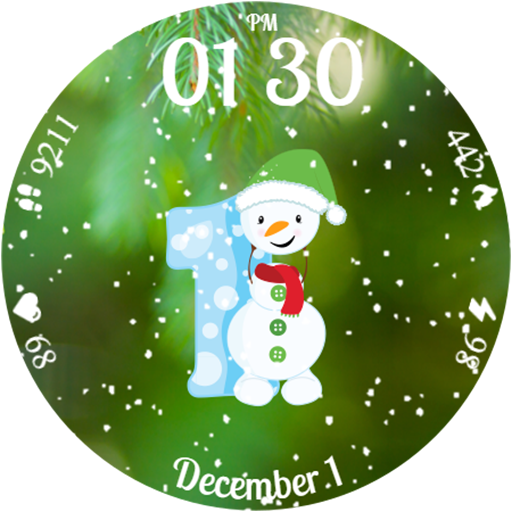
Celebrate the holidays with Advent Calendar: daily surprises and festive fun!
4.0


