
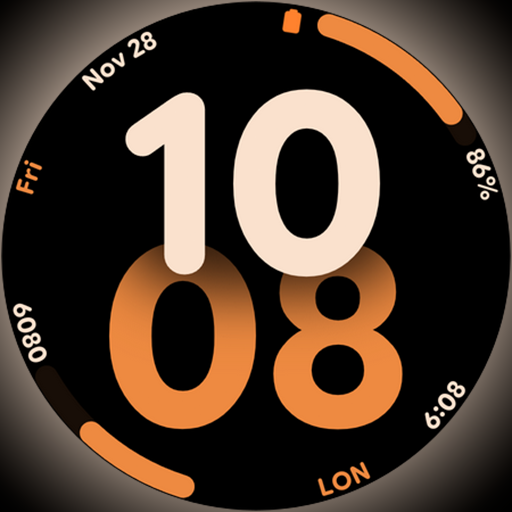
Big bold digital watch face with 30 colors, 6 complications and AOD.
 4.0
4.0
Countdown to Christmas 2025 with festive games & activities in a virtual village
4.80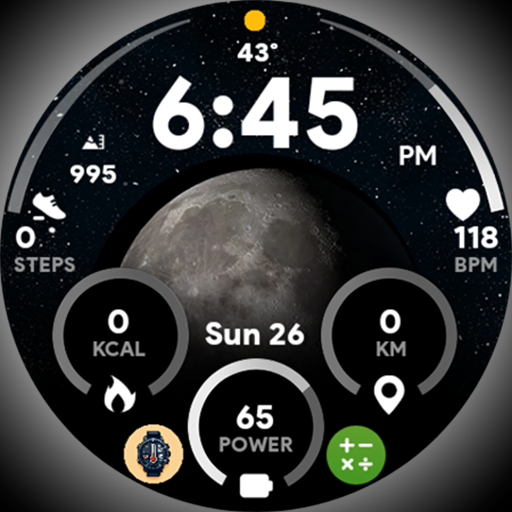
Unique informative Dial with Live Moon Phase at a glance!
3.60
Discover how to help puppies stay calm around noise with this helpful app.
4.1
Take Hobby Lobby with you wherever you go!
3.40
This is a simple and highly functional alarm clock "Smart Alarm" paid version.
4.20
Smart home security protection
3.20
A smart Siddur with halachic times
4.50
The App can control Roborock vacuum cleaners from anywhere with rich features.
4.60
See wait times and check into a hair salon ahead of time with Online Check-In.
4.80
Redecor your home with Home AI interior design, room planner and home designer.
4.50
Share opinions, get paid cash
4.30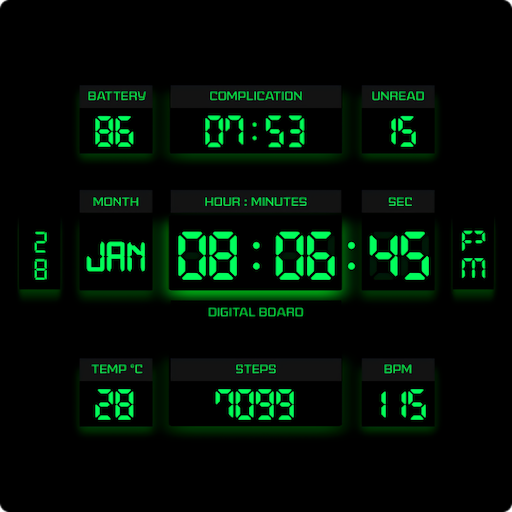
This minimalist yet classic board design brings a futuristic twist to your wrist
4.20
Mixing Colors for Menswear
4.20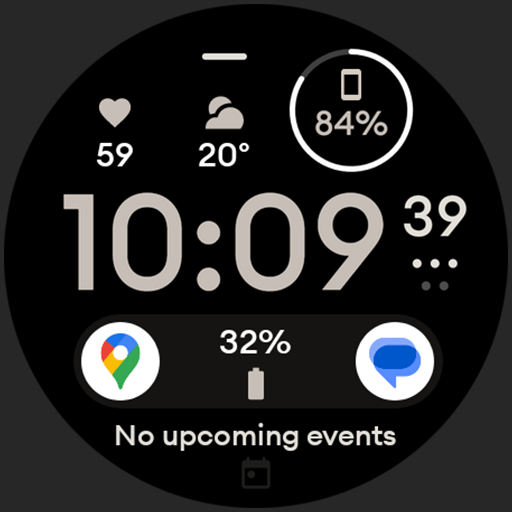
Digital watch face design. Modern looking, hi-res & battery friendly.
4.00
Paranormal EVP, Ghost Box, Spirit box, ITC, Haunted, Spirit communication device
3.70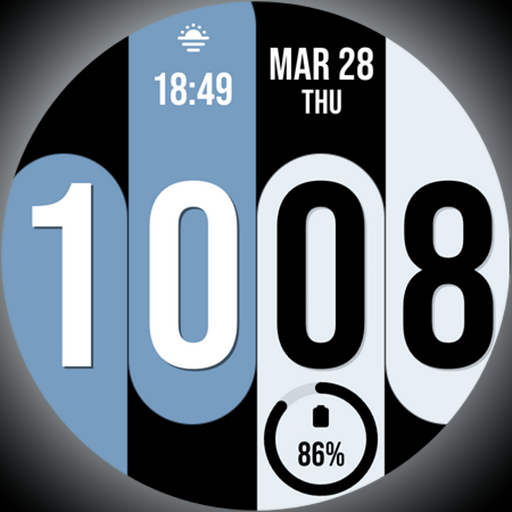
Unique Dual Colors with 6 Custom Complications for Wear OS watches!
3.40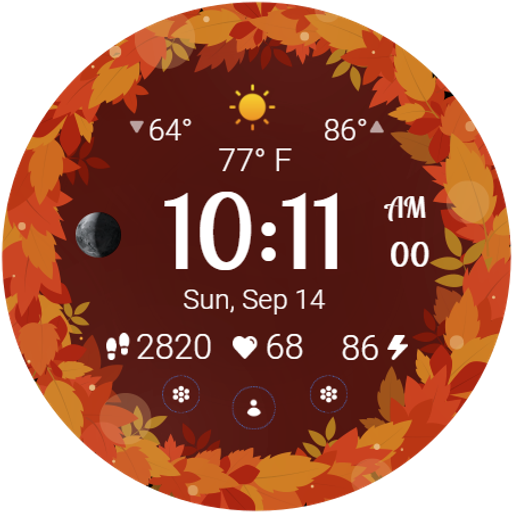
Bring the warm colors of fall directly to your wrist with Autumn Leaves!
4.5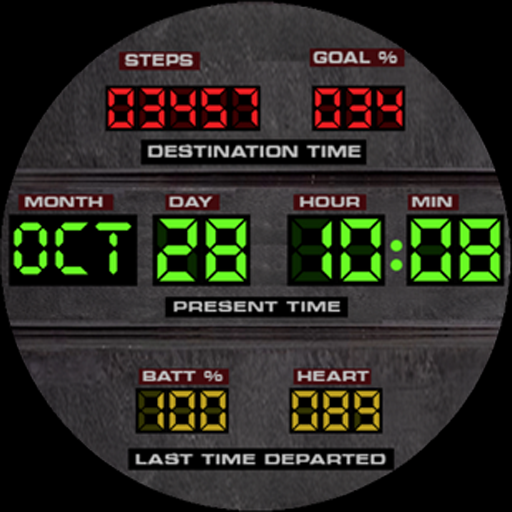
Futuristic watchface inspired by Back to the Future: sleek, retro, timeless
4.0


