
Turn your watch into a key fob for your Tesla
 2.90
2.90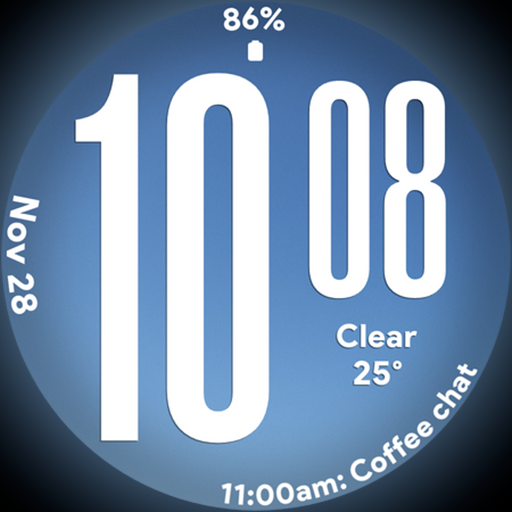
Big bold weather watch face with dynamic backgrounds and 3 complications
4.2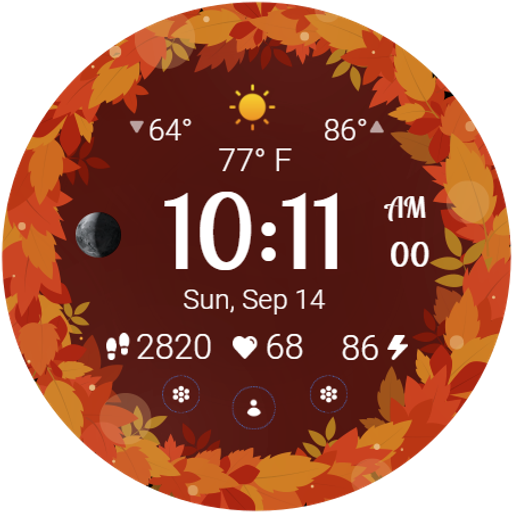
Bring the warm colors of fall directly to your wrist with Autumn Leaves!
4.3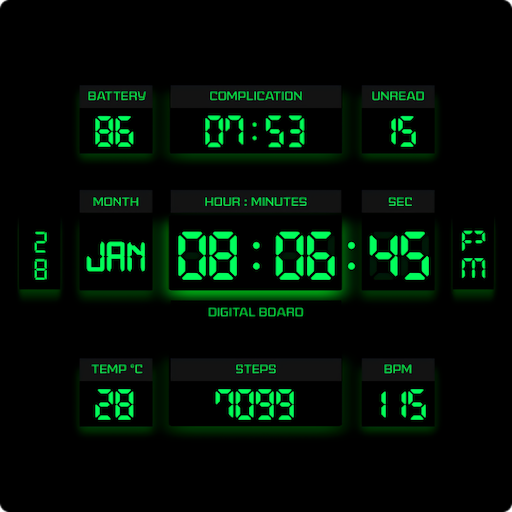
This minimalist yet classic board design brings a futuristic twist to your wrist
4.20
Use your device sensors to detect energy and convert it into spoken words.
4.10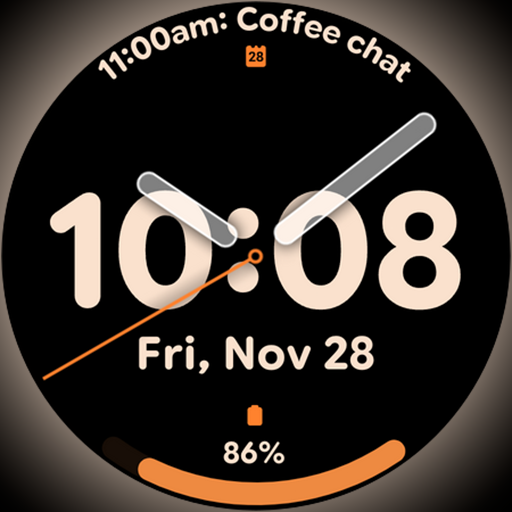
Big bold hybrid watch face with 30 colors, 5 fonts & 5 complications.
4.2
Connect to your Shark ROBOT™ from anywhere using the SharkClean™ App.
3.60
Smart home security protection
3.20
Have your Tehillim with you at all times
4.70
Pay your rent, submit work orders and much more with the RentCafe Resident App.
4.70
Earn money & gift cards when you take surveys, play games, scan receipts & more.
4.50
A smart Siddur with halachic times
4.50
Smart controls for your Ember Smart Mugs
4.10
SmartHQ: Your Connected Home Command Center
4.10
Do you want to communicate with spirits?
3.80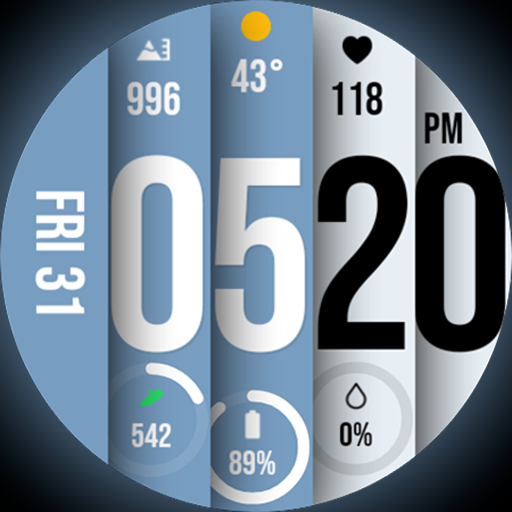
Unique BIG BOLD TIME with amazing colors and customisations.
3.70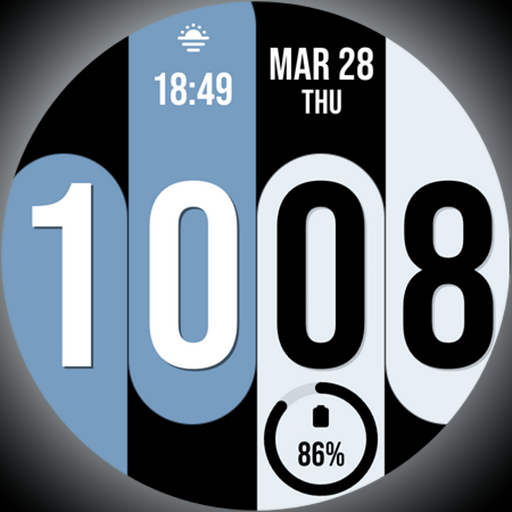
Unique Dual Colors with 6 Custom Complications for Wear OS watches!
3.40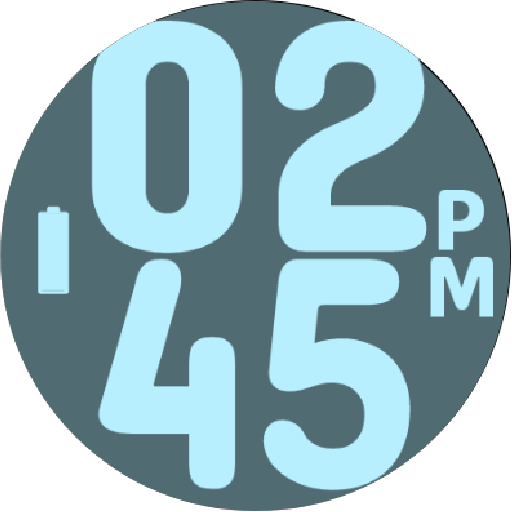
Duo Watch Face (animated)
4.2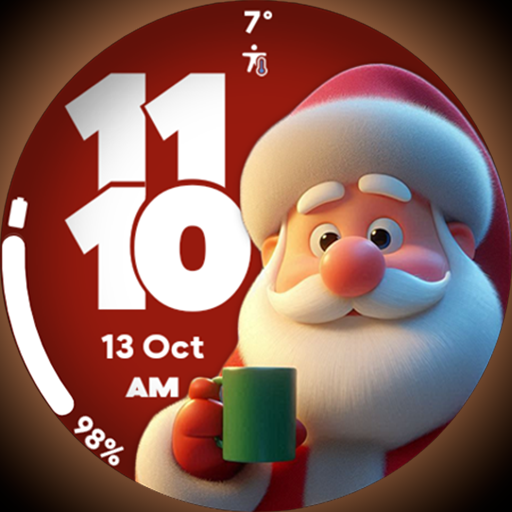
Customize your Wear OS watch with festive Christmas figures and colors!
4.2


