

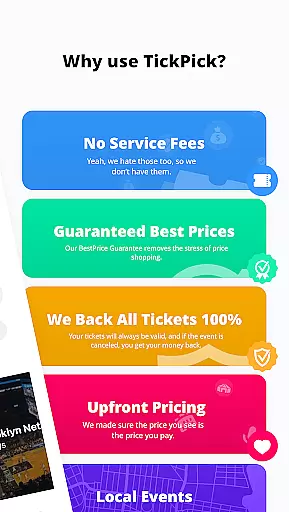
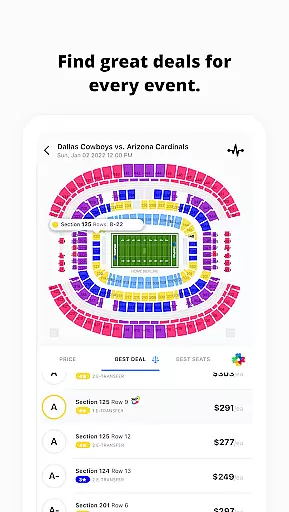
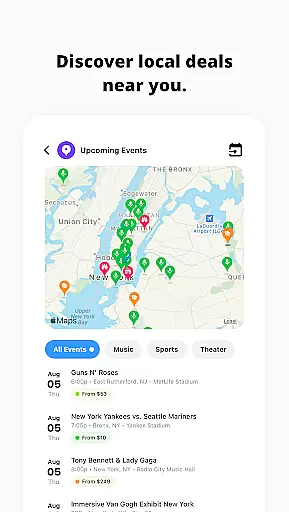
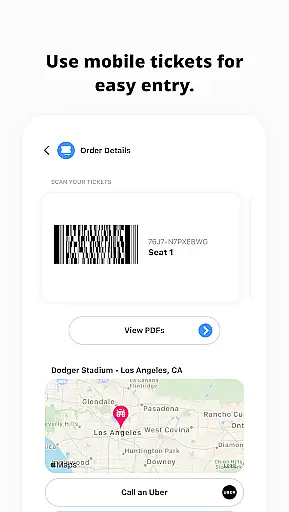
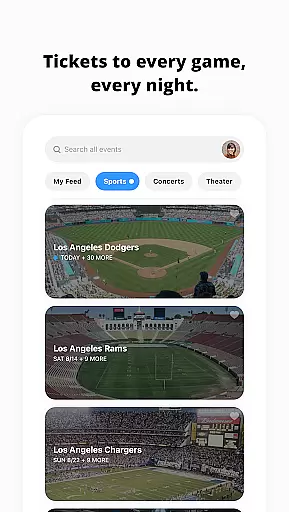
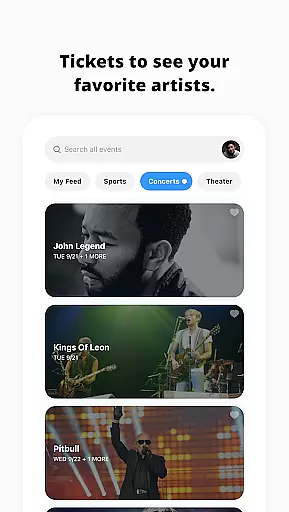


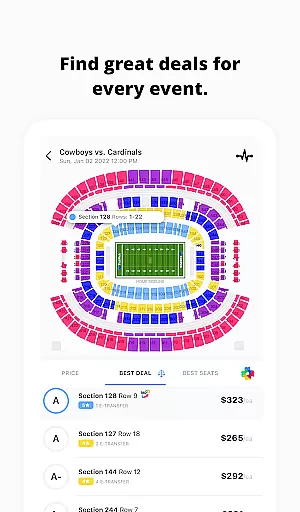
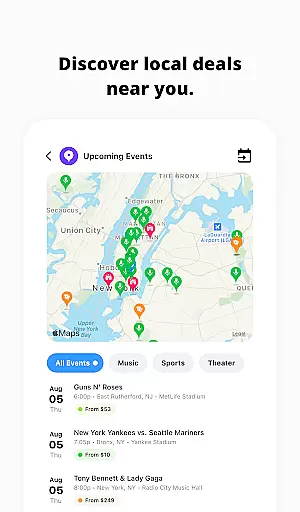
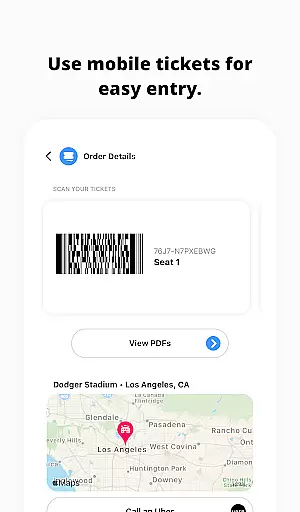

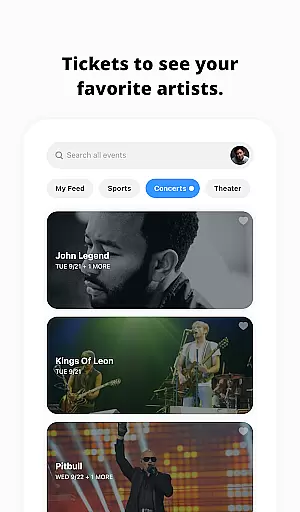
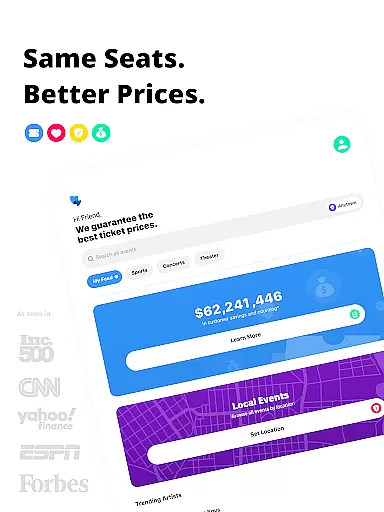
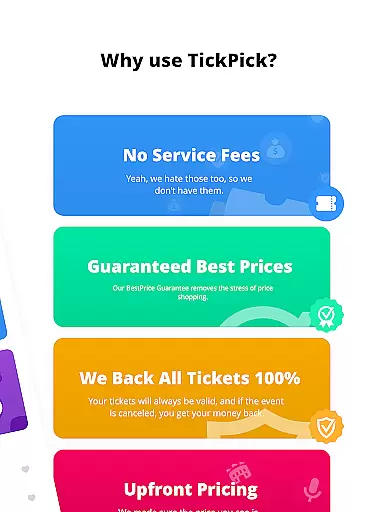
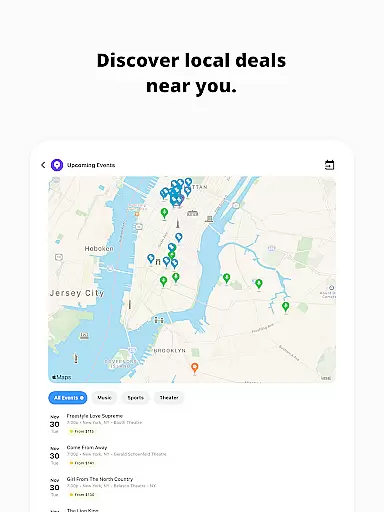
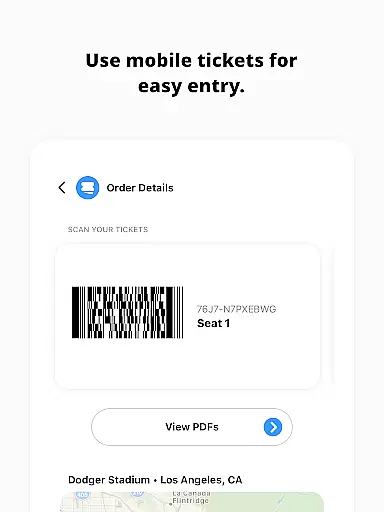
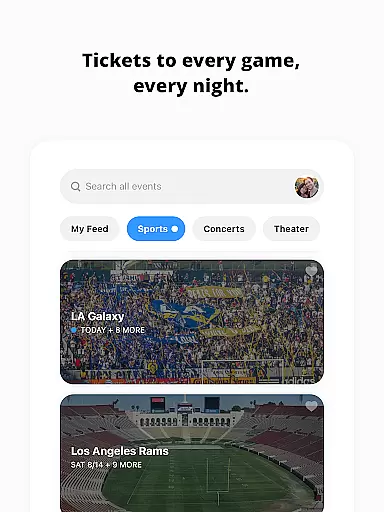
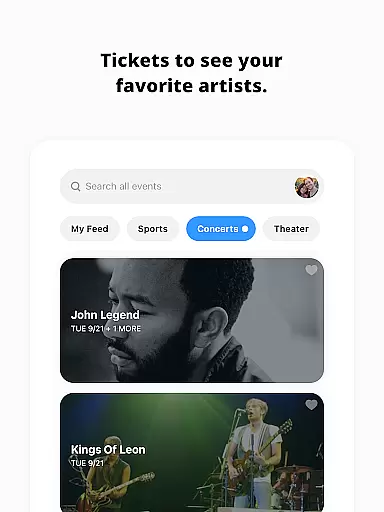
TickPick is a premier ticketing platform designed to simplify the process of purchasing tickets for live events, including sports, concerts, and theater performances. The app distinguishes itself by offering the same seats as its largest competitors but without adding service fees, making it 10% cheaper. With a 100% BuyerTrust Guarantee, TickPick ensures that all tickets are valid and buyers receive a full refund for any canceled events.
The app's intuitive interface allows users to buy tickets with just a few taps, ensuring a seamless experience. Whether you're looking for NFL, NBA, MLB, NHL games, or concerts and theater shows, TickPick provides an affordable and secure way to access your favorite events. Its unique features like the patented Score Report and Seat Rating system help users find the best deals and seats, enhancing the overall ticket-buying experience.
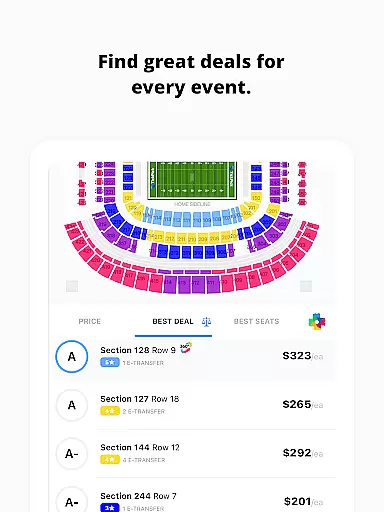
TickPick offers a comprehensive suite of features designed to enhance the ticket-buying experience. One standout feature is the patented Score Report, which ranks tickets based on price and seat location, helping users get the best value for their money. Additionally, the proprietary Seat Rating system allows users to sort tickets from the best seats in the house to the worst, ensuring they find the perfect seats for their needs.
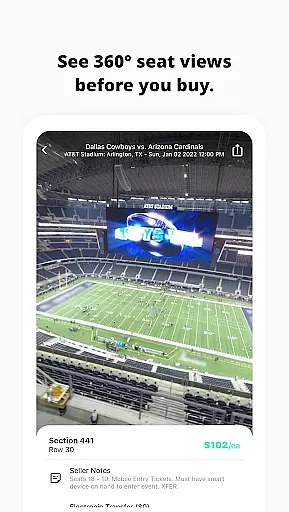
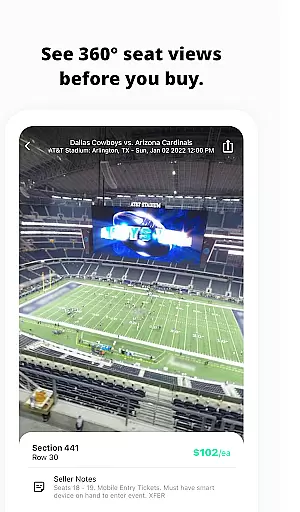
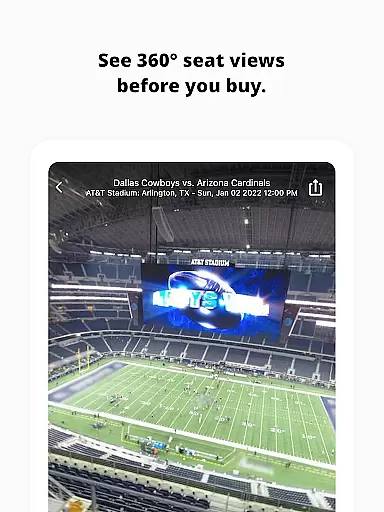
For those who enjoy immersive experiences, TickPick provides 360-degree virtual seat views for major sports events, allowing users to see exactly where they will be sitting. The app also includes tools for tracking events, favoriting artists, and managing listings and sales. Users can easily update their current ticket listings and keep track of past sales through dedicated tabs. With secure payment options like Apple Pay, PayPal, and major credit cards, TickPick ensures a quick and safe transaction process.
Task creation and detail customization are essential features for any event management app, allowing users to tailor their event planning process according to specific needs. TickPick excels in this area by offering a streamlined interface where users can effortlessly create tasks related to purchasing tickets for various events such as sports, concerts, and theater performances.
The app provides detailed options for customizing each ticket purchase task. Users can specify preferences like seat location, price range, and event type, ensuring that every task aligns perfectly with their requirements. This level of customization empowers users to make informed decisions without feeling overwhelmed by unnecessary details.
Moreover, TickPick's advanced features enhance the task creation experience. For instance, its patented Score Report ranks tickets based on price and seat location, helping users find the best value for their money. Additionally, the proprietary Seat Rating system allows sorting tickets from the best to worst seats, making it easier to choose ideal seating arrangements.
Ultimately, these capabilities ensure that users not only save time but also enjoy a personalized and efficient ticket-buying process. By leveraging TickPicku2019s robust customization tools, users can focus on enjoying their favorite live events rather than stressing over logistics.
Reminder settings play a crucial role in ensuring users never miss an important event or deadline. TickPick incorporates comprehensive reminder functionalities that keep users on track with their event schedules. Whether it's a highly anticipated NFL game or a just-announced concert, the app ensures timely notifications so users can act promptly.
TickPick offers flexible reminder configurations, enabling users to set alerts for various stages of the ticket-buying process. From tracking newly available tickets to receiving updates on price changes, users can customize reminders to suit their preferences. This flexibility is particularly beneficial for those who want to secure the best deals without constant manual checks.
In addition to basic reminders, TickPick enhances user engagement through innovative features. The app allows users to track average ticket prices and available inventory for any event, providing data-driven insights that help in making informed purchasing decisions. Furthermore, users can favorite artists and receive notifications about upcoming events, ensuring they never miss out on their preferred performances.
By integrating these sophisticated reminder settings, TickPick not only keeps users informed but also adds a layer of convenience and reliability to the entire ticket acquisition process. This results in a seamless and stress-free experience, allowing users to fully enjoy their live event adventures.
User-friendly interface
No service fees
100% BuyerTrust Guarantee
Patented Score Report
Proprietary Seat Rating system
Limited international events
Occasional app glitches
Customer support delays
Fewer niche event options
Complex navigation for new users

Listen Full Quran MP3 Offline - Qibla Compass, Salah Timing & 99 Names of Allah
 4.60
4.60
Clubs, Festivals, Discounted Tickets, Guest Lists & VIP Tables
4.90
Instant photo sharing for every occasion
3.80
No invest, Easy way to earn USDT through crypto cloud mining
3.80
The official app for Sched events! View your event schedule here.
4.20
Text message invitations for birthday party, wedding, graduation, baby shower +
4.60
TV Garden - World Live TV : Play & cast your videos seamlessly!
3.20
Freebie Games for Epic Games, Steam, Amazon, Rockstar etc.
4.40
TodayTix is the easiest way to get tickets to the best shows in your city.
4.90
Fantasy of Lights Event App
5.00
Find Live Event Ticket Deals to Sports, Concerts, Festivals, & Comedy For Less!
4.80
Find tickets to upcoming concerts, sports events, festivals, shows, attractions
4.70
Buy and Sell Tickets for Concerts, Sports, and Theater.
4.70
The calendar app in this 2026 year see all dates.
4.20
The world's largest selection of tickets is now at your fingertips
3.90
The Official App
3.70
Purchase line-skip passes, drinks, cover, and more at bars and clubs
3.50
The Official Football Ticketing App for Fans in Qatar
4.5
Thanksgiving Wishes, Thanksgiving Stickers & Animated GIF for Whatsapp Stickers
4.5


User Reviews