

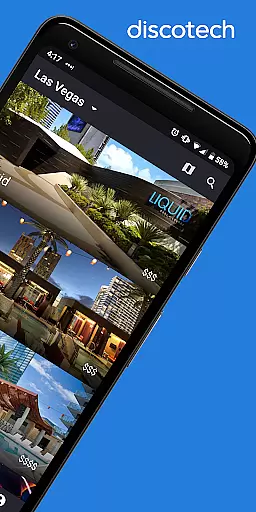
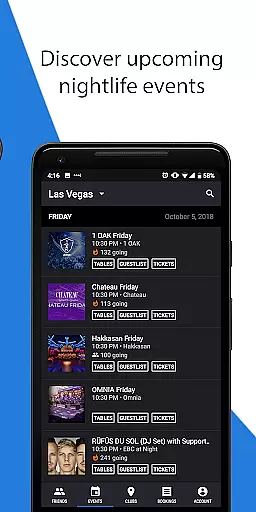
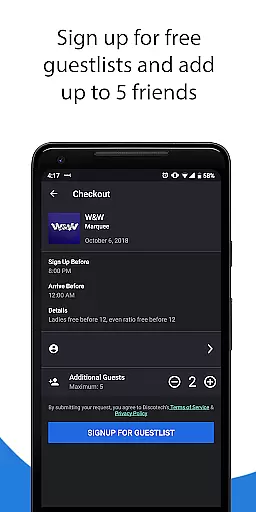
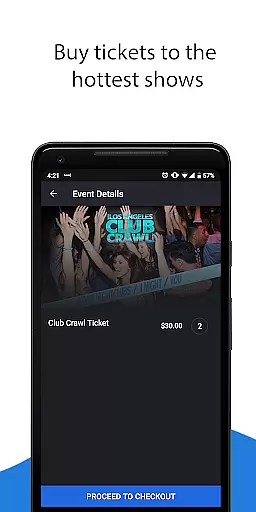
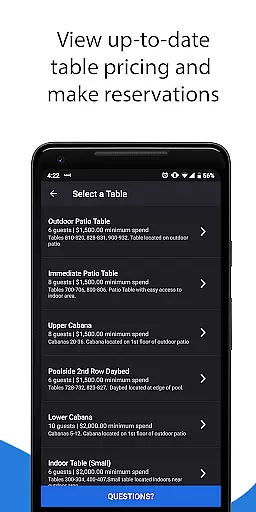
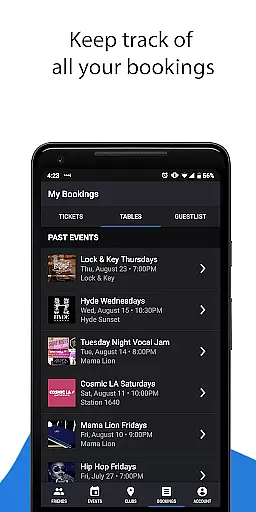
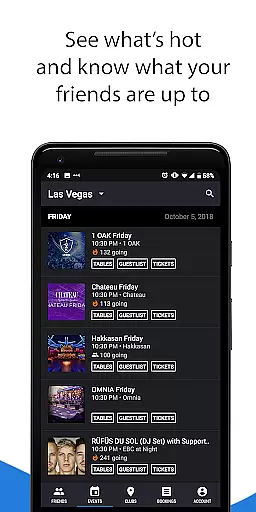
Discotech Nightlife is a premier nightlife discovery and booking application designed for party enthusiasts who want to plan their nights out smarter. With this app, users can easily discover nightlife events, make reservations, and purchase tickets across multiple cities worldwide. The app provides access to guest lists, discounted event tickets, table reservations with flexible booking options, and dedicated customer support.
The app's core value lies in empowering users to take control of their nightlife planning. It eliminates the uncertainty of dealing with promoters by providing transparent pricing and real-time availability. Whether you're looking for local clubs or international festivals, Discotech offers venue photos, entry details, and bottle service pricing, making it an essential tool for seamless nightlife experiences.
Discotech stands out with its comprehensive suite of features tailored for nightlife explorers. Users can browse exclusive guest lists for free or discounted entry, purchase tickets to festivals and events with available promo codes, and book tables at nightclubs with just one tap. The app allows users to cancel or rebook reservations anytime, offering flexibility that traditional booking methods lack.
Beyond booking, Discotech provides detailed insights into venues, including photos, table prices, menus, and artist lineups. This ensures users are well-informed before making any decisions. Additionally, its 24/7 customer support helpline, staffed by nightlife experts, guarantees assistance whenever needed. With coverage spanning the USA, Canada, Mexico, the United Kingdom, Japan, and more, Discotech is a global nightlife companion.
Task creation and detail customization are essential features for any event planning application. Discotech Nightlife allows users to effortlessly create and manage their nightlife plans with a high degree of personalization. This feature is crucial for ensuring that users can tailor their experiences according to their preferences, making each outing unique.
The app provides an intuitive interface where users can specify the details of their night, from choosing which venues to visit to selecting the type of events they wish to attend. With just a few taps, users can set their preferences for guest lists, table reservations, and even purchase tickets for festivals and shows. The ability to customize these details ensures that users have control over their nightlife experience.
Discotech Nightlife's customization options extend to setting reminders and sharing plans with friends. Users can favorite their picks and share their itineraries, allowing for a seamless group experience. This level of detail customization not only enhances user engagement but also increases the likelihood of repeat usage as users can adapt the app to their ever-changing nightlife desires.
Ultimately, the task creation and detail customization features in Discotech Nightlife empower users by giving them the tools to design their perfect night out. Whether it's reserving a table at a trendy club or getting discounted tickets to a festival, the app ensures that every plan is executed with precision and ease, enhancing the overall nightlife experience.
Reminder settings in an events application like Discotech Nightlife play a pivotal role in ensuring users never miss out on their planned activities. The importance of timely reminders cannot be overstated, as they help users manage their time effectively and ensure punctuality for all their nightlife engagements.
Discotech Nightlife offers flexible reminder settings that allow users to configure notifications according to their preferences. Whether it's a nudge about upcoming guest list access, table reservations, or event start times, users can set multiple reminders leading up to the event. This flexibility ensures that users remain informed and prepared, enhancing their overall experience.
Beyond basic alerts, the app's reminder system is integrated with its social features, enabling users to send updates to friends about shared plans. This fosters a community-oriented approach to nightlife planning, where groups can coordinate effortlessly. Such integration not only boosts user interaction but also encourages collaborative planning.
In summary, the reminder settings within Discotech Nightlife provide a comprehensive solution for managing one's social calendar. By offering customizable and timely notifications, the app ensures that users can enjoy their nights without worrying about missing important details. This functionality significantly contributes to the app's value proposition, making it an indispensable tool for modern nightlife enthusiasts.
User-friendly interface
Flexible booking options
Transparent pricing
Wide geographical coverage
Dedicated customer support
Limited to nightlife events
Premium pricing for some services
Requires internet connection
Not all venues listed
Occasional technical glitches

The calendar app in this 2026 year see all dates.
 4.20
4.20
Microsoft Build is an annual developer conference hosted by Microsoft
4.20
Local events, contests, and giveaways for local dads
3.70
The KRUU app - plan, celebrate, remember
4.80
For weddings, parties & events
4.60
Invitation Card Maker, Design & share wedding, birthday & party invites fast
4.40
Discover events, experiences, and things to do near you - Anytime, Anywhere!
4.70
Plan your wedding for free on the go: vendors, budget, website and checklists!
4.80
Save money on concert, sport, and theater tickets, and discover upcoming events.
4.80
Invitation card maker for birthday party & Wedding. Digital greeting card editor
4.90
The Ultimate Tournament Hub
4.70
Text message invitations for birthday party, wedding, graduation, baby shower +
4.60
Everything you need for the Best Thursday Ever.
4.40
Meet people over dinner
4.40
Get live football here
4.30
The world's largest selection of tickets is now at your fingertips
3.90
TV.Garden is a video player to play your own TV streams from around the world!
3.40
An App for Bhutanese
4.4
Some connections are better kept private
4.3


User Reviews