

Countdown to Christmas 2025 with festive games & activities in a virtual village
 4.80
4.80
Premium floor cleaning robots
4.50
Tap to the beat with interactive videos — warm up your reflexes & have fun
4.70
This app is intended to support professional EMDR therapy.
4.50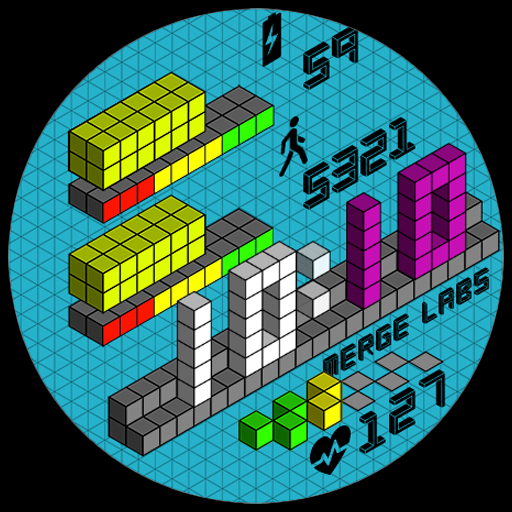
Unique "Isometric" style digital watch face for Wear OS
4.50
This is a simple and highly functional alarm clock "Smart Alarm" paid version.
4.20
Kasa Smart is your portal to your TP-LINK Smart Home.
4.70
Creativity and savings for kids, beginners and experts in arts and crafts
3.50
Subwoofer school’s in session! You’ve now enrolled into KICKER U.
3.80
Discover your Nationality, Family Origin, and Ancestry from one selfie
4.50
Share opinions, get paid cash
4.30
Use your device sensors to detect energy and convert it into spoken words.
4.10
Spirit Communicator is a real paranormal ghost hunting app with many fun modes.
3.90
Communicate with your vehicles and Powerwalls anytime, anywhere
3.60
Duo Watch Face (animated)
4.4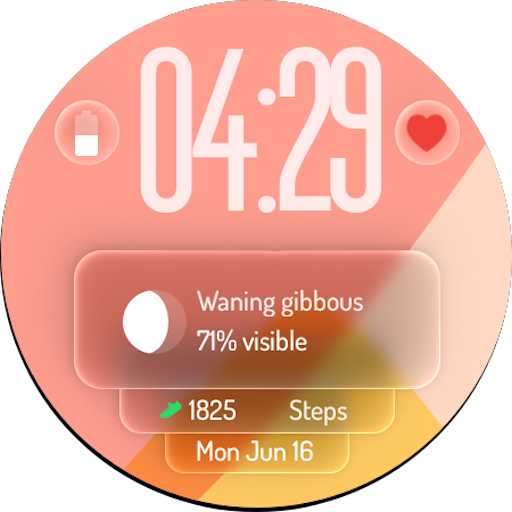
A watch face with transparency and fluid visuals inspired by liquid glass design
4.4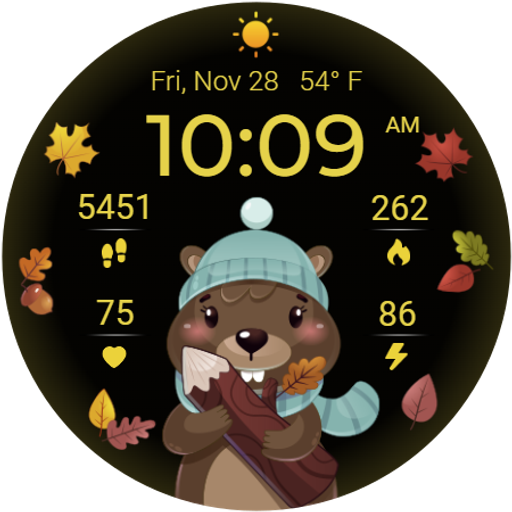
The cutest Autumn watchface featuring the adorable Mr. Squirrel
4.0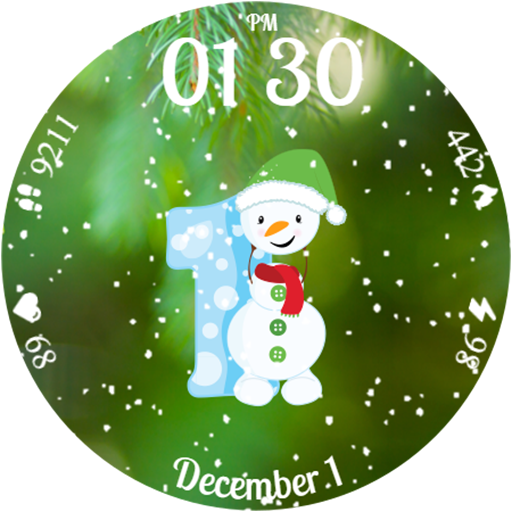
Celebrate the holidays with Advent Calendar: daily surprises and festive fun!
4.3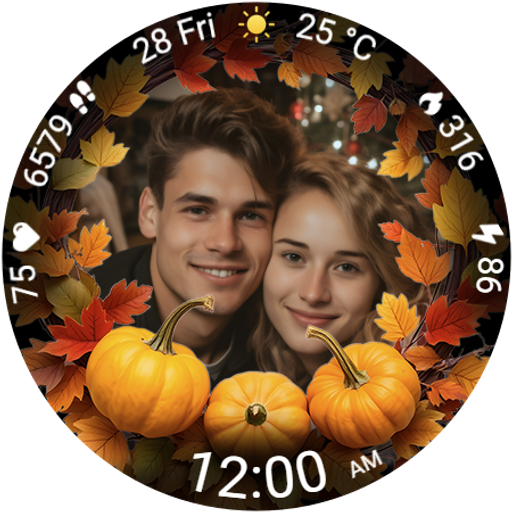
Wear your favorite memories, loved ones, pets or travel photos on your watch
4.4


