
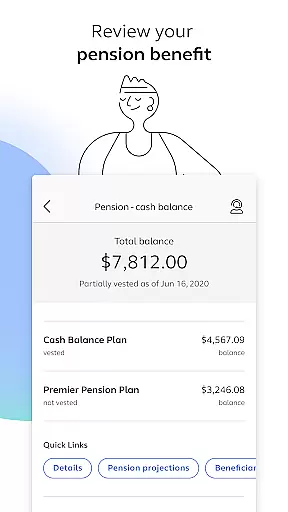
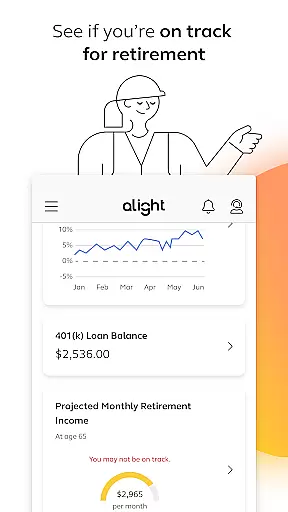
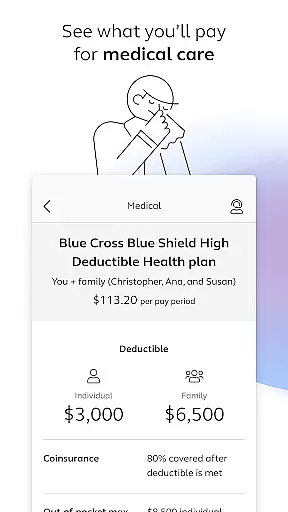
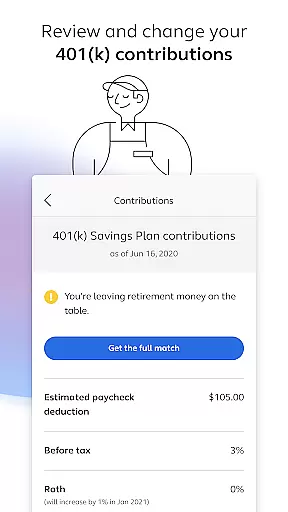

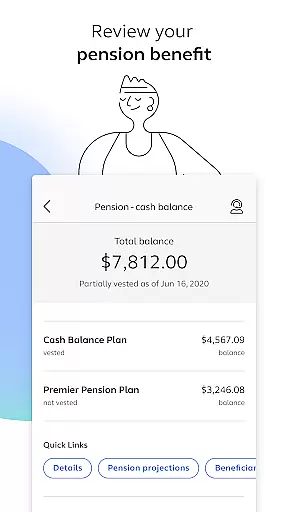
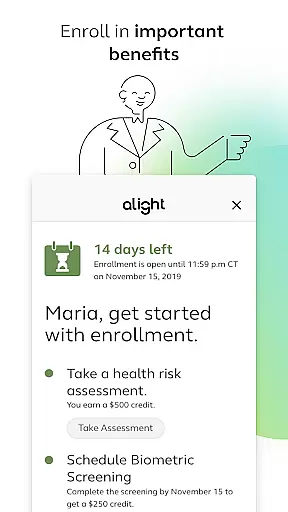
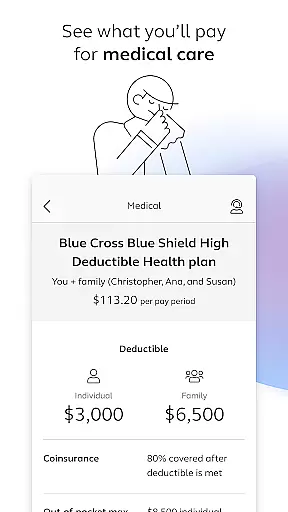
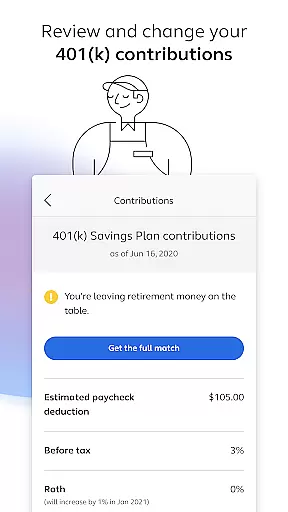
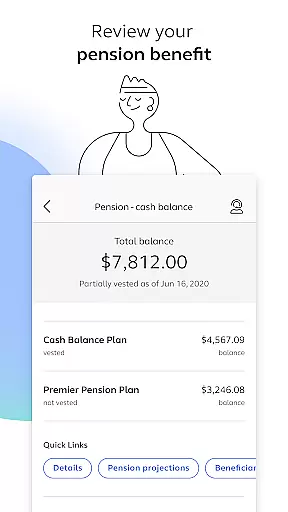
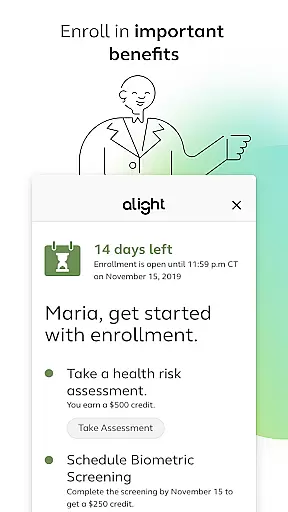
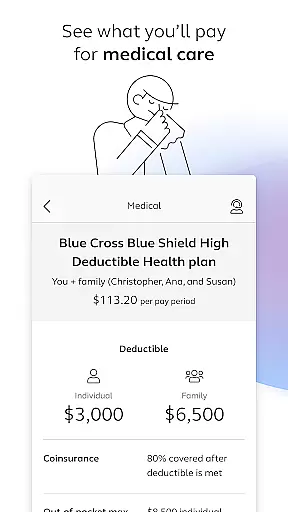
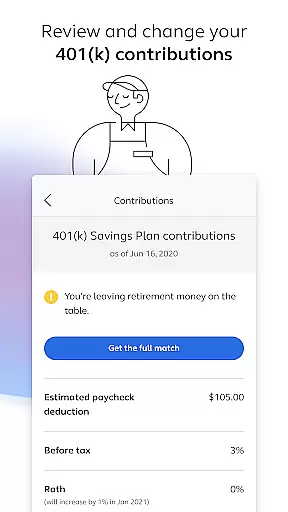
Alight Mobile is a comprehensive business application designed to provide employees with seamless access to their employer-sponsored benefits. The app enables users to manage health, retirement, and payroll information from their mobile devices, ensuring convenience and accessibility. With features like medical plan reviews, 401(k) management, and pension benefit tracking, Alight Mobile serves as an essential tool for employees seeking to stay informed about their benefits.
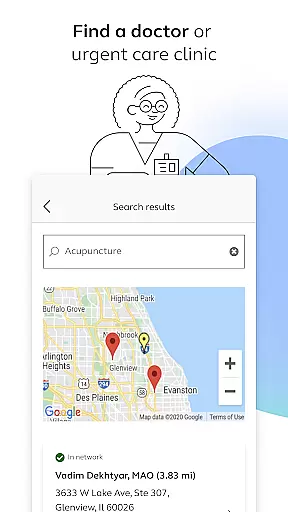
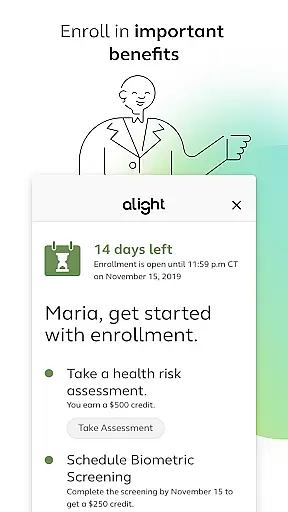
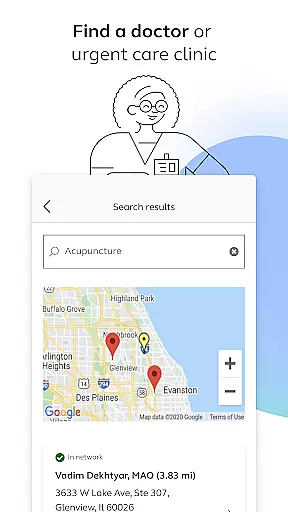
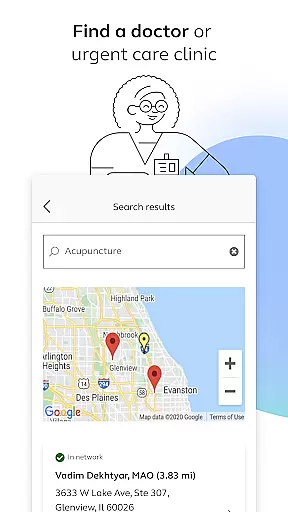
The app also offers additional resources such as finding healthcare providers, enrolling in benefits, and accessing insurance cards digitally. These functionalities are particularly valuable for employees who require on-the-go access to their personal benefits data. By consolidating various HR-related tasks into one platform, Alight Mobile enhances productivity and simplifies the benefits management process for both employees and employers.
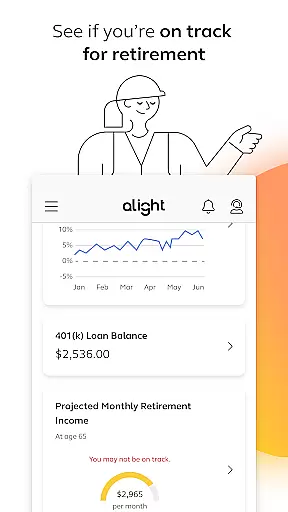
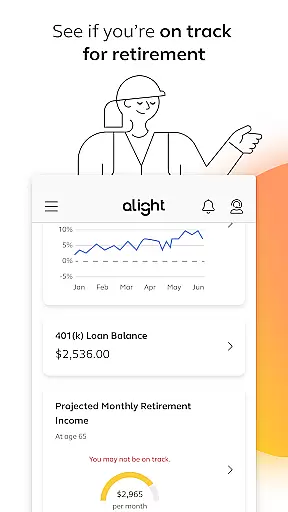
Alight Mobile stands out with its robust feature set tailored to meet the needs of modern employees. One of its key strengths is the ability to review and manage critical financial and health-related benefits directly from a smartphone. Users can enroll in benefits programs, adjust 401(k) contributions, and monitor their retirement readiness, all within a secure environment. This ensures that employees have full control over their financial future while staying aligned with their employer's offerings.
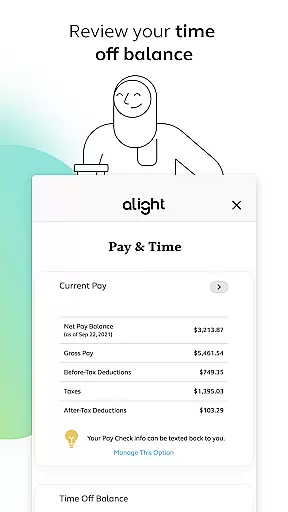
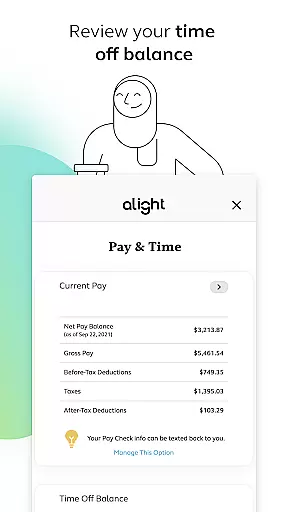
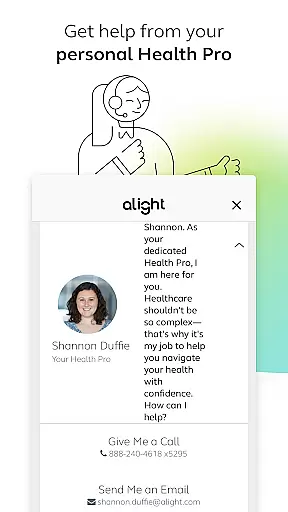
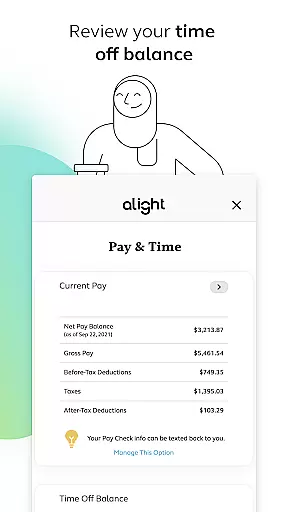
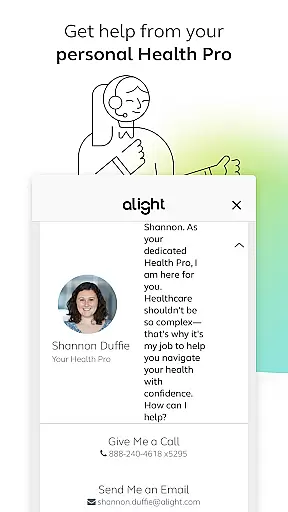
In addition to financial tools, the app provides practical healthcare management solutions. Features like finding doctors, accessing insurance cards, and consulting with personal Health Pros make it easier for users to address their medical needs efficiently. Furthermore, the app integrates time-off balance tracking and other HR resources, creating a centralized hub for employee benefits. These capabilities not only streamline administrative tasks but also foster better engagement between employees and their benefits programs.
In today's fast-paced business environment, the ability to collaborate effectively is crucial for success. Alight Mobile recognizes this need and offers robust collaborative work features that enable seamless interaction among employees and benefit participants.
Through the app, users can access a centralized platform where they can enroll in benefits, review medical plans, adjust 401(k) contributions, and more. This ensures that everyone is on the same page regarding their personal benefits information, fostering a cohesive work environment.
The real value of these collaborative features lies in their accessibility. Regardless of location, employees can make necessary updates and changes to their benefits, ensuring that all team members have up-to-date information at their fingertips. This level of collaboration not only enhances productivity but also empowers employees by giving them control over their benefits management.
Effective task management is essential for maintaining an organized and efficient workplace. Alight Mobile excels in this area by providing comprehensive tools that help users manage their benefits-related tasks with ease.
Users can track various aspects of their benefits, such as medical plan spending, retirement savings progress, and time-off balances. The app consolidates these tasks into a single, easy-to-navigate interface, allowing users to quickly review and manage their benefits without any hassle.
Moreover, Alight Mobile goes beyond basic task tracking by offering personalized insights and recommendations. For instance, it helps users determine if they are on track for retirement or need to adjust their contributions. These intelligent features ensure that employees can proactively manage their benefits, leading to better financial health and peace of mind.
User-friendly interface
Comprehensive benefits management
Secure access to personal data
Convenient mobile access
Integrated HR resources
Limited to partnered employers
Feature availability varies
Requires login credentials
No offline functionality
Potential privacy concerns

viewing and sharing of PDFs
 3.60
3.60
Earn crypto with secure cloud mining. Monitor, track & withdraw easily
4.40
Manage work life on the go
4.50
Mobile POS for any business: sales, invoices, retail, restaurants & appointments
4.60
Access All PDF Files
3.40
Make invoices, bills, receipts & estimates on the go with Invoice Generator.
4.70
Say hello to the mobile work experience built to help you thrive at work.
4.30
ADP Mobile Solutions is an employee self service app
4.50
No more passwords, easier sign-in, and greater protection for your accounts.
4.60
Permission Guard is a security app that helps you manage app permissions.
4.80 4.70
4.70
Find the right fit, faster.
4.70
Ask Accio anything about business. Alibaba-backed, built by experts, not just AI
4.60
Ship, Track, Find a Location or Get a Quote with UPS. Anytime. Anywhere.
4.60
Find jobs near you and temp work in minutes, from your phone.
4.50
From Gone to Back Again — In Just a Few Taps
4.50
Measure distances, surfaces and draw plans in seconds with CamToPlan!
4.40
All-in-one Mobile solutions for employees & managers to succeed at work
4.30
Simple, Fast & Lightweight
3.90


User Reviews