
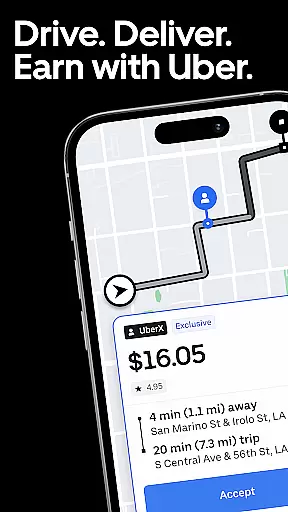

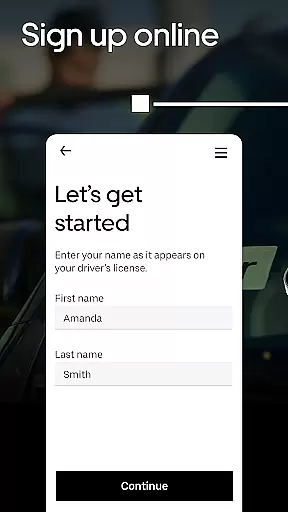

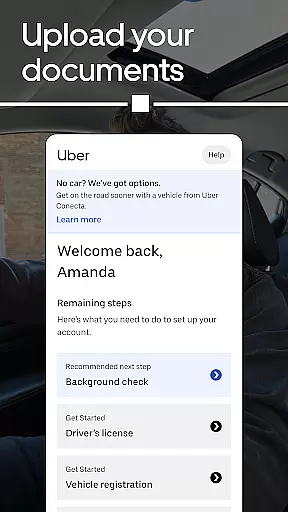
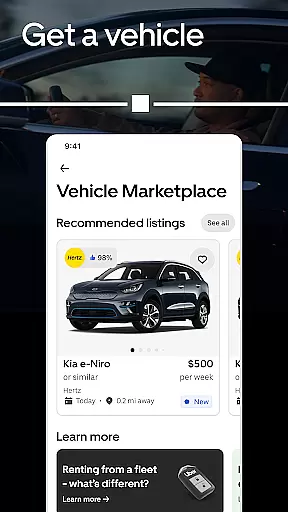
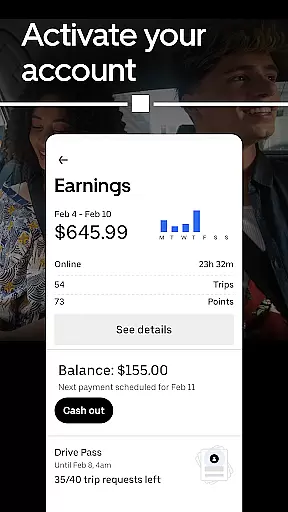
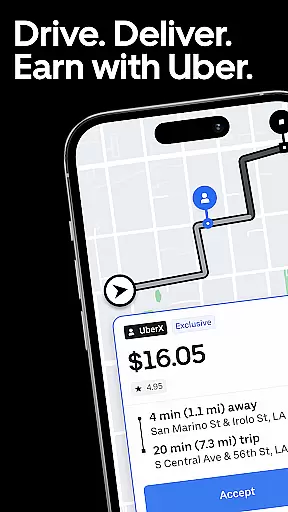

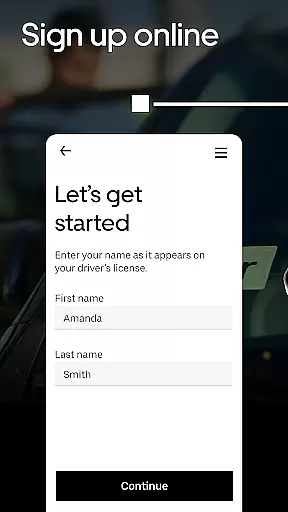

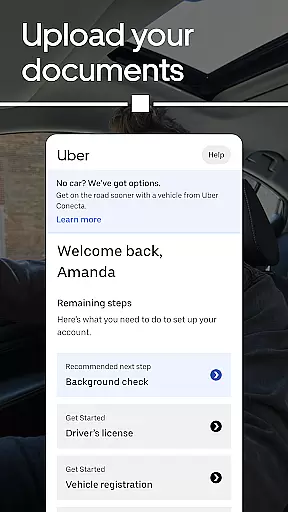
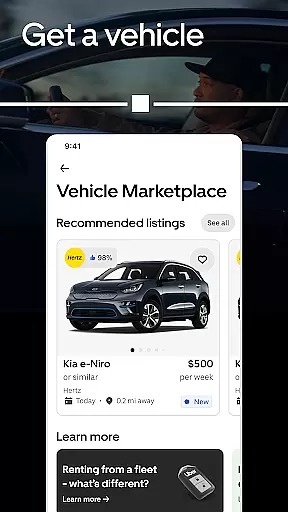
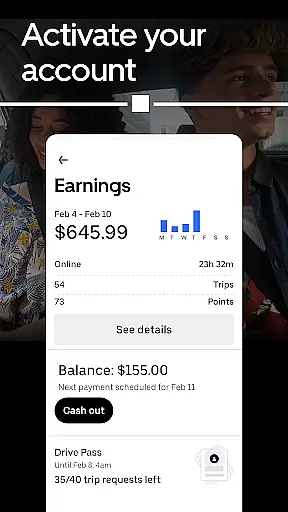
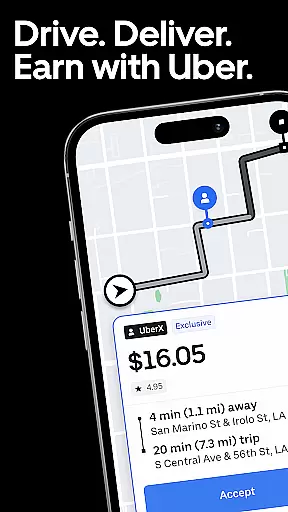

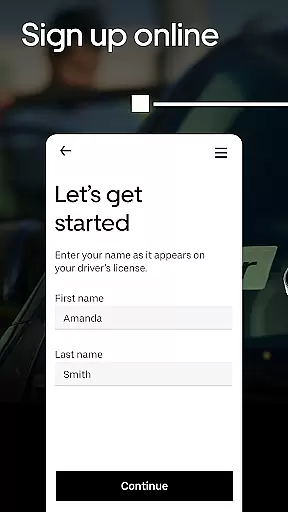

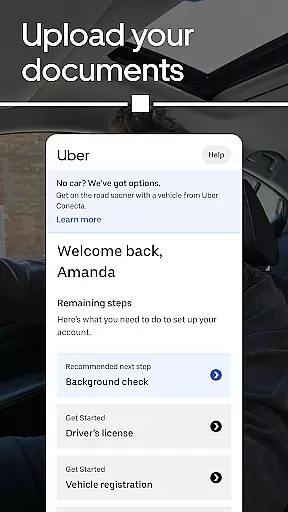
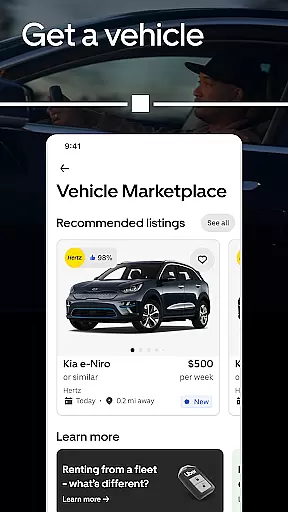
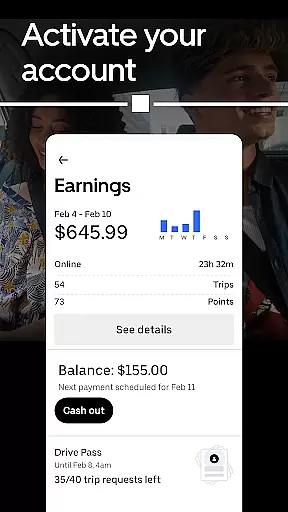
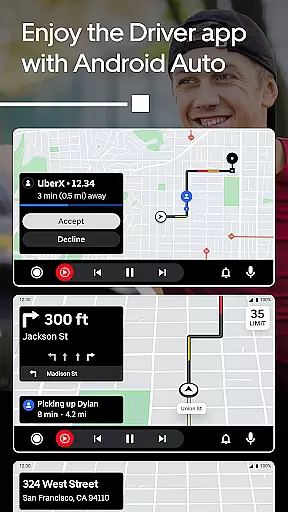
Uber - Driver is a business app designed for individuals seeking flexible earning opportunities through driving or delivering. The app allows users to work on their own terms, choosing when, where, and how long they want to work. With features like the Earnings Estimator, drivers can optimize their schedules by identifying peak earning times. Available in over 10,000 cities, this app offers global earning potential while providing essential tools directly to the driver.
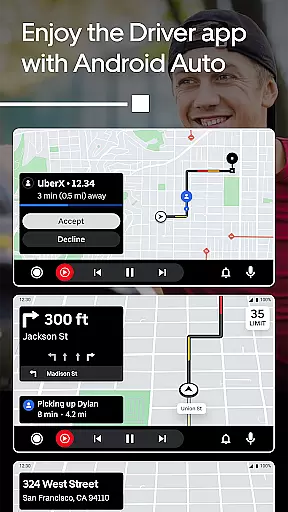
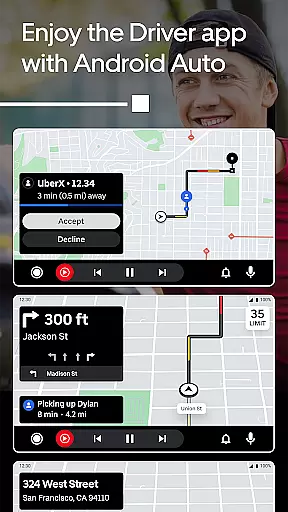
One of the standout features is Instant Pay, which enables drivers to transfer earnings up to six times a day, ensuring quick access to their money. Additionally, integration with Android Auto provides a seamless experience for drivers who prefer using their car's screen for navigation and trip management. Whether you're looking to earn extra income in your free time or seeking full-time opportunities, Uber - Driver supports various working styles and preferences.
Uber - Driver stands out with its robust set of features tailored for modern gig workers. The app offers flexibility in choosing between driving and delivering, catering to different preferences and vehicle types, whether it's a car or a bike. This versatility ensures that anyone can participate in the gig economy according to their convenience.
Exclusive tools such as the Earnings Estimator empower drivers to make informed decisions about their work schedules. By analyzing data on the busiest times, drivers can maximize their earnings efficiently. Furthermore, the app's compatibility with Android Auto enhances the driving experience by providing turn-by-turn directions and easy trip acceptance directly from the car’s screen, promoting safer driving practices.
Another notable feature is Instant Pay, allowing drivers to cash out their earnings multiple times a day. This financial flexibility is crucial for those relying on daily income. Overall, Uber - Driver combines essential earning tools with user-friendly technology, making it an ideal choice for anyone seeking autonomy and support in their work.
In today's interconnected world, the ability to collaborate effectively is crucial for business success. The Uber Driver app recognizes this need and offers features that facilitate seamless teamwork between drivers and delivery personnel. Through its platform, users can connect with each other, share important updates, and coordinate rides or deliveries efficiently.
One of the standout collaborative features within the app is real-time communication tools. These allow drivers to stay in touch with riders and delivery recipients effortlessly, ensuring timely pickups and drop-offs. Additionally, the app provides a centralized dashboard where drivers can access shared resources, such as route optimization tips and community forums, enhancing their overall experience on the platform.
The value derived from these collaborative elements is significant. Drivers using the Uber app can expect increased efficiency in managing their tasks, leading to higher customer satisfaction rates. Moreover, by fostering a sense of community among its users, the app encourages knowledge sharing and support, which ultimately contributes to better service quality and driver retention.
Effective task management is at the heart of any successful business operation, and the Uber Driver app excels in providing drivers with the tools they need to manage their work efficiently. By offering an intuitive interface coupled with powerful scheduling capabilities, the app empowers drivers to take control of their daily activities like never before.
Among the key task management features is the Earnings Estimator, which allows drivers to plan their schedules around peak earning times. This predictive tool analyzes historical data to forecast demand, enabling drivers to maximize their income potential strategically. Furthermore, the app includes comprehensive tracking systems that monitor trip progress and delivery statuses, keeping drivers informed and organized throughout their shifts.
For drivers, these functionalities translate into tangible benefits. Not only do they enjoy greater autonomy over their work-life balance, but they also experience reduced stress levels thanks to improved organization. Ultimately, the Uber Driver app's robust task management suite helps drivers optimize their performance, resulting in enhanced productivity and profitability.
User-friendly interface
Flexible earning options
Global availability
Instant pay feature
Android Auto integration
High data usage
Battery consumption
Variable earnings
Dependent on location
Commission fees

viewing and sharing of PDFs
 3.60
3.60
AI-powered document scanner with auto enhance for perfect PDFs.
4.60
Formerly Facebook Ads Manager. Manage and create ads on the go.
4.20
Find flexible, hourly jobs hiring near you in restaurant, retail & hospitality!
4.00
Drive and earn extra money
4.50
Access to Paylocity, empowering employees with information they need 24/7.
4.70
Access All PDF Files
3.40
Chat, meet, and collaborate to achieve more together, all in one place on Teams
4.60
Work happy with AI Companion
4.10
TurboScan turns your phone into a full-featured PDF document scanner.
4.80
Find the right fit, faster.
4.70
All your team communication in one place
4.70
Make invoices, bills, receipts & estimates on the go with Invoice Generator.
4.70
Ask Accio anything about business. Alibaba-backed, built by experts, not just AI
4.60
Finance, Investing, Stocks, Trading and Stock news
4.60
Grow your business and connect with more people with Meta Business Suite.
4.60
Ship, Track, Find a Location or Get a Quote with UPS. Anytime. Anywhere.
4.60
Smarter career moves start here. AI job alerts, insights & the right tools.
4.20
Delivery Track App - Tracking with Fedex, USPS, UPS, DHL. Monitor your Orders.
3.20


User Reviews