
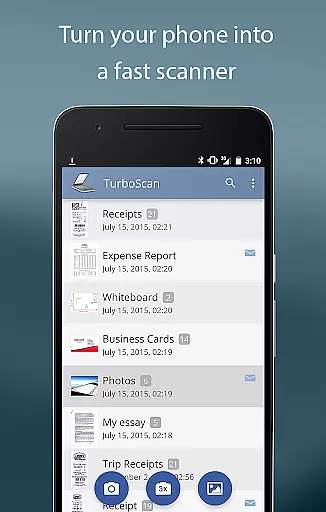
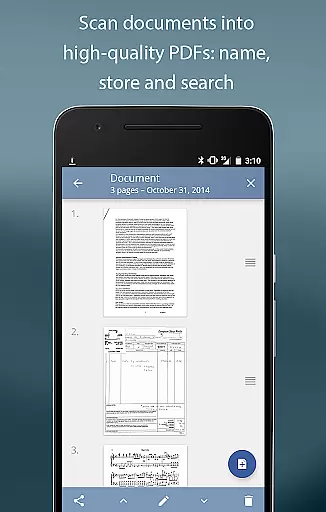
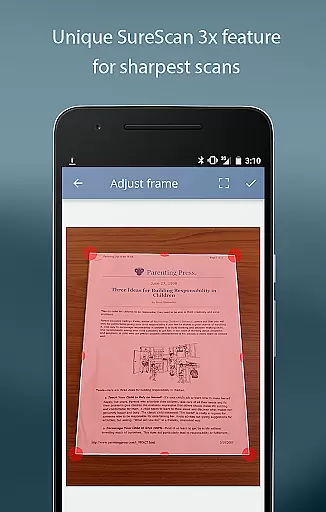
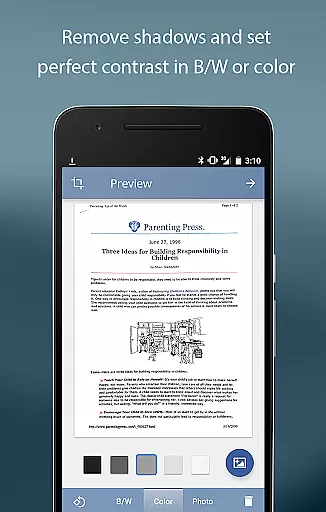
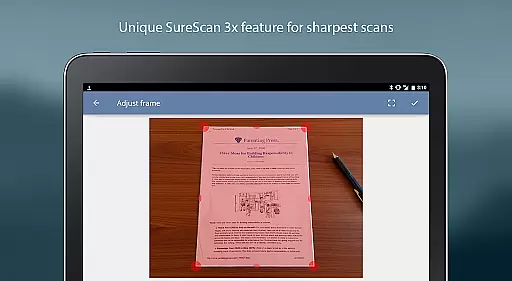
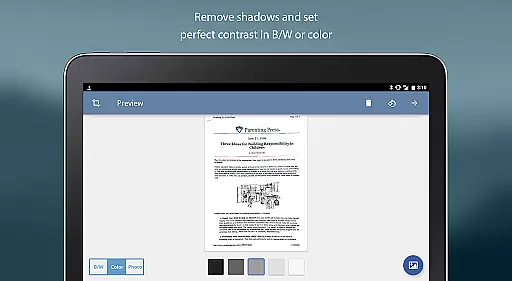
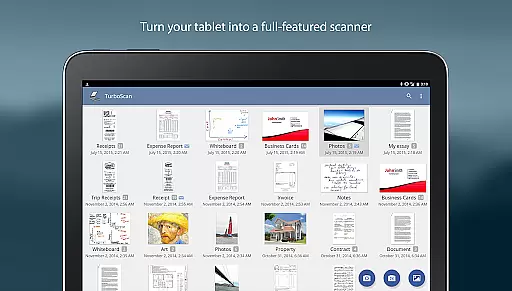
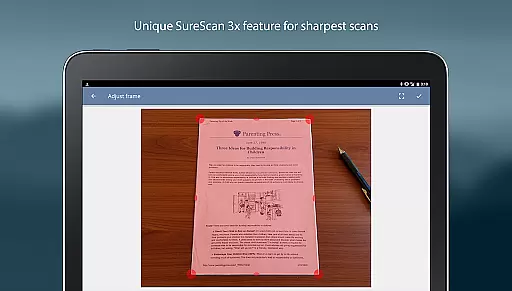
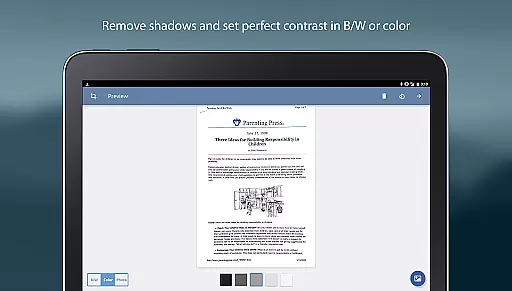
TurboScan Pro is a powerful mobile scanning solution that transforms your smartphone into a feature-rich document scanner. Designed for business professionals and individuals alike, this app allows you to scan documents, receipts, notes, whiteboards, and photos with exceptional clarity. Using advanced algorithms, TurboScan detects document edges, corrects perspective, and enhances image quality by eliminating shadows and adjusting contrast.
One of the standout features of TurboScan Pro is its SureScan mode, which ensures sharp scans even in low-light conditions by capturing three images of the same document. The app supports multipage PDF and JPEG exports, making it easy to store, organize, and share your scanned files. With an intuitive interface, users can perform tasks like brightness adjustment, rotation, and color correction with just one tap. All processing occurs locally on your device, ensuring data privacy without requiring an internet connection.
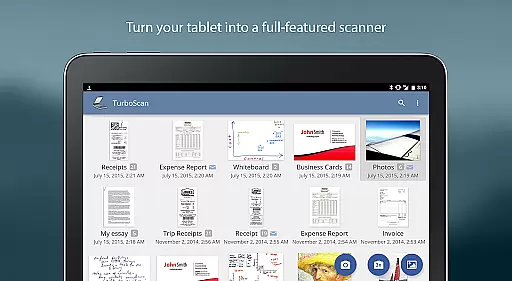
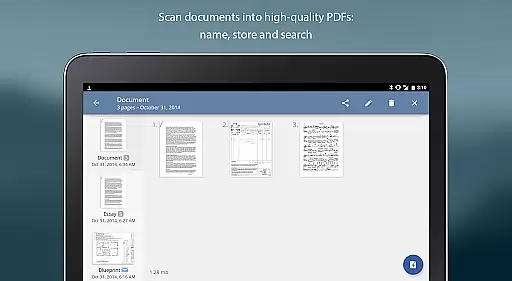
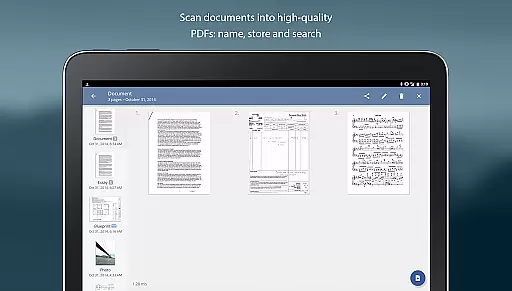
TurboScan Pro offers a comprehensive suite of features designed to streamline document management. The app provides automatic edge detection and perspective correction, ensuring your scans are perfectly aligned and professional-looking. Its ultra-fast processing capability handles each page in under three seconds, saving valuable time for users who need quick results. Additionally, TurboScan includes robust organizational tools such as document naming, in-app storage, and search functionality, allowing users to efficiently manage their scanned files.
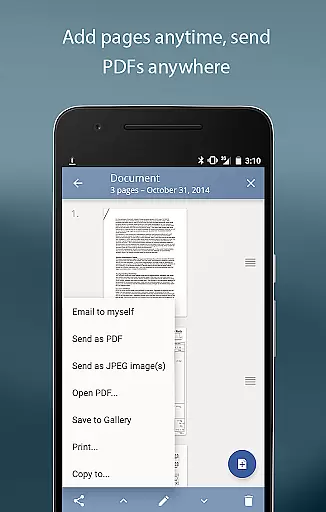
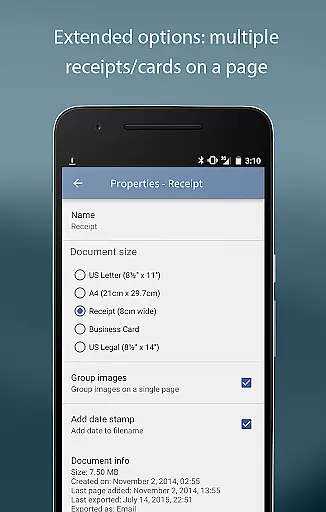
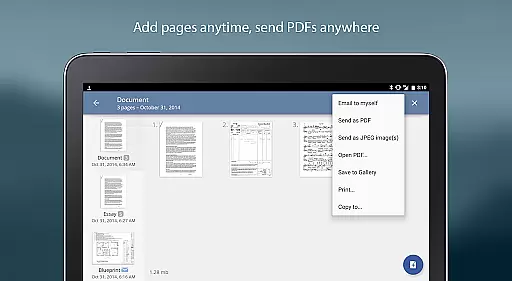
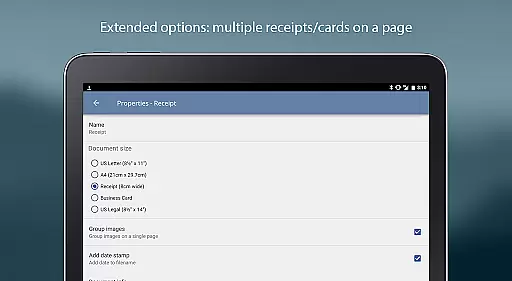
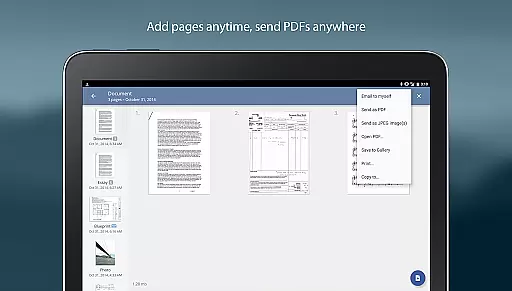
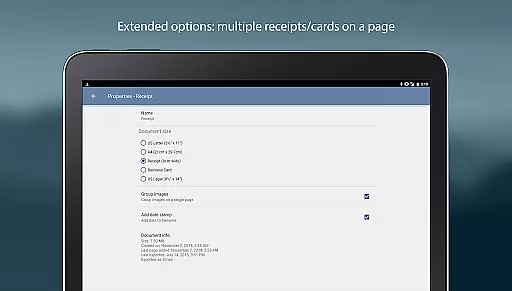
The app also excels in flexibility, offering multipage editing options like adding, reordering, and deleting pages. Users can copy pages between stored scans and arrange multiple receipts or business cards onto a single PDF page. TurboScan Pro supports exporting documents in various formats, including PDF, JPEG, and PNG, and integrates seamlessly with cloud services like Dropbox, Evernote, and Google Drive. With instant one-tap controls for brightness, rotation, and color adjustments, TurboScan Pro delivers both power and simplicity in document scanning.
In today's fast-paced business environment, the ability to collaborate effectively is crucial. TurboScan Pro enhances team productivity by offering features that support collaborative work.
With TurboScan, users can quickly scan documents and convert them into multipage PDF or JPEG files, making it easy to share important information with team members. The app's advanced algorithms ensure that scans are clear and legible, preserving the integrity of shared documents.
The 'Email to myself' feature allows for rapid dissemination of scanned materials to predefined email addresses or cloud storage services like Evernote. This ensures that all team members have access to necessary documents when they need them, facilitating seamless collaboration regardless of location.
Moreover, the app's processing happens locally on the device, ensuring data confidentiality without the need for an internet connection. This means sensitive business information remains secure while still enabling efficient teamwork.
Efficient task management is at the heart of any successful business operation. TurboScan Pro offers functionalities that streamline task organization and document handling.
Users can take advantage of the app's automatic document edge detection and perspective correction to create high-quality scans of documents, receipts, notes, and more. These documents can then be named, stored within the app, and searched later, providing a systematic approach to managing tasks and records.
TurboScan also supports multipage editing, allowing users to add, reorder, and delete pages within a document. This flexibility is essential for maintaining organized digital files and ensuring that all relevant information is easily accessible when needed.
Additionally, the app enables arranging multiple receipts or business cards on a single PDF page, which simplifies expense reporting and contact management. By integrating these capabilities, TurboScan Pro becomes an invaluable tool for businesses looking to optimize their task management processes.
Fast scanning speed
Excellent image quality
Local data processing
Multipage PDF support
User-friendly interface
Premium version cost
Occasional glitches
Limited free features
Requires good lighting
No OCR functionality

AI-powered document scanner with auto enhance for perfect PDFs.
 4.60
4.60
Ask Accio anything about business. Alibaba-backed, built by experts, not just AI
4.60
The revolutionary flexible staffing platform
4.40
Your employer must have UKG Ready software configured for Mobile.
4.60
Get instant construction estimates: accurate home repair & material calculator.
4.70
All your team communication in one place
4.70
Find jobs near you and temp work in minutes, from your phone.
4.50
Shop, deliver, and earn with the Spark Driver™ App
4.10
ADP Mobile Solutions is an employee self service app
4.50
Create curriculum vitae, a professional cover letter creator and resume designer
4.80
We help people get jobs
4.70
Earn money with the driver & delivery partner app for Uber, UberEats & Postmates
4.60
Amazon A to Z is the place to manage your work-life at Amazon.
4.50
The app that lets you deliver with Amazon.
4.50
All-in-one Mobile solutions for employees & managers to succeed at work
4.30
Smarter career moves start here. AI job alerts, insights & the right tools.
4.20
Find flexible, hourly jobs hiring near you in restaurant, retail & hospitality!
4.00
All document reader, pdf viewer app, read docs & excel files
3.80
viewing and sharing PDFs and other files—anytime, anywhere!
4.3


User Reviews