
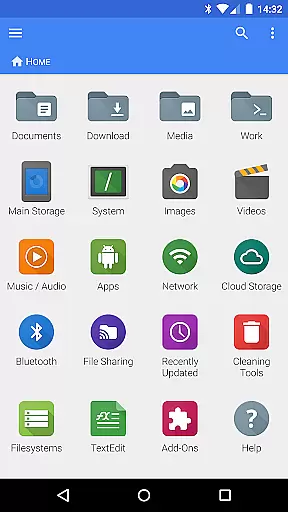
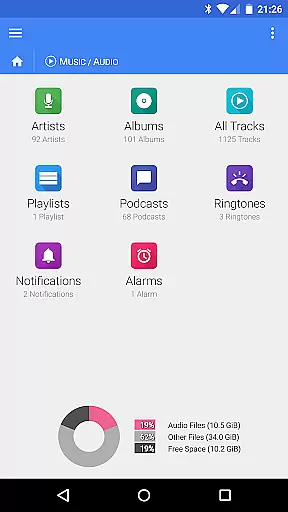
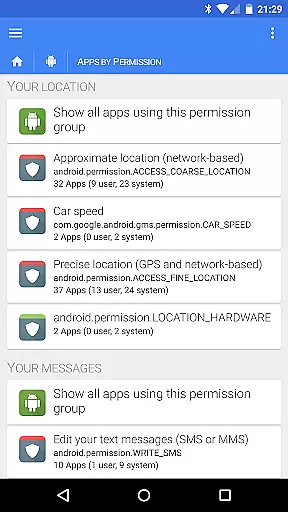
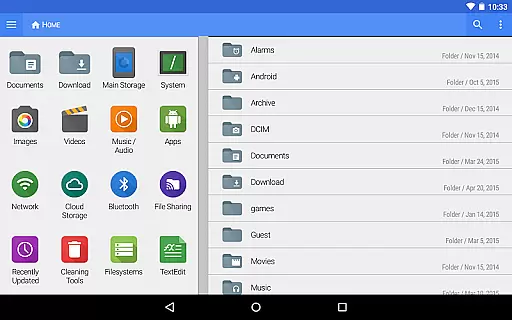
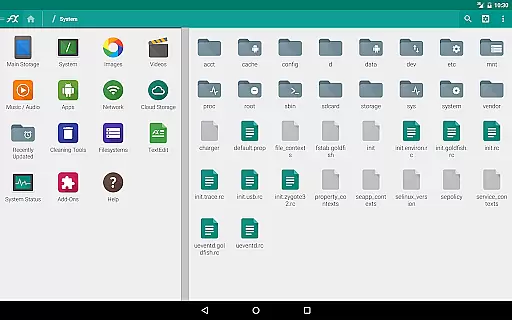
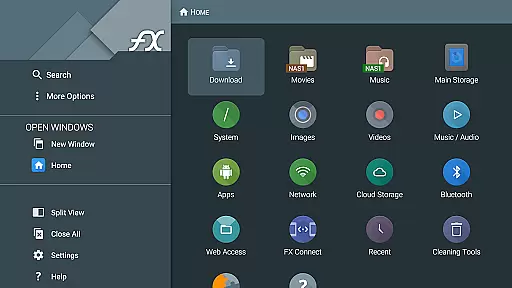
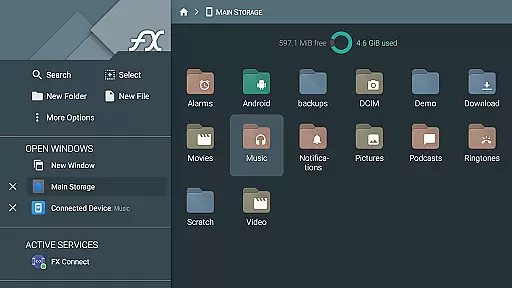
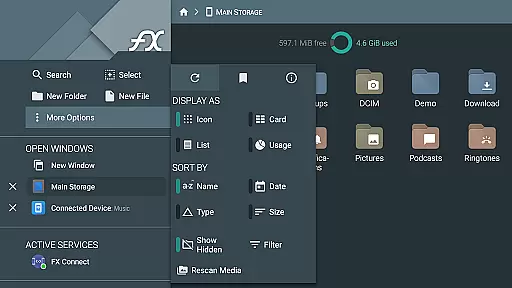
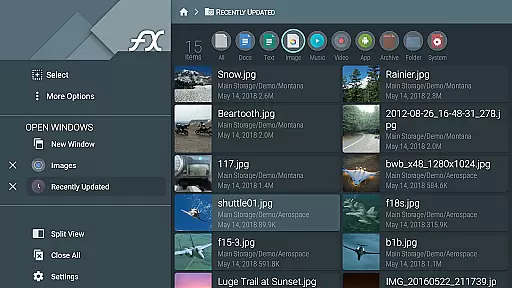


FX File Explorer is a comprehensive file management tool designed for business users who require advanced capabilities in media, networking, and cloud storage. The application extends its core functionality by integrating AES-encrypted zip file management, media browsing, and network sharing features.
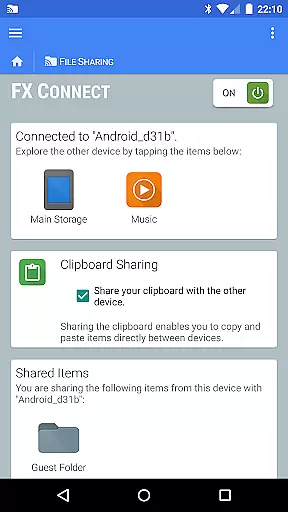
With FX File Explorer, users can seamlessly transfer files between devices using FX Connect, manage cloud storage from providers like Google Drive and Dropbox, and stream media over various protocols. Its support for Windows networking and multiple FTP options makes it an essential utility for businesses that demand secure and versatile file handling.
This app is particularly useful in professional environments where efficient data management and secure access are critical. By providing tools for encrypted file operations and network discovery, FX File Explorer ensures both convenience and security for its users.
FX File Explorer offers a rich set of features tailored to enhance productivity. One standout capability is the creation and extraction of AES-128 and AES-256 encrypted zip files, allowing users to browse contents securely without full decryption. This feature is crucial for businesses handling sensitive information.
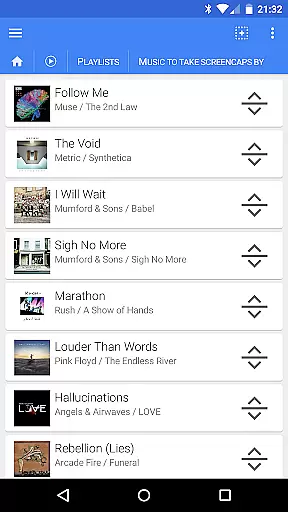
The app also supports advanced media management, enabling users to organize audio and video files with ease. With drag-and-drop playlist management and comprehensive network/cloud integration including SMB, FTP, and WebDAV, FX File Explorer provides unmatched versatility. These features collectively empower users to streamline workflows and improve efficiency.
Additionally, the app includes innovative Bluetooth functionalities such as OBEX Push and FTP client capabilities, further extending its utility in diverse business scenarios. Such robust features make FX File Explorer a top choice for professionals seeking reliable file management solutions.
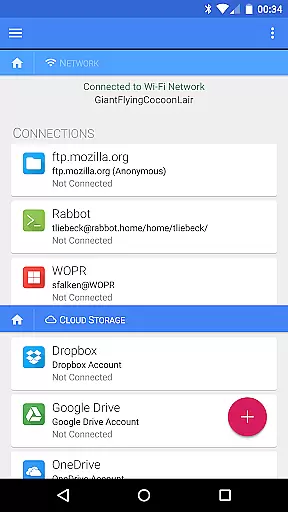
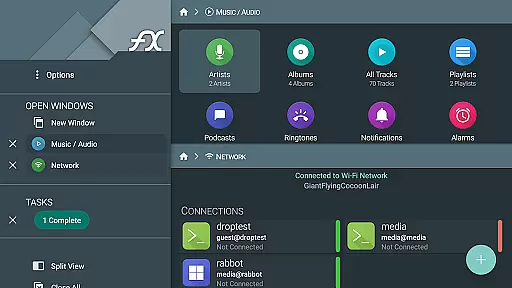
FX File Explorer offers robust collaborative work features that are essential for modern business environments. The application supports secure file sharing and collaboration through various network protocols including Windows networking (SMB), FTP, and WebDAV. This allows teams to seamlessly share documents and resources across different devices and platforms.
The app's cloud capabilities extend these collaborative features by integrating with popular cloud storage services such as Google Drive, Dropbox, and Box. Users can easily access and manage shared files stored in the cloud directly from their mobile devices. This ensures that team members can collaborate on projects in real-time, regardless of their physical location.
Additionally, FX File Explorer includes advanced functionalities like AES-encrypted zip file creation and extraction, which is crucial for maintaining data security during file transfers. The encrypted keyring feature further enhances security by protecting sensitive passwords, ensuring that unauthorized users cannot gain access even if the device is lost or stolen.
These collaborative work features not only streamline workflow but also enhance productivity by providing a secure and efficient way for teams to work together. Whether it's managing shared network drives or collaborating on cloud-stored documents, FX File Explorer equips businesses with the tools they need to succeed in a connected world.
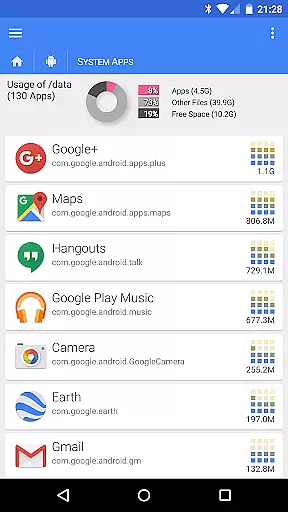
Effective task management is a cornerstone of productivity, and FX File Explorer excels in this area by offering a comprehensive suite of tools designed to help users organize and prioritize their work efficiently. One of the standout features is the ability to browse and manage installed applications, allowing users to keep track of software resources and ensure that their devices are optimized for performance.
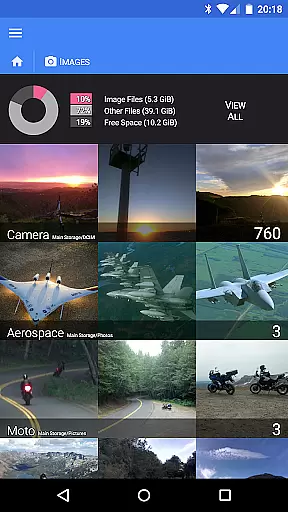
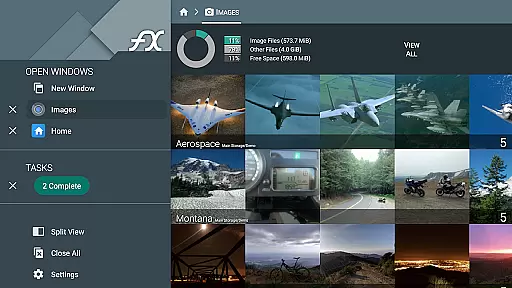
For media management, FX File Explorer provides intuitive interfaces for organizing image, video, and audio collections. Users can create playlists and rearrange them using drag-and-drop functionality, making it easy to manage multimedia assets. This feature is particularly useful for professionals who need to handle large volumes of media files and require quick access to specific items.
Moreover, the app supports advanced file operations such as creating and extracting AES-encrypted zip files, which can be crucial for task management involving sensitive data. These capabilities ensure that users can securely store and transfer files without compromising on speed or efficiency.
By integrating these powerful task management features, FX File Explorer empowers users to take control of their workflows and accomplish more in less time. From managing application installations to handling complex media libraries, the app provides the necessary tools to stay organized and productive.
Advanced encryption
Cloud integration
Media streaming
Network sharing
Bluetooth support
Paid add-on
Complex interface
Requires FX
No launcher icon
High cost

Find jobs and make money fast with JobStack.
 4.60
4.60
Scan Business Cards & Conference Badges - Capture Leads at Events & Tradeshows
4.20
TurboScan turns your phone into a full-featured PDF document scanner.
4.80
Get your benefits on-the-go.
3.80
Earn free swag, G-Cards & food • Enter sweepstakes • Find stores • So much more.
4.70
Manage work life on the go
4.50
Recover what matters — quickly and easily.
4.70
Access to Paylocity, empowering employees with information they need 24/7.
4.70
The app that lets you deliver with Amazon.
4.50
Create curriculum vitae, a professional cover letter creator and resume designer
4.80
AI-powered document scanner with auto enhance for perfect PDFs.
4.60
Ship, Track, Find a Location or Get a Quote with UPS. Anytime. Anywhere.
4.60
Earn money with the driver & delivery partner app for Uber, UberEats & Postmates
4.60
Find jobs near you and temp work in minutes, from your phone.
4.50
From Gone to Back Again — In Just a Few Taps
4.50
Collaborate seamlessly with Google Chat, part of Google Workspace
4.50
The revolutionary flexible staffing platform
4.40
Take the stress out of storage with the all-in-one app to manage your space.
3.70
Delivery Track App - Tracking with Fedex, USPS, UPS, DHL. Monitor your Orders.
3.20


User Reviews