
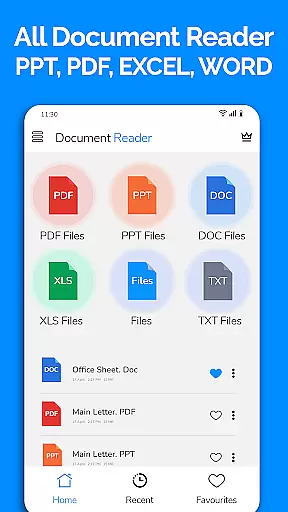
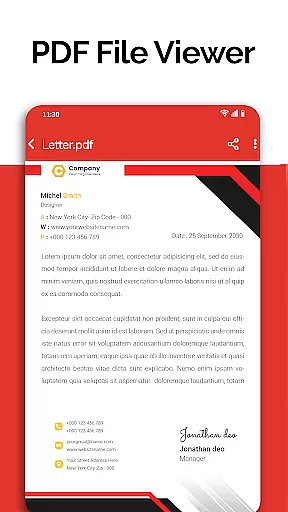
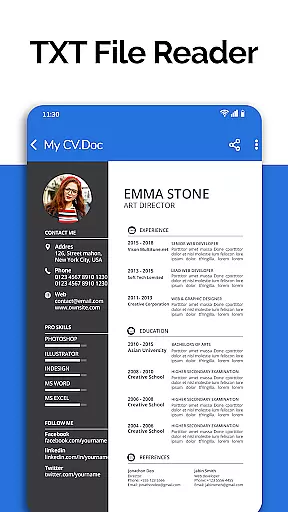
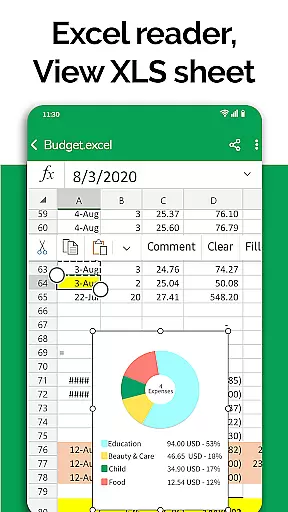
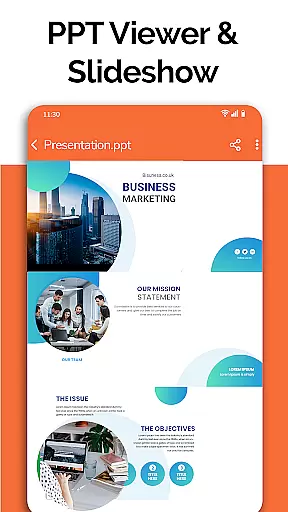
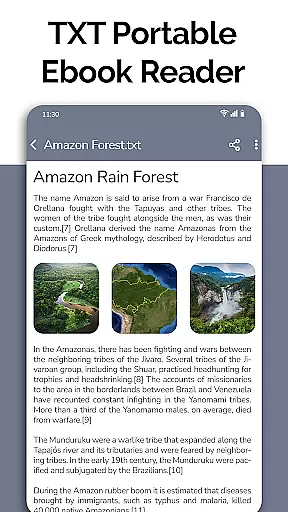
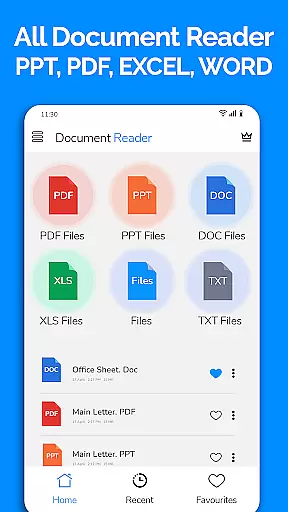
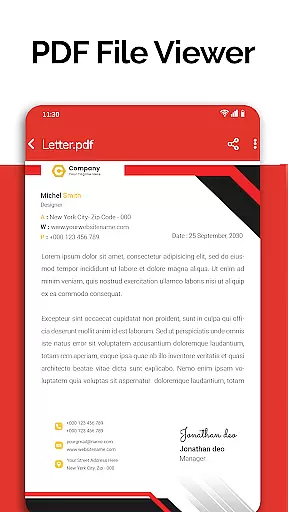
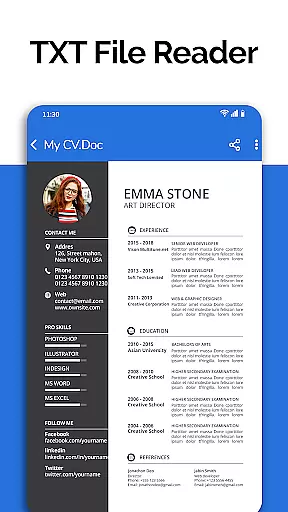
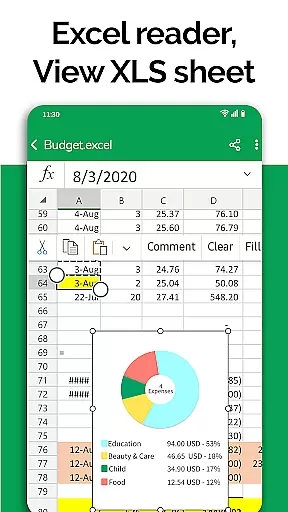
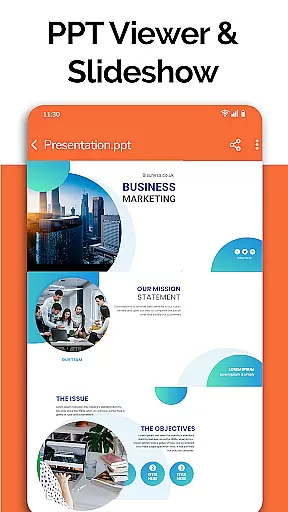
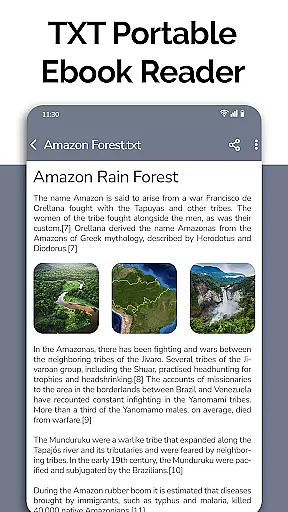
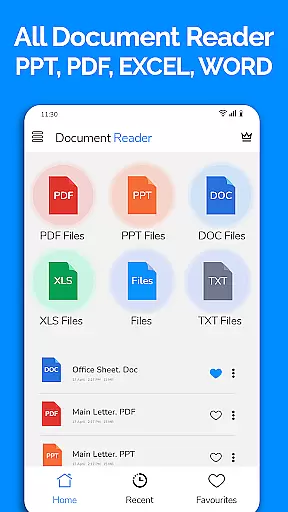
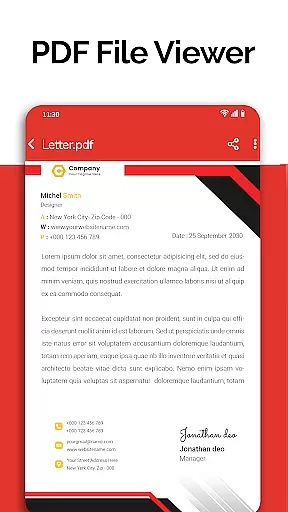
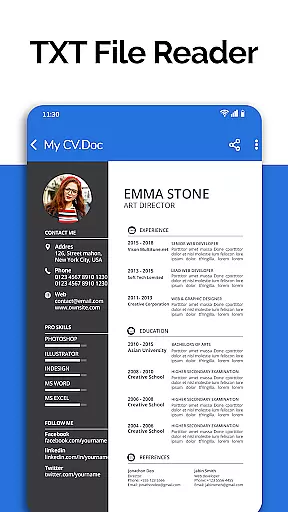
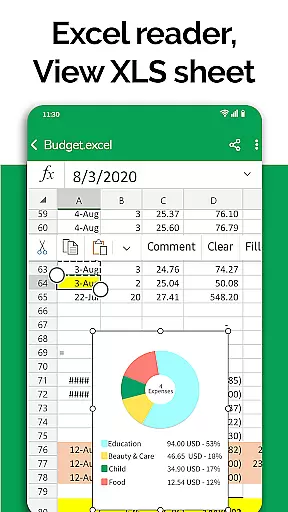
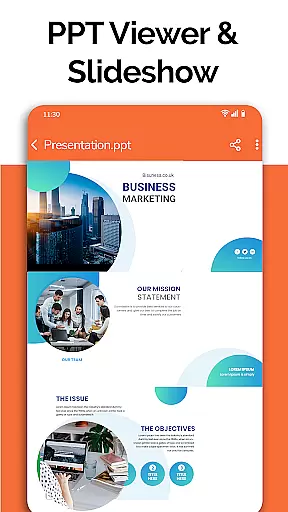
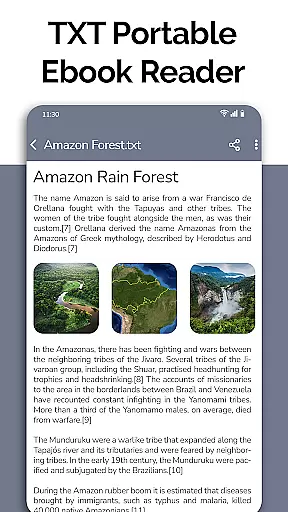
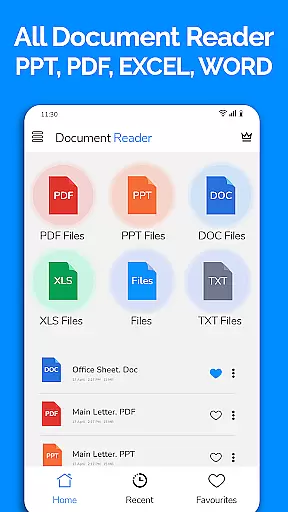
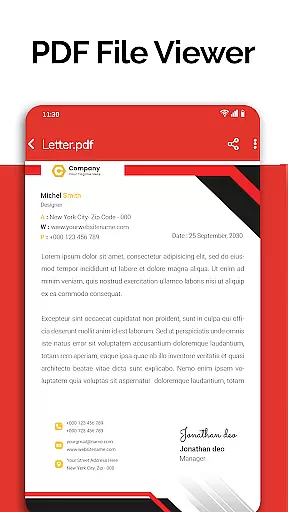
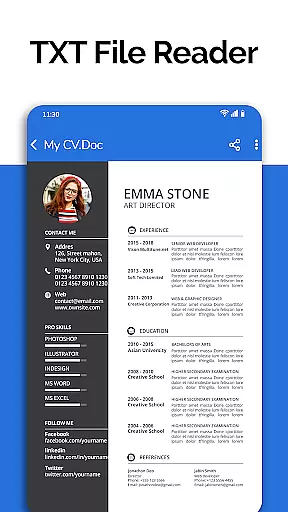
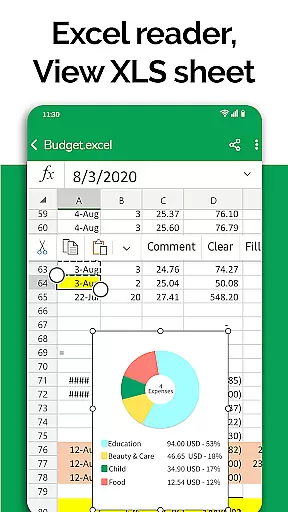
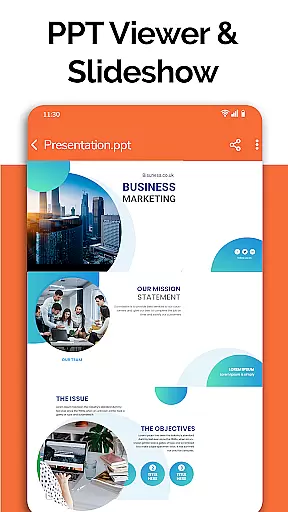
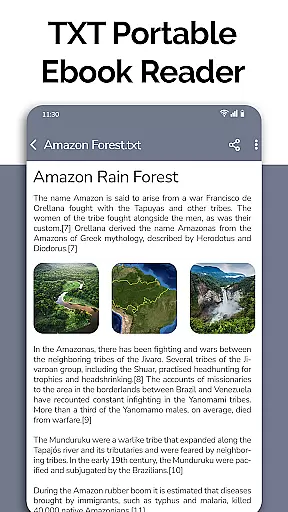
All Document Reader is a comprehensive document management solution that allows users to open, view, and manage various office file formats within a single application. The app supports PDFs, Word documents, Excel sheets, PowerPoint presentations, and TXT files, providing an all-in-one platform for document handling.
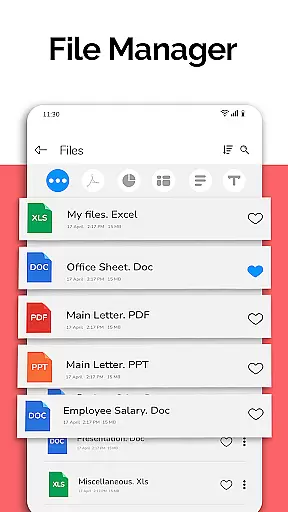
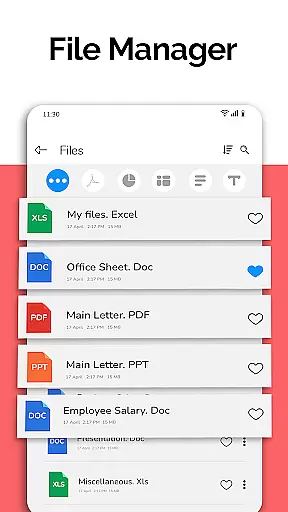
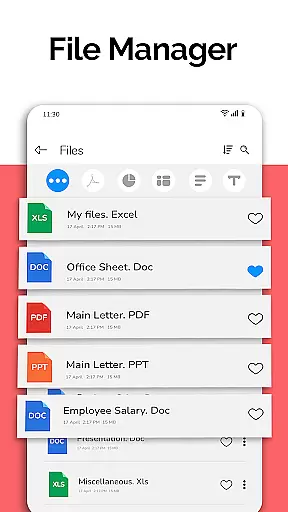
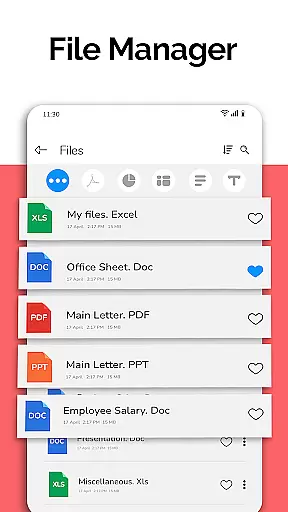
One of the key features of this app is its user-friendly interface that simplifies document viewing with easy navigation and search capabilities. It also includes a file manager that organizes files by type, making it easier to locate and manage your documents. Whether you're reading business invoices, classroom notes, or preparing presentation slides, All Document Reader offers a seamless experience.
The app's value extends beyond just viewing; it enables users to edit and share documents directly from their mobile devices. With additional functionalities like a text editor and document scanner, it becomes an indispensable tool for professionals and students alike who need quick and efficient access to their documents on-the-go.
All Document Reader stands out with its extensive list of features tailored for document management. The app provides a complete suite of tools including a PDF reader, DOC file viewer, XLSX spreadsheet manager, PPT slide navigator, and TXT text display, ensuring compatibility across different file types.
Its file manager functionality automatically sorts and organizes documents, presenting them in an easily accessible format. Users can perform actions such as delete, rename, and share directly from the app interface. Moreover, detailed file information such as path, size, and modification date are readily available, enhancing the document handling experience.
Looking forward, the app promises exciting updates including dark mode, voice search, image to PDF conversion, and more. These upcoming features, combined with existing capabilities like editing Excel documents and creating presentations, make All Document Reader a versatile tool for both personal and professional use.
In today's fast-paced business environment, the ability to collaborate effectively is crucial. All Document Reader: PDF Viewer facilitates collaborative work by allowing users to view, edit, and share various document formats including Word, Excel, PowerPoint, PDF, and TXT files directly from their mobile devices.
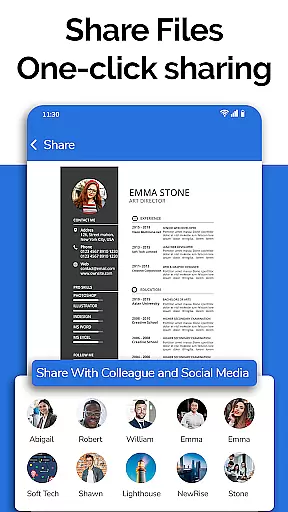
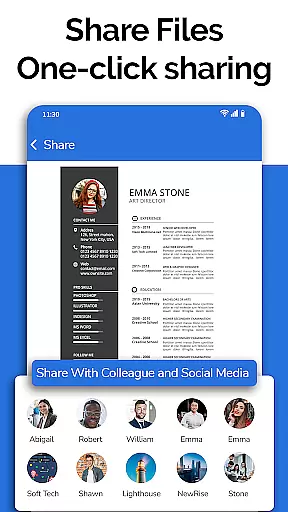
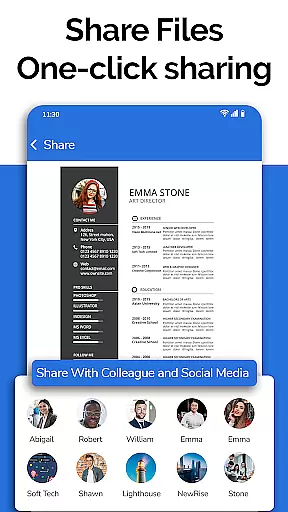
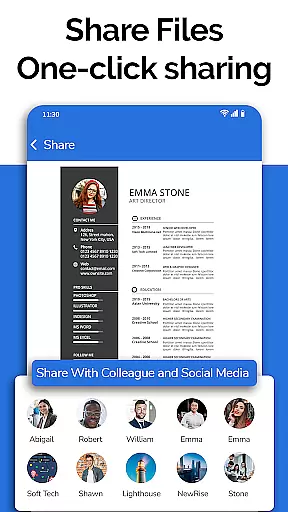
The app simplifies teamwork by providing a file manager that organizes documents automatically, making it easy for teams to find and work on the necessary files. With options to delete, rename, and share documents, colleagues can manage project files efficiently without the need for a computer.
Moreover, the document editor feature supports preparing presentations and reviewing Excel files, ensuring that team members can contribute to projects from anywhere. This flexibility enhances productivity and ensures that all team members have access to the documents they need, when they need them.
Effective task management is essential for maintaining productivity in a business setting. All Document Reader: PDF Viewer offers features that aid in organizing and managing tasks related to document handling. The app's file manager allows users to sort and organize documents, which streamlines task prioritization and execution.
With capabilities such as viewing, editing, and sharing XLSX, Docx, PPT, TXT, and PDF files, users can complete document-related tasks directly from their mobile device. This means that whether you're amending a report or finalizing a presentation, the app provides the tools needed to manage these tasks efficiently.
Additionally, the document scanner and text editor features ensure that creating and editing documents is seamless, further enhancing task management abilities. Users can easily prepare for meetings or exams by accessing and modifying their documents on-the-go, thus ensuring that they are always ready for their next business challenge.
User-friendly interface
Multi-format support
Comprehensive file management
Document editing capabilities
Convenient sharing options
Limited advanced editing
No cloud integration
Occasional performance lags
Ads in free version
Large app size

viewing and sharing of PDFs
 3.60
3.60
The revolutionary flexible staffing platform
4.40
The All-in-One File Manager for Phone, TV, Watch, Cars, XR / VR, Chromebook
4.10
Get your benefits on-the-go.
3.80
Simple, Fast & Lightweight
3.90
Paychex Flex - Save Time and Stay Connected
4.60
Smarter career moves start here. AI job alerts, insights & the right tools.
4.20
The app that lets you deliver with Amazon.
4.50
No more passwords, easier sign-in, and greater protection for your accounts.
4.60
Job search app that finds jobs for you! Takes the work out of looking for a job!
4.90
Create curriculum vitae, a professional cover letter creator and resume designer
4.80
Permission Guard is a security app that helps you manage app permissions.
4.80
Recover what matters — quickly and easily.
4.70
AI-powered document scanner with auto enhance for perfect PDFs.
4.60
Find jobs near you and temp work in minutes, from your phone.
4.50
A secure, all-in-one team collaboration app
4.30
Scan Business Cards & Conference Badges - Capture Leads at Events & Tradeshows
4.20
Delivery Track App - Tracking with Fedex, USPS, UPS, DHL. Monitor your Orders.
3.20
Convert Your Lovable.dev Website into a Mobile App Instantly!
4.1


User Reviews