


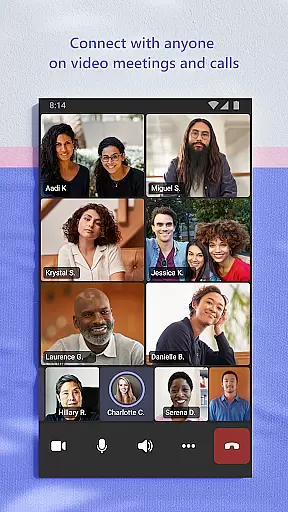
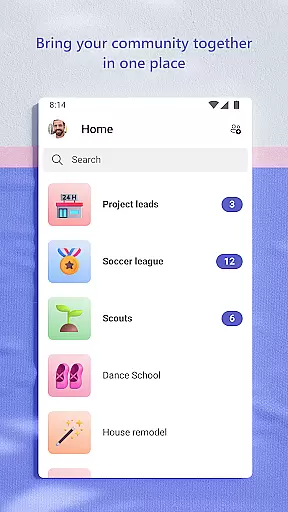
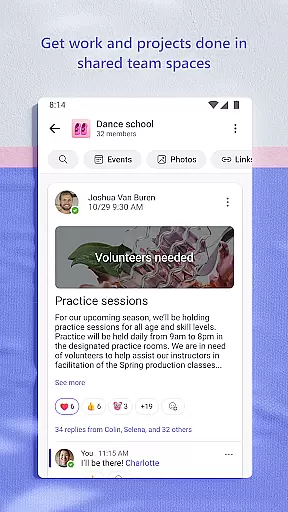
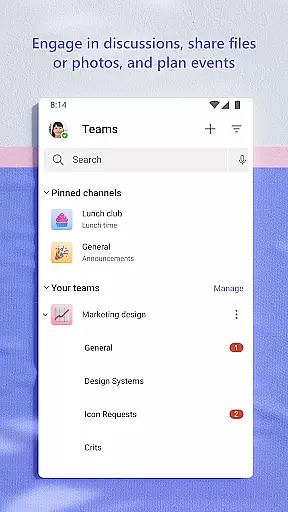
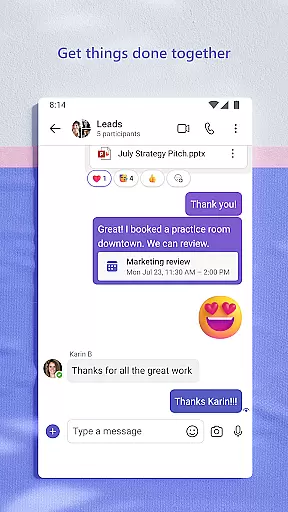
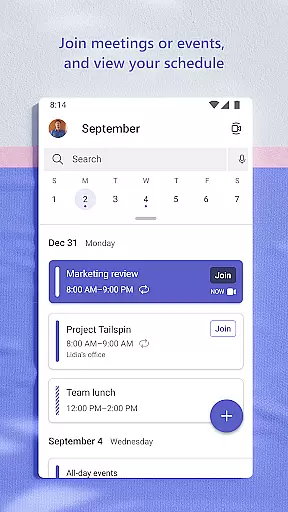
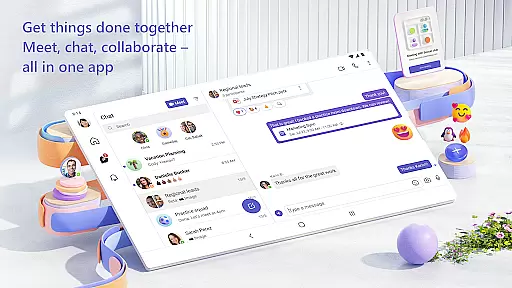
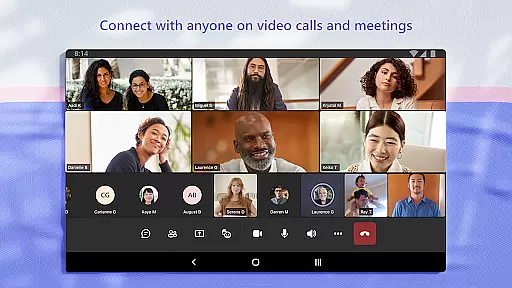
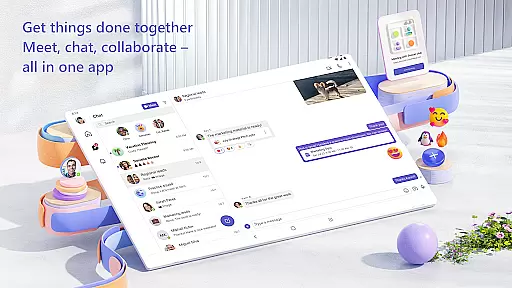
Microsoft Teams is a comprehensive business communication platform that integrates communities, events, chats, channels, meetings, storage, tasks, and calendars in one place. It enables users to connect, collaborate, and manage access to information seamlessly. Whether you're working with teammates on a project or organizing community activities, Microsoft Teams provides the tools necessary to accomplish tasks efficiently.
The application supports secure audio and video calls, document collaboration, and built-in cloud storage for files and photos. With features like Skype integration, meeting setup, and organized conversations through teams and channels, it ensures productive and focused teamwork. Additionally, its enterprise-level security and compliance standards provide peace of mind while collaborating with others.
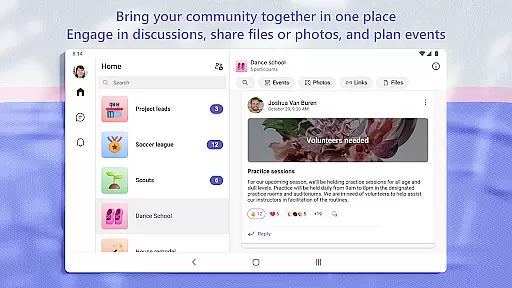
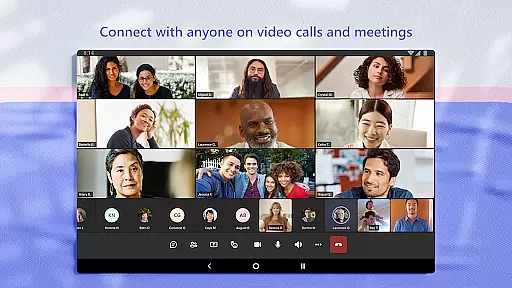
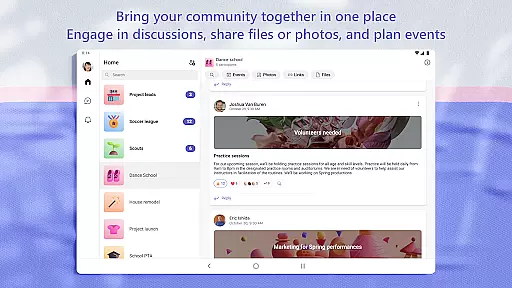
Microsoft Teams stands out with its rich feature set tailored for efficient collaboration. One of its key features is the ability to meet securely with various groups, including teammates, family, or friends, using audio and video calls. The platform allows users to create dedicated communities for discussing specific topics and make plans, ensuring that all members are aligned and informed.
Another significant feature is the integration of task lists, which help users stay on top of projects by assigning tasks, setting due dates, and tracking progress. The app also offers cloud storage for accessing shared documents and files on the go, along with organizing shared content such as events, photos, links, and files within a community. This ensures easy retrieval and reduces time spent searching for important information.
Microsoft Teams revolutionizes collaborative work by integrating multiple functionalities into a single platform. The app enables users to seamlessly connect with their community, family, friends, or colleagues, making it easier than ever to accomplish tasks and share ideas.
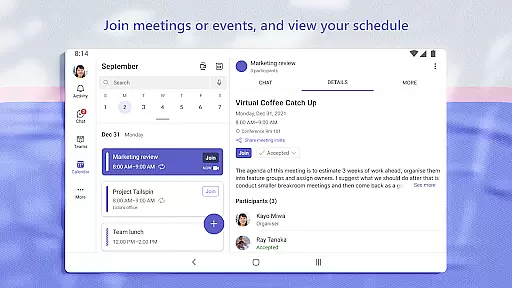
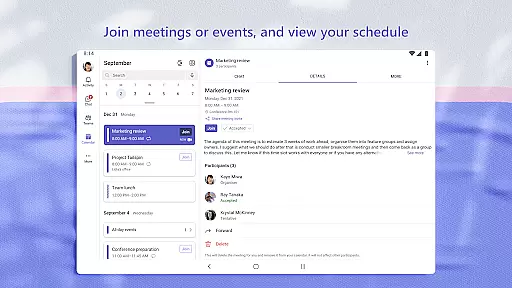
One of the standout features is its ability to facilitate secure audio and video calls. Users can join meetings within seconds by simply sharing a link or calendar invite. This ease of access ensures that everyone can be on the same page, regardless of their location.
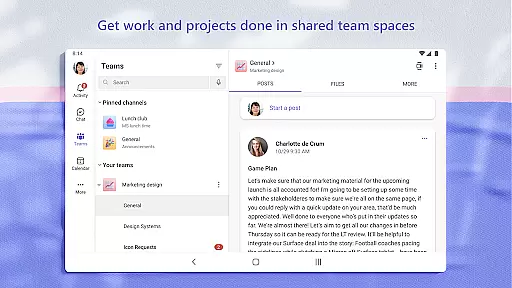
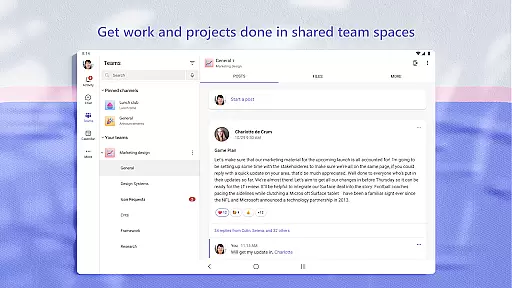
Teams also supports organized conversations through dedicated channels and teams, allowing users to discuss specific topics and projects efficiently. Whether you're working closely with teammates or collaborating with external partners, Microsoft Teams provides the tools necessary to keep all communications structured and productive.
Moreover, the integration of cloud storage means that files and photos can be stored and accessed by all team members, ensuring that everyone has the information they need at their fingertips. This comprehensive approach to collaboration ensures that projects move forward smoothly and efficiently.
Task management in Microsoft Teams is designed to help users stay on top of their projects and plans effectively. With built-in task lists, users can assign tasks, set due dates, and track progress, ensuring that everyone involved is aligned and aware of their responsibilities.
The app allows for easy sharing of important moments through photos and videos within chats, which can be crucial for visual project updates or personal interactions. Additionally, cloud storage integration means that shared documents and files are always accessible on the go, streamlining the workflow process.
Organizing shared content such as events, photos, links, and files within a community space reduces the time spent searching for information. This organizational feature helps maintain focus on the task at hand, rather than getting sidetracked by disorganized data.
Furthermore, Microsoft Teams offers enterprise-level security and compliance expected from Microsoft 365, giving users peace of mind while they collaborate. By managing access to information and ensuring only the right people have the necessary permissions, Teams maintains a secure environment for all collaborative efforts.
Comprehensive Integration
Secure Collaboration
Efficient Task Management
Cloud Storage Access
Enterprise Security Standards
Complex Interface
Paid Subscription Required
Limited Free Features
High Resource Usage
Occasional Connectivity Issues

GoTo Mobile is a simple & secure calling, messaging & meetings solution
 4.80
4.80
ANDROID'S TOP MOBILE OFFICE - Word, Excel, PowerPoint and PDF at your fingertips
4.50
VSD Viewer - Visio Drawings Viewer for Android Preview VSD, VDX, VSDX drawings
4.10
Manage work life on the go
4.50
One marketplace. Hundreds of services. Unlimited possibilities. All on Fiverr.
4.40
Recover what matters — quickly and easily.
4.70
Mobile POS for any business: sales, invoices, retail, restaurants & appointments
4.60
Ship, Track, Find a Location or Get a Quote with UPS. Anytime. Anywhere.
4.60
No more passwords, easier sign-in, and greater protection for your accounts.
4.60
Employee Management Made Easy
4.80
AI-powered document scanner with auto enhance for perfect PDFs.
4.60
Say hello to the mobile work experience built to help you thrive at work.
4.30
Make money as a delivery driver with DoorDash and work when you want as a Dasher
4.30
On the go? Take FedEx with you.
4.00
All document reader, pdf viewer app, read docs & excel files
3.80
Take the stress out of storage with the all-in-one app to manage your space.
3.70
Access All PDF Files
3.40
Find part-time earning opportunities near you that pay within days.
3.20
Convert Your Lovable.dev Website into a Mobile App Instantly!
4.3


User Reviews