
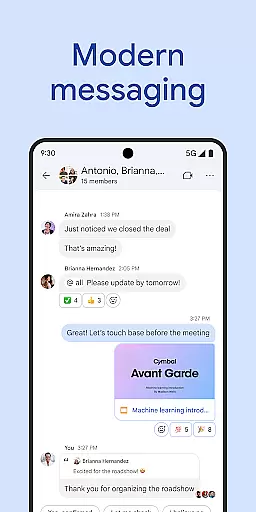
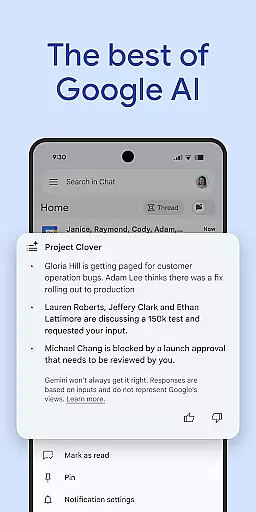
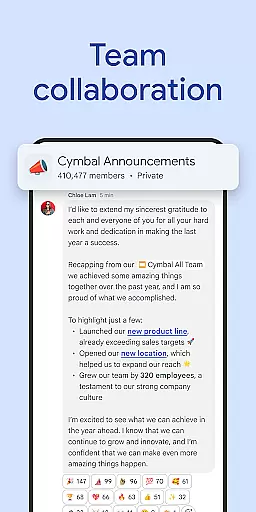
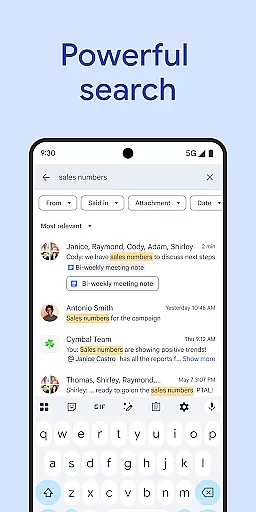
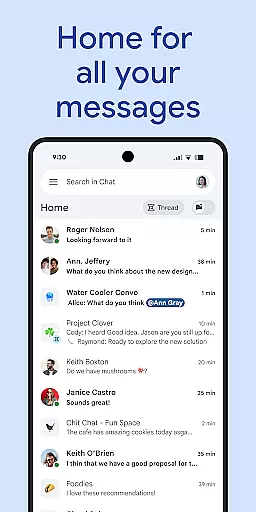
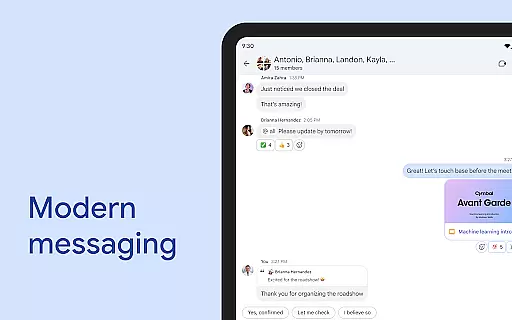
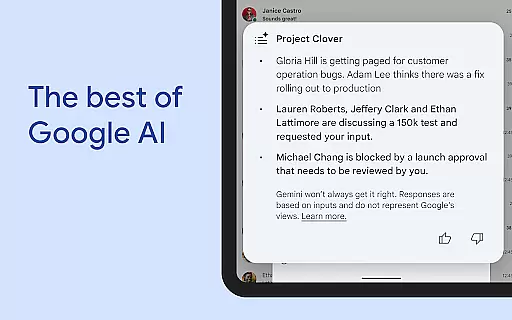
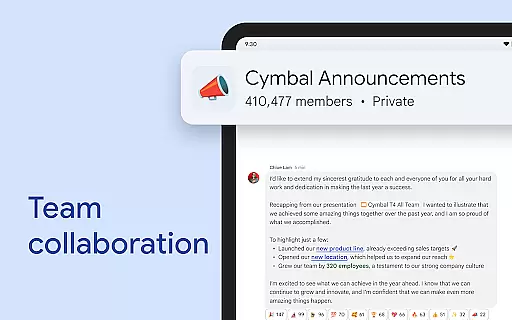
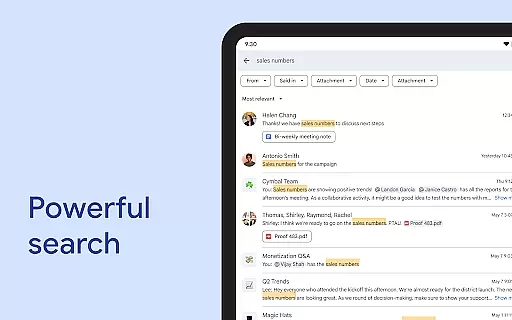
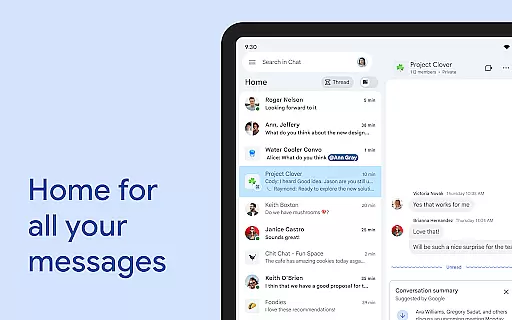
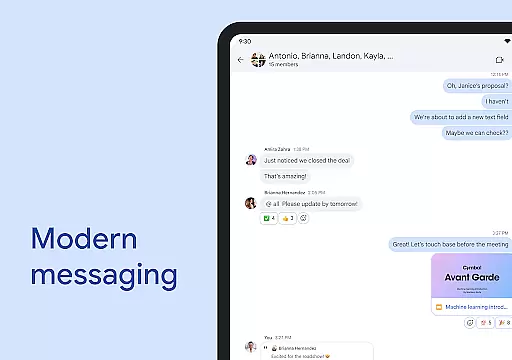
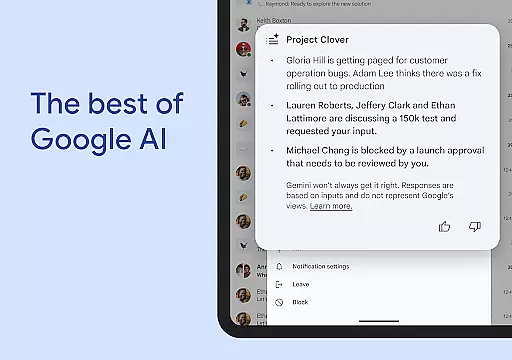
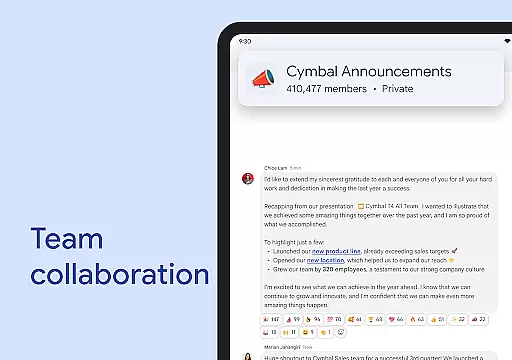
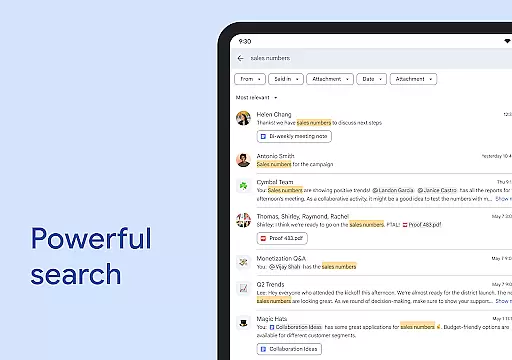
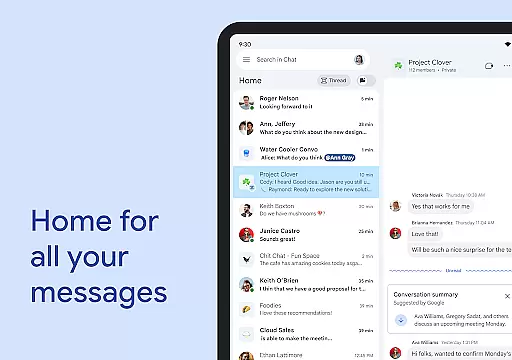
Google Chat is a powerful communication and collaboration tool designed specifically for teams using Google Workspace. The app integrates AI-driven features to enhance productivity, including automatic message translation across 120+ languages, AI-powered search, and conversation summaries that keep users informed. It provides seamless connectivity through direct chats, group conversations, and real-time huddles, making teamwork more efficient.
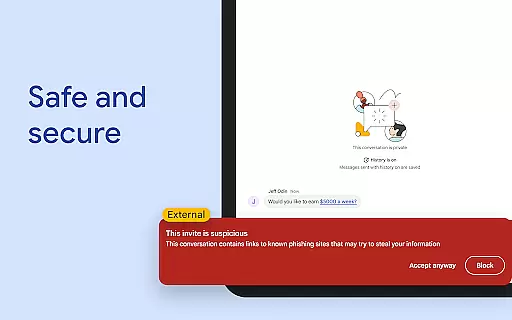
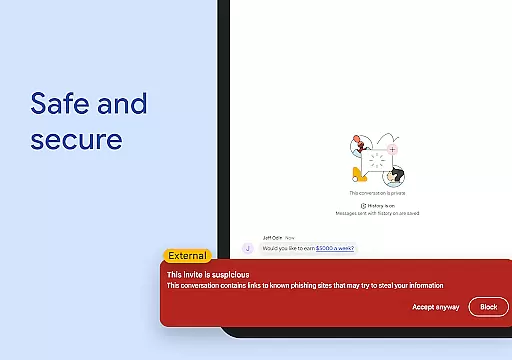
With integrations into key Workspace apps like Gmail, Calendar, Drive, and Meet, Google Chat ensures a unified workflow. Smart chips allow linking files, people, and spaces, while audio and video messages enable richer communication. Security is prioritized with Google's zero-trust architecture, data loss prevention (DLP), and malware detection, ensuring enterprise-grade protection. Whether for business or education, this app transforms how teams collaborate securely.
Google Chat offers an array of advanced features tailored to streamline team collaboration. One standout capability is its AI-first approach, which includes automatic translations, action item tracking, and intelligent search functionalities. These tools help teams stay organized and connected regardless of language barriers or complex workflows.
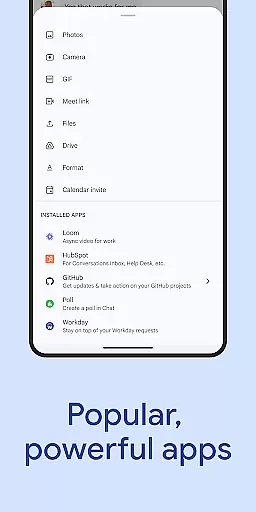
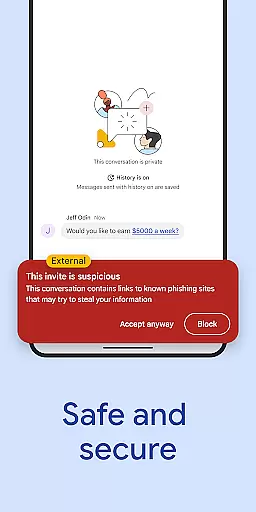
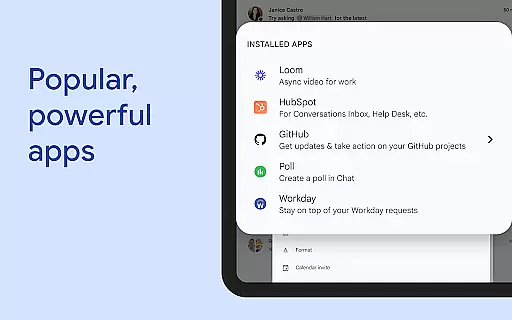
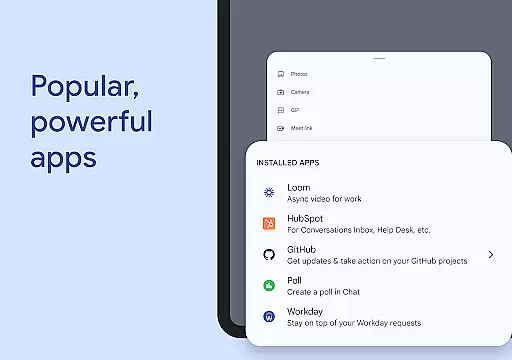
The app also supports various communication formats such as text chats, audio messages, video updates, and real-time huddles. Integration with popular third-party services like PagerDuty, Jira, GitHub, and Workday extends its utility. Additionally, customizable status updates and smart chips enhance context sharing within conversations. For businesses seeking secure solutions, Google Chat leverages cloud-native security measures, including phishing detection and malware protection, ensuring sensitive information remains safeguarded at all times.
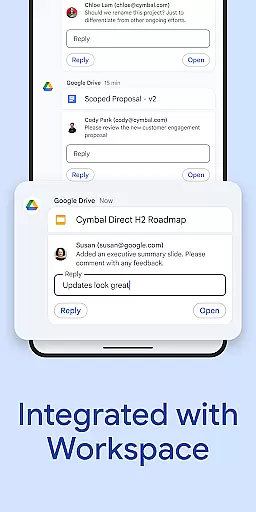
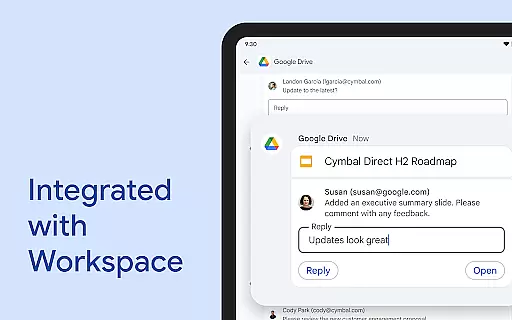
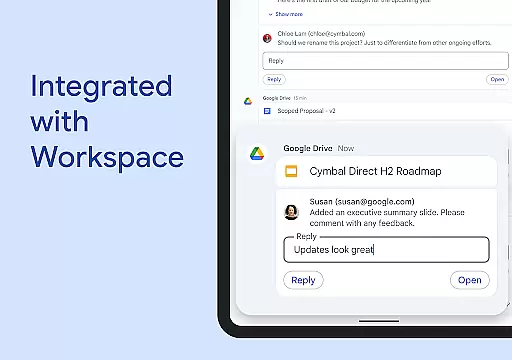
Google Chat revolutionizes collaborative work by integrating seamlessly with Workspace apps like Gmail, Calendar, and Drive. This integration allows teams to connect and collaborate efficiently without switching between multiple platforms.
The app offers smart chips that link files, people, and spaces, streamlining teamwork and ensuring everyone is on the same page. These smart chips help in organizing resources and maintaining context within conversations, which enhances productivity.
Real-time collaboration is further enhanced through features like huddles, enabling instant communication. Users can also share detailed updates via audio and video messages, making interactions more dynamic and engaging.
With AI-powered functionalities such as conversation summaries and automated translations across more than 120 languages, Google Chat ensures that all team members stay informed and connected regardless of their location or language preferences.
Task management in Google Chat is transformed with integrated tools like Google Drive and Tasks, allowing users to stay on top of requests, comments, and approvals directly within the chat interface. This seamless integration helps teams manage their workflows more effectively.
The app supports capturing action items during conversations, ensuring that the whole team is aligned and aware of their responsibilities. This feature helps prevent tasks from falling through the cracks and maintains accountability within the team.
Additionally, personalized status updates enable users to inform their colleagues when they are focused on work or available for collaboration. This transparency aids in managing expectations and planning work schedules accordingly.
For those requiring advanced task management capabilities, Google Chat offers popular third-party apps like PagerDuty, Jira, GitHub, and Workday, which can be installed to further enhance productivity and project tracking.
AI-powered features
Multi-language support
Integrated Workspace apps
Real-time collaboration
Enterprise-grade security
Premium features cost extra
Limited offline functionality
Dependent on Google ecosystem
Steep learning curve
Occasional sync issues

Completed Course Lectures on how to use IBM Maximo in Maintenance issues
 4.2
4.2
The Penny Puss app with DG penny finder
4.10
Create curriculum vitae, a professional cover letter creator and resume designer
4.80
Windows App allows you to connect to remote PCs and virtual apps.
3.70
Get instant construction estimates: accurate home repair & material calculator.
4.70
Access All PDF Files
3.40
All-in-one Mobile solutions for employees & managers to succeed at work
4.30
Permission Guard is a security app that helps you manage app permissions.
4.80
No more passwords, easier sign-in, and greater protection for your accounts.
4.60
Start earning fast. Apply Today.
4.80
TurboScan turns your phone into a full-featured PDF document scanner.
4.80
Earn free swag, G-Cards & food • Enter sweepstakes • Find stores • So much more.
4.70
Recover what matters — quickly and easily.
4.70
Use Generative Summary to understand your rental or insurance docs in seconds.
4.70
Formerly Facebook Ads Manager. Manage and create ads on the go.
4.20
Scan Business Cards & Conference Badges - Capture Leads at Events & Tradeshows
4.20
Work happy with AI Companion
4.10
Find flexible, hourly jobs hiring near you in restaurant, retail & hospitality!
4.00
viewing and sharing of PDFs
3.60


User Reviews