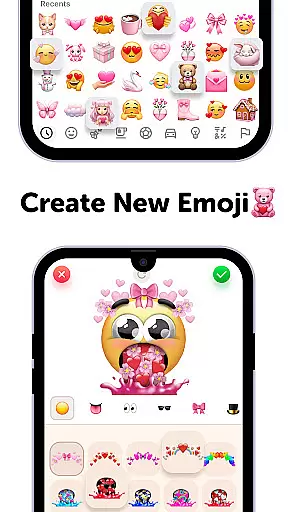
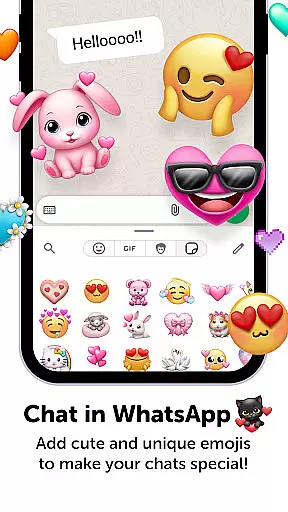
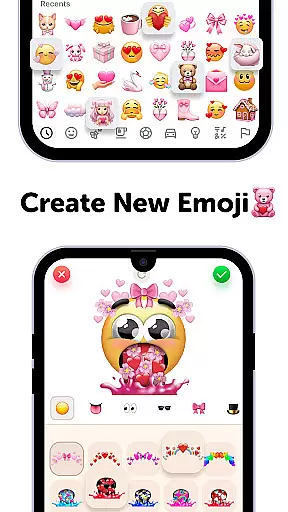
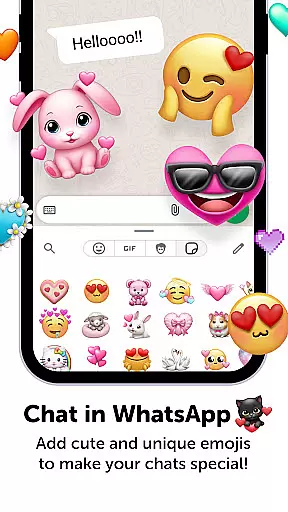
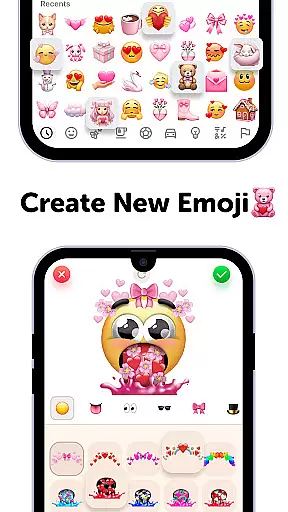
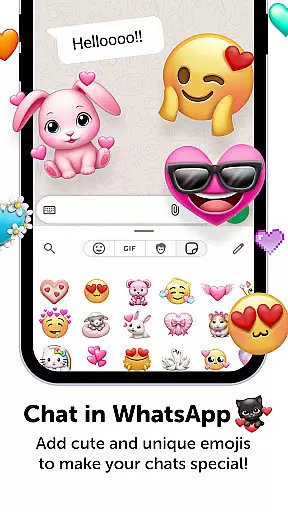
Emoji Up is a creative emoji maker app that allows users to design custom emojis and stickers. With a wide range of customization options, you can mix various emoji bases, eyes, mouths, and more to create unique digital expressions.
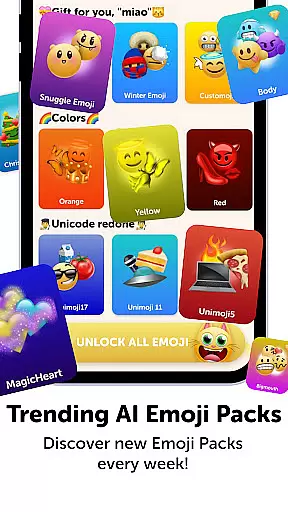
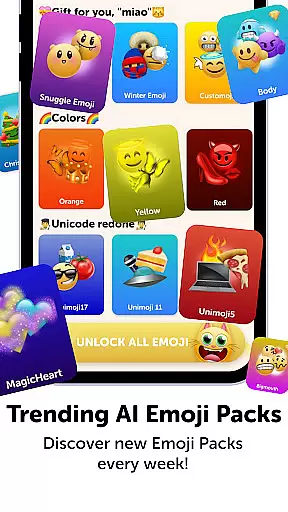
The app also features 'Emoji Puzzle Blitz Game', an engaging IQ game where you match 3 emojis to collect 'Mystery Emoji Packs'. These packs include cute emojis, stickers, keyboards, GIFs, themes, fonts, and wallpapers. You can export and use your creations on popular social networks like TikTok, Instagram, and WhatsApp.
This app is perfect for those looking to add a personal touch to their digital communications while having fun solving puzzles and collecting emoji prizes.
Emoji Up stands out with its comprehensive emoji creation tools. The app provides multiple base elements that users can combine in creative ways, functioning like a virtual emoji kitchen where new emojis can be whipped up easily.
Beyond just creation, the app includes the 'Emoji Puzzle Blitz Game', which adds an interactive element to the experience. By completing emoji puzzle levels, users can earn 'Mystery Emoji Packs' containing various digital goodies. This gamification aspect makes the app more engaging than simply creating emojis.
Additionally, Emoji Up supports exporting emojis and stickers directly to social media platforms. This seamless integration allows users to instantly share their creations with friends and followers across different networks, enhancing their digital communication with personalized content.
Emoji Up offers an extensive range of customization options that allow users to become true emoji artists. With the emoji maker and genmoji features, you can mix various emoji bases, eyes, mouths, and more to create unique emojis and stickers.
The app provides a creative platform akin to an emoji kitchen, where you can whip up new emojis with drawing and painting tools. This feature ensures that your emojis are anything but ordinary, offering endless possibilities for creativity.
Users will find more new things in Emoji Up than exploring kitchen drawers, making it a world of its own for emoji enthusiasts. The ability to customize every aspect of your emojis makes this app stand out as a powerful tool for personal expression.
Beyond just creating emojis, Emoji Up ensures theme compatibility across different platforms. Whether you're using TikTok, Instagram, or WhatsApp, the emojis and stickers you create can be exported and used seamlessly on your favorite social networks.
This cross-platform functionality allows users to showcase their emoji masterpieces and let everyone know they are true emoji masters. It enhances user engagement by providing a cohesive experience regardless of where the content is shared.
With Emoji Up, you don't have to worry about format issues or design inconsistencies when sharing your creations online. This compatibility feature ensures that all your custom emojis look great and function well, no matter which platform you choose to share them on.
User-friendly interface
Wide customization options
Engaging puzzle game
Social media integration
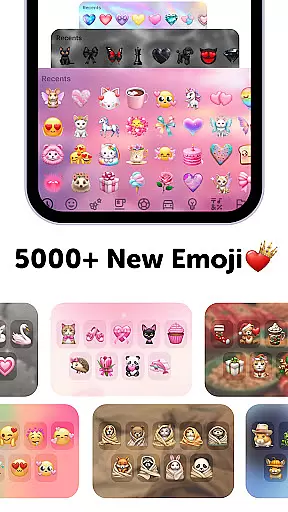
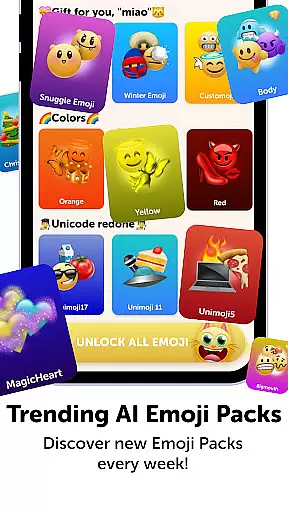
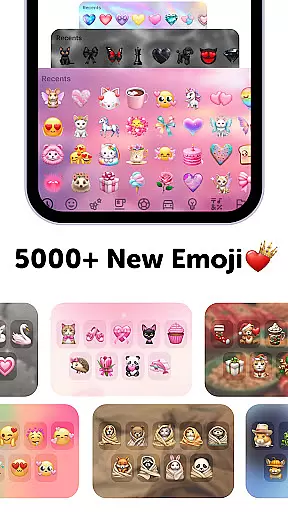
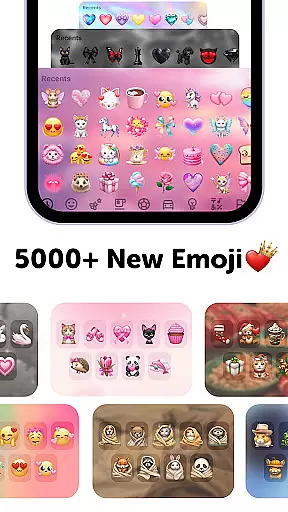
Variety of emoji packs
In-app purchases required
Limited free features
Subscription model
Ads may be present
Complex for beginners

A light in the dark, a unique style and an andless cutomization!
 4.30
4.30
Customizable flower power digital watch face for Wear OS watches.
4.00
Winter's Journey: digital watch face for Galaxy Watch & Wear OS
4.80
Themes - Widget & Wallpaper: Customize home screen, icon changer w unique themes
4.30
Over 28,000 high quality icons to bring color & homogeneity to your phone.
4.60
Interactive Miniature Painting Catalogue
3.30
Icons made of colorful linear lines
4.60
300+ Beautifully crafted widgets inspired by OneUI.
4.60
Emoji Maker app - Design custom emojis and effortlessly blend them with Mixer
3.80
Shimeji adds cute animated characters to your screen, lively and fun.
4.70
Ultimate Gallery Lock App - Hide Pictures, Videos and Lock Apps Instantly!
4.60
Ultra realistic gold analog watch face with lots of customization options.
4.50
The definitive Icon pack maker and editor
4.30
Wear Os Watch Face - Seasonal - Animated Snow Effect - 9 Animals
4.20
Unique Fonts, typefaces and stylish text. Fonts for Instagram, Whatsapp & others
4.20
Realistic animated snow on your wrist, with 10 images landscapes to choose from
4.00
Transfer your live wallpapers from Windows to Android using Wallpaper Engine!
4.00
Adaptive Dot Style IconPack with Light & Dark Theme.
3.70
Turn your lock screen into fun with smile live wallpapers & animated wallpapers!
2.50


User Reviews