
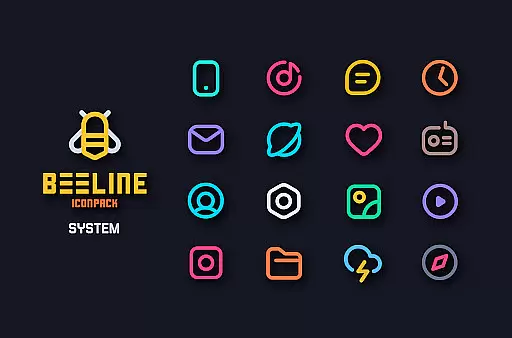
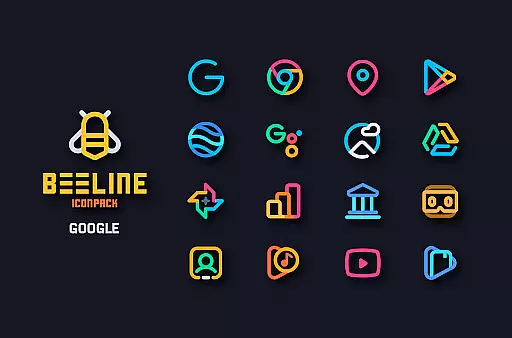
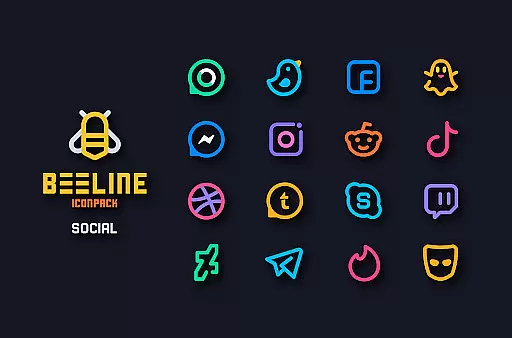
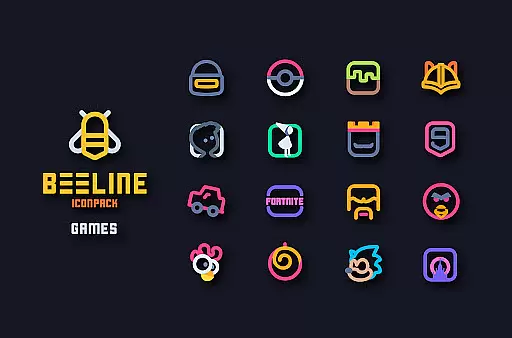
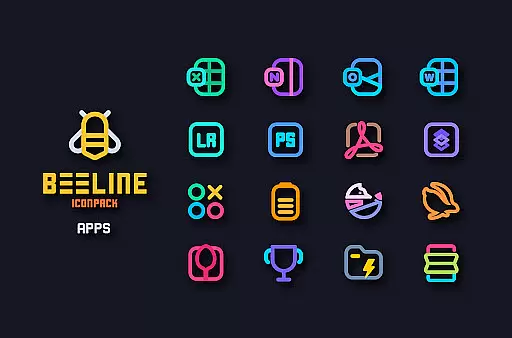
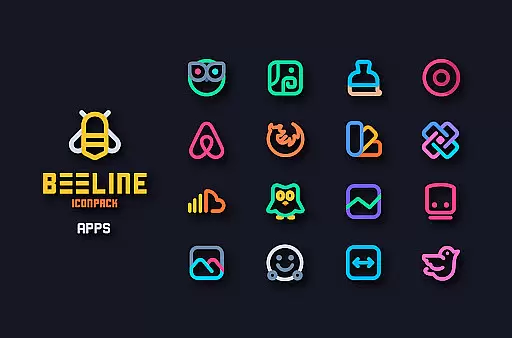
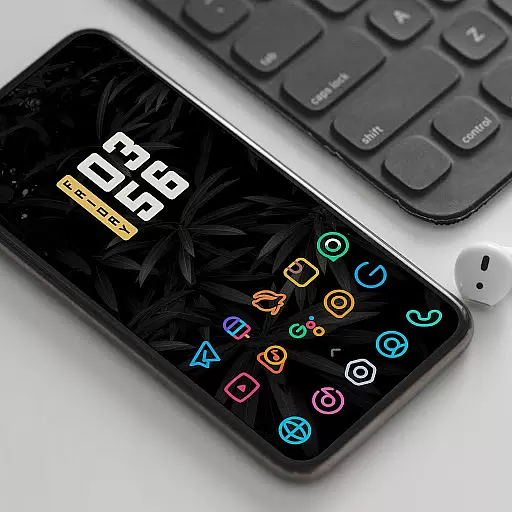
BeeLine Icon Pack is a vibrant collection of over 3000 linear icons designed with colorful lines, offering a stunning visual experience for both dark and light themes. This icon pack breathes new life into your Android device's interface by providing a unique aesthetic that stands out among thousands of options on the market.
The pack follows Google's Material Design guidelines while incorporating creative touches that make each icon a crafted masterpiece. With frequent updates, alternative icons for popular apps, cloud-based wallpapers, and support for features like Muzei Live Wallpaper and dynamic calendars, BeeLine ensures both functionality and style.
BeeLine Icon Pack distinguishes itself through its minimalist yet colorful design, featuring over 3000 meticulously crafted icons. Each icon adheres to Google's Material Design principles, ensuring consistency in size and dimensions while adding a creative flair that makes them visually appealing.
In addition to the extensive icon library, BeeLine offers a material dashboard, icon search and preview, custom folder icons, and app drawer icons. The inclusion of cloud-based wallpapers and support for dynamic calendars enhances personalization options. Users can also request missing icons via a server-based system, ensuring continuous improvement and customization.
BeeLine Icon Pack offers an extensive range of customization options that cater to personal preferences and device aesthetics. With over 3000 icons designed with colorful linear lines, it supports both dark and light setups, ensuring a vibrant look for your smartphone interface.
The pack includes alternative icons for popular apps and system applications, giving users the flexibility to choose styles that best represent their personality or mood. Additionally, custom folder icons and app drawer icons are available, allowing for a cohesive and personalized home screen setup.
Dynamic calendar support and a slick material dashboard enhance the user experience by providing functional yet visually appealing elements. These features ensure that users not only achieve a unique appearance but also enjoy practical benefits tailored to their daily digital interactions.
Compatibility is a crucial aspect of any icon pack, and BeeLine excels in this area by supporting a wide array of launchers. Whether you're using Nova Launcher, Apex Launcher, or even less common ones like Arrow Launcher, BeeLine ensures seamless integration and application of its stunning icons.
In cases where direct application isn't possible through the dashboard, users can apply the theme via their launcheru2019s settings. This versatility makes it accessible to a broader audience, accommodating various devices and operating systems beyond just Android.
Moreover, the inclusion of Muzei Live Wallpaper support adds another layer of visual customization. Users can enjoy matching wallpapers that complement their chosen icons, creating a harmonious and immersive device environment that reflects individual tastes and enhances overall usability.
Stylish and modern design
Extensive icon coverage
Frequent updates
Cloud-based wallpapers
Dynamic calendar support
Requires third-party launcher
No Google Now support
Limited initial icon set
Some features need specific launchers
Premium price tag

Classic analogue watch face. For wear os devices.
 4.60
4.60
Capture moments that pass like a storm, second by second.
4.2
Glass style colourful icons with a One UI look and feel
4.60
Unique Android Launcher
4.60 4.50
4.50
Your go to Weather App & Home Screen. Get your weather at a swipe of a finger!
3.80
Adorable pets roam and play right on your phone screen!
3.30
Amazing letter fonts in your messages and social statuses
4.70
Install amazing sticker packs: endless styles, always cool.
4.70
A Colorful and Minimal icon pack in an Outline Style - Over 13,600 icons!
4.70
Want to make your phone more special than ever?
4.60
Zip lock screen with magic wallpaper to decorate your phone with fun zipper lock
4.60
300+ widgets inspired by Material You and Material 3 expressive design.
4.60 4.50
4.50
200+ Material Inspired Widgets
4.50
Fingerprint Lock Screen & Live Animations with 4K Wallpapers as Live Wallpaper
4.40
Themes - Widget & Wallpaper: Customize home screen, icon changer w unique themes
4.30
Customizable flower power digital watch face for Wear OS watches.
4.00
HappyLighting is a Bluetooth lamp control software.
3.40


User Reviews