
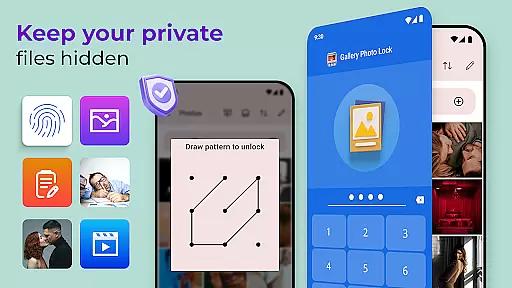
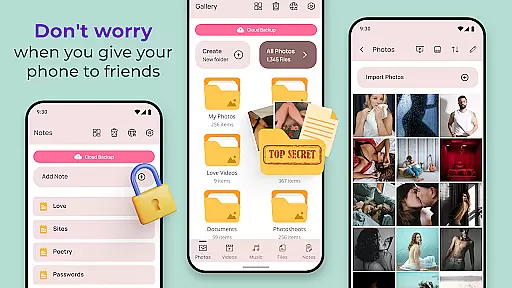
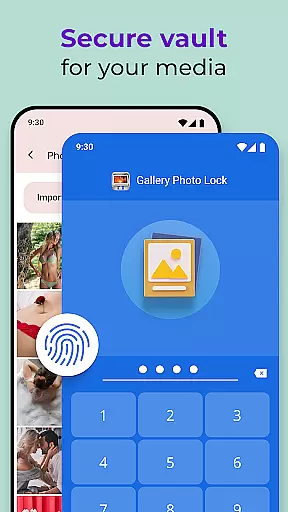
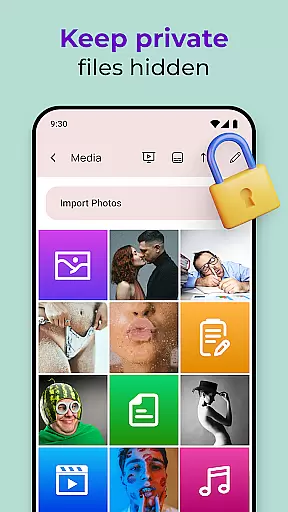
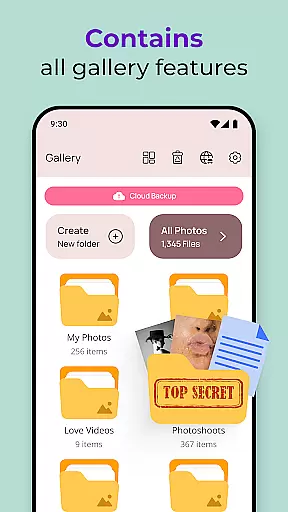
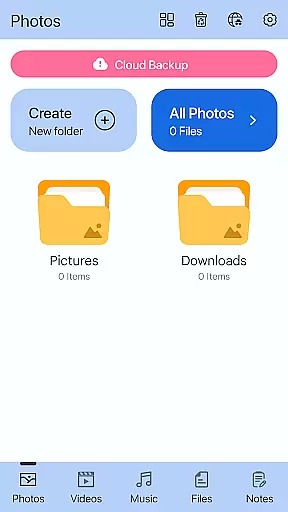
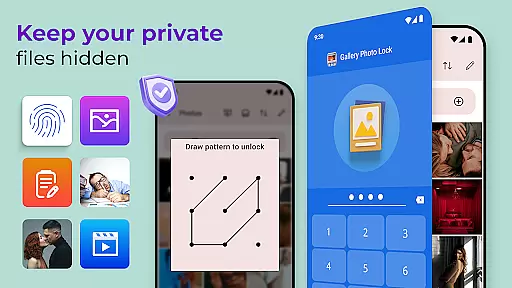
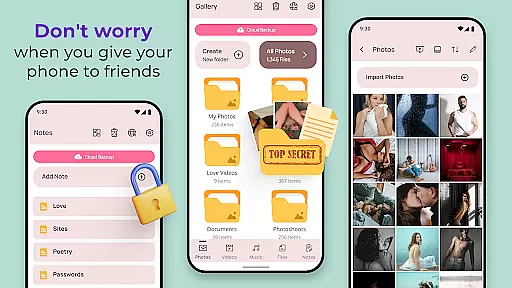
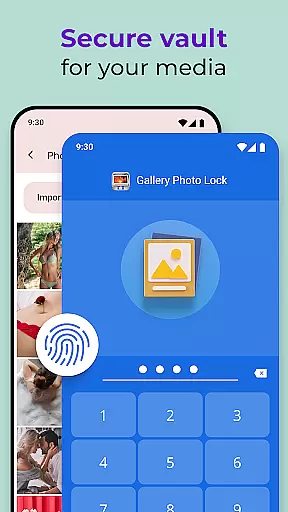
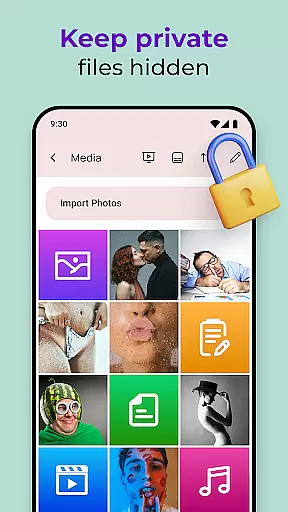
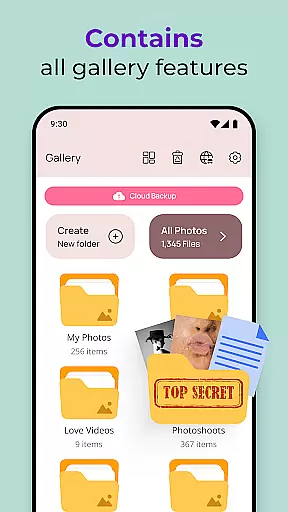
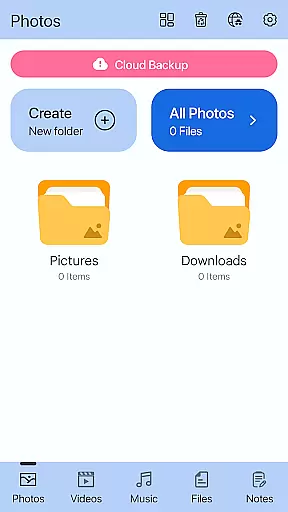
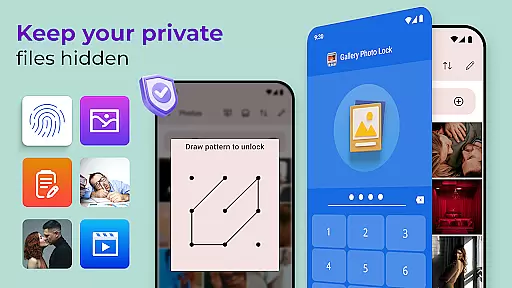
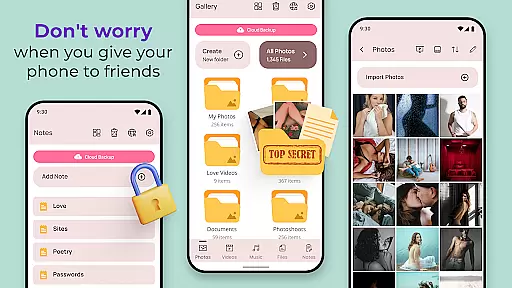
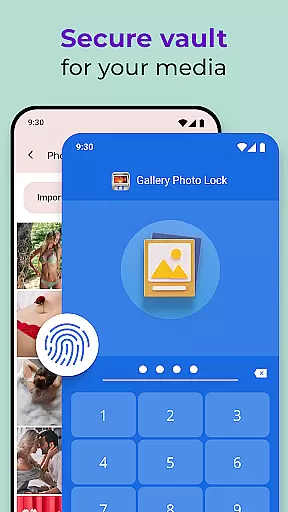
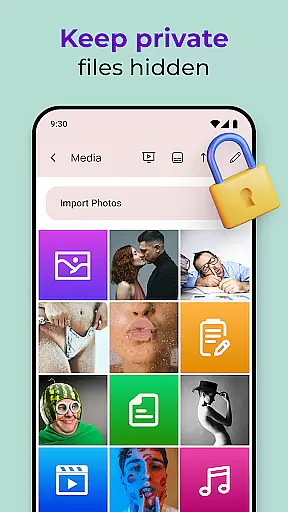
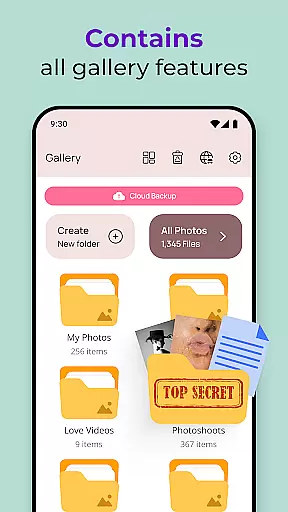
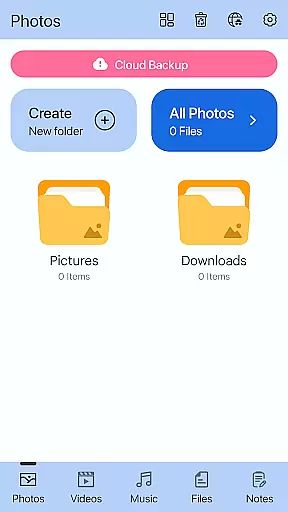
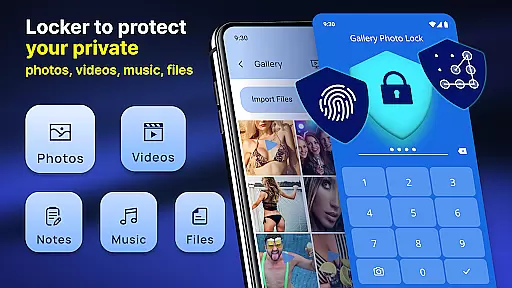
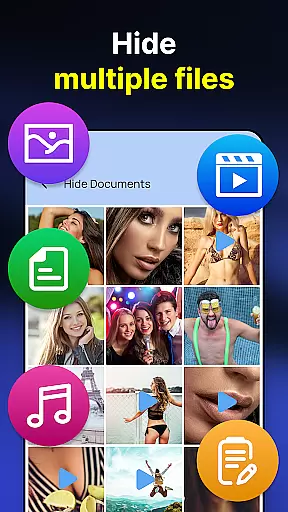
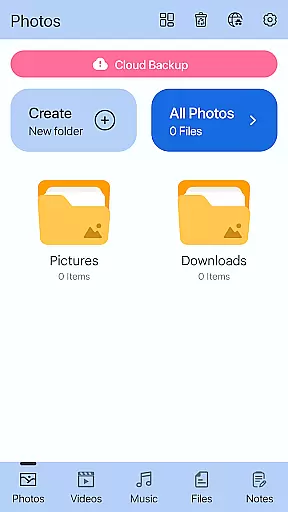
Gallery Photo Locker is a comprehensive privacy protection app designed to safeguard your personal media files. This application allows users to effortlessly hide an unlimited number of images and videos, ensuring that private content remains secure on your device. With features like fingerprint authentication and cloud backup, the app provides both security and convenience.
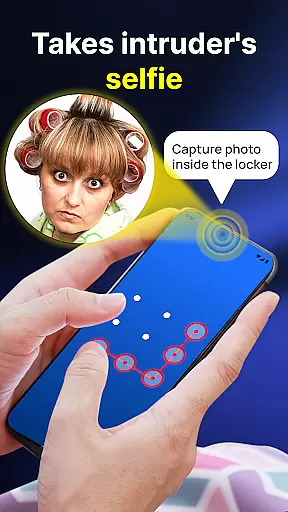
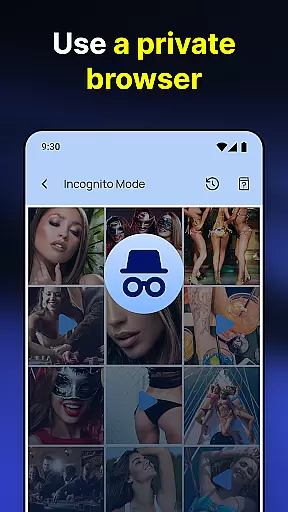
The app's functionality extends beyond basic photo hiding. It includes options for creating hidden notes, using a secure browser, and downloading media directly into a secret vault. The Gallery Photo Locker also offers unique features such as face-down locking and intruder selfies, which capture photos of anyone attempting unauthorized access. These advanced security measures make it an ideal choice for those seeking robust privacy protection.
Whether you're concerned about lending your phone to others or simply want peace of mind regarding your personal data, this app delivers a complete solution. By disguising itself with alternative icons and offering customizable themes, Gallery Photo Locker ensures that your private life stays truly private while maintaining ease of use.
Gallery Photo Locker stands out through its diverse range of innovative features tailored for maximum privacy protection. One key aspect is its support for biometric authentication, allowing users to unlock their hidden content using fingerprint recognition. This feature not only enhances security but also streamlines access for authorized users.
In addition to securing media files, the app enables users to create private notes and browse the internet safely within a built-in secure browser. Media can be directly downloaded into the hidden vault, bypassing the device's main gallery entirely. The inclusion of cloud backup ensures that users won't lose their important files, even if they switch devices or experience hardware failure.
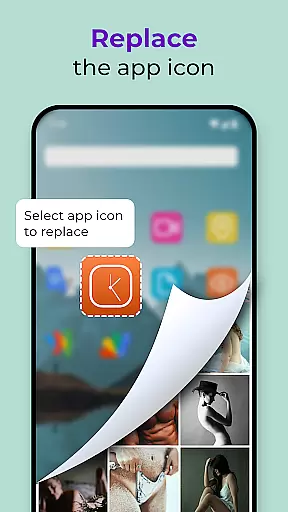
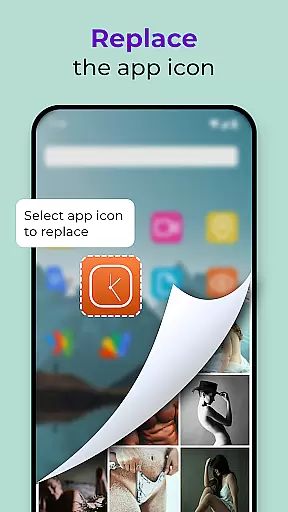
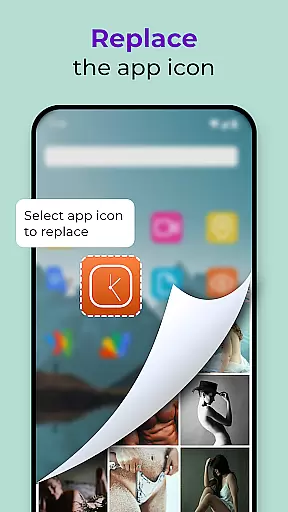
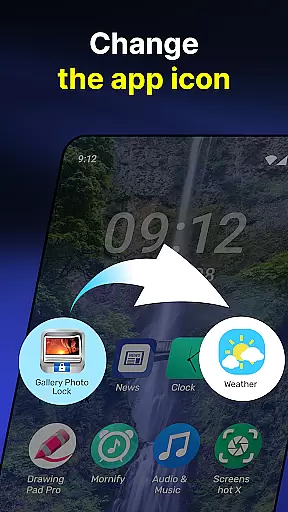
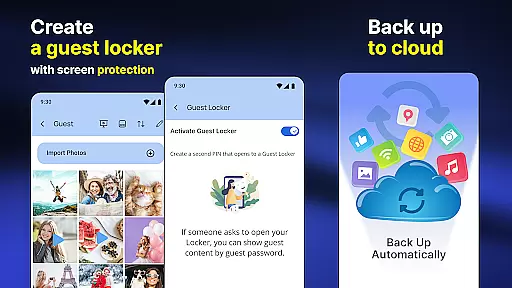
Unique functionalities like Guest Locker and icon replacement further enhance user experience. The Guest Locker feature allows users to set up decoy galleries with separate passwords, while the ability to change the app's icon helps maintain discretion. These thoughtful additions demonstrate how Gallery Photo Locker goes beyond basic privacy protection to offer a sophisticated suite of tools for managing personal content securely.
Customization options in personalization apps like Photo Lock App - Hide Pictures play a crucial role in enhancing user experience. This app offers a wide array of customization features that allow users to tailor their privacy settings according to individual preferences.
The app provides multiple ways to customize the locking mechanism, including fingerprint unlock and face-down lock features. Users can also replace the app icon with common icons such as news or weather, adding an extra layer of stealth. These options ensure that users have control over how they protect their private media while maintaining ease of access for themselves.
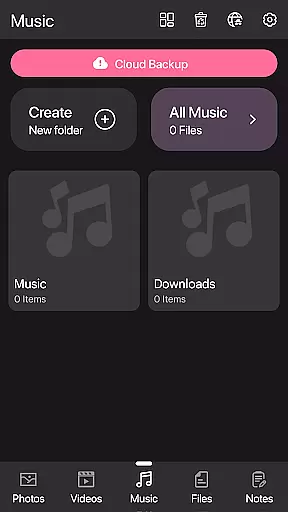
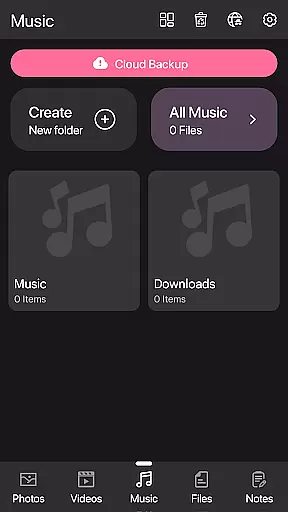
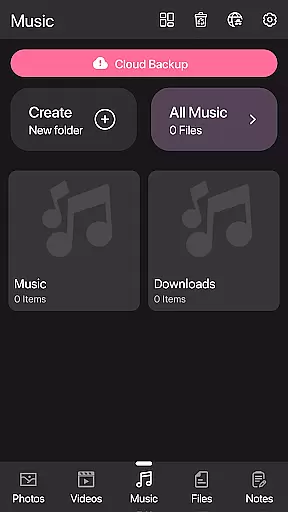
Additionally, the availability of themes within the Private Photo Vault feature enables users to personalize the appearance of the app itself. Customization extends beyond mere functionality to aesthetic preferences, making daily use more enjoyable. The ability to create a Guest Locker with different passwords further exemplifies the depth of personalization available.
By offering these diverse customization options, Photo Lock App empowers users to manage their digital privacy effectively. Whether hiding sensitive photos or securing notes, this flexibility ensures that each user's needs are met with precision and care.
Theme compatibility is essential for personalization apps, ensuring that visual customizations do not compromise functionality. In the case of Photo Lock App - Hide Pictures, theme compatibility allows users to enjoy a personalized interface without losing any operational efficiency.
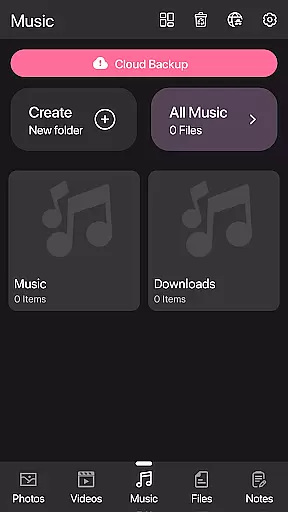
This app supports various themes through its Galerie Lock Themes feature, enabling users to alter the look and feel of the application seamlessly. By choosing from different themes, users can match the appu2019s appearance with their deviceu2019s overall design language or personal style preferences.
Moreover, the theme system is designed to be intuitive and easy to navigate. Users wonu2019t face any disruptions in service when switching between themes, thanks to the robust compatibility framework. This seamless integration ensures that all core functionalities, such as hiding photos and videos, remain accessible regardless of the chosen theme.
Ultimately, the high degree of theme compatibility enhances user satisfaction by providing both form and function. With Photo Lock App, users can enjoy a visually pleasing and highly functional tool that keeps their personal data secure while reflecting their unique tastes.
Comprehensive privacy protection
User-friendly interface design
Advanced security features included
Cloud backup functionality
Customizable app appearance
Premium features require payment
Occasional performance slowdowns
Limited free storage capacity
Complex setup for beginners
Some features need improvement

Ultra realistic high quality analog watch face for Wear OS.
 4.60
4.60
Winter's Journey: digital watch face for Galaxy Watch & Wear OS
4.80
Sparkle your screen with Glitter Wallpapers For Girls and Cute Backgrounds!
4.80
Dark icon pack based on One 8
4.80
Customize your home screen with stunning themes, blur, widgets & icons.
4.60
300+ Stunning and well-designed widgets inspired by NOTHING.
4.70
Handcrafted pixel art icons, widgets & wallpapers
4.60
Transform your device in a game console
4.40
Transform your phone with stunning video wallpapers and a unique, personal touch
3.80
Embrace the Night. Unleash the power of darkness with Raven Dark Icon Pack
4.60
Color phone with cool effects for call screen, flash alert & ringtones music
4.50
200+ Material Inspired Widgets
4.50
Fingerprint Lock Screen & Live Animations with 4K Wallpapers as Live Wallpaper
4.40
Yandex Browser — stylish and secure, with voice search and data compression
4.40
Themes - Widget & Wallpaper: Customize home screen, icon changer w unique themes
4.30
Romantic Kiss Stickers App. Start romantic messaging now!
4.30
Adult video chat, dating, making friends, random matching
4.20
Interactive Miniature Painting Catalogue
3.30
Custom edge gestures for volume control, brightness, apps, and shortcuts.
4.2


User Reviews