
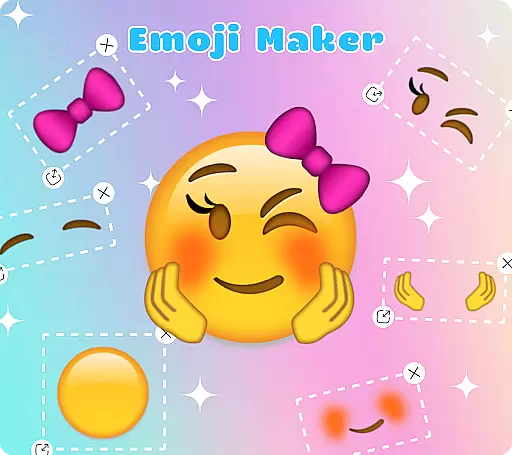
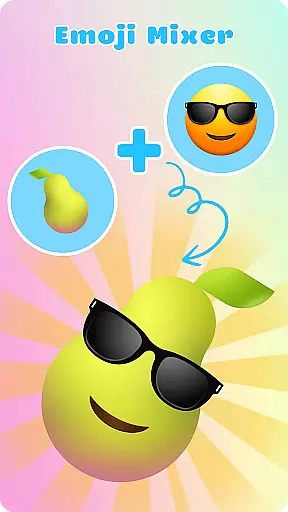
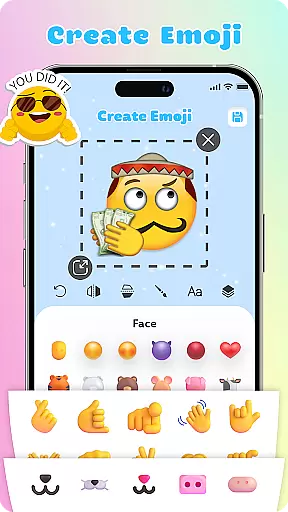
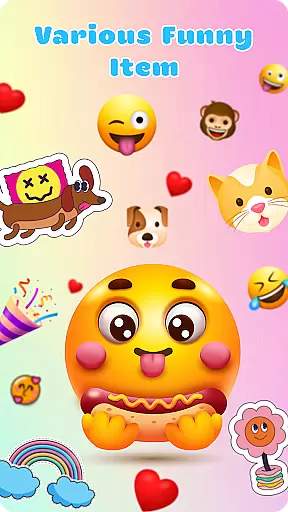
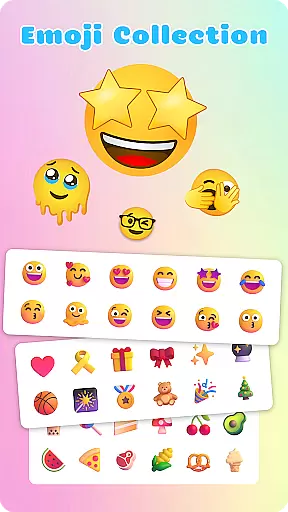
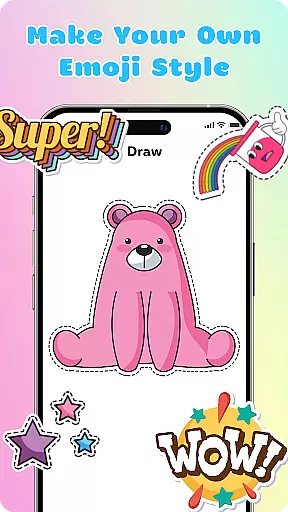
Emoji Maker is a creative personalization app that allows users to design and customize their own emojis. The app features two core functions: Emoji Maker for creating individual emojis, and Emoji Mixer for combining multiple emoji elements. Users can choose from various facial expressions, gestures, and accessories to craft unique emojis that suit their personality and communication needs.
The app provides an intuitive interface with powerful editing tools. You can resize, flip, and layer different elements, add text overlays, and use freehand drawing for detailed customization. With regular feature updates and the ability to create custom emoji packs, this app offers endless possibilities for creative expression in your daily conversations.
Emoji Maker stands out with its comprehensive set of customization features. The app provides advanced editing tools including layer management, freehand drawing, and text overlay options. Users can precisely control every aspect of their emoji designs, from basic shapes to complex compositions.
A key innovation is the layering system that enables stacking and reordering of elements, allowing for more sophisticated emoji creations. The app also supports duplication of elements and maintains perfect image quality during resizing operations. These professional-grade features, combined with regular updates and new content additions, make it a versatile tool for both casual and advanced users seeking to enhance their digital communication.
Emoji Maker offers an extensive range of customization options that allow users to create unique emojis tailored to their personal style and mood. With features such as resizing, flipping, and duplicating images, the app provides a versatile platform for emoji creation.
The inclusion of a text feature enables users to add special sentences or words on top of their emojis, enhancing their expressiveness. Additionally, the freehand drawing tool adds another layer of creativity, allowing users to highlight specific features of their emojis with ease.
With regular updates and new features added frequently, Emoji Maker ensures that users' creative potential is continually inspired. The layer feature further enhances this by letting users stack elements and change the order of layers, providing depth and complexity to personalized emojis.
Theme compatibility in Emoji Maker ensures that all custom-created emojis blend seamlessly with various messaging themes and formats. This means that no matter what kind of chat background or theme your contacts are using, your emojis will always appear clear and vibrant.
The intuitive interface of Emoji Maker makes it easy for users to design, mix, and manage emojis without any prior experience. Even beginners can quickly adapt to the user-friendly controls and start creating personalized emojis right away.
By offering custom emoji packs, the app allows users to maintain consistency across their communications. Whether you're engaging in funny jokes or serious conversations, Emoji Maker's theme compatibility supports a diverse range of expressions suitable for any conversational context.
User-friendly interface
Extensive editing tools
Regular feature updates
Layer management system
Custom emoji creation
Limited free features
Occasional bugs
Ads between sessions
Premium subscription cost
Steep learning curve

Ultra realistic high quality analog watch face for Wear OS.
 4.60
4.60
Prank your friends with realistic broken screen and cracked HD effects!
4.1 4.50
4.50
Vibrant Adaptive Icons with Material You and Enhanced Monet Colors.
4.50
300+ widgets inspired by Material You and Material 3 expressive design.
4.60
400+ Beautifully crafted widgets inspired by NOTHING.
4.70
Enjoy a variety of amazing live wallpapers and colorful EDGE lighting borders!
4.80
Create stunning widgets with Widget 2026: Aesthetic Widgets for Android!
4.60
Custom ringtones songs, music ringtones for Android phones
4.60
A minimalist productivity launcher. One-hand-friendly. Zero ads.
4.70
A Colorful and Minimal icon pack in an Outline Style - Over 13,600 icons!
4.70
Want to make your phone more special than ever?
4.60
Zip lock screen with magic wallpaper to decorate your phone with fun zipper lock
4.60
Handcrafted pixel art icons, widgets & wallpapers
4.60
Transform your phone with Launcher iOS 26 - Smooth & elegant iOS experience
4.50
Magic fluids wallpaper 4D: Relax with stunning fluid simulation wallpaper app
4.20
More than 3000+ themes and 9000+ wallpapers for everybody!
4.10
Run multiple accounts of the same app on a single device
4.10
Capture moments that pass like a storm, second by second.
4.1


User Reviews