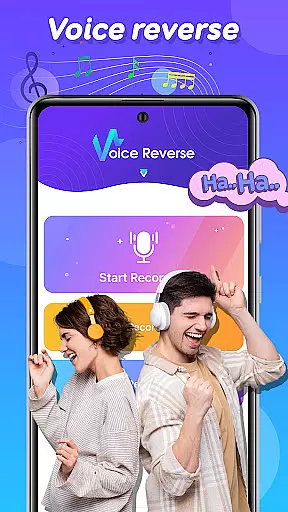
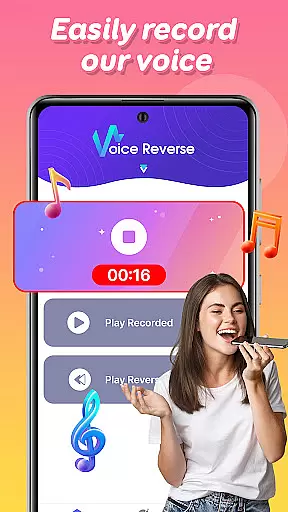
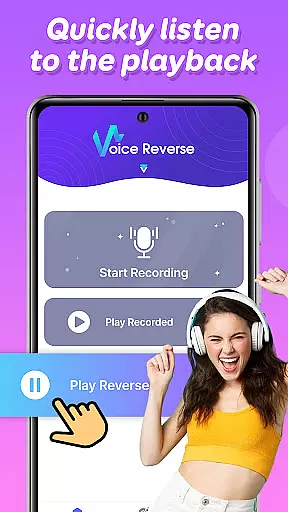

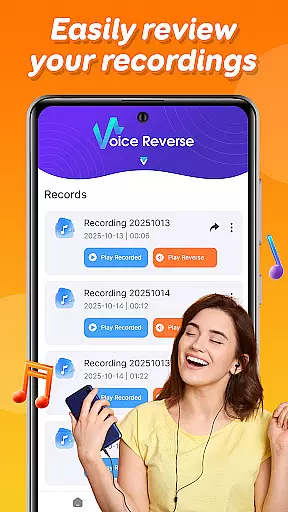
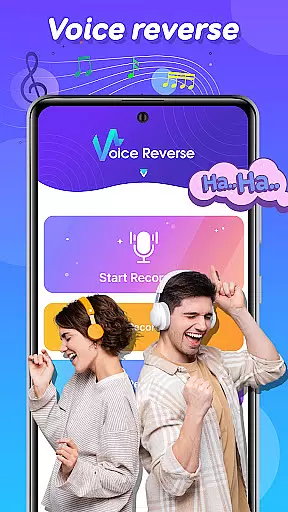
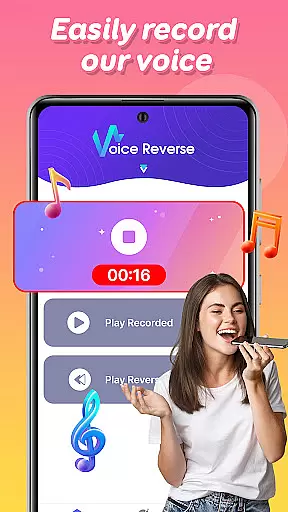
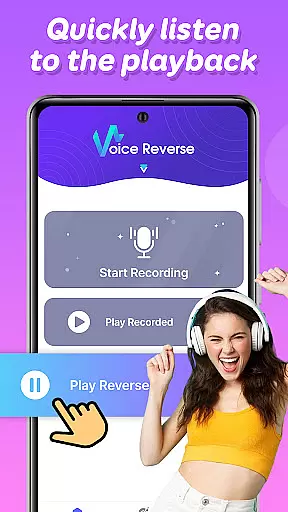

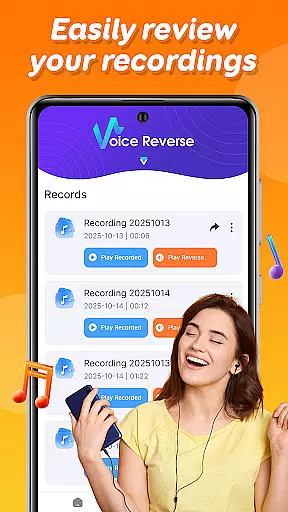
Voice Reverse is a unique audio application designed to transform your voice recordings into reversed audio clips. This app allows users to record their voice and instantly play it backward, creating a humorous and entertaining experience. With its quick recording feature, users can tap to start speaking and hear the reversed playback in seconds. The app is perfect for those who enjoy experimenting with sound or want to have fun with friends by challenging them to guess reversed phrases.
Available on Android devices, Voice Reverse offers a creative way to engage with audio content. Whether you're looking to add a twist to your conversations or simply explore the novelty of reversed speech, this app provides an easy-to-use platform that guarantees laughter and amusement.
Voice Reverse stands out with its innovative approach to audio manipulation. One of the key features is the instant reverse playback, which processes recorded audio almost immediately, allowing users to hear their reversed voice without delay. The app also supports quick voice recording, enabling users to start and stop recordings with minimal effort.
Beyond its core functionality, Voice Reverse encourages creativity and social interaction. Users can challenge friends to decipher reversed messages or try saying phrases backward themselves. This interactive element adds an extra layer of fun, making it ideal for parties, gatherings, or just casual entertainment. The simplicity of the interface ensures that anyone can pick up the app and start having fun right away.
Voice Reverse may not focus on a vast music library, but it offers essential audio manipulation features that guarantee an engaging experience. The app allows users to record their voice and instantly reverse it, creating unique sound clips that are original and creative.
Each reversed audio clip is generated from the user's input, ensuring that all content created within the app is authentic and free of copyright issues. This makes sharing or using these audio snippets for personal projects completely safe and legal.
The simplicity of the recording feature ensures that users can quickly create numerous audio samples, effectively building a personalized library of reversed sounds. These recordings can be saved locally, giving users full control over their audio collection.
By focusing on user-generated content, Voice Reverse eliminates concerns about copyright infringement while providing tools for unlimited creativity in audio manipulation.
Voice Reverse delivers reliable audio quality tailored for casual use. The app captures voice recordings with clarity, ensuring that even when played backward, the audio remains distinct and understandable. This attention to audio fidelity enhances the overall user experience.
While advanced bitrate or sample rate options might not be available, the default settings are optimized for fun and experimental purposes. Users can expect consistent performance without distortion or loss of detail during playback.
The instant reverse playback feature maintains the integrity of the original recording, preserving nuances in tone and pitch. This ensures that every reversed phrase retains its intended humor and impact, making interactions more enjoyable.
Whether challenging friends or experimenting with phrases, the balance between functionality and audio quality makes this app both entertaining and practical for creative exploration.
User-friendly interface
Instant audio reversal
Quick recording capability
Creative entertainment value
Fun social interactions
Limited advanced features
No iOS version available
Basic audio quality
Ads may interrupt usage
Occasional processing delays

Your HD audio recorder on the go for music, meetings, ambience, animal sounds…
 4.30
4.30
Make music anywhere. Turn your device into an instrument.
4.1
DJ Music Mixer Pro is a real DJ controllers and DJ Music Studio to remix DJ.
4.40
Walkout Song DJ is the most intuitive app to manage your sports music.
4.70
Advanced 10-Band Audio Graphic Equalizer Sound Booster Pro
4.30
The original SP-1200 experience on your iPad
4.20
Simple mp3 and mp4 player with advanced features.
3.40
Versatile MP3 recorder with auto-backup to Dropbox and Google Drive
4.10
Travel To The Music Universe
3.40
Performance-Synthesizer & Multi-Track-Sequencer, polyphonic + multi timbral!
4.70
Taal player that lets you sing any Indian & Western song with Tabla & Tanpura
4.60
A complete sound package for the sound engineer or enthusiast
4.60
Save hundreds of dollars for a physical strobe tuner and instead use this app.
4.50
DJ Music Mixer - DJ Remix: remix songs, make beat music & record mix of DJ.
4.40
The only true audiophile music player with Hi-Fi audio rendering and DSP engine
3.90
Sheet music reader, piano & music note player. Play music score & learn to read.
3.90
Learn to play the piano using falling notes!
3.80
The iconic iOS metronome app is now on Android.
3.70
Control your MIDI USB or Bluetooth devices in app and avoid some trampling
3.30


User Reviews