
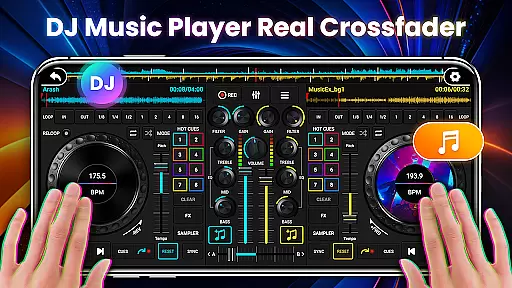
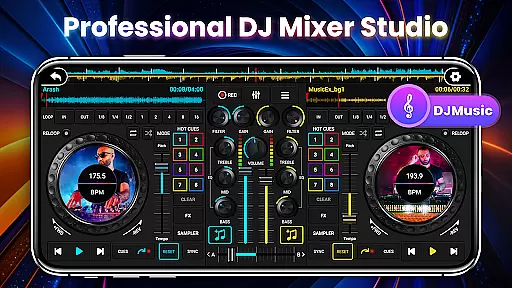
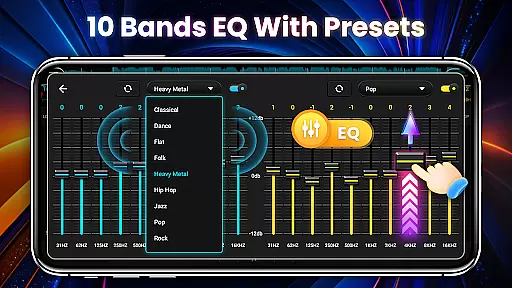
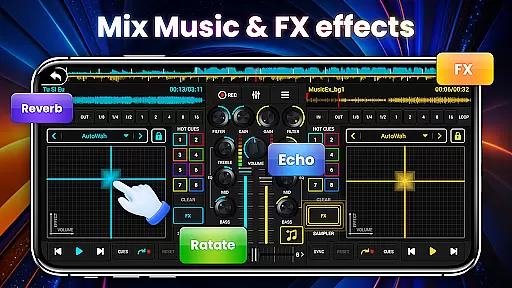
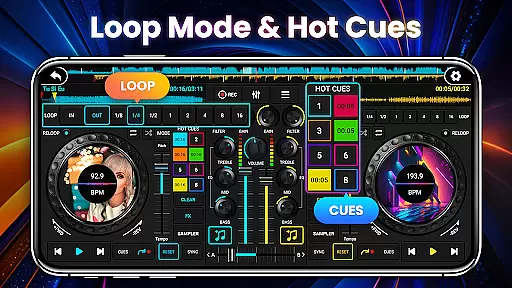
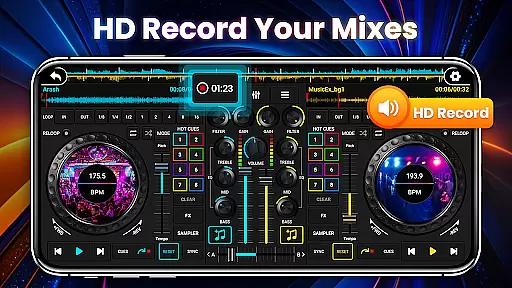
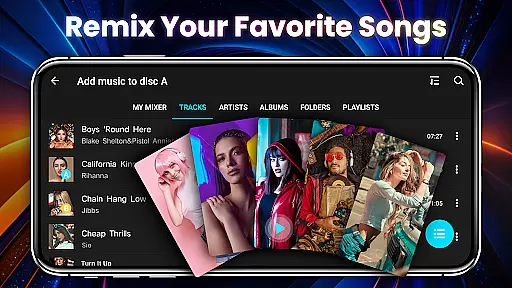
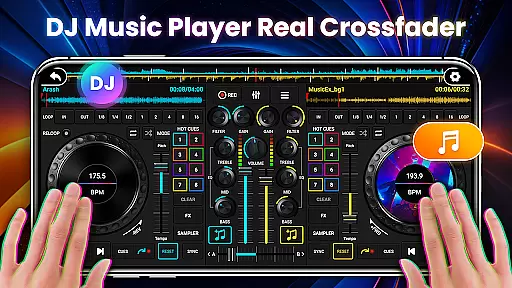
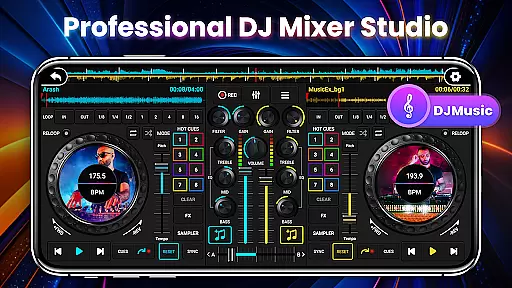
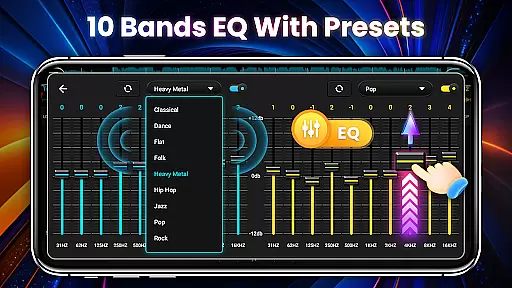
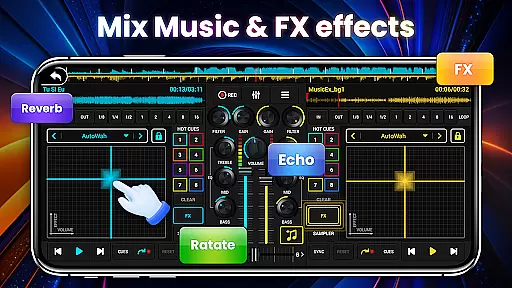
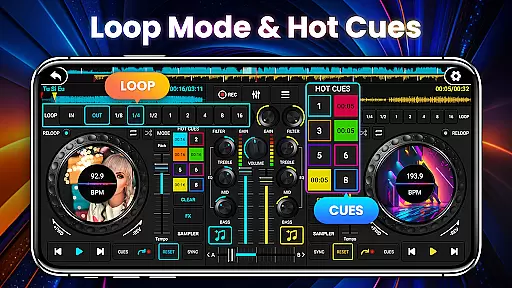
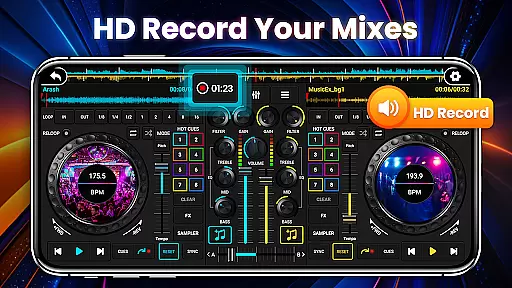
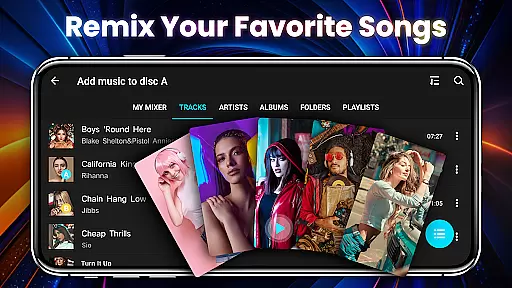
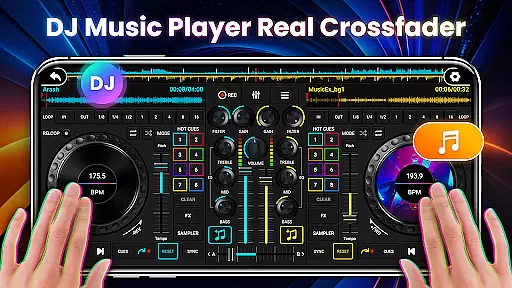
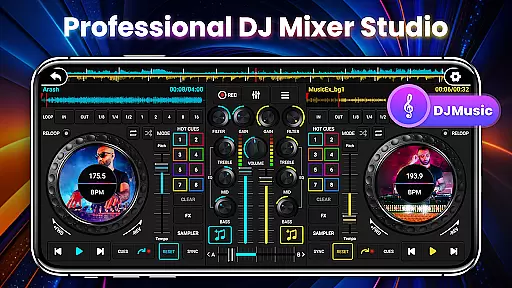
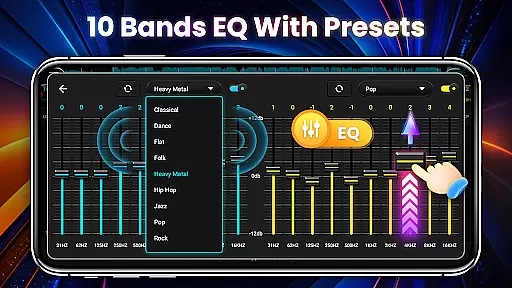
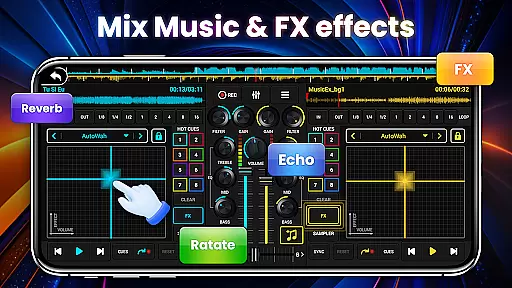
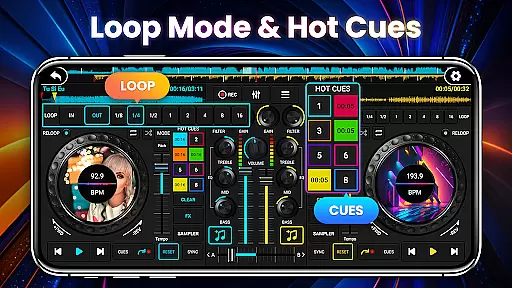
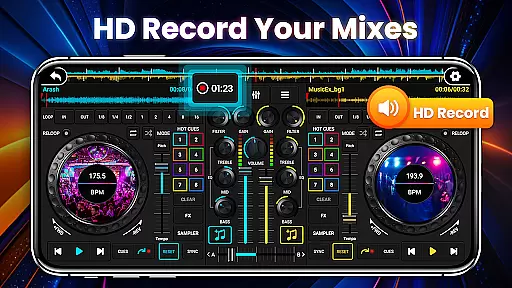
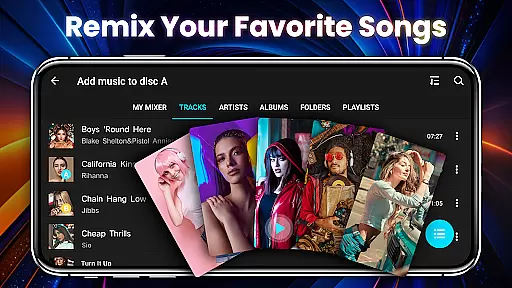
DJ Mixer Studio Pro is a professional-grade virtual DJ music studio designed for both aspiring and experienced DJs. The app offers an ad-free experience with advanced features like a 3-band EQ mixer, FX effects, and a 10-band equalizer with bass booster. Users can simultaneously play and remix songs on two decks, creating stunning audio effects while enjoying an intuitive interface that simulates a real DJ console.
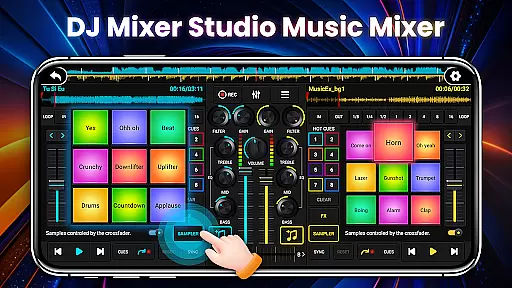
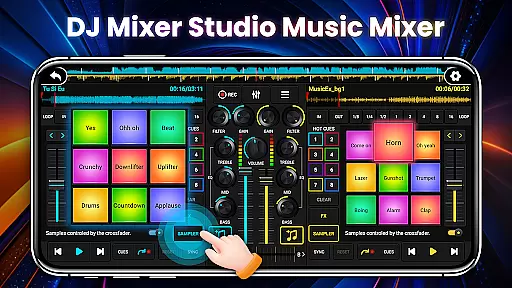
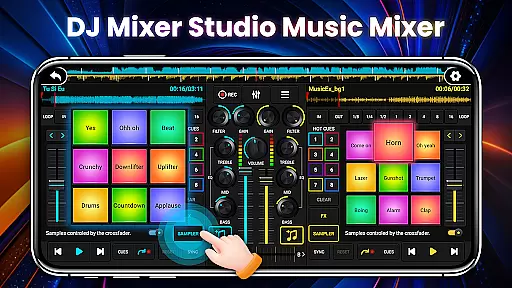
The app includes professional tools such as BPM synchronization, high and low pass filters, and precise ten-segment EQ adjustments. With up to eight hotspots, 27 free sample packages, and crossfader functionality, it provides everything needed for creative music mixing. Whether you're a beginner or a seasoned DJ, this app offers an immersive experience that brings the art of DJing to your fingertips.
DJ Mixer Studio Pro stands out with its comprehensive set of DJing tools. The app features seven FX effects processors including AutoWah, Echo, Reverb, and Phaser, allowing users to add unique touches to their mixes. It also supports eight loop modes ranging from 1/8 to 16 beats, giving DJs flexibility in creating loops and segments within their tracks.
One of the key highlights is the app's realistic simulation of a physical DJ console. Users can slide control bars, rotate knobs, and scrub discs back and forth just like on real equipment. Additional features include real-time BPM display, tone-locking during BPM adjustments, and crossfader controls for smooth transitions between tracks. These professional-grade tools make it suitable for both learning and performing.
In the realm of DJ Mixer Studio Pro, users are granted access to an extensive music library that caters to all their mixing needs. This vast collection is not just about quantity but also quality and legality, ensuring every track is properly licensed.
The application meticulously sources its music, providing a rich diversity that spans various genres and styles. This ensures DJs can find the perfect beat, melody, or sample needed for their mixes without worrying about copyright infringement.
Furthermore, the app's dedication to copyright authenticity means peace of mind for users. Every piece of music within the library has been vetted for proper licensing, allowing creators to focus on their art without legal concerns looming overhead.
Audio quality is paramount in DJ Mixer Studio Pro, offering users multiple options to ensure their mixes sound impeccable. The app provides settings that cater to audiophiles and casual listeners alike, ensuring top-notch sound production.
Users can select from various audio formats and bitrates, tailoring the output to their specific requirements. Whether it's for professional performances or personal enjoyment, the flexibility in audio settings guarantees optimal playback quality.
Moreover, advanced audio processing features enhance the listening experience. With options like bass boost and 10-band equalizers, DJs can fine-tune every aspect of their sound, delivering a polished and professional mix every time.
User-friendly interface
Comprehensive DJ tools
Realistic console simulation
Ad-free experience
Professional features
Steep learning curve
Requires device space
No cloud sync
Premium price
Limited tutorials

The Skullcandy App Experience
 3.20
3.20
Taal player that lets you sing any Indian & Western song with Tabla & Tanpura
4.60
Walkout Song DJ is the most intuitive app to manage your sports music.
4.70
Your song collections with lyrics and chords on Android smartphones and tablets.
4.80
Bass Booster Pro takes auto-equalizing to the next level!
4.30
The alternative folder based music player.
4.20
Manage your Sonos system directly from your home-screen!
4.40
Turn Every Moment into Music
3.60
Listen to offline music and sounds from all categories
4.70
Voice recorder - Audio recorder. Best recorder for recording
4.90
Tune in to the greatest hits on UK Radio | The home of Capital, Smooth & Heart.
4.90
Full-featured, High-Quality Groovebox Workstation, perfect for Live Performance!
4.80
Brian Eno and Peter Chilvers’ acclaimed music app Bloom, radically reinvented.
4.80
Make songs with AI! Any genre, custom lyric, song generator for music creation!
4.80
Equalizer, Bass Booster and Volume Booster (Eq & Bass) improve sound quality
4.30
Network/Cloud Streaming, Visualization, Graphic Equalizer and Sound Effects.
4.20
Permanently backup Now Playing. Maps, filters & listening stats.
4.00
Turn your Android phone into a professional audio analyser with up to 120 bands.
4.00
Simple mp3 and mp4 player with advanced features.
3.40


User Reviews