
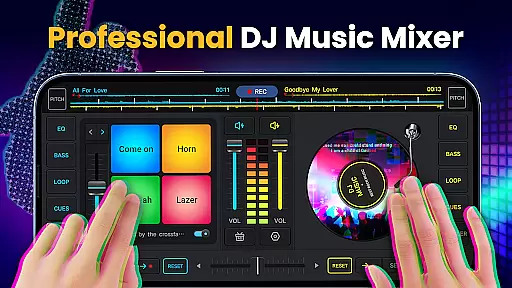
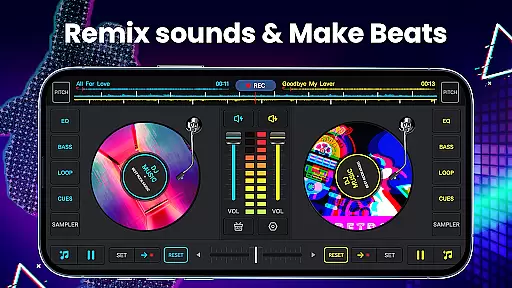
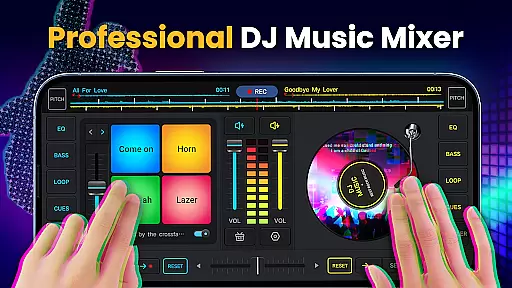
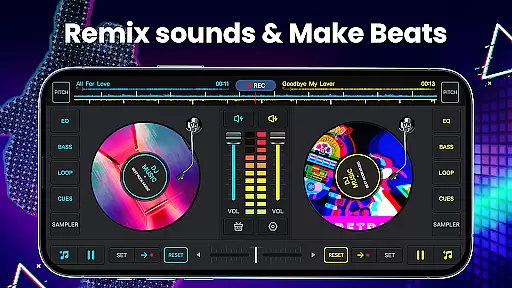
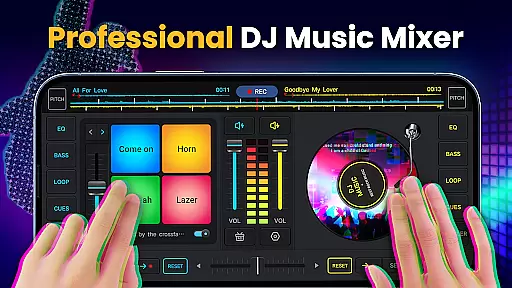
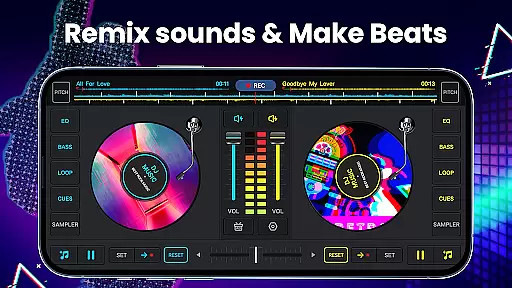
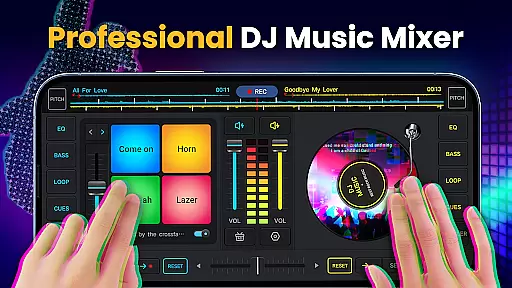
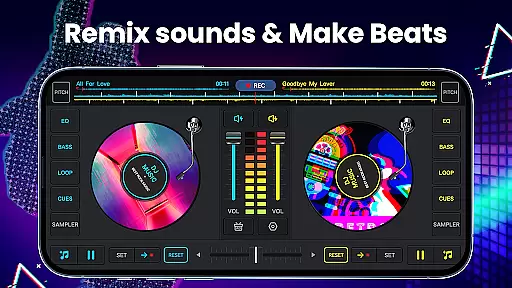
DJ Music Mixer - DJ Mix Studio is a feature-rich virtual DJ application designed for both professional and amateur music enthusiasts. This app allows users to create custom mixes, remix songs, and produce beat music with ease. The interface includes two virtual turntables, an advanced equalizer, and a bass booster, providing the tools needed to craft high-quality audio mixes.
With its intuitive design and powerful features, the app caters to DJs of all skill levels. Users can access a library of sound effects, set up hot cues, and utilize loops to enhance their mixes. Whether preparing for a live performance or creating tracks for personal enjoyment, this app offers the functionality needed to produce professional-grade music.
The app's standout feature is its ability to record mixes in HD quality, allowing users to save and share their creations. With support for various audio formats and seamless integration with device libraries, DJ Music Mixer - DJ Mix Studio is an essential tool for anyone looking to explore the world of DJing.
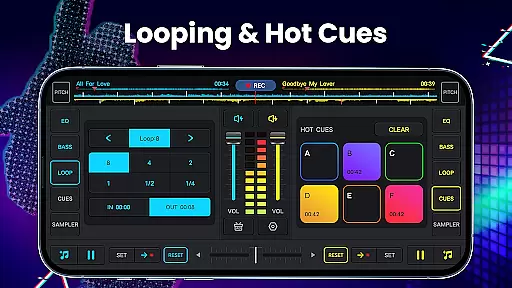
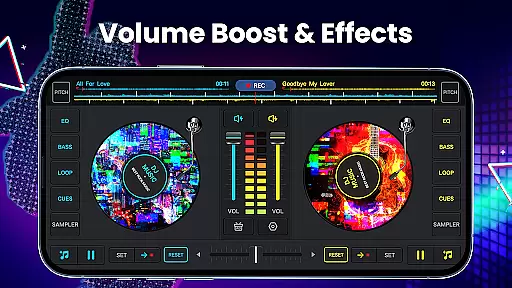
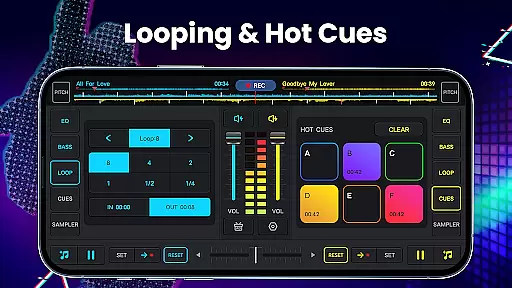
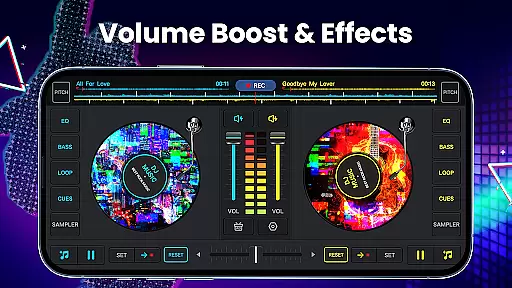
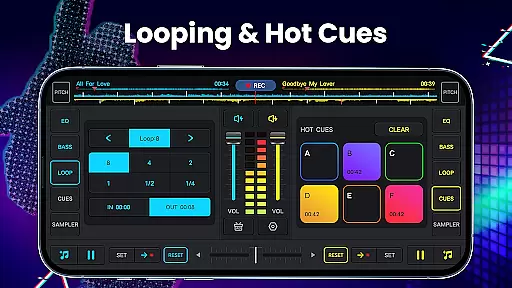
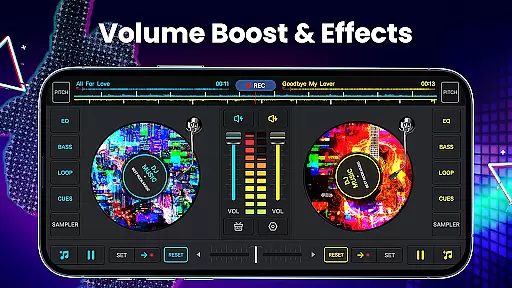
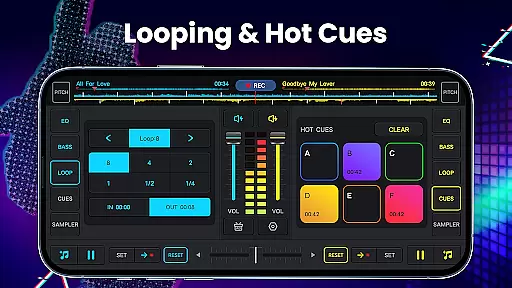
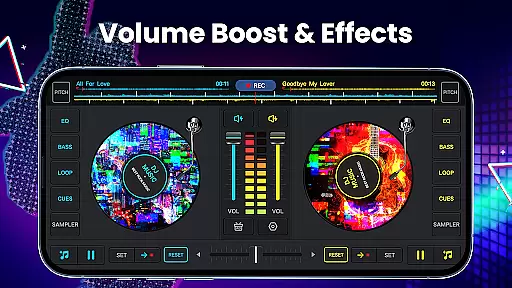
DJ Music Mixer - DJ Mix Studio boasts an array of sophisticated features that cater to the needs of modern DJs. One of its core functionalities is the inclusion of two virtual turntables equipped with a real crossfader, enabling smooth transitions between tracks. Additionally, users can set up to six hot cues per deck and choose from a variety of loop options ranging from 1/64 to 128 beats.
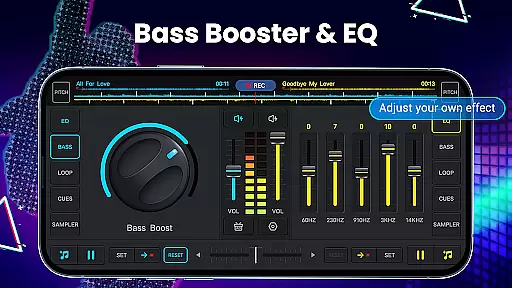
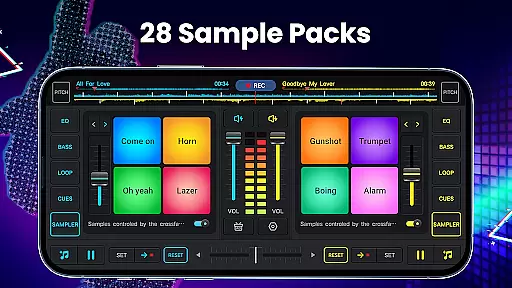
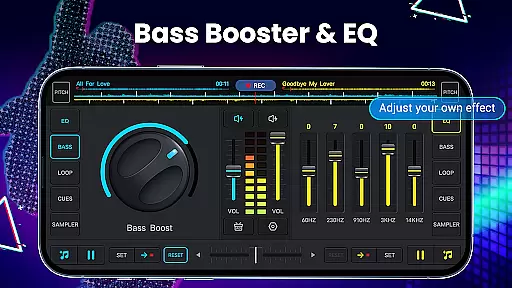
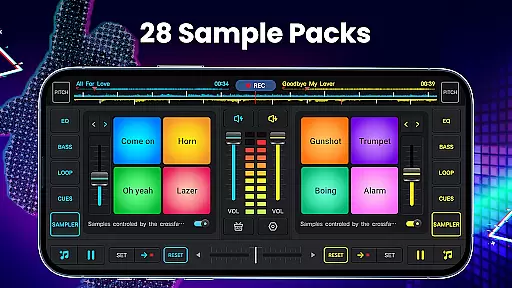
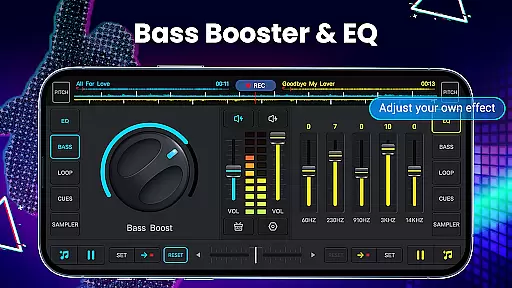
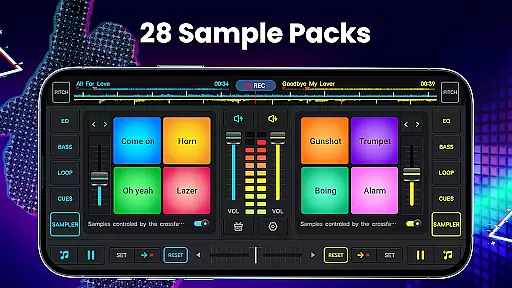
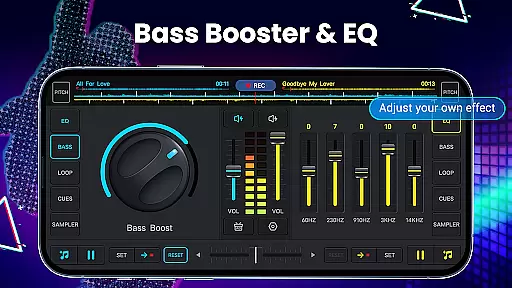
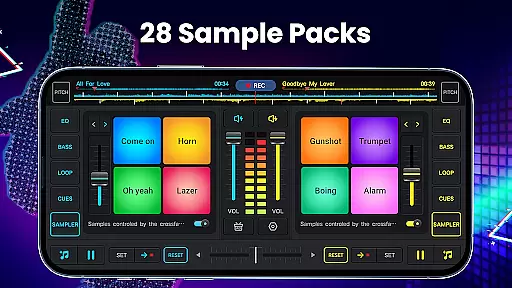
The app also provides a comprehensive suite of audio effects and equalizer settings. With five-band EQ and bass boost capabilities, users can fine-tune their mixes to achieve the desired sound. The built-in sound pads offer 28 free sample packs, including effects like gunshots, booms, and scratches, adding depth and creativity to any mix.
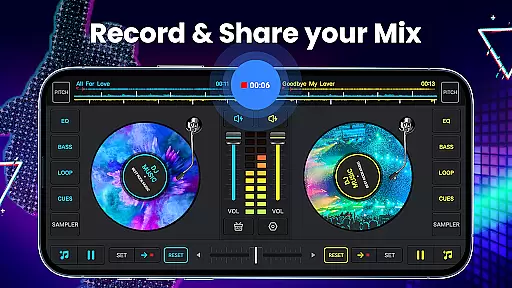
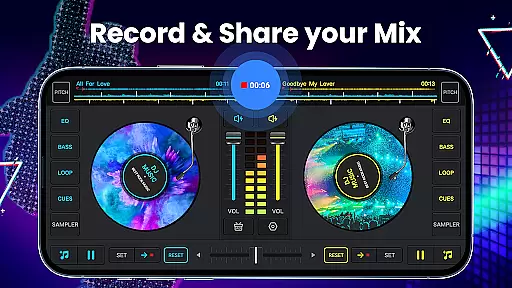
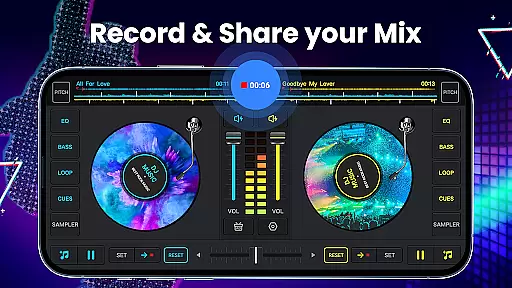
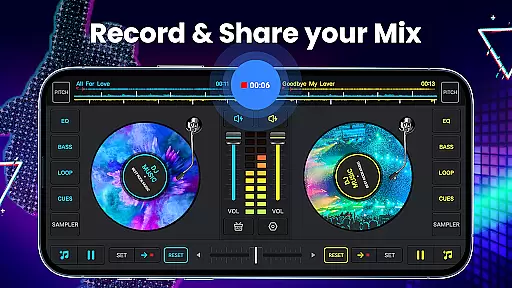
Another notable feature is the high-quality audio mix recorder. This tool allows users to capture their performances in MP3 format, ensuring that every mix can be saved and shared with others. The app supports both internal audio recording and microphone input, making it versatile for different use cases. These robust features make DJ Music Mixer - DJ Mix Studio a top choice for aspiring and professional DJs alike.
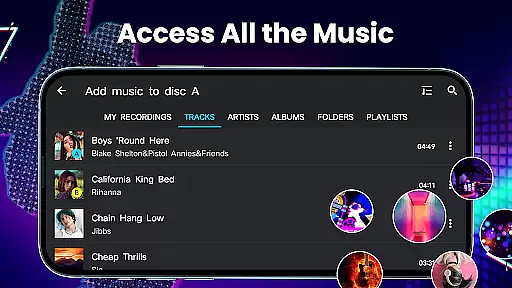
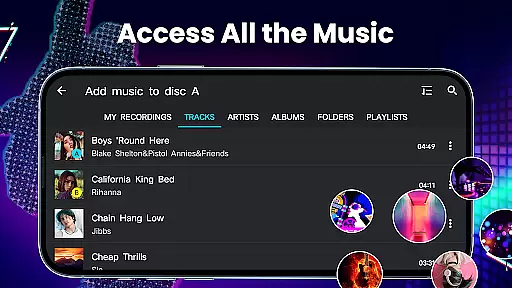
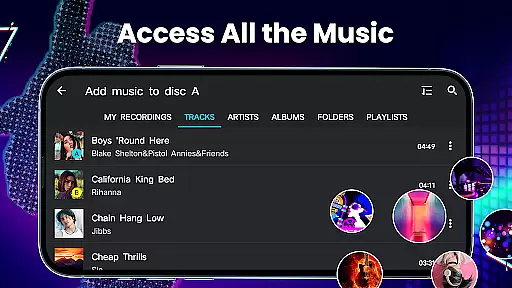
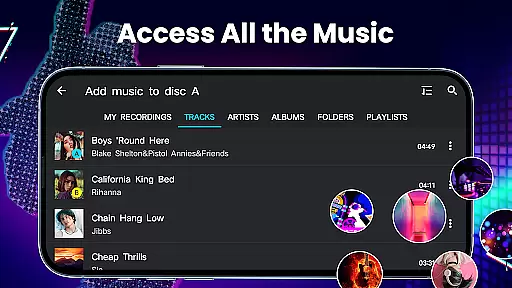
DJ Music Mixer offers an extensive music library that allows users to access tracks, artists, albums, and folders directly from their device. This integration ensures that all your personal music files are readily available for mixing and remixing.
The app supports a wide range of audio formats, making it versatile for various user needs. Whether you're working with MP3s or WAV files, the app handles them seamlessly, providing high compatibility and quality retention.
Regarding copyright authenticity, DJ Music Mixer emphasizes the importance of using legally owned music. It doesn't provide a built-in library but ensures that users can utilize their purchased or personally created tracks without legal concerns.
This approach not only respects intellectual property rights but also encourages creativity within legal boundaries, giving users peace of mind while they explore their musical talents.
One of the standout features of DJ Music Mixer is its advanced audio quality options. The app includes a five-band equalizer and bass booster, allowing precise control over sound output. Users can adjust frequencies to match different music genres or personal preferences.
In addition to the EQ, the mixer provides adjustable mix volume and pitch settings. These tools enable smooth transitions between tracks and help maintain consistent audio levels throughout a mix, which is crucial for professional-sounding results.
The app also supports high-quality recording in MP3 format, capturing mixes and scratch routines with excellent clarity. This feature is particularly beneficial for DJs who want to share their creations or build a portfolio of their work.
Furthermore, the wide audio spectrum and optimized beat detection ensure that every mix sounds clear and dynamic, regardless of the playback device. These comprehensive audio quality options make DJ Music Mixer a powerful tool for both amateur and professional DJs.
User-friendly interface
Wide range of sound effects
High-quality recording capabilities
Customizable mixing options
Supports multiple audio formats
Occasional performance lags
Limited free sample packs
In-app purchases can add up
Steep learning curve for beginners
Interface may feel cluttered

The Skullcandy App Experience
 3.20
3.20
Powerful beat maker & DJ mixer to remix tracks, make music, & perform DJ mix
3.70
USB audio recording and playback finally possible on Android 3.1 or higher!
3.90
Super Sound Editor, Song Maker & Mixer, Vocal Remover, Voice Recorder & Changer!
4.60
Learn to play the piano using falling notes!
3.80
Turn your Android phone into a professional audio analyser with up to 120 bands.
4.00
One-tap booster for max volume - enjoy powerful sound with this audio booster
4.50
Be a true music maker: create beats, mix and make music like a real DJ!
4.30
Melody Beat: Great for travel, workouts, offline vibes, play your tunes anytime.
4.10
Listen radio AM / FM Stations. Live AM / FM Radio App Station. Radio Com.
4.70
Simple & Intuitive Metronome
4.70
Taal player that lets you sing any Indian & Western song with Tabla & Tanpura
4.60
A synth that really lets you shape your sounds!
4.50
Play KORG’s revolutionary touch-based instrument on a variety of devices.
4.40
Ringtone Maker is free app create ringtone from music files or your recording.
4.40
Time Trainer: accurate metronome w tools to help you develop your internal time!
4.20
Smart piano keyboard, Classical to Pop, Real-time multiplayer connection!
4.20
Permanently backup Now Playing. Maps, filters & listening stats.
4.00
Music Streaming suite for Ampache, Nextcloud Music and compatible backends.
4.0


User Reviews