
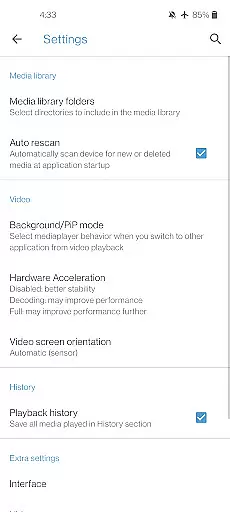
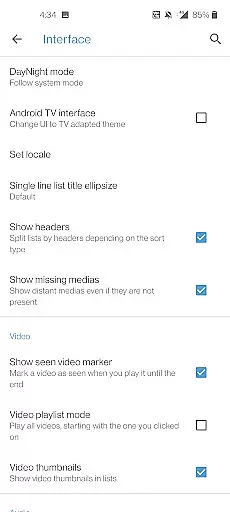
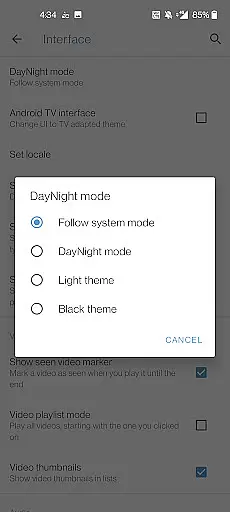
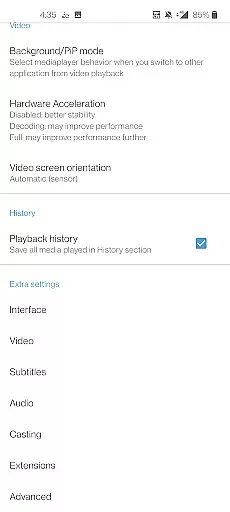
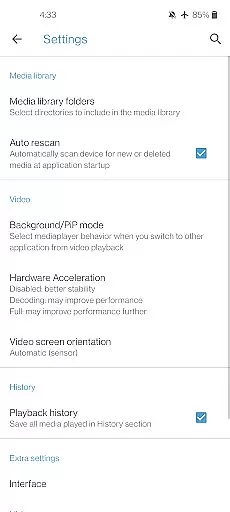
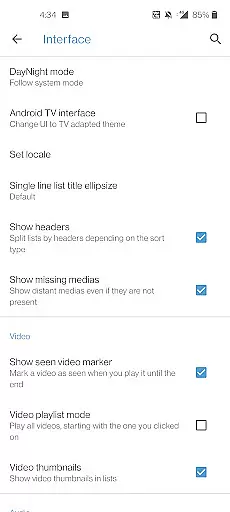
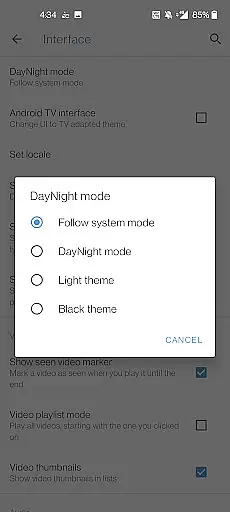
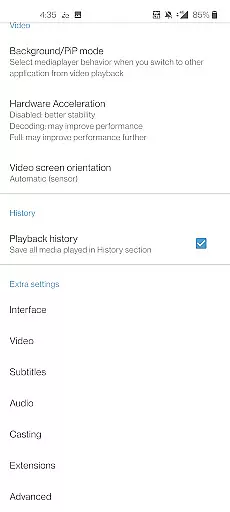
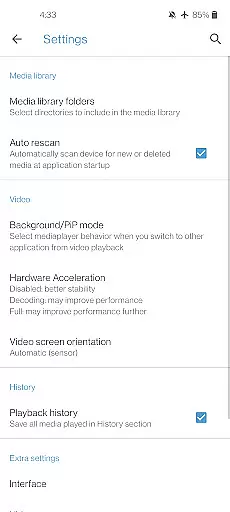
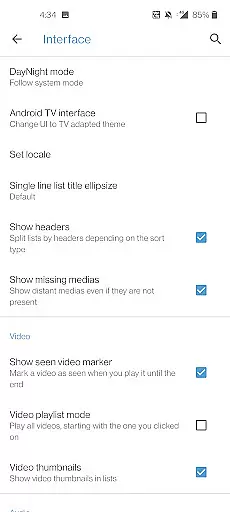
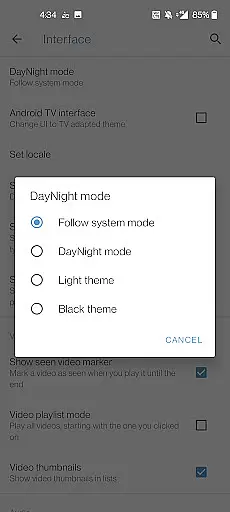
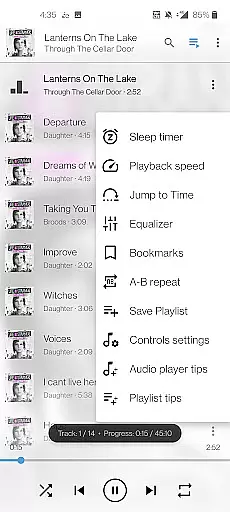
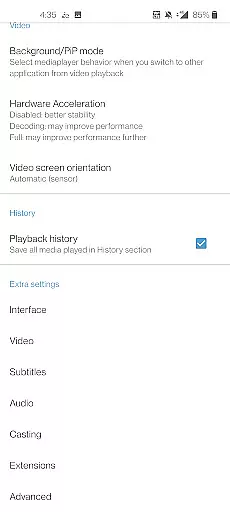
Media Player 11 is a versatile multimedia player designed for Android users who seek an all-in-one solution for their audio and video playback needs. This cross-platform application supports a wide range of file formats including MKV, MP4, AVI, and many others without the need for additional codec downloads. It also offers advanced features such as subtitle support, multi-track audio, and aspect-ratio adjustments.
Beyond basic playback, Media Player 11 provides users with a comprehensive media library that allows easy browsing and organization of audio and video files. The app includes practical functionalities like auto-rotation, gesture controls for volume and brightness, and even a widget for audio control. Whether you're streaming content or playing local files, this app ensures a seamless experience across various devices.
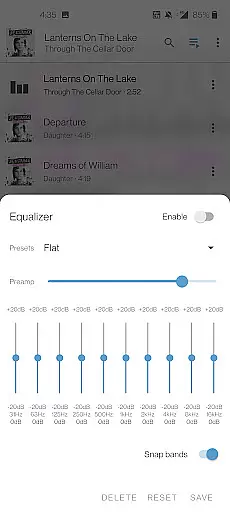
Perfect for both casual listeners and audiophiles, Media Player 11 stands out by offering a full-featured equalizer and filter options. Its commitment to user privacy and freedom is evident as it contains no ads, in-app purchases, or data collection practices. Developed by passionate volunteers, the app's source code is freely available, making it a transparent and community-driven project.
Media Player 11 distinguishes itself through its extensive feature set tailored for diverse multimedia needs. One of its core strengths lies in the broad format compatibility, supporting everything from common formats like MP4 and AVI to more specialized ones such as FLAC and M2TS. Every codec required for playback is included within the app, eliminating the hassle of separate downloads and ensuring smooth performance.
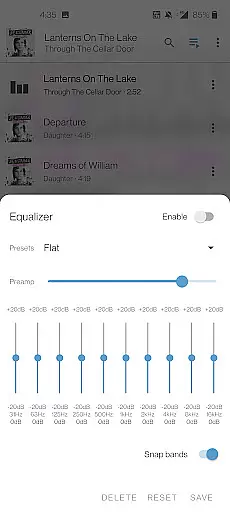
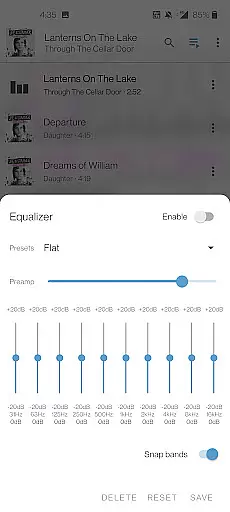
The app goes beyond simple playback by integrating advanced functionalities such as network stream support, DVD ISO playback, and disk sharing capabilities. Users can enjoy adaptive streaming and Teletext support while benefiting from customizable audio settings via the built-in equalizer and filter options. Subtitle management is robust, allowing for multiple language tracks and closed captions.
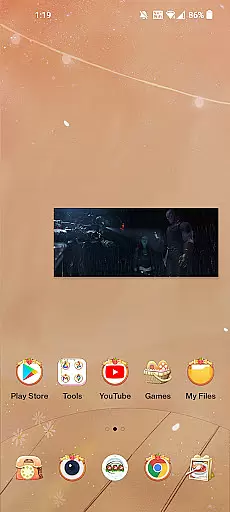
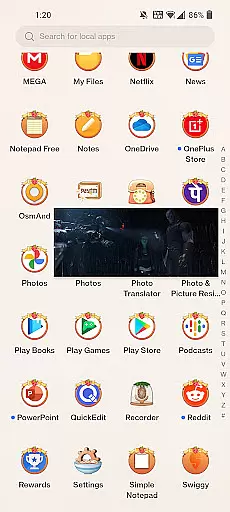
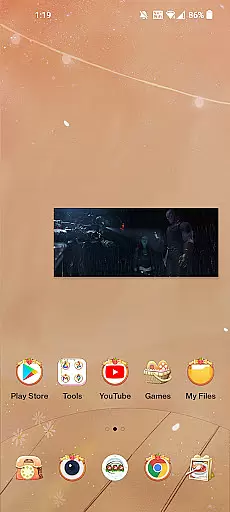
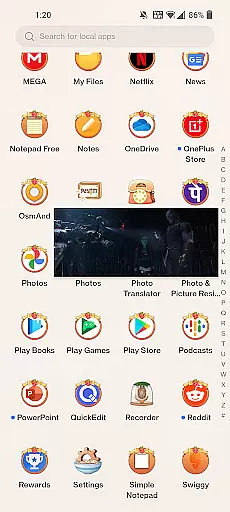
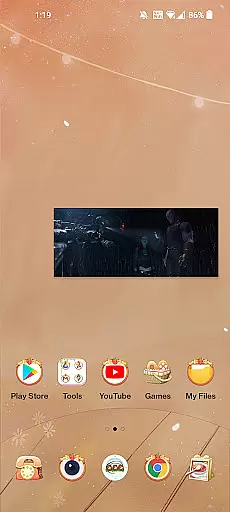
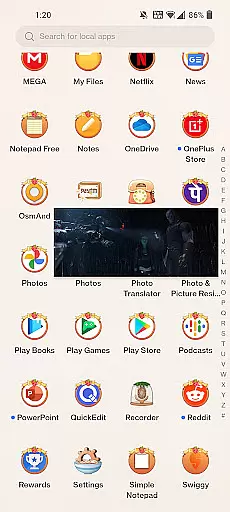
Usability enhancements further enrich the experience, with intuitive gesture controls for adjusting volume, brightness, and seeking through media. The inclusion of a picture-in-picture mode and voice search on Android TV devices showcases the app's adaptability across different platforms. With its comprehensive media library and customizable interface, Media Player 11 delivers both power and flexibility to its users.
When it comes to digital media players, the size and authenticity of the music library are crucial factors for users who want a comprehensive and legal music experience. Media player 11 boasts an extensive audio database that supports a wide array of formats including FLAC, MP4, and AAC, ensuring that users have access to high-quality audio without compatibility issues.
The application's dedication to copyright authenticity is evident in its support for all codecs without the need for separate downloads, which suggests a commitment to providing content that respects intellectual property rights. This feature not only enhances user trust but also guarantees that artists' works are legally enjoyed.
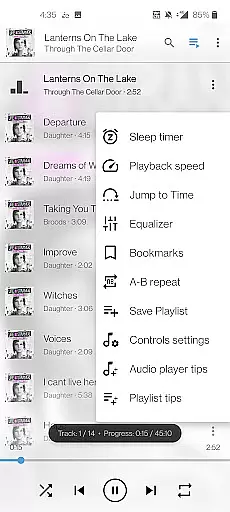
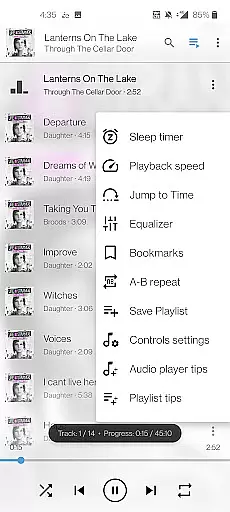
Moreover, the inclusion of a complete audio media library with cover art and equalizer settings allows users to personalize their listening experience while maintaining the integrity of the original recordings. The presence of these features underlines the app's focus on delivering a rich and authentic audio experience.
By offering such a robust and genuine music library, Media player 11 ensures that users can enjoy their favorite tracks in full compliance with copyright laws, thus elevating the overall value proposition of this versatile media player.
Audio quality options are a defining aspect of any music player, determining how listeners experience their favorite tracks. Media player 11 stands out by supporting high-definition audio formats like FLAC and WV, which preserve the nuances of sound that artists intended, offering an uncompromised auditory experience.
The app provides advanced playback functionalities, including multi-track audio support and subtitle synchronization, which cater to audiophiles seeking precision in their playback settings. These capabilities ensure that whether you're watching a DVD ISO or simply playing back music files, the sound remains true to its source.
Additionally, Media player 11 incorporates an equalizer and filters, allowing users to fine-tune audio output according to personal preferences or to match the acoustics of their listening environment. Such customization empowers users to optimize their sound experience without sacrificing quality.
With gesture controls for volume adjustment and a widget for audio control, Media player 11 combines convenience with superior audio quality options, making it an ideal choice for discerning listeners who demand excellence from their digital music player.
User-friendly interface
Extensive format support
No ads or in-app purchases
Advanced equalizer settings
Open-source development model
Limited customer support
Occasional bugs reported
No cloud integration
Heavy on system resources
Complex for beginners

SqueezePlayer turns your Android phone or tablet into a SqueezeBox on its own!
 4.60
4.60
Time Guru will strengthen your internal sense of musical time via random muting.
4.30
Make music anywhere. Turn your device into an instrument.
4.1
The Music Journey in Your Hands
4.30
Performance-Synthesizer & Multi-Track-Sequencer, polyphonic + multi timbral!
4.70
JBL PartyBox APP works with 110/310/710/120/320/520/Encore/Encore 2/Encore Ess 2
4.80
The only true audiophile music player with Hi-Fi audio rendering and DSP engine
3.90
Super Sound Editor, Song Maker & Mixer, Vocal Remover, Voice Recorder & Changer!
4.60
The iconic iOS metronome app is now on Android.
3.70
Fun & Easy Voice Changer – Record, Edit & Add Hilarious Effects!
4.50
Enhance the sound quality of your devices, listen to what you want
4.50
Manage your Sonos system directly from your home-screen!
4.40
A High-Precision Audio Spectrum Analysis App
4.20
A sleek, no-frills player designed for true music lovers.
4.20
No wifi music app. Mp3 offline. Tuner radio, young radio music. Music downloader
4.20
Smart piano keyboard, Classical to Pop, Real-time multiplayer connection!
4.20
Offline and always ad-free - stream in the highest quality available.
4.10
Turn your phone into a musical instrument from the future!
3.90
Simply convert wav to mp3. Clear. Reliable. Safe.
4.1


User Reviews