
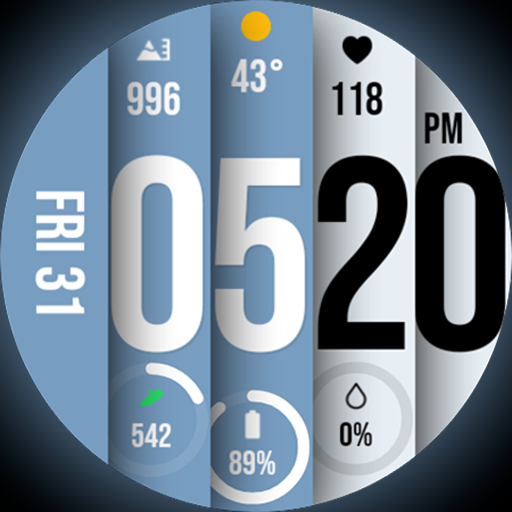
Unique BIG BOLD TIME with amazing colors and customisations.
 3.70
3.70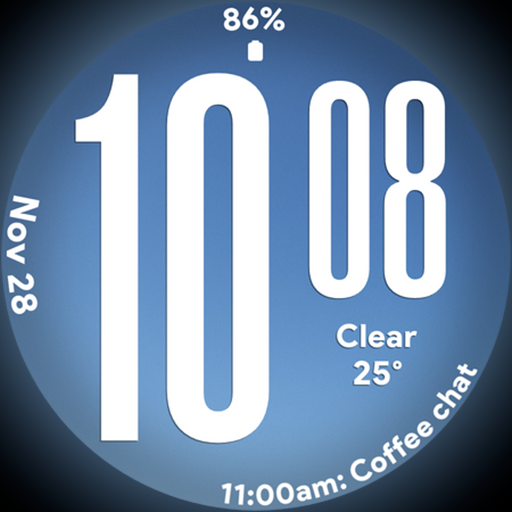
Big bold weather watch face with dynamic backgrounds and 3 complications
4.2
Earn points with every purchase with Moe Rewards.
4.20
Stay connected with your loved ones & vehicles | Share live GPS location updates
4.60
Get your life organized with My Agenda!
4.30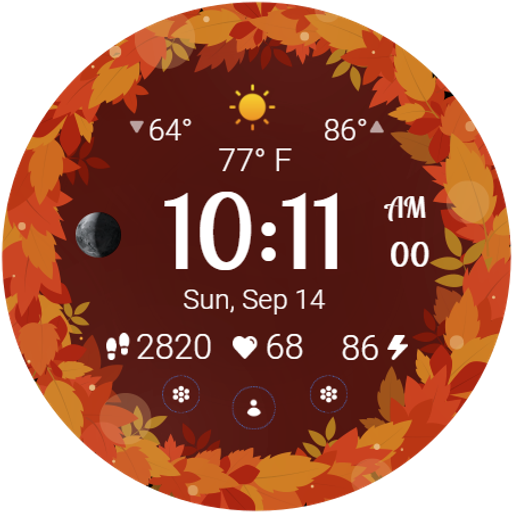
Bring the warm colors of fall directly to your wrist with Autumn Leaves!
4.1
This app is intended to support professional EMDR therapy.
4.50
The Miracle Box includes methods used by Steve Huff of Huff Paranormal.
3.20
An Eerie Musical Trigger Toy for Spirits to Play with!
3.50
Good magnifier app to see tiny things bigger and more clearly!
4.80
Kasa Smart is your portal to your TP-LINK Smart Home.
4.70
Smart & Healthy Living
4.60
Discover your Nationality, Family Origin, and Ancestry from one selfie
4.50
This is a simple and highly functional alarm clock "Smart Alarm" paid version.
4.20
Smart controls for your Ember Smart Mugs
4.10
Subwoofer school’s in session! You’ve now enrolled into KICKER U.
3.80
Paranormal EVP, Ghost Box, Spirit box, ITC, Haunted, Spirit communication device
3.70
BILT interactive 3D instructions help you get the job done right
3.50
Falling Fruit is a massive collaborative map of food in our cities.
3.20


