
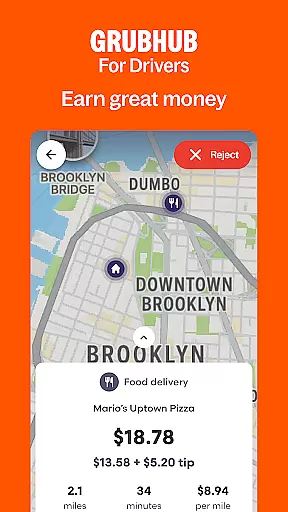
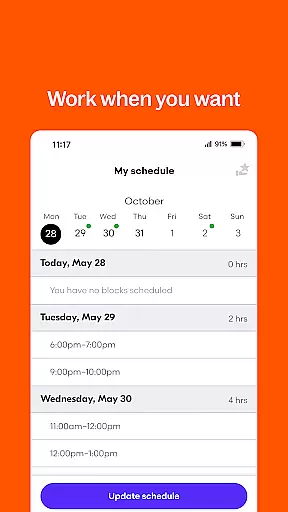
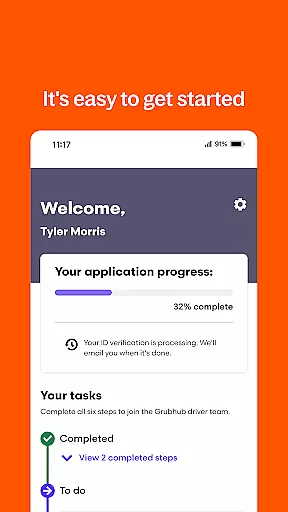
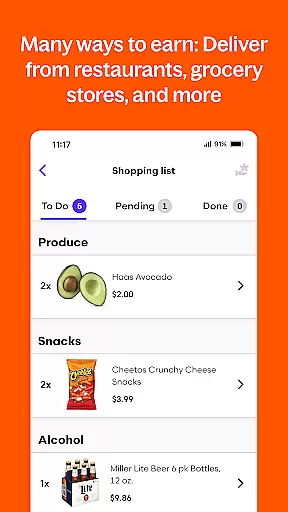
Grubhub for Drivers is a business app designed specifically for delivery drivers in the United States. This application connects drivers with customers who order food from their favorite restaurants, allowing drivers to earn income on their own schedule. With the largest restaurant and diner network, Grubhub offers extensive opportunities for drivers to maximize their earnings while maintaining flexibility.
The app provides key features that make it easy for drivers to manage their work. Users can track their hours, view earnings, and manage their schedules directly through the app. Whether you're using a car, bike, or moped, Grubhub supports various modes of transportation, ensuring accessibility for all types of drivers. The straightforward sign-up process allows new drivers to quickly start earning in cities across the US.
Grubhub for Drivers stands out with its robust set of features tailored for delivery professionals. One of the main highlights is the ability to keep 100% of your tips, which significantly boosts earning potential. The app also offers flexible scheduling options, enabling drivers to work part-time, full-time, or sporadically as per their convenience.
Another notable feature is the comprehensive tracking system that lets drivers monitor their working hours and earnings in real time. Additionally, Grubhub's vast network ensures a steady flow of orders, providing more opportunities to earn. The app is designed to be user-friendly, supporting different transportation methods and offering an easy sign-up process, making it accessible for anyone interested in becoming a delivery driver.
Collaborative work features are essential for platforms that connect service providers with customers. Grubhub for Drivers excels in this area by creating a seamless connection between drivers and the restaurants they serve.
The app provides real-time order updates, ensuring drivers are always aware of new delivery requests and can manage their schedules efficiently. This instant communication allows drivers to optimize their routes and time, maximizing their earning potential while meeting customer demands.
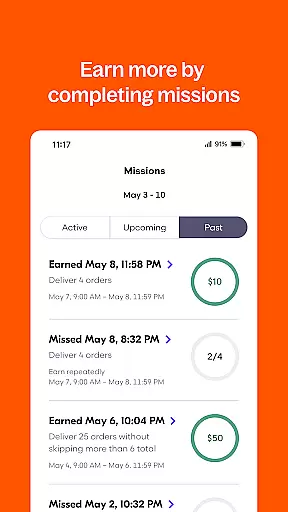
Additionally, Grubhub's platform supports drivers by offering them tools to track their earnings and hours worked. This transparency not only builds trust but also empowers drivers to make informed decisions about when and how much they want to work.
By integrating collaborative features such as scheduling flexibility and real-time updates, Grubhub for Drivers ensures that its users can operate independently yet remain connected to the larger network, enhancing both efficiency and satisfaction.
Effective task management is crucial for drivers who need to balance multiple deliveries while ensuring timely service. Grubhub for Drivers offers robust task management features that help drivers organize their work efficiently.
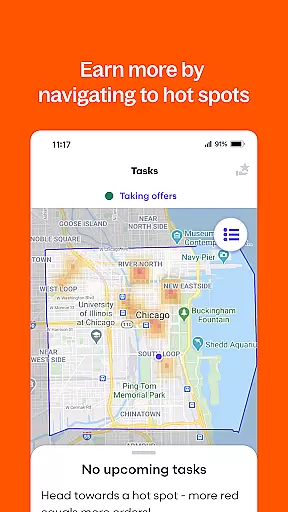
The app provides an intuitive interface where drivers can view all active and upcoming delivery tasks. With clear instructions and navigation support, drivers can easily plan their routes and manage their delivery queue, reducing wait times and improving service quality.
Moreover, Grubhub includes features that allow drivers to customize their work preferences. Whether itu2019s choosing specific hours or setting availability for last-minute orders, these options enable drivers to tailor their workload according to personal needs and peak earning opportunities.
Overall, Grubhub for Drivers enhances productivity through its comprehensive task management system, which simplifies the complexity of handling numerous orders simultaneously while maintaining high standards of customer satisfaction.
Flexible working hours
Competitive earnings
Easy sign-up process
Vast restaurant network
Supports multiple transport modes
Limited to certain cities
Dependent on demand fluctuations
Potential for low tips
No benefits for drivers
Requires constant availability

 4.70
4.70
All Your Gig Work. One App.
4.30
FX Plus adds media, networking, and cloud capabilities to FX File Explorer.
4.10
FaxCover - Create fax cover pages. Works with any app or fax machine.
4.90
Find the right fit, faster.
4.70
viewing and sharing PDFs and other files—anytime, anywhere!
4.4
Grow your business and connect with more people with Meta Business Suite.
4.60
Ship, Track, Find a Location or Get a Quote with UPS. Anytime. Anywhere.
4.60
Make money as a delivery driver with DoorDash and work when you want as a Dasher
4.30
TurboScan turns your phone into a full-featured PDF document scanner.
4.80
Manage Your Shop
4.70
We help people get jobs
4.70
AI-powered document scanner with auto enhance for perfect PDFs.
4.60
Find jobs and make money fast with JobStack.
4.60
Amazon A to Z is the place to manage your work-life at Amazon.
4.50
Master crypto trading with real-time simulations and exciting challenges!
4.50
enjoy effortless PDF reading anytime, anywhere
3.90
All document reader, pdf viewer app, read docs & excel files
3.80
Completed Course Lectures on how to use IBM Maximo in Maintenance issues
4.1


User Reviews