
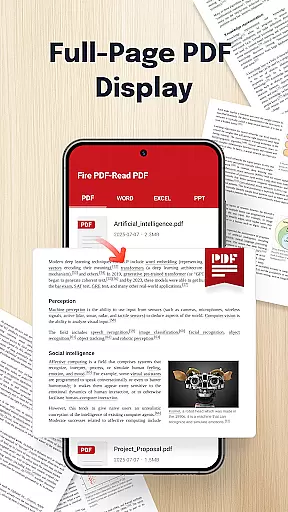
Fire PDF-Read PDF is a versatile document reader designed for business professionals and students who need quick access to various file formats. This app allows users to open and read PDFs directly from their mobile devices while also supporting multiple formats including DOC, PPT, and Excel files.
With its intuitive interface and smooth navigation features, Fire PDF ensures seamless reading experiences. Whether you're reviewing business reports or studying lecture slides, this app provides an efficient solution for managing your documents on the go.
The ability to share files quickly makes it ideal for collaborative work environments. Its comprehensive functionality helps users stay productive without being tied to a desktop computer.
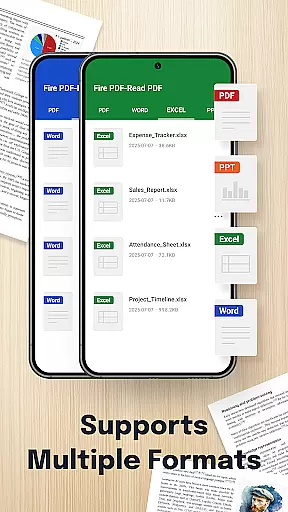
Fire PDF-Read PDF stands out with its multi-format support, accommodating PDF, DOC, PPT, and Excel files. This versatility eliminates the need for separate apps for different file types, streamlining your document management process.
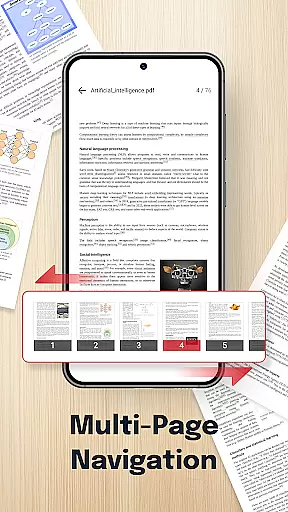
The app's smooth navigation feature allows effortless page swiping, ensuring uninterrupted reading sessions. Its clean and intuitive design prioritizes user experience, making document viewing straightforward and hassle-free.
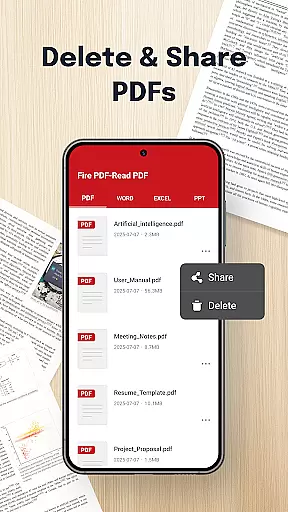
Additionally, Fire PDF offers quick sharing capabilities, enabling users to distribute documents easily via email or other platforms. These practical features make it an essential tool for anyone needing reliable access to important files anytime, anywhere.
Collaborative work features are essential for modern business applications, enabling teams to work together efficiently regardless of location. Fire PDF - Read & View Files offers multi-format support, allowing users to open and read PDFs, DOCs, PPTs, and Excel files stored on their device.
This functionality ensures that team members can access a wide range of document types, facilitating seamless collaboration. The app's smooth navigation and quick sharing capabilities further enhance the collaborative experience by making it easy to swipe through pages and share documents with others.
By providing an intuitive interface and necessary file management permissions, Fire PDF empowers users to view, organize, and manage documents effortlessly. This results in improved productivity and streamlined workflows for businesses relying on digital documentation.
Effective task management is crucial for maintaining productivity and meeting deadlines in a business environment. Fire PDF - Read & View Files supports task management by offering features that allow users to handle their documents efficiently. With the ability to open, read, and manage various file formats such as PDF, DOC, PPT, and Excel, users can keep track of important information and tasks.
The app's quick sharing feature enables users to distribute documents swiftly, ensuring that all team members have access to the latest versions of files. This capability is vital for coordinating tasks and keeping everyone aligned with project goals.
Additionally, Fire PDF's permission settings for deleting or managing files within the app provide control over document organization. These features collectively contribute to better task tracking, organization, and overall project management for users engaged in collaborative work environments.
User-friendly interface
Multi-format compatibility
Quick file sharing
Effortless navigation
Comprehensive functionality
Limited advanced editing
No cloud integration
Basic annotation tools
Occasional performance lags
Permission requirements

The Penny Puss app with DG penny finder
 4.10
4.10
Create curriculum vitae, a professional cover letter creator and resume designer
4.80
A secure, all-in-one team collaboration app
4.30
Start earning fast. Apply Today.
4.80
Mobile POS for any business: sales, invoices, retail, restaurants & appointments
4.60
From Gone to Back Again — In Just a Few Taps
4.50
Permission Guard is a security app that helps you manage app permissions.
4.80
Shop, deliver, and earn with the Spark Driver™ App
4.10
Ship, Track, Find a Location or Get a Quote with UPS. Anytime. Anywhere.
4.60
Use Generative Summary to understand your rental or insurance docs in seconds.
4.70
Recover what matters — quickly and easily.
4.70
USPS Mobile®Access USPS.com’s most popular tools on-the-go.
4.70
AI-powered document scanner with auto enhance for perfect PDFs.
4.60
Grow your business and connect with more people with Meta Business Suite.
4.60
No more passwords, easier sign-in, and greater protection for your accounts.
4.60
ANDROID'S TOP MOBILE OFFICE - Word, Excel, PowerPoint and PDF at your fingertips
4.50
Manage work life on the go
4.50
Measure distances, surfaces and draw plans in seconds with CamToPlan!
4.40
Simple, Fast & Lightweight
3.90


User Reviews