
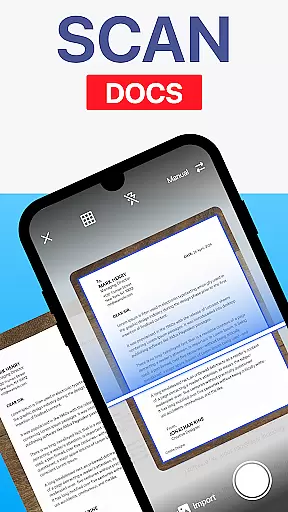
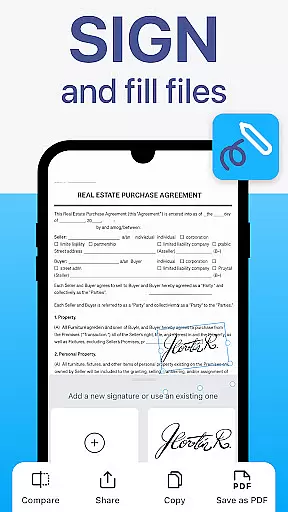
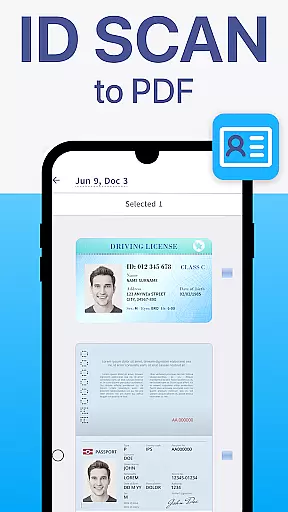
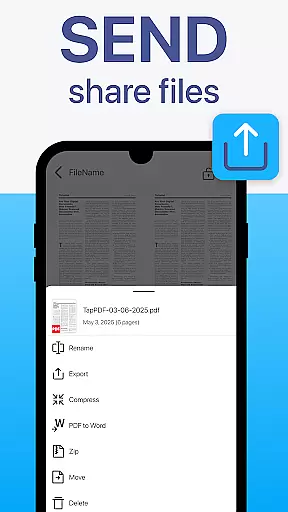
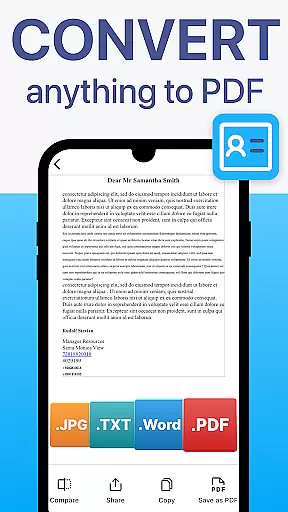
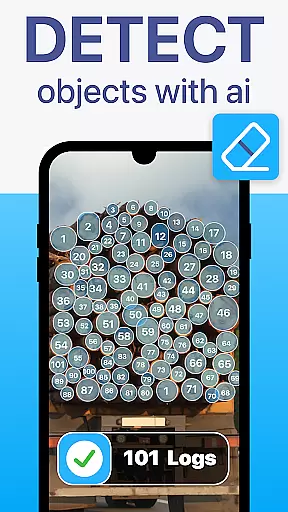
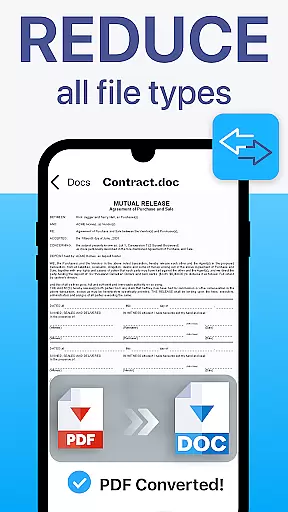
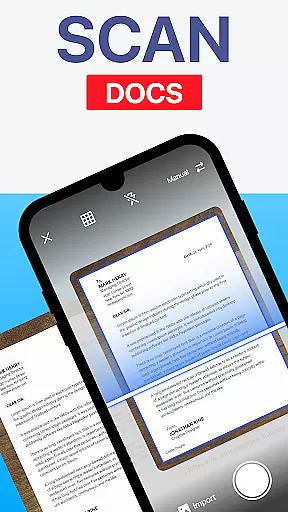
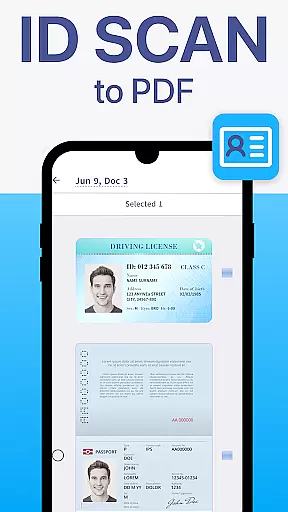
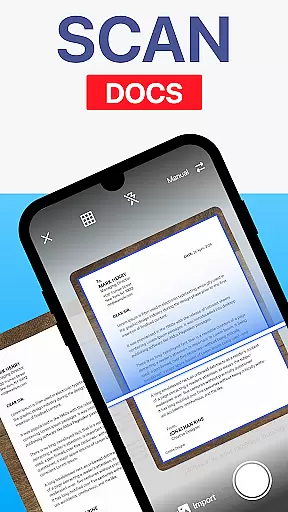
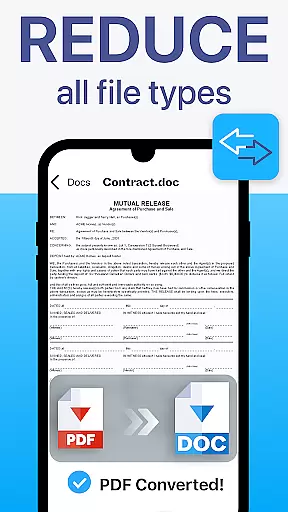
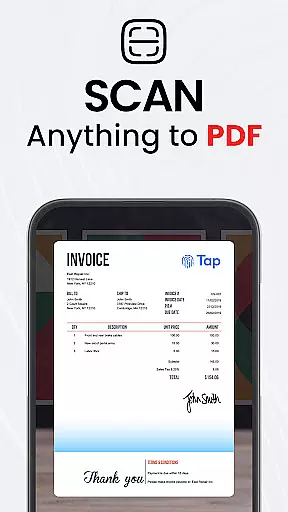
TapScanner is a comprehensive mobile document scanner and PDF management solution that transforms your smartphone into a powerful productivity tool. Trusted by millions globally, this app allows users to capture high-quality scans of receipts, contracts, business cards, and multi-page documents with automatic edge detection and image correction.
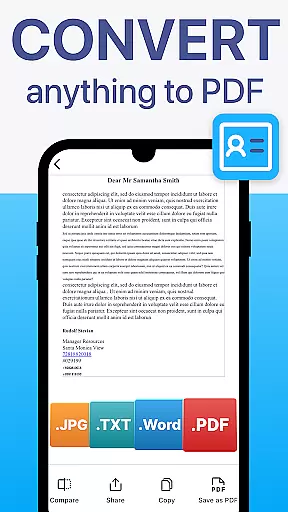
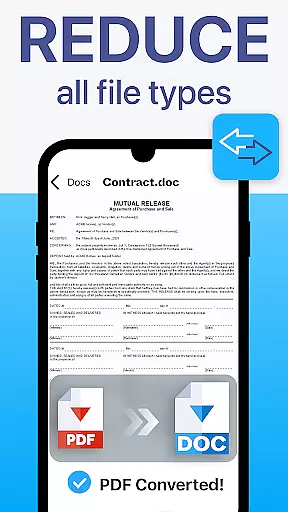
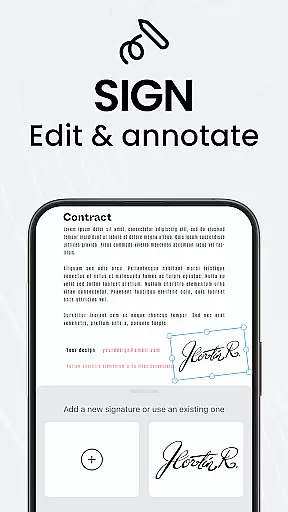
The app's complete PDF workspace enables users to merge, split, reorder, sign, and annotate PDF files directly on their device. With OCR text recognition supporting over 110 languages, TapScanner converts scanned images into editable and searchable documents. Its secure cloud integration syncs files across Google Drive, Dropbox, and OneDrive while offering password protection for sensitive documents.
Ideal for professionals, students, and home users, TapScanner streamlines document management through batch scanning, automated organization, and instant sharing capabilities. The app's intuitive interface makes advanced features accessible to all user levels, while its image enhancement tools ensure optimal scan quality every time.
TapScanner stands out with its robust feature set designed to maximize document processing efficiency. The app's automatic edge detection and smart image correction produce professional-grade scans regardless of lighting conditions or document size. Its multi-page support allows users to compile dozens of scans into a single, organized PDF file.
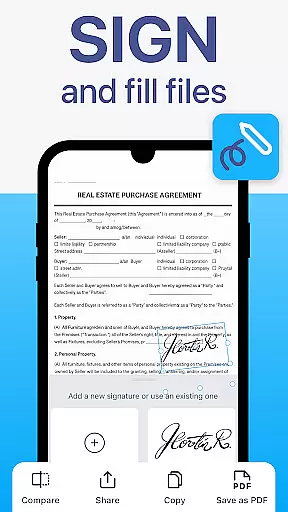
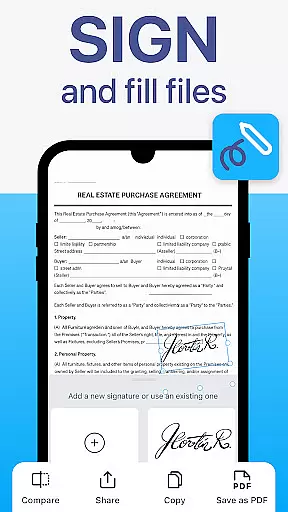
The built-in PDF toolkit offers advanced functionality including merging multiple files, splitting large documents, reordering pages, and adding digital signatures. The OCR engine supports over 110 languages, converting images to editable text while maintaining formatting integrity. Productivity features like batch scanning and one-tap renaming significantly reduce document processing time.
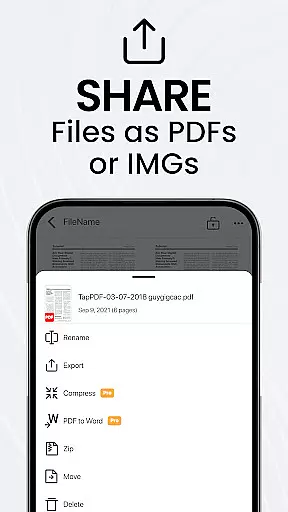
Security and accessibility are prioritized through encrypted cloud backups and integration with major storage providers. Users can apply filters, adjust brightness/contrast, and remove shadows for perfect scans every time. The app also supports direct printing to Wi-Fi printers and seamless sharing via email or messaging apps.
TapScanner offers a comprehensive set of collaborative work features that make it an ideal choice for teams and professionals who need to handle documents collectively. The app allows multiple users to access, edit, and manage PDFs from different locations, ensuring seamless teamwork.
One of the standout collaborative features is the ability to merge, split, reorder, sign, and annotate PDFs directly within the app. This means team members can make necessary adjustments and approvals without needing to switch between different software, thus maintaining workflow efficiency.
Furthermore, TapScanner supports secure cloud backup and sync options with services like Google Drive, Dropbox, and OneDrive. This ensures that all team members have access to the latest document versions and can collaborate in real-time, regardless of their physical location.
The app also enhances productivity by offering batch scanning and automated file organization, which are crucial for teams dealing with large volumes of paperwork. These features help streamline processes, reduce manual tasks, and allow teams to focus on more critical aspects of their projects.
Effective task management is crucial for productivity, and TapScanner excels in this area by providing tools that help users organize and prioritize their document-related tasks efficiently. With TapScanner, users can save time using batch scanning and one-tap renaming features, allowing them to process multiple documents quickly.
The app's multi-page support feature enables users to compile dozens of pages into a single, neatly ordered PDF, making it easier to manage extensive reports or contracts as one unified task rather than multiple smaller ones. This consolidation helps in keeping track of progress and meeting deadlines more effectively.
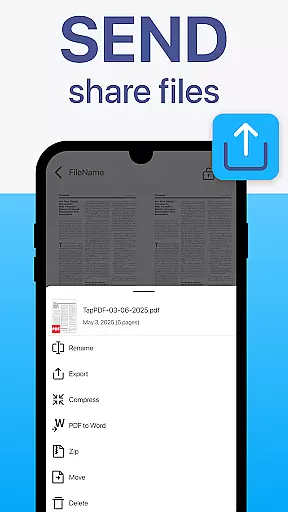
Additionally, TapScanneru2019s instant sharing and printing capabilities ensure that once a task is completed, the results can be immediately distributed to relevant parties via email, messaging apps, or printed directly to any Wi-Fi printer. This immediacy reduces delays and keeps workflows moving smoothly.
TapScanneru2019s user-friendly interface further simplifies task management by presenting advanced tools in an accessible manner. Whether you're a professional, student, or everyday user, the clean design ensures that managing your document tasks is straightforward and efficient, enhancing overall productivity.
User-friendly interface
Advanced PDF editing
Multi-language OCR
Secure cloud sync
Batch processing
Paid subscription
Internet required
Storage limits
Ads in free version
Complex features

 4.70
4.70
GoTo Mobile is a simple & secure calling, messaging & meetings solution
4.80
Quickly open and manage PDF files on your device.
3.80
The MyWalmart App is available for all associates in stores.
4.70
Manage work life on the go
4.50
Finance, Investing, Stocks, Trading and Stock news
4.60
Paychex Flex - Save Time and Stay Connected
4.60
Access to Paylocity, empowering employees with information they need 24/7.
4.70
Access All PDF Files
3.40
Create curriculum vitae, a professional cover letter creator and resume designer
4.80
Employee Management Made Easy
4.80
Earn free swag, G-Cards & food • Enter sweepstakes • Find stores • So much more.
4.70
Chat, meet, and collaborate to achieve more together, all in one place on Teams
4.60
All-in-one Mobile solutions for employees & managers to succeed at work
4.30
Build a store in minutes with our full suite of AI tools. Start for free!
4.20
The Penny Puss app with DG penny finder
4.10
Get your benefits on-the-go.
3.80
Roadie connects people with stuff to send with drivers already going that way.
3.50
Delivery Track App - Tracking with Fedex, USPS, UPS, DHL. Monitor your Orders.
3.20


User Reviews