
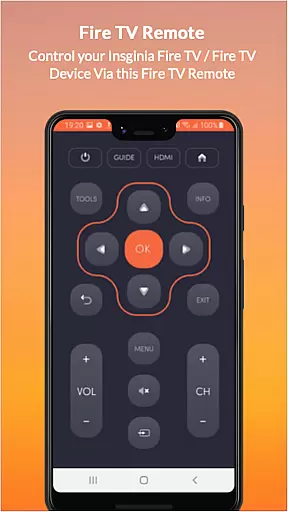
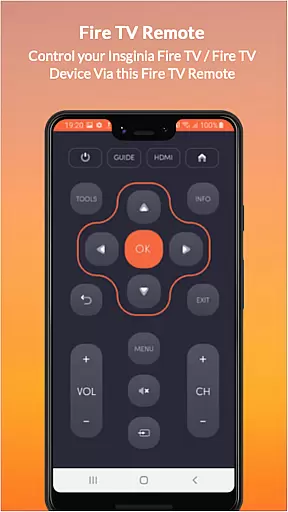
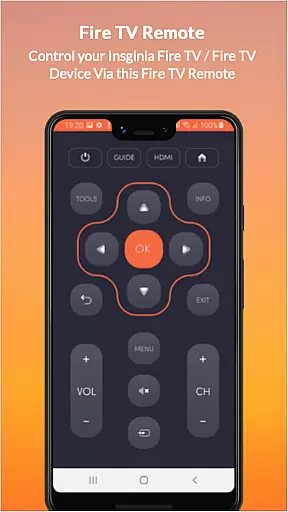
Insignia Fire TV Remote transforms your mobile device into a versatile remote control for Amazon Fire TV and other compatible devices. The app eliminates the need for physical remotes with drained batteries or broken components, offering seamless control over your entertainment system. It supports all Amazon Fire TV models, Insignia Fire TV, Toshiba Fire TV, and Android TV, providing users with an intuitive interface to manage their smart TVs.
With both Wi-Fi and traditional IR functionality, this app ensures compatibility across various devices. Users can enjoy features like power control, volume adjustment, channel navigation, multimedia controls, and more. Whether you're looking to replace your Amazon Fire Stick Remote or seeking advanced control options, Insignia Fire TV Remote delivers a comprehensive solution tailored for convenience and efficiency in managing your home entertainment setup.
Insignia Fire TV Remote offers a rich set of features designed to enhance user interaction with their smart TVs. The app supports multiple functionalities including ON/OFF control, volume adjustments, channel navigation, mute options, multimedia controls, and touchpad operations. These capabilities ensure that users have complete control over their viewing experience without needing additional hardware.
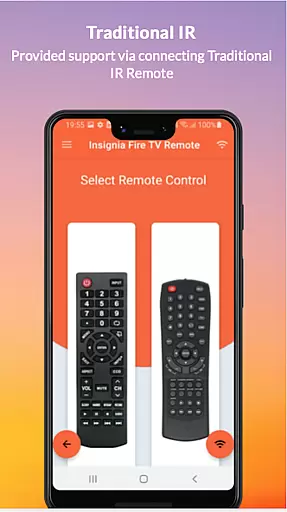
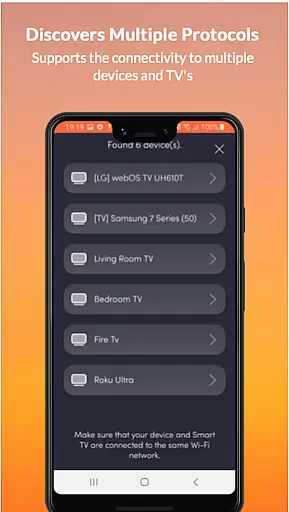
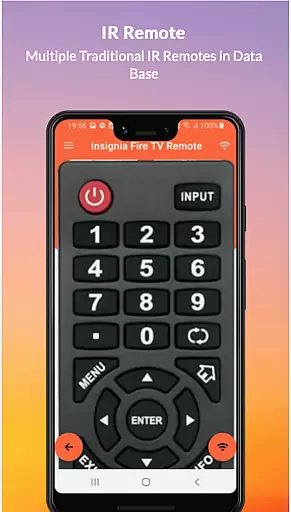
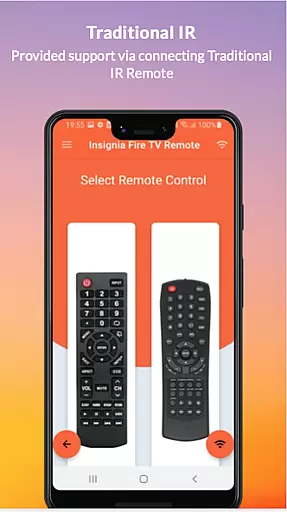
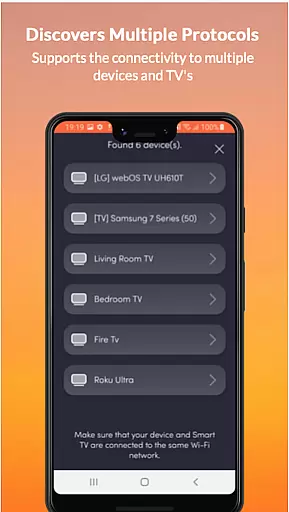
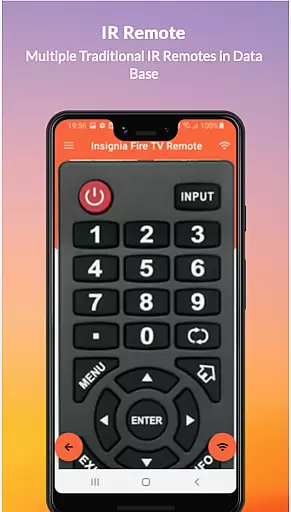
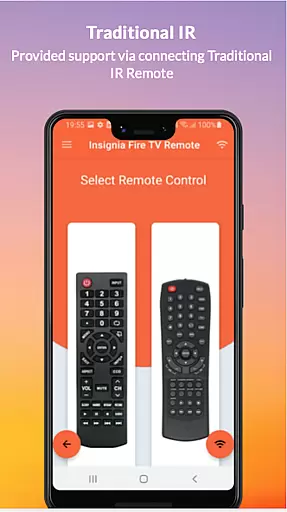
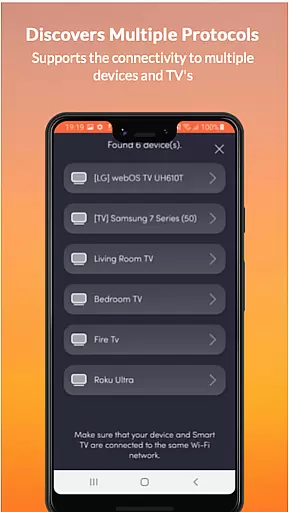
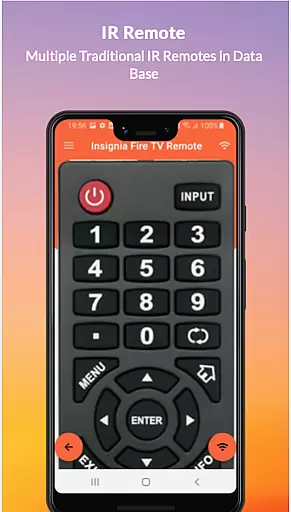
One standout feature is its dual compatibility with both Fire TV OS through Wi-Fi networks and traditional IR devices via an IR blaster on supported phones. This flexibility allows users to operate a wide range of televisions effortlessly. Additionally, the app's intuitive design simplifies navigation and customization, making it accessible even for those who may not be tech-savvy. By consolidating various remote functions into one application, Insignia Fire TV Remote streamlines home entertainment management while enhancing overall usability.
In the context of smart home applications like Insignia Fire TV Remote, property listing authenticity refers to the accurate representation of supported devices and functionalities. This is crucial for users who rely on the app to control their Amazon Fire TV and other compatible devices seamlessly.
The Insignia Fire TV Remote app provides a comprehensive list of supported devices including all Amazon Fire TV models, Insignia Fire TV, Toshiba Fire TV, and Android TVs. It ensures that users are well-informed about the compatibility of their devices with the app, thus enhancing user trust and satisfaction.
By clearly stating its support for both Fire TV OS and traditional IR devices, the app offers transparency regarding its capabilities. Users can confidently use this remote application knowing that it will work with their specific TV setup as long as their mobile device and TV are on the same Wi-Fi network or their phone has an IR blaster.
This level of detail in listing supported functionalitiesu2014from power controls to multimedia commandsu2014ensures that users have a reliable tool at their disposal, which accurately reflects the true capabilities of their home entertainment systems.
Home management features in applications such as Insignia Fire TV Remote encompass the tools and functionalities that allow users to efficiently control and manage their home entertainment systems. These features are essential for creating a seamless and intuitive user experience.
Insignia Fire TV Remote transforms a mobile device into a versatile remote control, offering functionalities such as ON/OFF controls, volume adjustments, channel switching, mute options, navigation controls, multimedia commands, and even a touchpad feature. This wide array of controls empowers users to manage their Fire TV devices effortlessly.
Additionally, the app supports traditional IR devices, provided the user's phone has an IR blaster. This dual compatibility ensures that users can operate not only modern smart TVs but also older models without needing separate remotes for different devices.
By consolidating various remote functions into one application, Insignia Fire TV Remote simplifies home management tasks related to entertainment systems. Users benefit from having a single, reliable tool that enhances convenience and reduces clutter, ultimately improving their overall home management efficiency.
User-friendly interface
Wide device compatibility
Comprehensive remote functions
Eliminates need for physical remotes
Regular updates and support
Requires same Wi-Fi network
Limited IR blaster availability
No official affiliation
Dependent on phone battery
Potential connectivity issues

PRO Version of GLB AR Viewer
 4.4
4.4
Calculate baluster spacing with ease and precision.
4.4
B-hyve Pro App for landscape irrigation professionals
4.70
Control your Daikin, Amana & Goodman heating & cooling systems from anywhere
4.40
Universal TV Remote for TV, control all Smart TVs with your mobile phone.
4.2
Find paints using a Color Muse & ColorSnap® Match
3.60
Control Fire TV & mirror your phone screen instantly over Wi-Fi.
3.30
USHUD.com helps you find the best homes for sale in your area
4.00
3D House Design and AI Room Planner - from floor plans to full interior design.
4.40
View houses and apartments for rent, updated daily.
4.80
Search for Homes, Rentals, Agents & Schools
4.70
Parcel Pending Resident App
4.50
Plan your remodel AI home renovation easily using planner 5D and home decor AI.
4.40
Turn your phone into a wifi cam with smart features and umlimited reach.
4.20
Smart AI plant care schedules, Real plant experts, support & Thriving community!
4.20
Design your dream home with 3D planning app, Visualize your dream home in 3D.
4.20
Find the perfect paint color with advanced tools to explore and visualize color.
3.80
IP camera view and playback, for your WiFi cam or home security cctv system.
3.70
An easier way to make payments and maintenance requests from anywhere.
3.50


User Reviews