
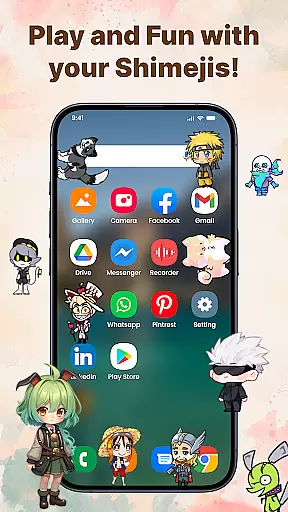
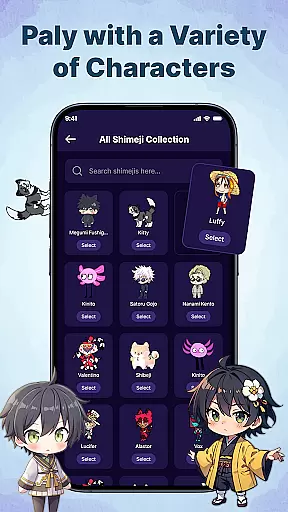
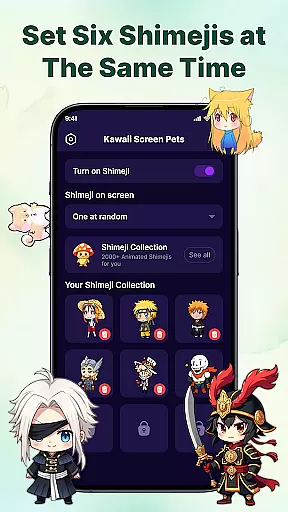
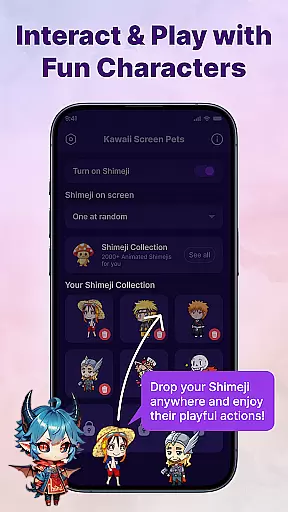
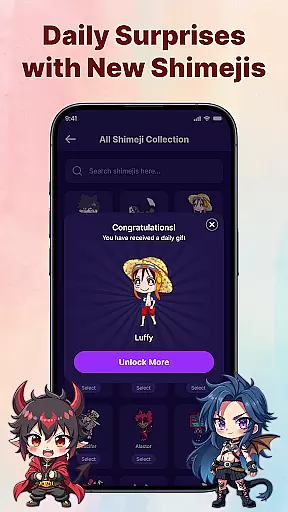
Kawaii Shimeji Screen Pet brings adorable animated characters to your device, offering both entertainment and personalization. These virtual pets move freely across your screen, interacting with apps and screen elements while you work or play.
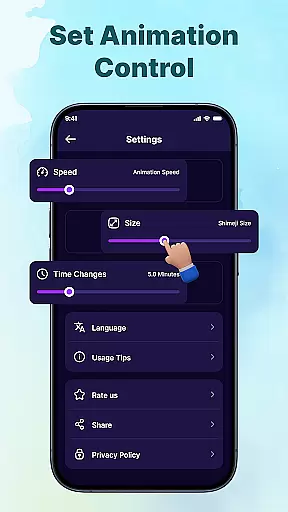
With extensive customization options, users can adjust animation speed, size, and even create or import unique designs. The app includes a vast library of popular anime, game, and meme-inspired mascots, ensuring there's something for everyone. Whether you're looking to add fun to your daily routine or express your personality, Kawaii Shimeji is the perfect companion.
Kawaii Shimeji stands out with its rich feature set tailored for creativity and interaction. Users can customize their experience by adjusting animation speeds, resizing characters, and creating new designs via the built-in editor.
The app supports importing and exporting character designs, enabling advanced personalization. Its interactive capabilities allow users to toss, drag, or watch mascots climb and engage with on-screen elements. With hundreds of pre-made characters available, including anime icons and memes, there’s no shortage of variety.
Additionally, Kawaii Shimeji fosters a creative community where users share custom designs, making it more than just an app—it's a platform for collaboration and expression.
Customization is at the heart of Kawaii Shimeji Screen Pet, allowing users to tailor their experience with a wide array of adjustable parameters.
This app offers extensive personalization features such as adjusting animation speed and size, ensuring that each user can create an environment that perfectly matches their preferences.
Moreover, the built-in editor empowers users to design their own characters or modify existing ones, providing limitless creative freedom.
The ability to import and export designs further enhances customization, making it possible for users to share their creations within a like-minded community.
Kawaii Shimeji Screen Pet excels in theme compatibility, seamlessly integrating with your device's aesthetics while adding its unique flair.
With hundreds of character choices ranging from anime icons to popular memes, users can select mascots that complement their device's current theme or mood.
These animated companions interact fluidly with the screen elements, maintaining visual harmony without compromising functionality.
Whether you're looking to match your device's theme with lively mascots or seeking interactive elements that blend well with your work or play environment, this app delivers both versatility and charm.
Cute and engaging
Highly customizable
Vast character library
Interactive features
User-friendly design
May distract some users
Limited official content
Requires manual updates
No offline mode
Ads in free version
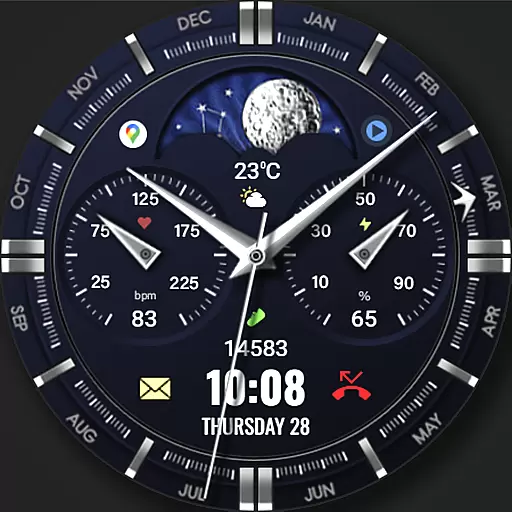
Classic analogue watch face. For wear os devices.
 4.60
4.60
A light in the dark, a unique style and an andless cutomization!
4.30
Glass style colourful icons with a One UI look and feel
4.60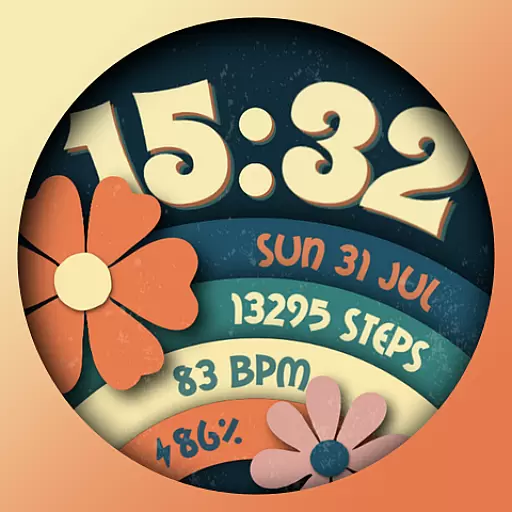
Customizable flower power digital watch face for Wear OS watches.
4.00
Art & Emoji Keyboard with Cool Fonts, Cute Themes and Custom Designs.
4.40
Transfer your live wallpapers from Windows to Android using Wallpaper Engine!
4.00
Turn text & photos into stunning AI videos, art, and creative visual stories.
4.50
Yandex Browser — stylish and secure, with voice search and data compression
4.40
Install amazing sticker packs: endless styles, always cool.
4.70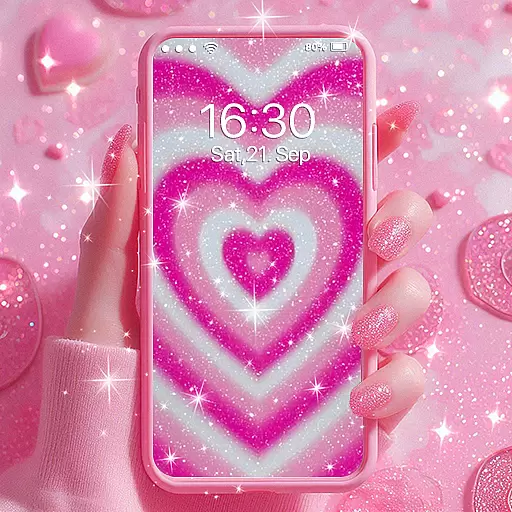
Sparkle your screen with Glitter Wallpapers For Girls and Cute Backgrounds!
4.80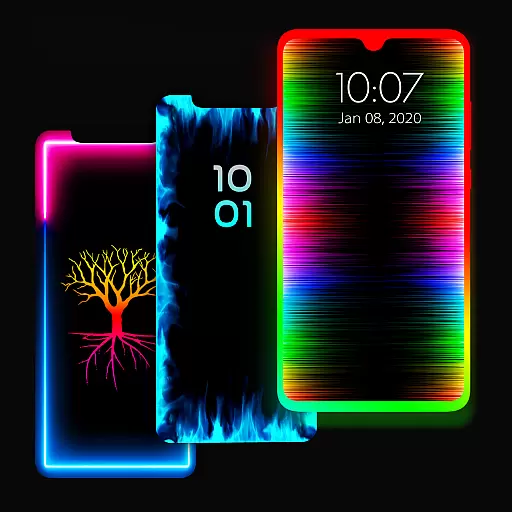
Enjoy a variety of amazing live wallpapers and colorful EDGE lighting borders!
4.80
Customizable Glass widgets. Over 360+ stunning widgets and more!
4.70
A launcher for Samsung Good Lock and Good Guardians modules without ads
4.70
Unique Android Launcher
4.60
300+ Beautifully crafted widgets inspired by OneUI.
4.60
Color phone with cool effects for call screen, flash alert & ringtones music
4.50
Design your screen with unique, vibrant clocks
3.80
Turn your lock screen into fun with smile live wallpapers & animated wallpapers!
2.50
Struggling to find apps? Use this app to locate and open any app on your phone!
2.20


User Reviews