
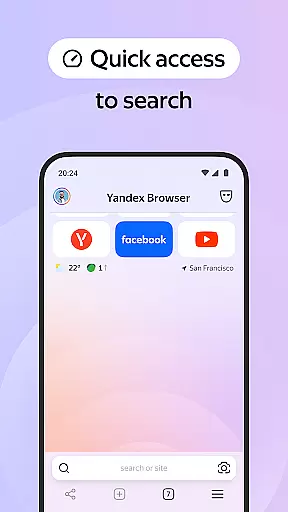
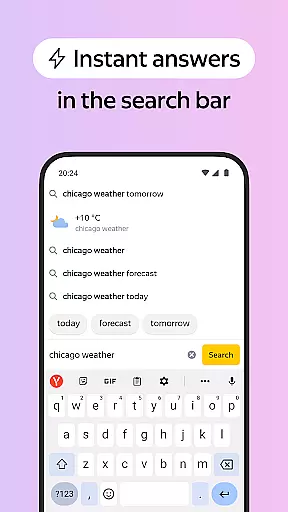


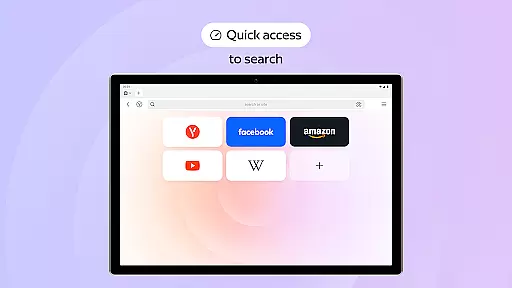

Yandex Browser with Protect is a stylish and secure mobile browser that offers advanced features for an optimal browsing experience. It includes voice search functionality, data compression for faster loading, and an active security system called Protect that safeguards users' personal data on public Wi-Fi networks. The browser also provides tools like Reader Mode to declutter web pages and Incognito Mode for private browsing sessions.
This application is particularly useful for users who prioritize both aesthetics and security in their browsing activities. With customizable wallpapers and cross-device syncing through Yandex account, it ensures a personalized yet consistent experience across all your devices. Whether you're looking to block ads, protect sensitive information, or simply enjoy a cleaner interface, Yandex Browser caters to diverse needs while maintaining high standards of privacy and style.
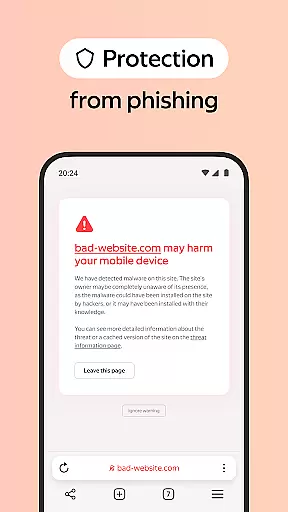
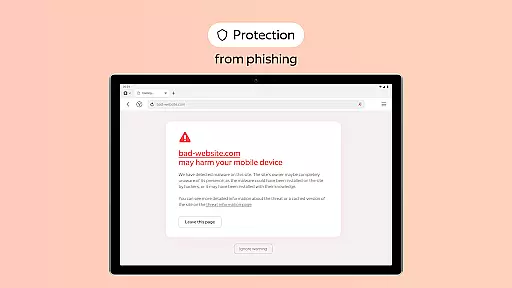
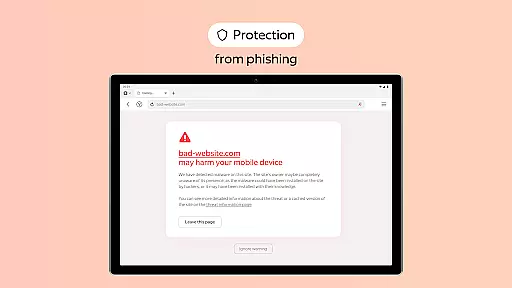
One of the standout features of Yandex Browser is its integration with third-party blocking apps to eliminate intrusive advertisements on websites. This ad-blocking capability enhances user experience by providing cleaner, more readable content without distractions. Additionally, the Protect feature actively shields users from harmful or fraudulent pages, making it safer to browse the internet even on unsecured networks.
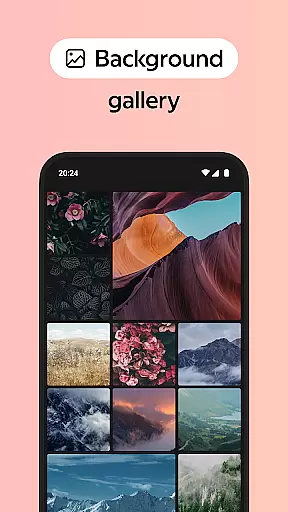
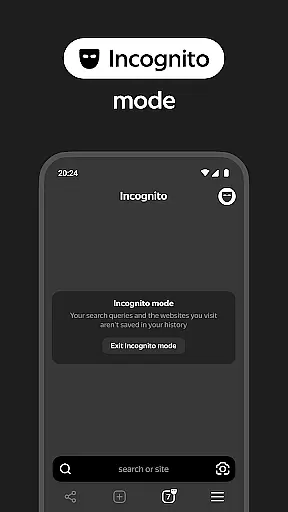
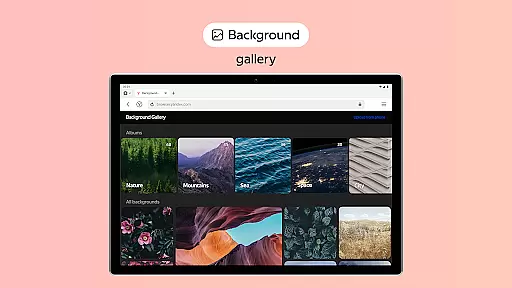
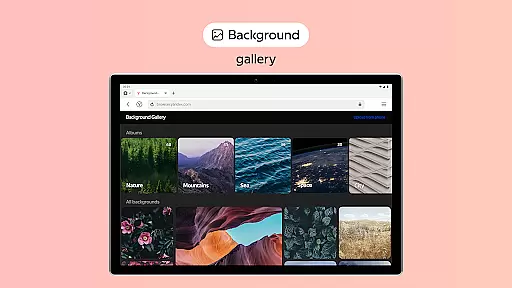
The browser's Reader Mode allows users to focus solely on relevant text and images by hiding unnecessary interface elements such as ads and menus. For those concerned about privacy, Incognito Mode ensures that no traces of browsing activity—such as passwords, search queries, or history—are stored. Furthermore, extensive customization options enable users to personalize their browsing environment with various backgrounds available in the wallpaper library.
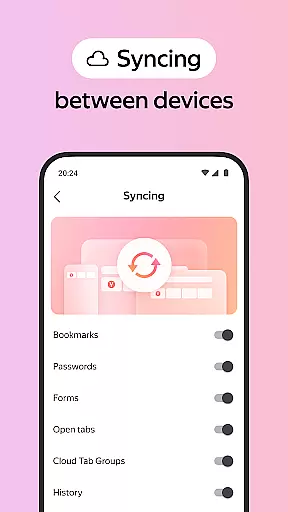
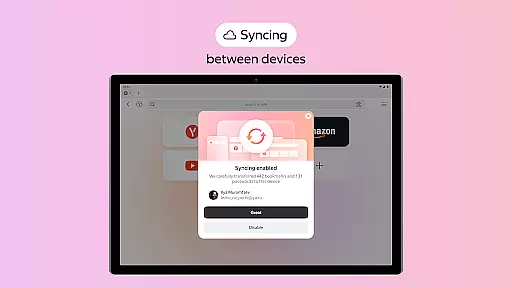
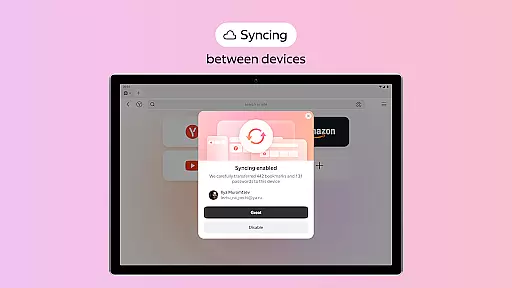
Syncing capabilities allow seamless access to favorite websites and bookmarks across multiple devices when logged into a Yandex account. These features collectively contribute to a versatile, secure, and visually appealing browsing experience tailored to modern users' preferences.
Customization is at the heart of personalizing your browsing experience, and Yandex Browser excels in providing a wide array of options to make the browser truly yours. With an extensive wallpaper library, users can choose backgrounds that suit their style or mood, ensuring that every time they open the browser, they are greeted with something visually pleasing or personally motivating.
In addition to aesthetic customizations, Yandex Browser allows for functional adjustments that cater to individual preferences. Users can integrate third-party blocking apps for ad-free browsing, activate Reader Mode to declutter web pages, and use Incognito Mode for private sessions. These features collectively offer a comprehensive customization toolkit, empowering users to tailor their browsing environment precisely as they see fit.
The value of such diverse customization options lies in enhancing user satisfaction and productivity. By allowing users to eliminate distractions and focus on content that matters, Yandex Browser not only becomes a more enjoyable platform but also a more efficient tool for daily use. This level of personalization ensures that whether you're managing tasks, conducting research, or simply exploring the web, your experience remains uniquely yours.
Theme compatibility is crucial for users who wish to maintain a consistent look and feel across their digital environments, and Yandex Browser rises to the occasion by offering seamless integration with various themes. Whether you prefer dark mode for reduced eye strain or vibrant themes that energize your browsing sessions, Yandex Browser supports a multitude of visual styles to align with your preferences.
Beyond mere aesthetics, theme compatibility extends to functional aspects like readability and accessibility. Yandex Browser ensures that regardless of the theme selected, text clarity and interface usability remain uncompromised. This attention to detail guarantees that all users, including those with specific visual needs, can enjoy a comfortable and accessible browsing experience without sacrificing personal style.
Ultimately, the flexibility offered by Yandex Browser's theme compatibility enhances user engagement and comfort. By enabling individuals to craft a browsing atmosphere that resonates with their personal or professional requirements, Yandex Browser fosters a more immersive and satisfying online journey. This commitment to compatibility underscores Yandex's dedication to delivering a personalized yet cohesive user experience.
Advanced security features
Voice search functionality
Data compression technology
Customizable appearance
Cross-device synchronization
Limited native ad-blocking
Requires Yandex account
Privacy concerns
Occasional bugs
Resource-intensive

Ultra realistic gold analog watch face with lots of customization options.
 4.50
4.50
Only for Wear OS devices!
4.90
Adult video chat, dating, making friends, random matching
4.20
Art & Emoji Keyboard with Cool Fonts, Cute Themes and Custom Designs.
4.40
Wallpaper HD 4K Live - Thousands of high-quality Anime backgrounds for you.
4.80
Turn text & photos into stunning AI videos, art, and creative visual stories.
4.50
Custom edge gestures for volume control, brightness, apps, and shortcuts.
4.3
A minimalist productivity launcher. One-hand-friendly. Zero ads.
4.70
Transform your phone with stunning video wallpapers and a unique, personal touch
3.80
Winter's Journey: digital watch face for Galaxy Watch & Wear OS
4.80
Dark icon pack based on One 8
4.80
Personalize your phone with stunning HD and 4K wallpapers!
4.70
Add cute Shimeji pets to screen, interact with them and relax with cute motions
4.60
Ultimate Gallery Lock App - Hide Pictures, Videos and Lock Apps Instantly!
4.60
3D, live, and moving wallpapers & themes in 4K and HD for your device.
4.50
Aesthetic Widgets, HD Wallpapers, Themes in Mico Widget for Home and Lock Screen
4.50
App Icon Changer & Shortcut Creator. Customize your icons without any watermarks
4.30
Crystal-clear, square icon provides a sleek and sophisticated visual upgrade
4.00
Adaptive Dot Style IconPack with Light & Dark Theme.
3.70


User Reviews