

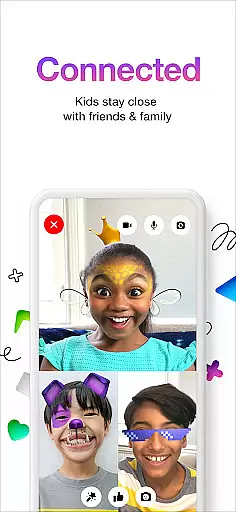
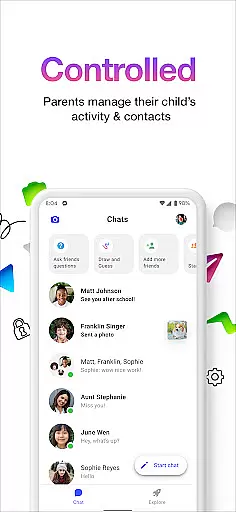
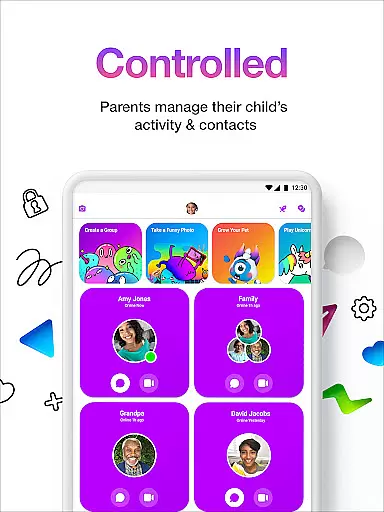

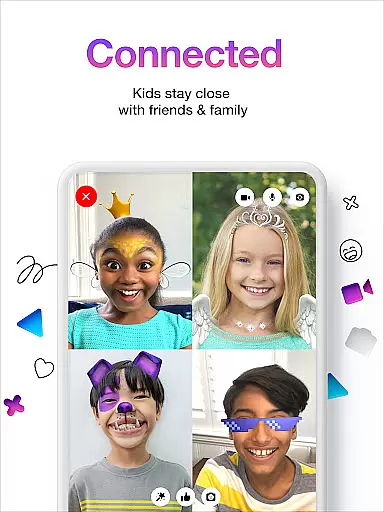
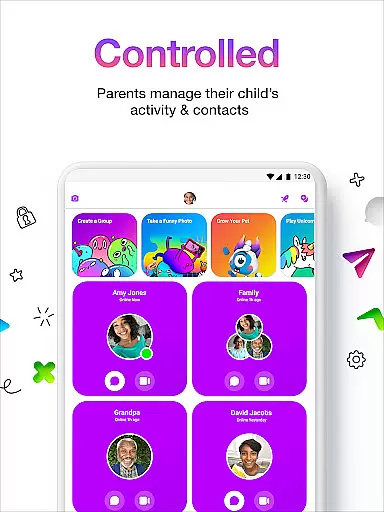
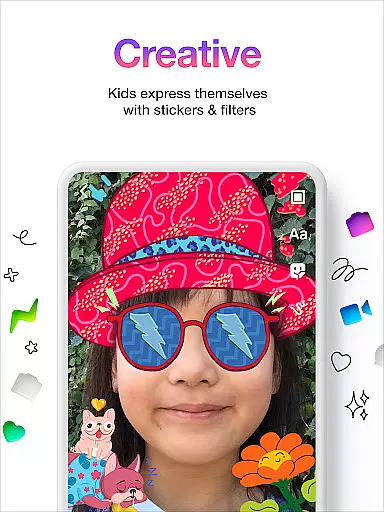
Messenger Kids is a communication app designed specifically for children, offering a safe and controlled environment for messaging and video calls. The app allows parents to manage their children's contact lists through a Parent Dashboard, ensuring secure interactions with friends and family.
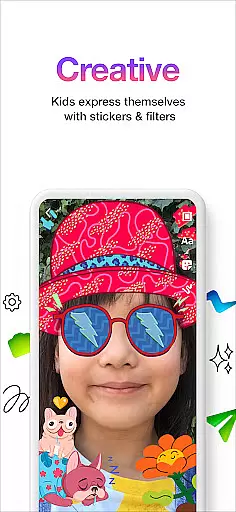
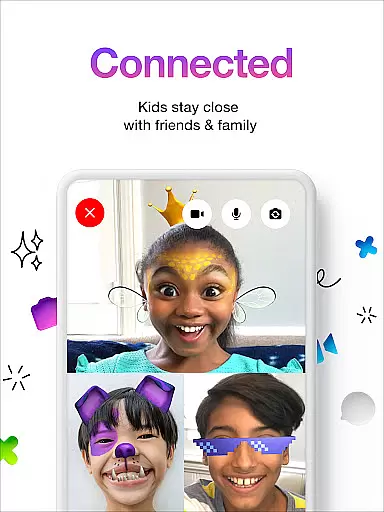
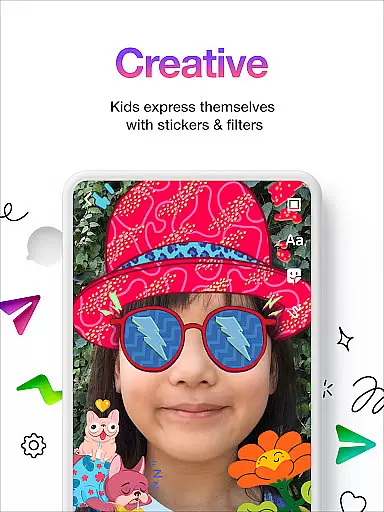
With fun filters, reactions, and sound effects, the app enhances video chats while stickers, GIFs, emojis, and drawing tools provide creative ways for kids to express themselves during conversations. Messenger Kids also ensures a worry-free experience by eliminating in-app purchases and ads, making it an ideal choice for parents seeking a secure digital communication platform for their children.
Messenger Kids stands out with its robust parental controls that allow guardians to oversee their children's messaging activities. Through the Parent Dashboard, parents can monitor messages, manage contacts, and set usage limits especially during bedtime, promoting healthy digital habits among kids.
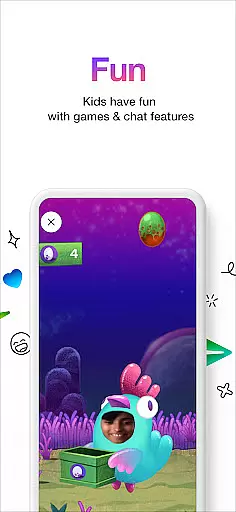
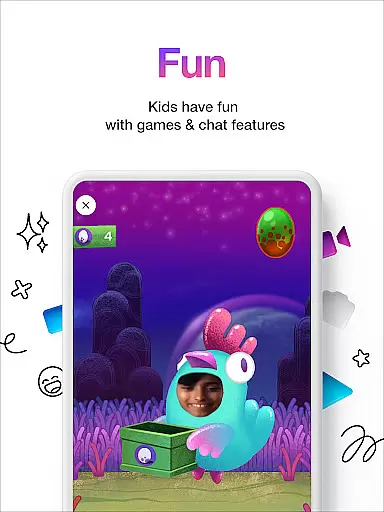
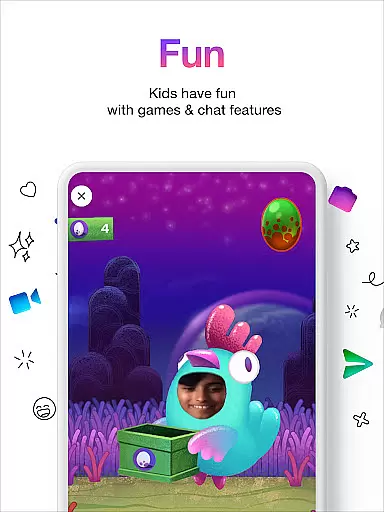
The app offers an engaging experience with its kid-friendly features such as fun filters, sound effects, stickers, GIFs, and emojis which make conversations lively and entertaining. Moreover, the absence of phone numbers for sign-up and the lack of in-app purchases or advertisements ensure a secure and uninterrupted communication platform tailored for young users.
Real-time messaging speed and reliability are crucial for a seamless communication experience, especially in apps designed for younger users. Messenger Kids excels in this area by providing instant message delivery and ensuring that conversations flow without unnecessary delays.
The app employs optimized data transmission protocols to maintain fast and reliable connections. This means that when kids send messages, share stickers, or use drawing tools, their actions are reflected instantly across all devices. Such efficiency is vital for maintaining engaging and dynamic conversations.
Parents can rest assured knowing that important communications, like notifying them when their child blocks a contact, are delivered promptly and reliably. The dependable messaging infrastructure ensures that parents are always kept in the loop with timely updates.
Overall, the robust architecture supporting real-time interactions makes Messenger Kids a reliable tool for both fun and essential communications, enhancing user satisfaction and trust.
Media sharing support is an integral feature of any modern communication app, allowing users to exchange various types of content seamlessly. Messenger Kids offers comprehensive media sharing capabilities that enable children to share photos, videos, and other media safely and easily.
The app provides a secure environment where kids can enjoy multimedia exchanges without exposure to inappropriate content or privacy risks. Parents have control over media sharing permissions, ensuring that only approved contacts can engage in this interactive experience.
With features like creative filters, reactions, and sound effects during video chats, media sharing becomes not just about exchanging files but also about enhancing interaction quality. These elements make conversations more lively and enjoyable while promoting digital literacy among young users.
By focusing on safe yet entertaining media sharing options, Messenger Kids fosters creativity and expression within a controlled setting, making it an ideal choice for families looking to balance connectivity with security.
Parental control
No ads
Kid friendly
Fun filters
Secure messaging
Limited features
Age restrictions
Parent dependency
No voice calls
Device compatibility

 3.90
3.90
Call Forwarding is easy and simple application to use.
3.80
Secure Messaging App to Enhance Messenger Texting Experience and Organize SMS.
3.50
Identify unknown numbers, block spam calls, customize calls with cool themes.
4.60
Google's fast and secure browser
4.10
WazzapMigrator: transfer your WhatsApp history from iPhone to Android
4.00
Watchgram for Telegram: Experience seamless Telegram messaging on your watch
1.80
Fast internet with AI, Adblock & VPN. Browse on a safe, incognito web browser.
4.70
Simple tool for businesses to talk to their customers.
4.40
Save 10% automatically on your first international mobile top up.
4.60
Build your web browser around you with private search, and more.
4.60
Manage your data, talk & text - affordable phone plans & data usage made simple
4.30
A web browser that respects your privacy.
4.30
Call Blocker app: Identify unknown callers, block spam calls, fraud & robocalls
4.30
2nd Phone Number Line for Anonymous Texting, Calling, and Picture Messages
4.30
SMS & MMS Messaging App to easily send messages or schedule SMS on Chat
4.10
Share the moment!
4.10
Caller ID, Spam Call & SMS Blocker
3.80
TeamSpeak - Secure Chat for Gaming & Business
3.10


User Reviews