
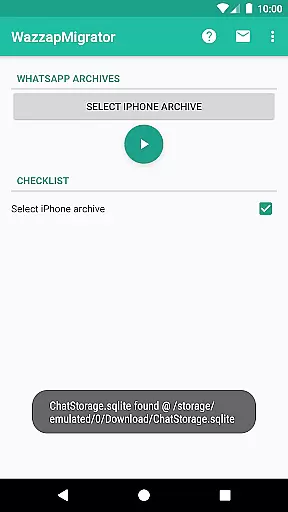
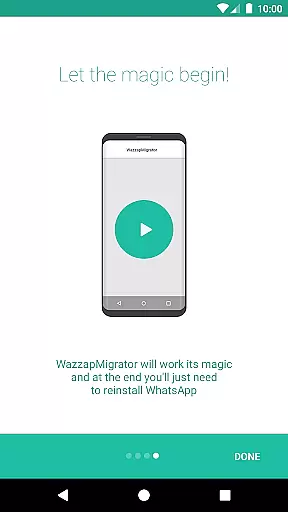
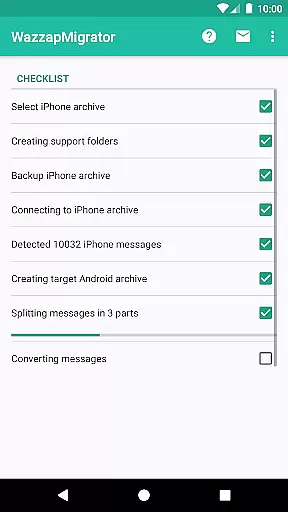
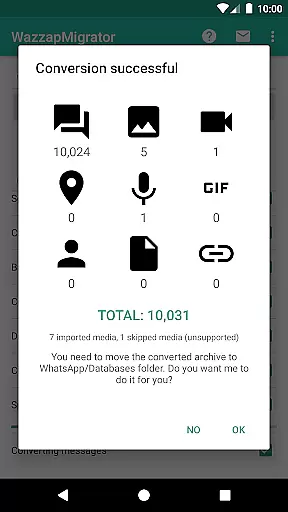
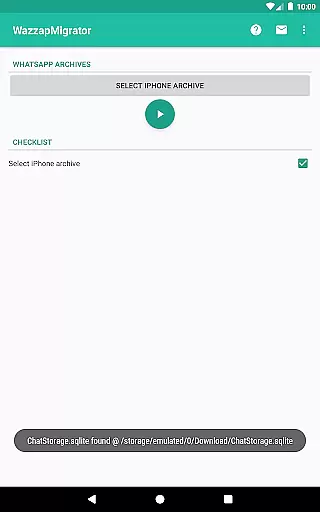
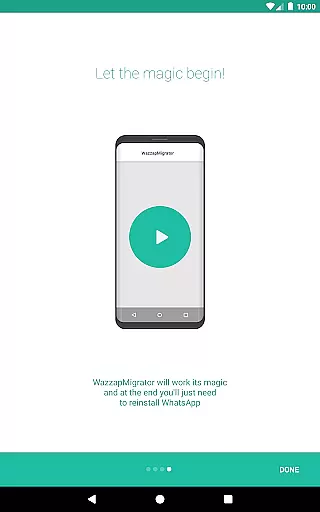
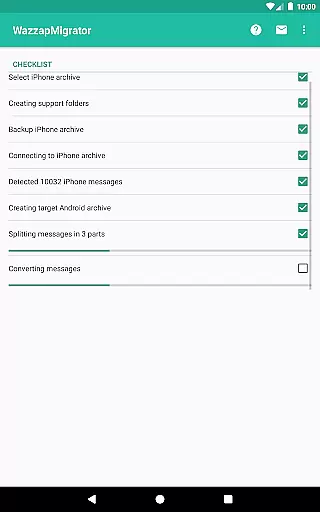
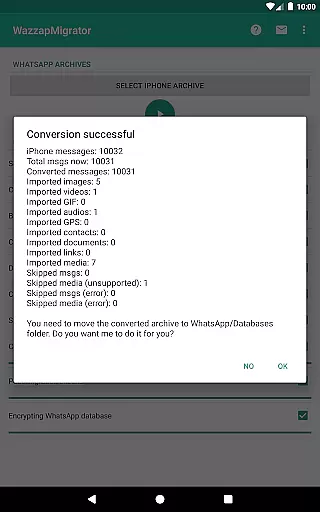
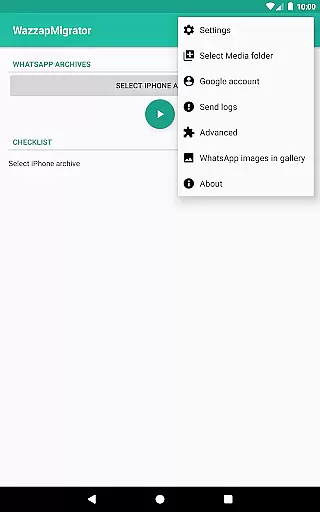
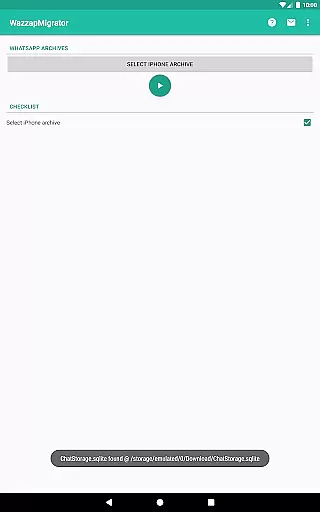
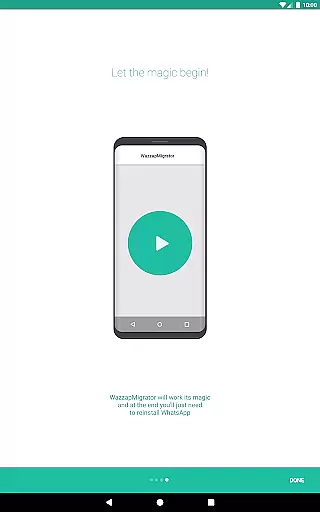
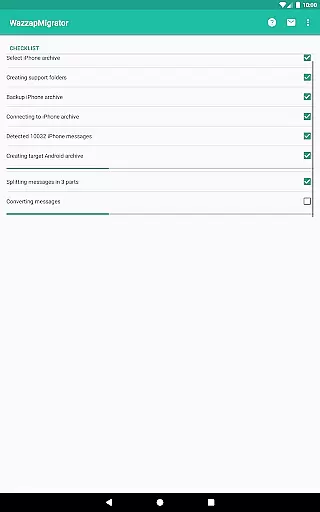
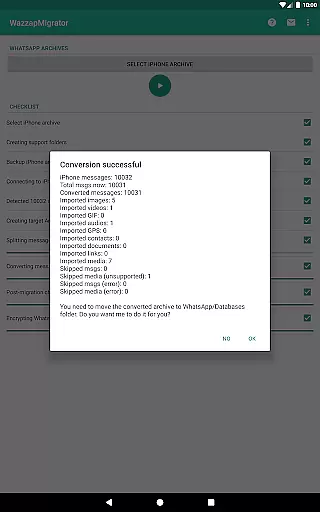
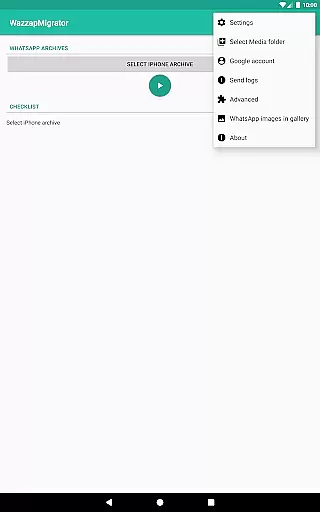
WazzapMigrator is a specialized communication app designed to help users transfer their WhatsApp history from iPhone to Android devices. This app ensures that all your important conversations, media files, and even contacts are safely migrated when you switch platforms. The application supports the import of messages, emoji, images, audio, video, documents, locations, and contacts, making it a comprehensive solution for data migration.
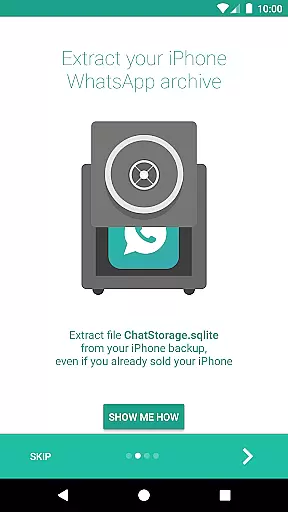
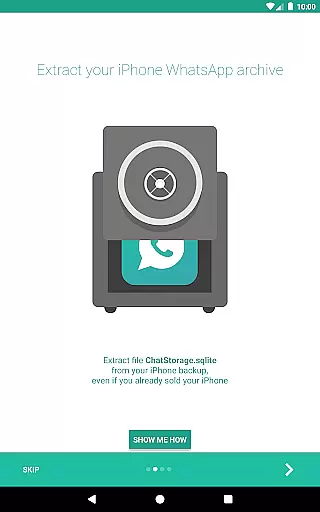
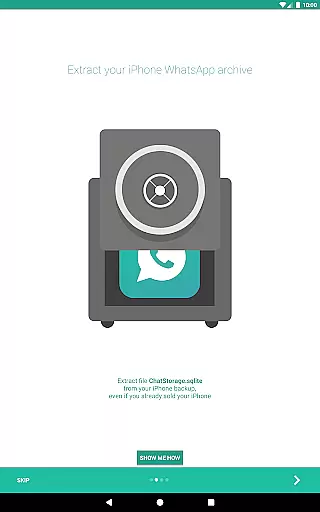
One of the standout features of WazzapMigrator is its ability to work even if you no longer have your old iPhone, provided you have an iTunes backup available on your PC or Mac. With privacy being a top concern for many users, this app guarantees that your data won't leave your device as it has no internet access permissions. Whether you need basic assistance or advanced help, WazzapMigrator offers reliable support through in-app contact options and detailed guides available on their website.
WazzapMigrator stands out with its robust set of features tailored specifically for transferring WhatsApp data between different mobile operating systems. One of the primary functionalities includes the ability to import a wide range of data types such as messages, emoji, images, audio, video, documents, locations, and contacts. This ensures that users do not lose any valuable information during the transition from iPhone to Android.
The app also provides peace of mind regarding privacy concerns. It operates without requiring internet permissions, ensuring that your data remains solely on your device throughout the migration process. Additionally, WazzapMigrator offers extensive support options including an in-app support line with a maximum response time of 24 hours, and a comprehensive FAQ section on their website. These resources make it easier for users to navigate the migration process smoothly and efficiently.
Real-time messaging speed and reliability are crucial for seamless communication. WazzapMigrator ensures that your WhatsApp history, including messages and emoji, is transferred from iPhone to Android with precision.
The app works efficiently even if you no longer possess your old iPhone, provided you have an iTunes backup available on your PC or Mac. This guarantees that your data transfer remains swift and dependable, maintaining the integrity of your chat history without delays.
With WazzapMigrator, users can be confident in the stability of their message migration process. The application focuses on providing a reliable service where all conversations are imported accurately, ensuring real-time access to your messaging history on your new device.
Media sharing support is essential for transferring rich content across platforms. WazzapMigrator facilitates the import of images, audio, video, documents, locations, and contacts from iPhone to Android devices.
This feature ensures that not only text messages but also multimedia elements are moved seamlessly. Users can enjoy uninterrupted access to their media files on the new platform, preserving both the context and completeness of their communication threads.
By supporting comprehensive media sharing capabilities, WazzapMigrator enhances user experience by making sure all types of shared content are successfully migrated, thus enriching the overall messaging interaction on the new device.
User-friendly interface
Comprehensive data transfer
Strong privacy protection
Reliable customer support
Works with iTunes backup
Requires computer knowledge
Limited to WhatsApp data
No direct device-to-device transfer
Paid application
Dependent on iTunes backup

Identify unknown numbers, block spam calls, customize calls with cool themes.
 4.60
4.60
Browse fast on Opera Mini, with Data Saving, News, Football Scores, and Download
4.60
Fast and mini browser with Ad Blocker,Video Downloader and Video Player
4.40
Chill zone on your phone: relax with fun reels & hype shorts!
4.20
Manage Phone Calls, call history, and contacts easily with Phone Pro.
4.2
Call & Text Anywhere With A Canadian Number.
3.60
Read OBD2 data and DTCs Create custom dashboards Enhanced diagnostics available
4.70
Fast internet with AI, Adblock & VPN. Browse on a safe, incognito web browser.
4.70
Say “hello” to privacy.
4.60
فیلتر شکن قوی پرسرعت کلید جدید برای اندرویدسریع ترین وی پی ان برای همه اپراتورها
4.70
A web browser that respects your privacy.
4.30
Block spam calls & scam - no more annoying calls with the call blocker function
4.30
RemoteHams.com Android RCForb Client Pre-Release
4.30
Group Chat That’s Fun & Games
4.30
SMS Messenger is a lightning-fast messaging app.
4.20
Weargram is an unofficial Telegram Client for Wear OS.
3.50
Chat on the Jabber network (XMPP protocol); support for SMS and other gateways
2.10
Watchgram for Telegram: Experience seamless Telegram messaging on your watch
1.80
Enables Plus features of Quick Search.
4.4


User Reviews