
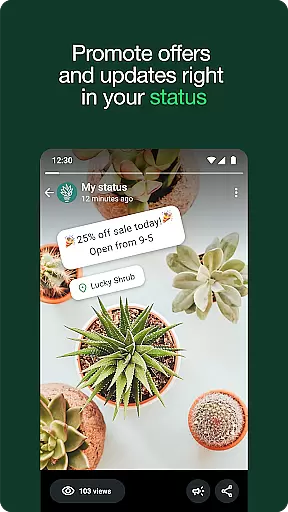


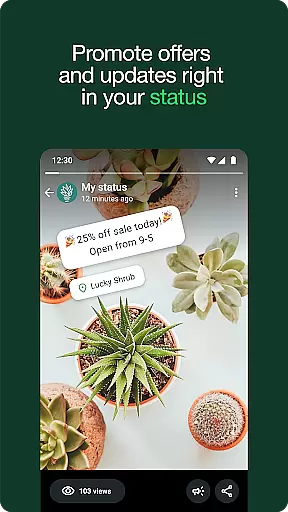


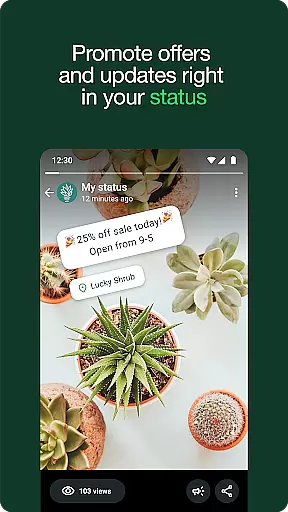


WhatsApp Business is a specialized communication app designed to help businesses enhance their customer interactions and streamline operations. The platform offers built-in business tools that allow companies to automate responses, organize chats with labels, and create professional profiles to build trust. It supports free calls and international messaging while enabling businesses to sell more through targeted promotions, product catalogs, and in-app payment options.
This app is ideal for small to medium-sized businesses looking to expand their reach and improve customer relationships. By leveraging features like automated replies and Meta Verified subscriptions, businesses can ensure they provide timely support and establish credibility on a secure platform.
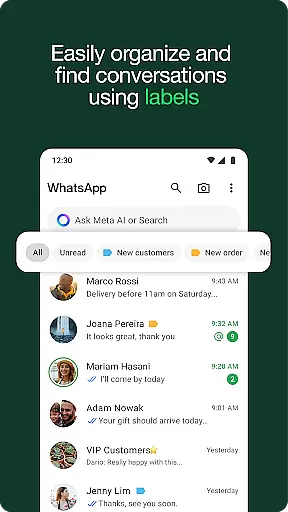
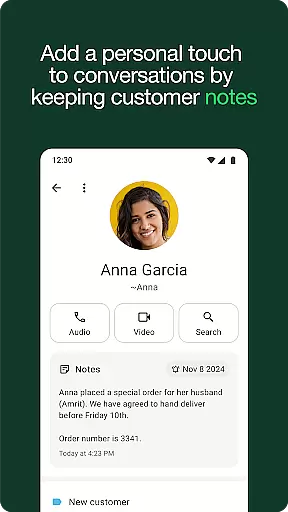
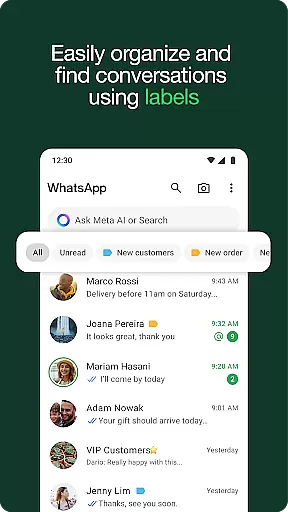
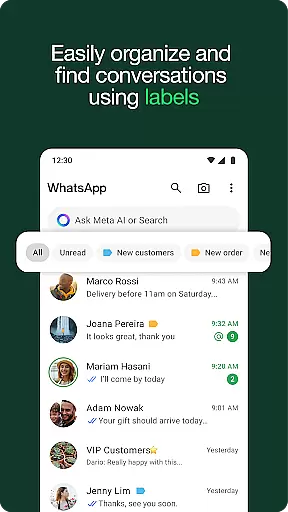
WhatsApp Business stands out with its robust set of features tailored specifically for business users. One key feature is the ability to set up automated away messages and quick replies, which ensures no customer query goes unanswered. Additionally, businesses can use labels to categorize conversations, making it easier to prioritize important clients or track ongoing discussions.
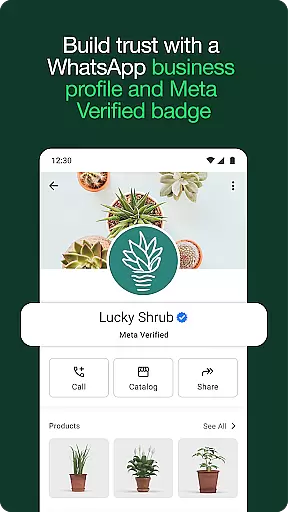
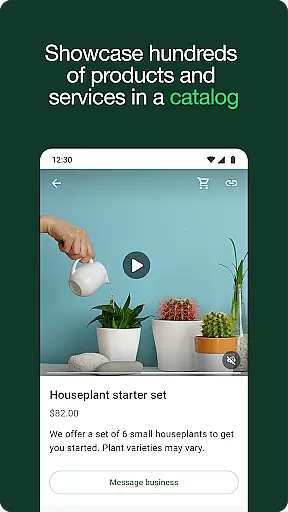
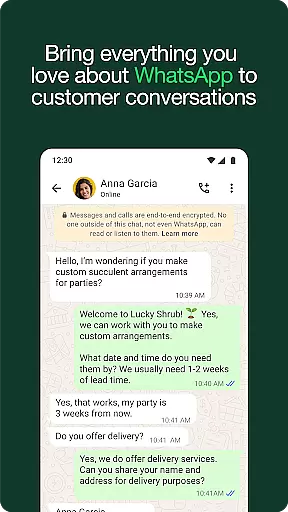
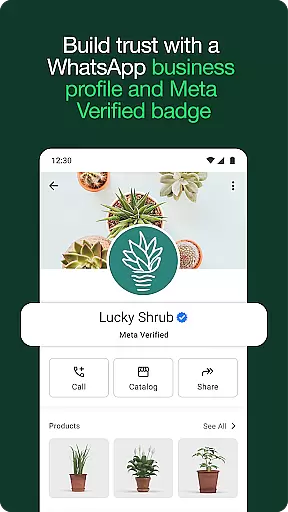
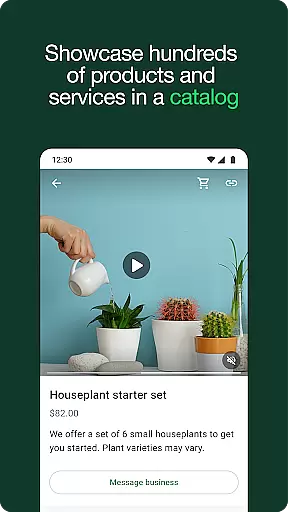
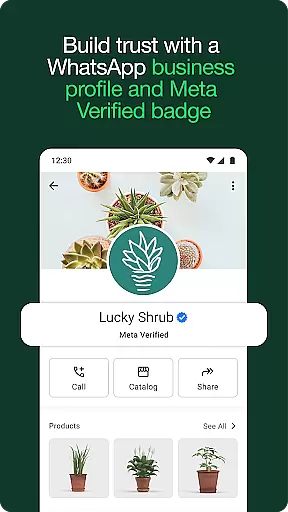
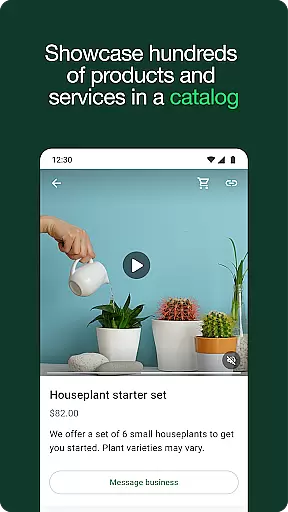
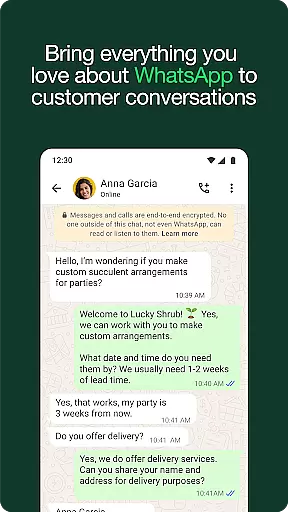
The app also allows businesses to create a professional profile showcasing essential details such as address, description, and operating hours. For e-commerce-focused businesses, WhatsApp Business provides tools to share product catalogs and accept orders directly within the chat interface. These capabilities not only simplify communication but also drive sales by offering customers a seamless purchasing experience.
Real-time messaging speed and reliability are crucial for effective communication in any business setting. WhatsApp Business excels in this area by providing instant message delivery and read receipts, ensuring that your communications are both timely and verifiable.
The app's infrastructure is designed to handle high volumes of messages with minimal latency. This means you can send product updates, promotional offers, or critical information to your customers without worrying about delays. The reliable delivery system ensures that your messages reach the intended recipients as quickly as possible.
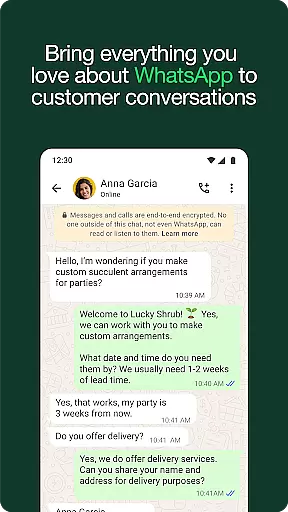
For users, this translates into an uninterrupted flow of conversation that mimics face-to-face interactions. Whether it's addressing customer inquiries or negotiating deals, the immediacy provided by WhatsApp Business helps maintain momentum in your business discussions.
Moreover, the stability of the platform ensures that even during peak usage times, businesses can rely on consistent performance. This level of service builds trust with clients who expect prompt responses and seamless interaction from their service providers.
Media sharing support is a vital feature for businesses that need to showcase products, share documents, or provide visual assistance. WhatsApp Business allows you to send images, videos, PDFs, and other file types up to 100MB in size, making it versatile for various business needs.
This capability enables companies to create richer, more engaging conversations with their customers. For instance, a clothing retailer can easily share high-resolution images of their latest collection directly through the chat, while a real estate agent could send video tours of properties.
WhatsApp Business maintains the quality of shared media, ensuring that professional content like brochures or portfolios retains its impact. This is particularly beneficial when trying to convey detailed information or maintain brand standards across digital communications.
Furthermore, the ease of accessing and managing shared media within the app streamlines workflow processes. Businesses can efficiently organize and retrieve important files exchanged during conversations, enhancing productivity and record-keeping practices.
User-friendly interface
Free international messaging
Automated response tools
In-app payment options
Professional business profiles
Limited advanced features
Not all markets supported
Paid Meta Verified service
Device connection limits
Requires separate phone number

Call Forwarding is easy and simple application to use.
 3.80
3.80
فیلتر شکن قوی پرسرعت کلید جدید برای اندرویدسریع ترین وی پی ان برای همه اپراتورها
4.70
Save 10% automatically on your first international mobile top up.
4.60
Messages: Fast, simple SMS app with scheduling and smart features.
4.00
Messenger app for faster and simpler SMS text messaging, and personalized themes
4.10
Chat on the Jabber network (XMPP protocol); support for SMS and other gateways
2.10
Call Blocker app: Identify unknown callers, block spam calls, fraud & robocalls
4.30
An agentic AI browser for Android, built by Perplexity
4.50
Smart and simple anti-wiring application - IMSI-catchers catcher
4.40
Useful. Social. Expressive.
4.70
Build your web browser around you with private search, and more.
4.60
Our Black Friday sale is here. Unlock special discounts on Proton Mail now.
4.30
2nd Phone Number Line for Anonymous Texting, Calling, and Picture Messages
4.30
Threema is the messenger with the most consistent focus on security and privacy.
4.00
Telegram is a messaging app with a focus on speed and security.
4.00
Manage and Fund Calling Accounts and Schedule and Join Video Sessions
3.60
Call & Text Anywhere With A Canadian Number.
3.60
TeamSpeak - Secure Chat for Gaming & Business
3.10
Watchgram for Telegram: Experience seamless Telegram messaging on your watch
1.80


User Reviews