
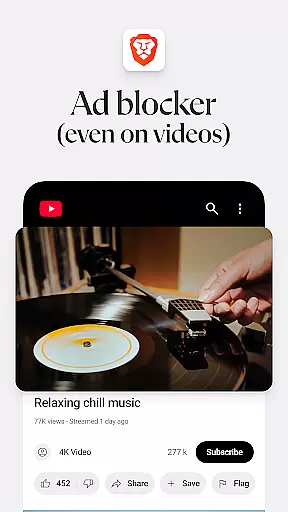
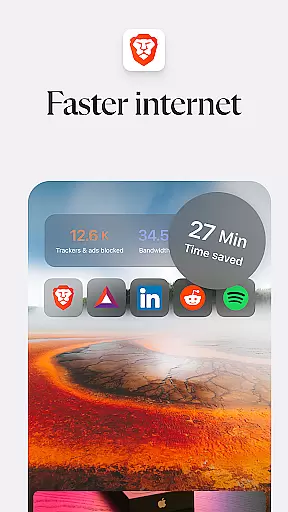
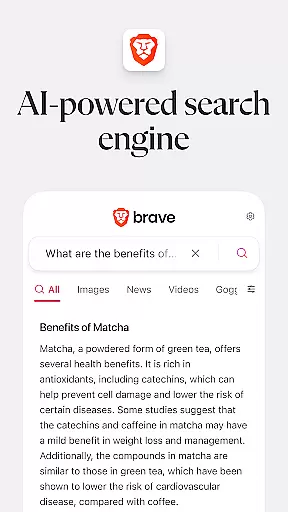
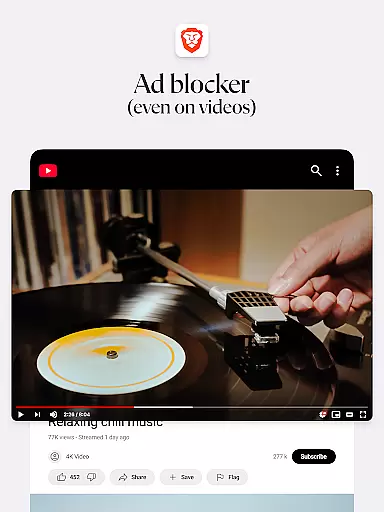
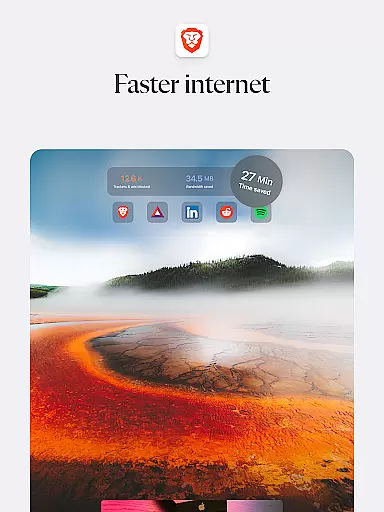
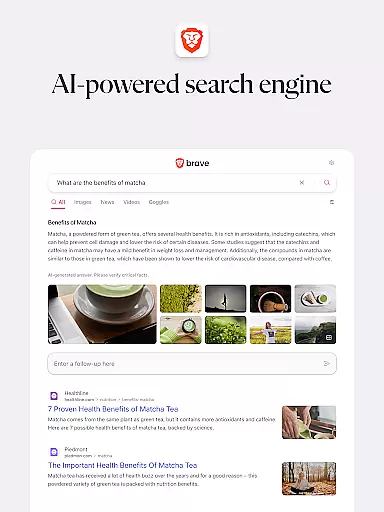
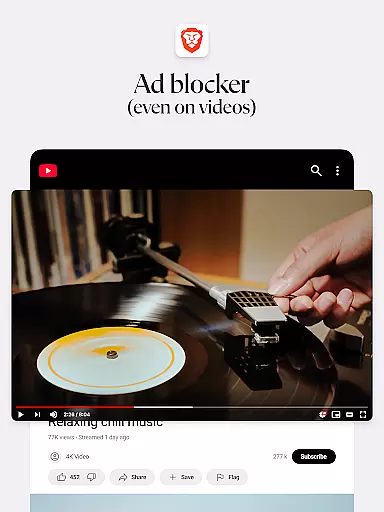
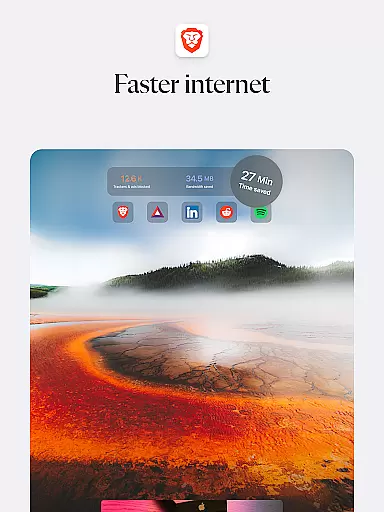
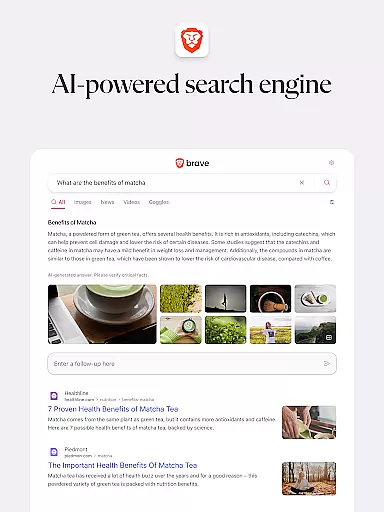
Brave Private Web Browser is a top-tier communication tool that prioritizes speed, security, and user privacy. This browser offers 3X faster browsing with its built-in adblock and pop-up blocker features, ensuring an uninterrupted experience. It includes Brave Search, a private and independent search engine that doesn't profile users, and a unique night mode for comfortable reading in low light.
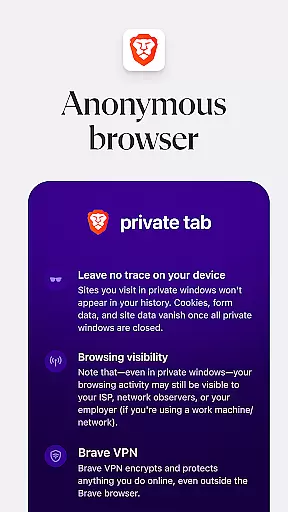
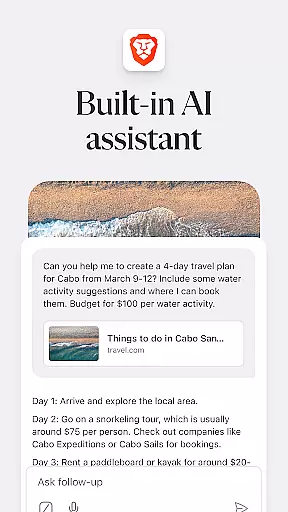
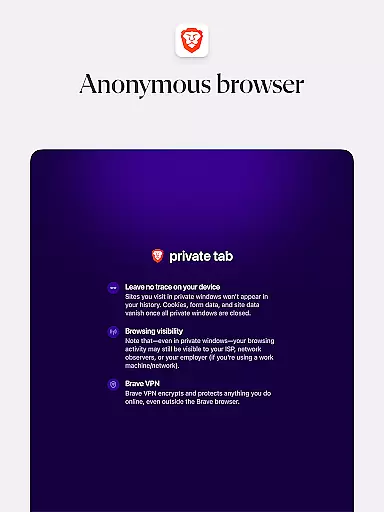
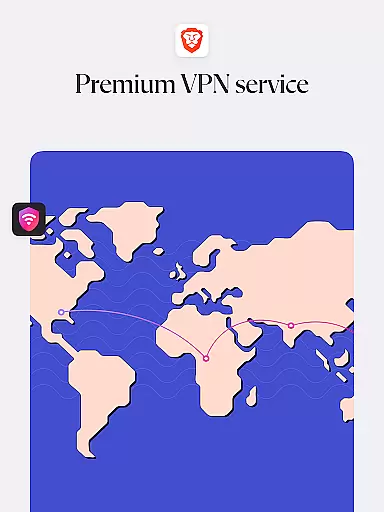
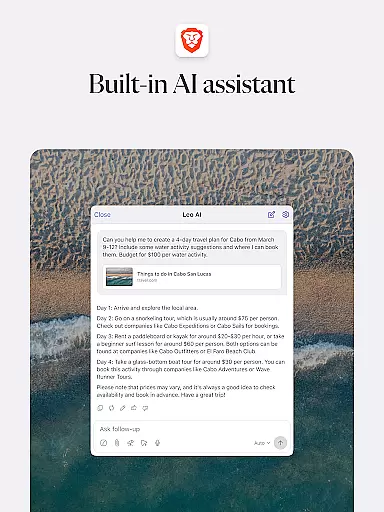
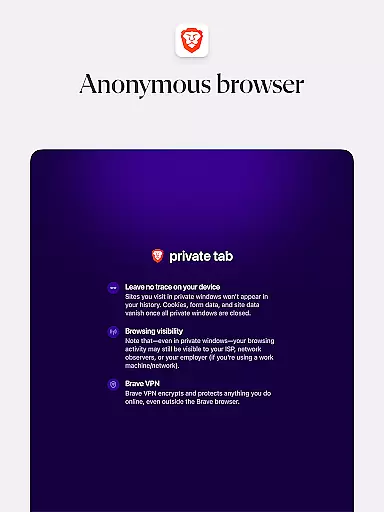
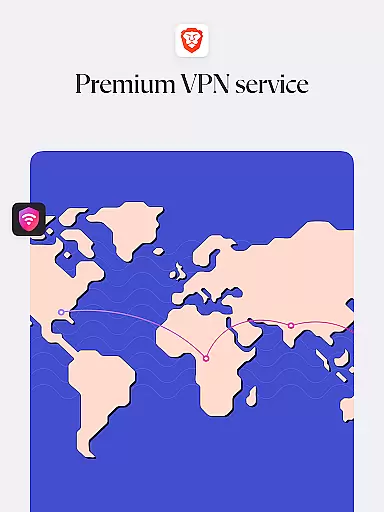
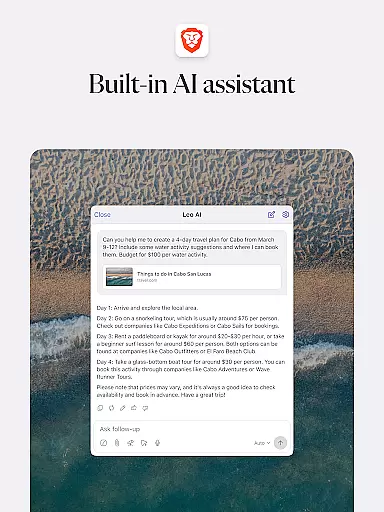
The app stands out with its AI assistant, Brave Leo, which provides smart assistance without compromising user data. With Firewall + VPN, users can browse anonymously while protecting their online activities. The browser supports Android 7 and above, making it accessible to a wide range of users seeking a secure and fast browsing solution.
Brave's dedication to privacy extends to its Brave Rewards program, transforming how users interact with online ads. Instead of trading attention for access, users earn rewards while maintaining control over their personal data. This innovative approach makes Brave Private Web Browser not just a communication tool but a step towards a more equitable internet experience.
Brave Private Web Browser distinguishes itself through a comprehensive suite of features designed to enhance user privacy and browsing efficiency. Its AI assistant, Brave Leo, allows users to ask questions and receive answers without any tracking or data misuse. The inclusion of Firewall + VPN ensures that users' online activities remain anonymous and secure from external threats.
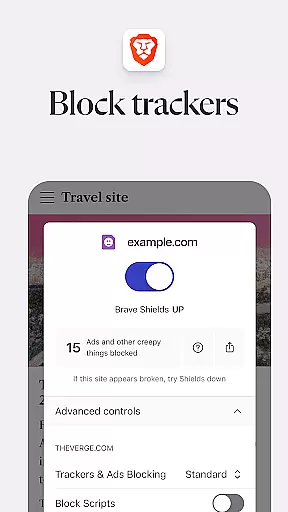
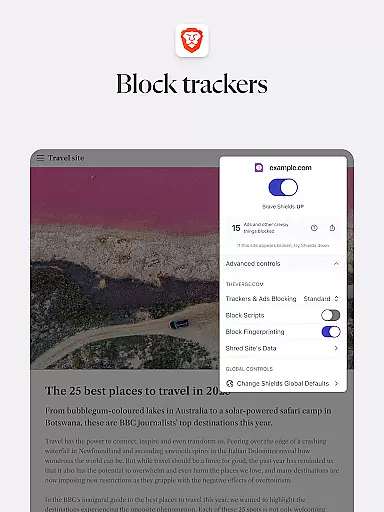
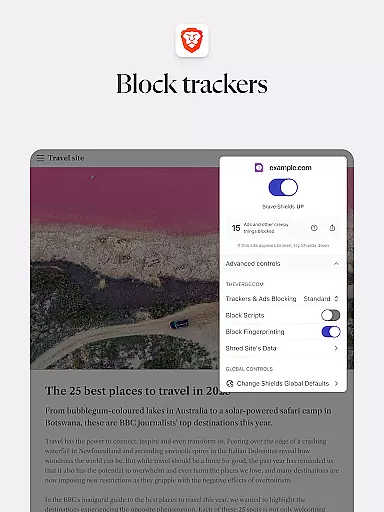
One of the standout features is Brave Search, a search engine that operates independently of Big Tech, ensuring no user profiling occurs. The browser also excels in speed, significantly reducing page loading times and blocking malware-infected ads. These capabilities are complemented by advanced privacy protections such as HTTPS Everywhere, script blocking, and cookie blocking, setting new standards in safeguarding user data.
Additionally, Brave Rewards revolutionizes the traditional ad-viewing model by compensating users for their attention while keeping personal data private. This combination of speed, security, and user-centric monetization strategies exemplifies Brave's commitment to creating a safer and more equitable browsing environment.
Real-time messaging speed and reliability are crucial for a seamless communication experience. Brave Private Web Browser incorporates advanced technologies to ensure messages are delivered instantly and consistently. This is particularly important when interacting with websites that rely on real-time data exchanges, such as chat applications or live updates.
The browser's optimized architecture reduces latency in web communications, ensuring that users experience minimal delay in message delivery. By prioritizing network requests and employing efficient data compression techniques, Brave maintains fast and reliable connections even under fluctuating network conditions.
Users benefit from this enhanced messaging capability through improved interaction with web services. Whether participating in online forums, engaging with customer support via live chat, or receiving instant notifications, the speed and reliability offered by Brave ensure these interactions are smooth and timely.
This focus on real-time performance not only enhances user satisfaction but also increases productivity. Users can rely on Brave for critical communications without worrying about delays or interruptions, making their browsing experience more efficient and enjoyable.
Media sharing support is an essential feature for modern web browsers, enabling users to easily exchange photos, videos, and other multimedia content. Brave Private Web Browser excels in this area by providing robust support for various media formats and seamless integration with popular social platforms and cloud storage services.
The browser's built-in media handling capabilities allow for quick uploading and downloading of files, while its compatibility with HTML5 standards ensures smooth playback of multimedia content directly within the browser window. Additionally, Braveu2019s privacy-focused approach extends to media sharing, protecting users' data during file transfers.
For users, this comprehensive media support translates into a hassle-free experience when sharing memories or collaborating on creative projects. The ability to drag-and-drop files directly into chat windows or upload them to social media sites without leaving the browser simplifies workflows and saves time.
By prioritizing both functionality and privacy in media sharing, Brave sets itself apart as a secure and versatile tool for digital communication. Users can confidently share media knowing their personal information remains protected throughout the process.
Fast browsing speed
Strong privacy protection
Built-in adblock
Private search engine
Innovative reward system
Limited device support
No iOS version available
Advanced settings may confuse new users
Some features require account creation
Occasional compatibility issues

We’re taking the yada yada out of wireless—now we’ve taken it out of your app.
 4.70
4.70
Messages: Fast, simple SMS app with scheduling and smart features.
4.00
Manage and Fund Calling Accounts and Schedule and Join Video Sessions
3.60
Send SMS and chat messages easily with a fast text messaging app for Android.
4.10
Fast, Simple And Secure Application That Provides SMBv3 Server On Your Device
3.30
An app dedicated solely to marriage, not dating, and supported by a rigorous verification mechanism to ensure seriousness.
4.1
Read OBD2 data and DTCs Create custom dashboards Enhanced diagnostics available
4.70
Threema is the messenger with the most consistent focus on security and privacy.
4.00
Useful. Social. Expressive.
4.70
Manage BoostMobile Account
4.60
Get through your inbox faster with the mail app designed to simplify your life.
4.40
Phone Dialer with Caller ID, Address Book & Contacts Manager.
4.30
RemoteHams.com Android RCForb Client Pre-Release
4.30
A customizable phone number in the cloud
4.20
BiP is a fast, secure, free messaging and HD video calling app!
4.10
A softphone with crystal clear SIP Calling & Reliable VoIP dialer
4.00
Measure BHP, Torque & 0-60 Clear car OBD faults View engine data in Google Earth
4.00
Call & Text Anywhere With A Canadian Number.
3.60
Bringing the functionality of Winlink to your Android device
4.3


User Reviews