
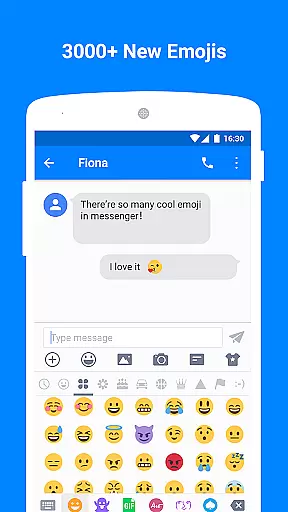
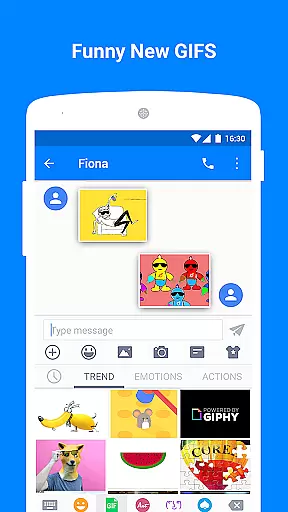
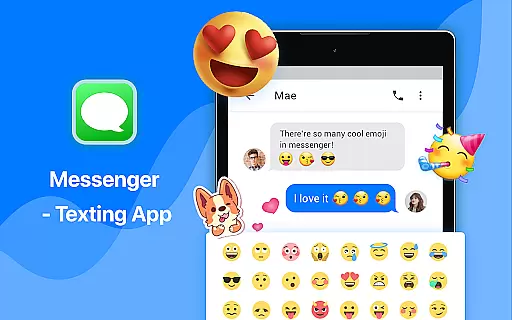
Messenger - Texting App is a feature-rich communication tool designed to enhance your texting experience. This app goes beyond basic SMS functionality by offering an extensive range of customization options and creative tools. With over 3000 emojis, animated GIFs, and unique stickers, users can express themselves more vividly while sending messages.
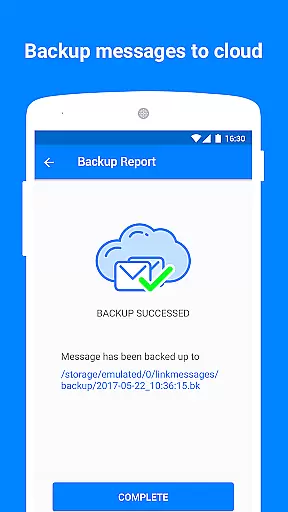
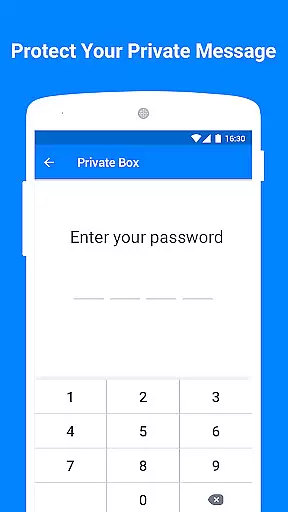
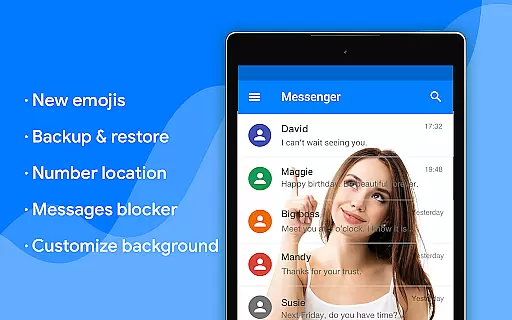
The app also provides practical features such as a private box for encrypting sensitive content, customizable layouts including wallpaper and text styles, and backup & restore capabilities to prevent message loss. Additionally, it includes convenient functionalities like driving mode, auto-reply, scheduled SMS, and compatibility with Android Wear devices. These features make Messenger - Texting App suitable for both personal and professional communication needs.
Messenger - Texting App stands out with its comprehensive feature set tailored to modern messaging requirements. The app offers an impressive collection of emojis, including Emoji One, and a vast library of animated GIFs that can be shared via MMS & SMS, making conversations more engaging and expressive.
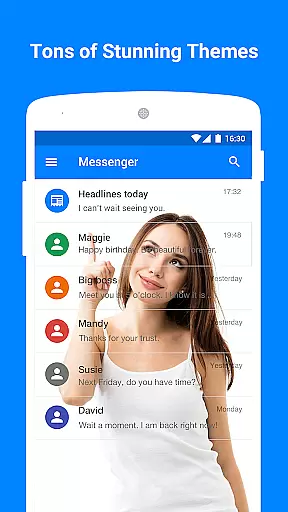
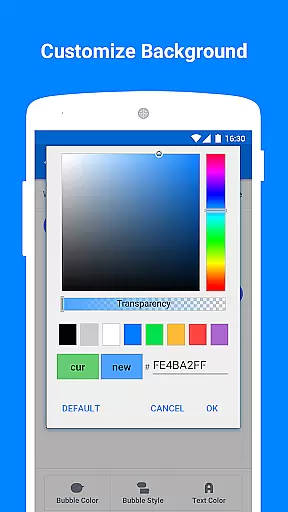
One of the key highlights is the private box feature, which allows users to encrypt and hide sensitive messages or contacts. The app also excels in customization, enabling users to personalize nearly every aspect of their messaging interface, from wallpapers and bubble styles to text fonts and colors. Other notable features include backup & restore functionality to safeguard important messages, a blocker for spam messages, and practical tools like driving mode and scheduled SMS. These diverse capabilities ensure a versatile and user-friendly messaging experience.
Real-time messaging speed and reliability are crucial for any communication app, and Messenger - Texting App excels in these aspects. The application ensures that messages are delivered instantly, providing users with a seamless chatting experience. This immediacy is vital for maintaining effective communication, whether for personal or professional use.
Messenger - Texting App achieves high reliability through robust server infrastructure and optimized data transmission protocols. These technical foundations ensure that messages are not only sent quickly but also received without errors or delays. Users can trust that their communications will be accurately conveyed every time they send a message.
The benefits of this reliable messaging system extend to various features within the app. For instance, the scheduled SMS function allows users to set specific times for message delivery, knowing that their messages will be sent precisely when intended. Additionally, the driving mode ensures uninterrupted trips by disabling notifications, relying on the app's stable performance to manage messages discreetly.
Ultimately, the real-time messaging capabilities of Messenger - Texting App enhance user engagement and satisfaction. By delivering messages promptly and dependably, the app fosters a sense of connection and reliability among its users, making it an excellent choice for those seeking a dependable texting solution.
Media sharing support is a fundamental aspect of modern communication apps, allowing users to exchange various forms of media effortlessly. Messenger - Texting App offers comprehensive media sharing capabilities, enabling users to send images, videos, and audio files alongside text messages. This versatility enhances the richness of conversations and allows for more expressive interactions.
The app supports a wide range of file formats, ensuring compatibility across different devices and platforms. Whether sending animated GIFs, emojis, or custom wallpapers, users can personalize their messages extensively. Moreover, the private box feature encrypts shared media, safeguarding sensitive content from unauthorized access and maintaining privacy during exchanges.
Beyond basic media sharing, Messenger - Texting App includes advanced functionalities such as backup and restore options. These tools allow users to save important media files securely, preventing loss due to accidental deletion or device malfunction. With the ability to restore previous backups, users gain peace of mind knowing their cherished memories and critical information remain accessible.
In summary, the media sharing support in Messenger - Texting App significantly enriches the user experience. By facilitating diverse and secure media exchanges, the app empowers users to communicate more vividly and effectively, setting a new standard for what users expect from a contemporary texting platform.
User-friendly interface
Extensive customization options
Private box for secure messaging
Rich library of emojis and GIFs
Backup and restore functionality
May consume significant storage space
Some features require premium subscription
Occasional performance lags
Limited cross-platform support
Complex settings for beginners

Pure modern IRC experience for Android
 3.70
3.70
Use this Dialer app alone or as a TREK: Total Interface companion.
4.70
Enjoy secure messaging & calling. Safe Messenger: group chats, calls, messages.
4.20
Messenger for SMS - texting message app, faster, simpler & safer, for you.
4.70
Chill zone on your phone: relax with fun reels & hype shorts!
4.20
Watchgram for Telegram: Experience seamless Telegram messaging on your watch
1.80
Call & Text Anywhere With A Canadian Number.
3.60
A softphone app with seamless SIP calling and an intuitive VoIP dialer
3.50
Bringing the functionality of Winlink to your Android device
4.3
We’re taking the yada yada out of wireless—now we’ve taken it out of your app.
4.70
فیلتر شکن قوی پرسرعت کلید جدید برای اندرویدسریع ترین وی پی ان برای همه اپراتورها
4.70
Welcome to the future of phone service.
4.60
Get through your inbox faster with the mail app designed to simplify your life.
4.40
Our Black Friday sale is here. Unlock special discounts on Proton Mail now.
4.30
Google's fast and secure browser
4.10
TeamSpeak - Secure Chat for Gaming & Business
3.10
Comprehensive and powerful scan tool app with enhanced functions
3.00
Chat on the Jabber network (XMPP protocol); support for SMS and other gateways
2.10
An app dedicated solely to marriage, not dating, and supported by a rigorous verification mechanism to ensure seriousness.
4.4


User Reviews