
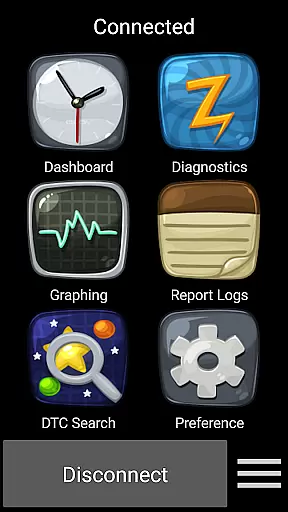
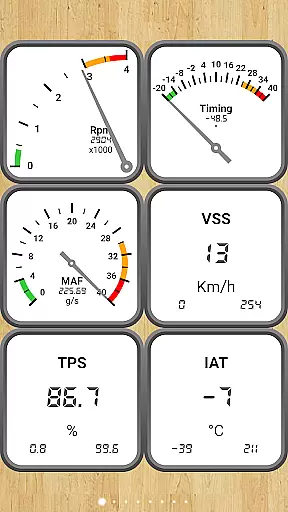
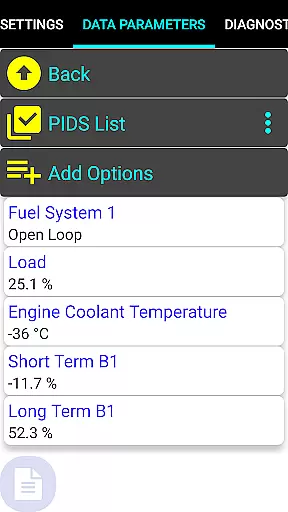
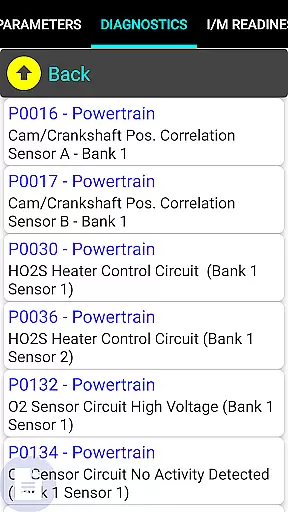
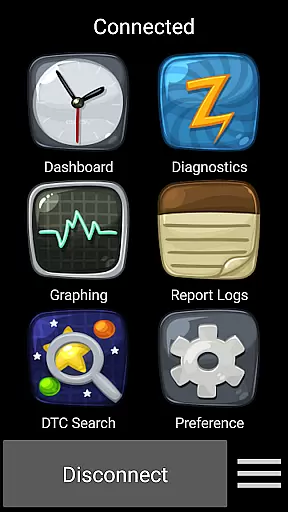
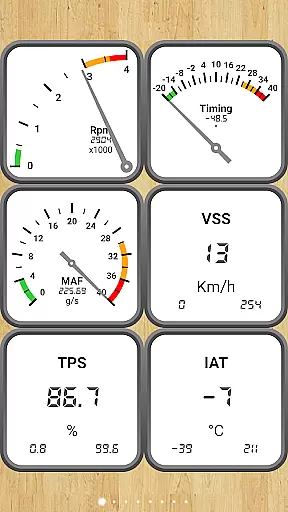
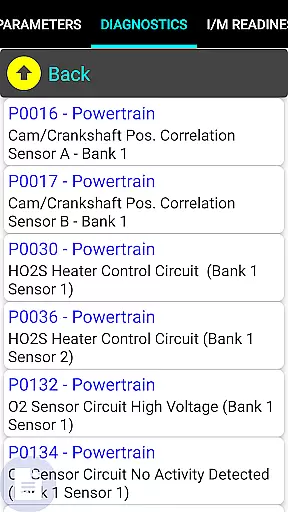
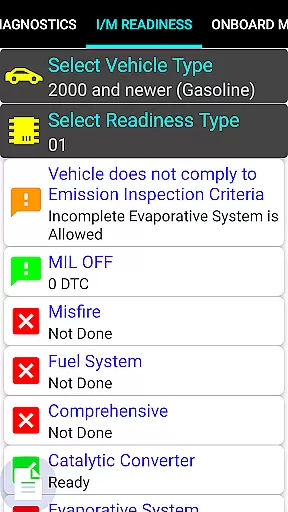
Car Gauge Pro is a comprehensive OBD2 diagnostic tool designed for all OBD2 compliant vehicles, offering both generic and enhanced diagnostic data. This app stands out with specialized support for Ford and Nissan vehicles, providing professional-level functionalities similar to factory scan tools. Users can access detailed vehicle data through the 16-pin OBD2 connector using compatible Bluetooth adapters.
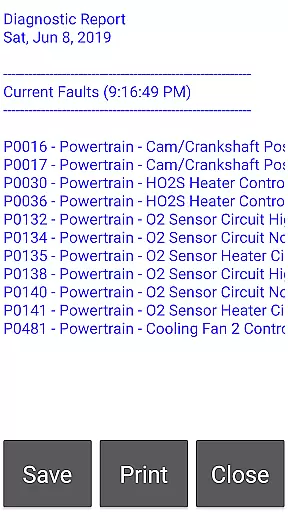
The application's core strength lies in its extensive diagnostic capabilities, including fault code reading/clearing, sensor testing, and emission monitoring. It serves as an essential tool for car owners and mechanics who need accurate vehicle diagnostics. Whether checking engine performance or preparing for emissions tests, this app delivers reliable data crucial for maintaining vehicle health.
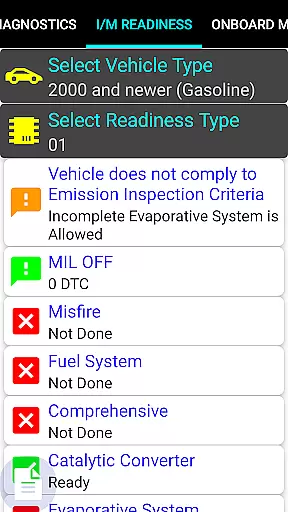
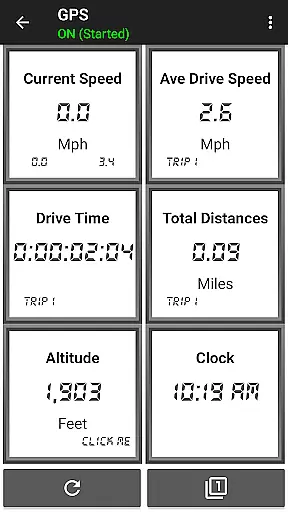
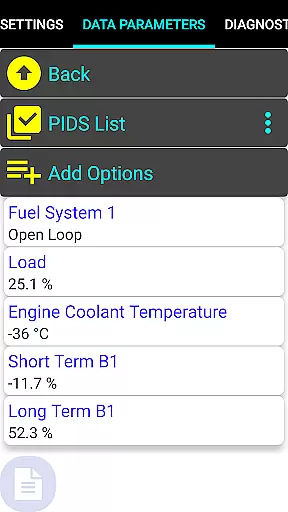
Car Gauge Pro offers an impressive range of features that cater to both standard OBD2 functions and enhanced manufacturer-specific diagnostics. The app supports all ten OBD2 modes, providing users access to over 220 parameter IDs (PIDs) for generic vehicle data. These include real-time sensor information, freeze frame data, and readiness monitors crucial for smog inspections.
What sets this app apart are its enhanced diagnostic capabilities for specific brands like Ford and Nissan. Users can perform advanced functions such as KOEO/KOER tests, active testing of vehicle components, and access to thousands of enhanced PIDs. The app's ability to adjust ignition timing and idle RPM makes it particularly valuable for professional mechanics and automotive enthusiasts seeking precise control over vehicle diagnostics.
Real-time messaging speed and reliability are crucial for any communication app, ensuring that data is transmitted without delays or errors. Car Gauge Pro (OBD2 + Enhance) excels in this area by providing instantaneous feedback from your vehicle's onboard diagnostics system. This allows users to quickly identify and address issues, which is essential when dealing with the complex systems of modern vehicles.
The app communicates with the vehicle through a 16 Pin OBD2 diagnostic connector, using either an Elm 327 or STN Bluetooth device. This setup ensures that there is a stable connection for reliable data transfer between the car's computer and the user's device. The speed at which this communication occurs means that users can get real-time updates on their vehicle's performance parameters, fault codes, and readiness statuses.
For professionals and car enthusiasts alike, having access to such timely information is invaluable. It not only saves time but also enables proactive maintenance and troubleshooting. With Car Gauge Pro, you can trust that the messaging infrastructure supporting your vehicle diagnostics is both fast and dependable, allowing you to make informed decisions about your vehicle's health and performance.
Media sharing support in applications like Car Gauge Pro (OBD2 + Enhance) refers to the ability to share diagnostic data and reports with others, which can be critical for collaborative problem-solving and record-keeping. While Car Gauge Pro specializes in vehicle diagnostics, it indirectly supports media sharing by enabling users to export detailed diagnostic reports that can then be shared via email or other communication platforms.
Although Car Gauge Pro does not directly facilitate traditional media sharing such as images or videos, its comprehensive reporting features allow users to generate detailed outputs of their vehicle's status. These reports include Mode 1 Data Parameters, Freeze Frame Data, Fault Codes, and more, all of which can be vital when consulting with mechanics or monitoring vehicle health over time.
By leveraging these capabilities, users can effectively communicate their vehicle's condition to service providers or interested parties. This ensures that everyone involved has access to the same accurate and up-to-date information, facilitating better decision-making and potentially reducing diagnostic times and costs. Thus, while not a conventional form of media sharing, Car Gauge Pro's robust data export functions serve a similar purpose within its specialized context.
User-friendly interface
Comprehensive diagnostic coverage
Real-time data monitoring
Professional-grade tools
Brand-specific enhancements
Requires separate hardware
Compatibility limitations
Steep learning curve
Premium price point
Limited device support

Enables Plus features of Quick Search.
 4.1
4.1
Fast and mini browser with Ad Blocker,Video Downloader and Video Player
4.40
Experience real private browsing without tracking, surveillance, or censorship.
4.50
Caller ID App! Add names & photos to unknown calls & Call Recording
4.40
An app dedicated solely to marriage, not dating, and supported by a rigorous verification mechanism to ensure seriousness.
4.3
Weargram is an unofficial Telegram Client for Wear OS.
3.50
FolderSync enables easy sync of files between cloud storage and Android devices.
4.60
Threema is the messenger with the most consistent focus on security and privacy.
4.00
Simple tool for businesses to talk to their customers.
4.40
Smart and simple anti-wiring application - IMSI-catchers catcher
4.40
Fast and simple walkie talkie app
4.20
Chill zone on your phone: relax with fun reels & hype shorts!
4.20
A customizable phone number in the cloud
4.20
Call Forwarding is easy and simple application to use.
3.80
Fun, free app that lets kids video call and message family and close friends.
3.80
Caller ID, Spam Call & SMS Blocker
3.80
Fast, Simple And Secure Application That Provides SMBv3 Server On Your Device
3.30
Chat on the Jabber network (XMPP protocol); support for SMS and other gateways
2.10
Radio communication simulator for gaming communities
4.3


User Reviews