
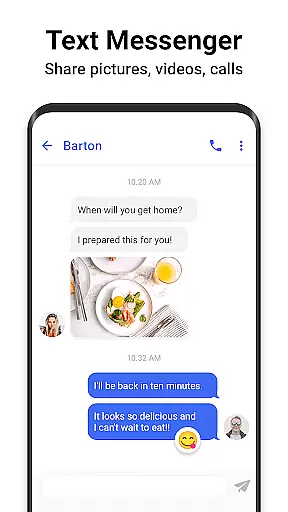
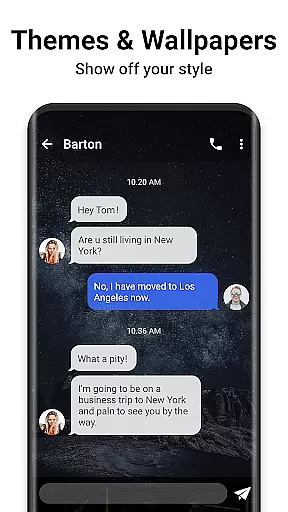
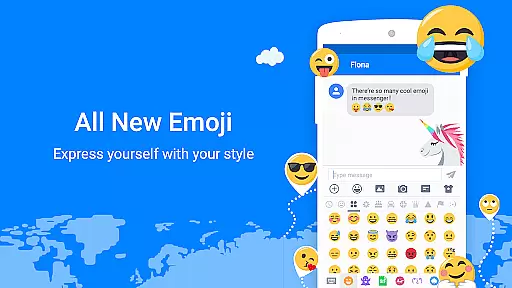
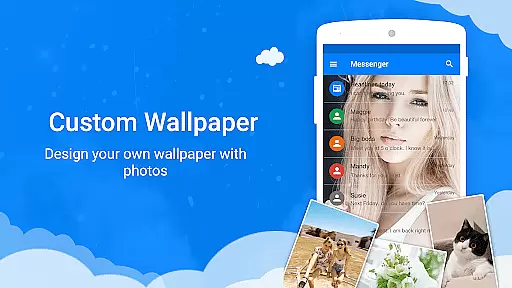
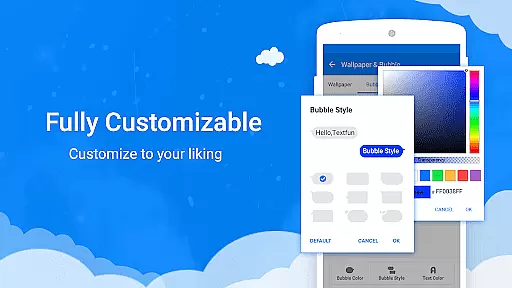
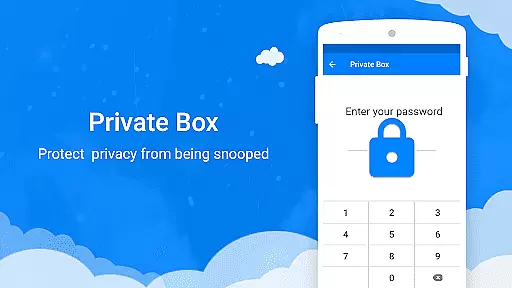
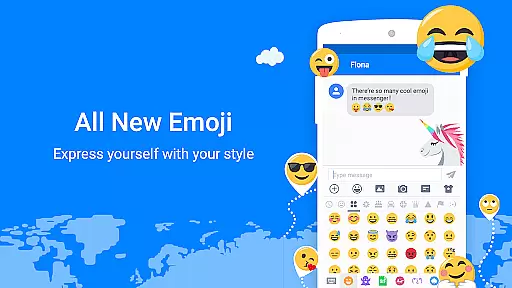
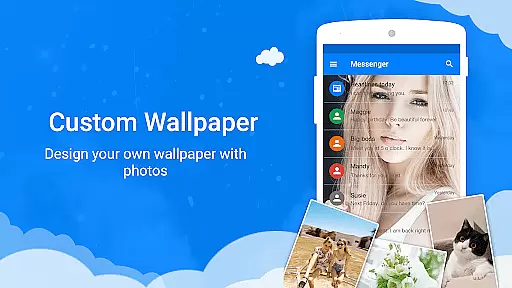
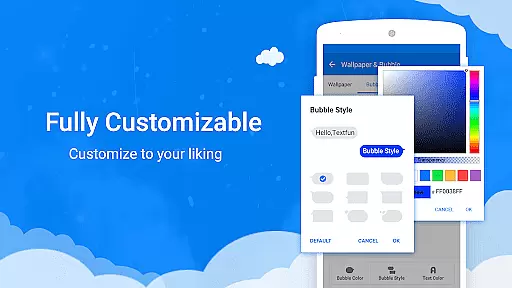
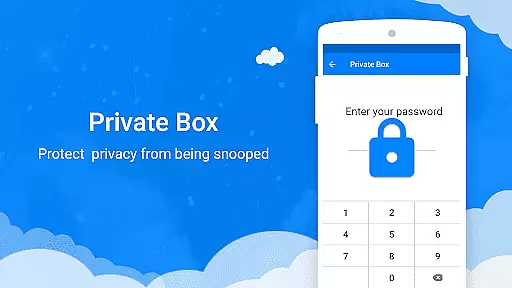
Messenger SMS is a feature-rich texting application that redefines the way users interact with their messaging services. This app goes beyond basic SMS and MMS functionality by offering an extensive suite of customization options, including countless emojis, themes, fonts, wallpapers, ringtones, and more. Users can enjoy over 3000 free new emojis, stickers, and GIFs, making every conversation more engaging and fun. The app supports multimedia sharing, group chats, and even provides privacy features like a private box and message blocking.
Designed for both personalization and security, Messenger SMS allows users to customize nearly every aspect of their messaging experience while ensuring their privacy is maintained. With features such as backup and restore, private messenger box, and spam blocking, users can protect their data and avoid unwanted messages. Whether it's staying in touch with friends or managing important communications, this app offers a comprehensive solution tailored to meet diverse communication needs.
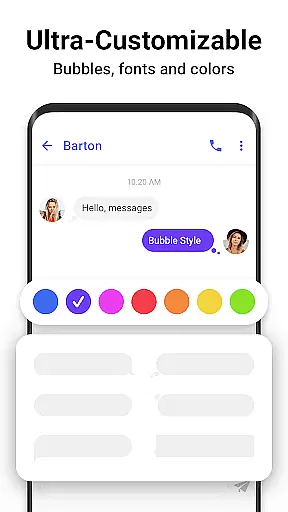
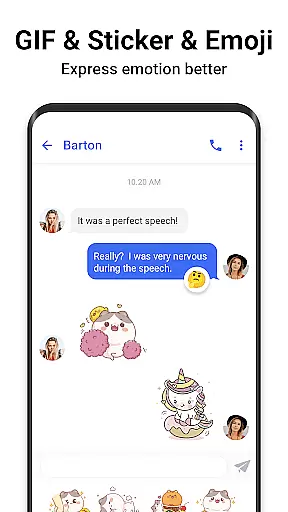
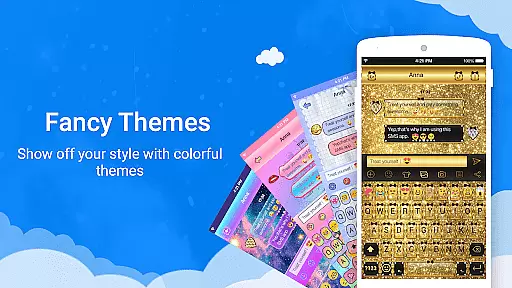
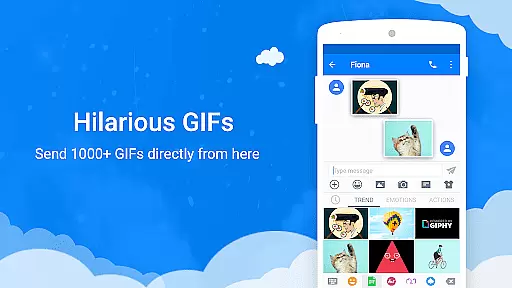
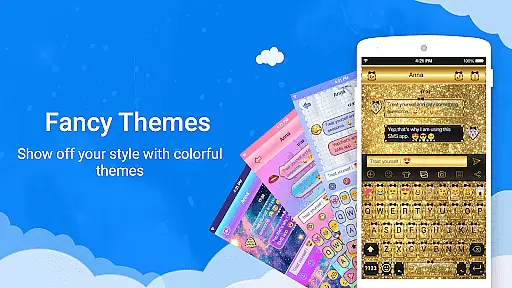
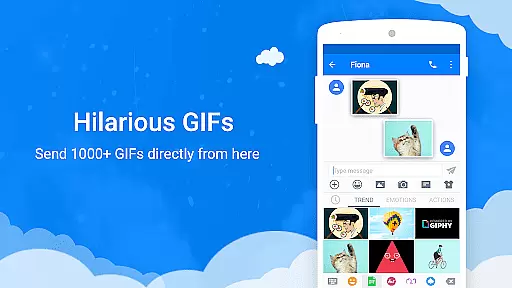
Messenger SMS stands out with its impressive array of features designed to enhance user interaction and provide a personalized experience. One of the key highlights is the vast selection of over 3000 free emojis, stickers, and GIFs, which add a playful element to conversations. These animated GIFs and emoji art can be shared via MMS, allowing users to express themselves in creative ways. Additionally, the app offers numerous customization options, including unique texting bubbles, colors, fonts, and wallpapers, enabling users to tailor the look and feel of their messaging interface.
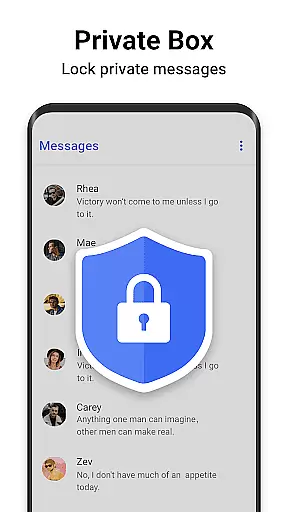
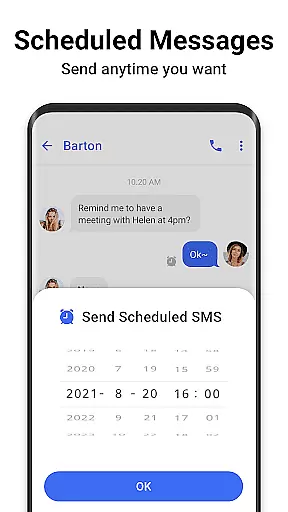
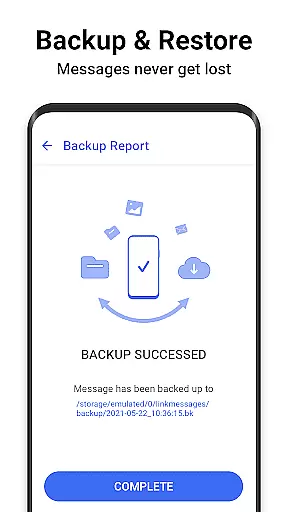
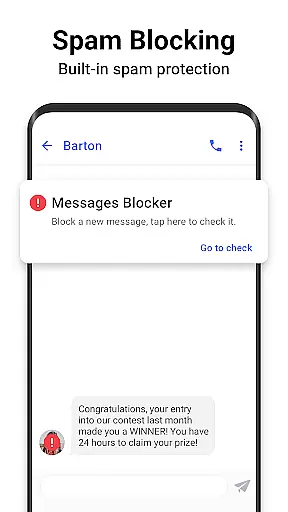
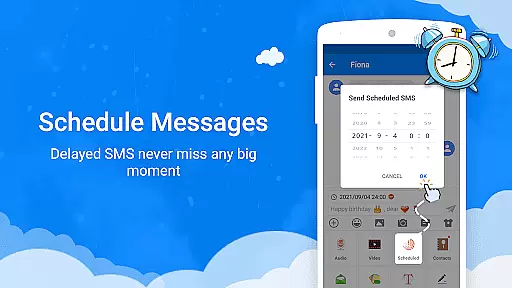
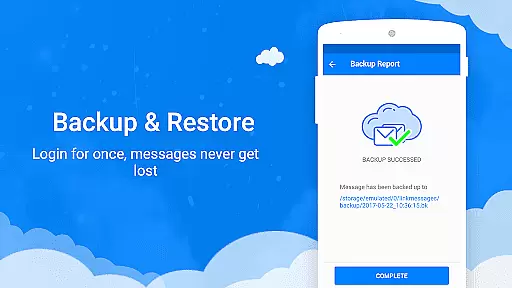
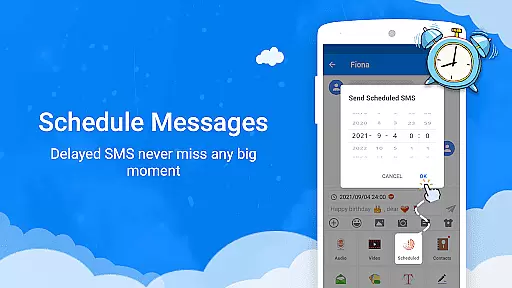
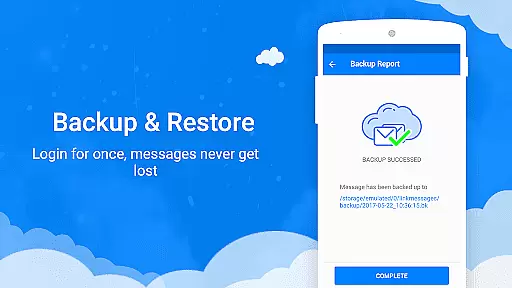
Beyond aesthetics, Messenger SMS incorporates practical functionalities such as backup and restore capabilities, ensuring that messages are never lost. The private messenger box encrypts sensitive information and locks it away securely, while the SMS blocker helps manage spam messages effectively. Other notable features include scheduled messaging, driving mode with auto-reply, caller ID, and quick search functions. Each feature is thoughtfully integrated to improve usability and offer a seamless messaging experience, setting this app apart from standard messaging solutions.
Real-time messaging speed and reliability are crucial for any communication app, ensuring that messages are delivered instantly and without fail. Messenger SMS excels in this area by providing a robust platform that supports not only traditional text messages but also multimedia content such as pictures, audio, and video.
The app leverages advanced technologies to maintain high-speed message delivery even during peak usage times. This ensures that users can stay connected with friends and family without experiencing delays or interruptions in their conversations. The reliability of the service is further enhanced by features like backup and restore, which prevent message loss.
For users, this means they can rely on Messenger SMS for all their communication needs, whether it's a quick text or an important multimedia message. The app's ability to handle large volumes of messages efficiently makes it a dependable choice for both personal and professional use.
Moreover, the inclusion of features like scheduled messages and driving mode adds to the overall reliability of the messaging experience. These functionalities ensure that users never miss an important moment and can communicate safely even while driving. Such comprehensive support for real-time communication establishes Messenger SMS as a top-tier messaging app.
Media sharing support is a vital component of modern messaging apps, allowing users to share various types of content seamlessly. Messenger SMS offers extensive media sharing capabilities, enabling users to exchange pictures, audio files, videos, and even GIFs effortlessly.
The app provides a rich library of over 3000 free emojis, stickers, and GIFs, enhancing the fun and expressiveness of conversations. Users can also customize their messaging experience with unique themes, fonts, and wallpapers, making each conversation visually distinctive. This level of customization enriches the media sharing experience, allowing users to express themselves more creatively.
In addition to supporting standard media formats, Messenger SMS includes innovative features like animated GIFs and emoji art. These elements add a dynamic layer to conversations, making them more engaging and enjoyable. The appu2019s compatibility with different media types ensures that users can share content from various sources without compatibility issues.
Furthermore, the app's focus on privacy and security extends to media sharing, with features like private boxes and message blockers. This ensures that sensitive media content remains protected from unauthorized access. Overall, Messenger SMS delivers a comprehensive and secure media sharing experience, catering to diverse user preferences and communication styles.
User-friendly interface
Extensive customization options
Advanced privacy controls
Rich media sharing capabilities
Comprehensive backup solutions
May overwhelm new users
Occasional performance lags
Limited cross-platform support
Some features require premium access
High storage usage

Tether to Windows, OS X, Linux PCs or Android tablets. No root. No tether fees.
 3.90
3.90
فیلتر شکن قوی پرسرعت کلید جدید برای اندرویدسریع ترین وی پی ان برای همه اپراتورها
4.70
Send SMS and chat messages easily with a fast text messaging app for Android.
4.10
A softphone with crystal clear SIP Calling & Reliable VoIP dialer
4.00
A softphone app with seamless SIP calling and an intuitive VoIP dialer
3.50
Bringing the functionality of Winlink to your Android device
4.1
Read OBD2 data and DTCs Create custom dashboards Enhanced diagnostics available
4.70
Say “hello” to privacy.
4.60
Telegram is a messaging app with a focus on speed and security.
4.00
Build your web browser around you with private search, and more.
4.60
Phone Dialer with Caller ID, Address Book & Contacts Manager.
4.30
Simplify texting with Messages SMS, offline messaging, themes & smart tools!
4.30
2nd Phone Number Line for Anonymous Texting, Calling, and Picture Messages
4.30
Use this SMS app standalone or as a TREK: Total Interface companion.
4.30
Enjoy secure messaging & calling. Safe Messenger: group chats, calls, messages.
4.20
Chill zone on your phone: relax with fun reels & hype shorts!
4.20
Measure BHP, Torque & 0-60 Clear car OBD faults View engine data in Google Earth
4.00
Message and video call your family and friends in HD!
3.80
Official NDI app: turn your phone into a professional live-streaming IP camera.
3.20


User Reviews